Console#
Introduction#
The VEXcode Console is displayed in the Monitor window within VEXcode. Console methods can display text, numbers, and variable values while a project is running. They can also clear the Console, set the color of text printed after the color is changed, and monitor variables or sensor values in VEXcode’s Monitor tab.
When using VS Code, text-based Console output appears in the terminal instead of the VEXcode Console Tab.
Below is a list of all methods:
Actions — Output text or clear the Console.
print— Displays text, numbers, or variable values in the Console or terminal.new_line— Moves the Console cursor to the start of the next row.clear— Clears all rows in the Console.
Getter — Read user input.
input— Waits for user input and returns the response as text.
Mutator — Format printed text.
set_console_text_color— Sets the color used for text printed in the Console.
Actions#
print#
print displays text, numbers, or variable values in the Console. In VS Code, print displays output in the terminal.
Use custom string formatting when you want a printed message to include values from your project, like a score, timer, or sensor reading. See the String Formatting page for more information.
By default, each brain.print() statement ends with \n, which stands for a new line. This moves the cursor to the next line after the value is printed. The optional end parameter changes what is added after the printed value.
Usage:
brain.print(value, end=“\n”)
Parameters |
Description |
|---|---|
|
The text, number, or variable value to display in the Console or terminal. |
|
Optional. The text added after |
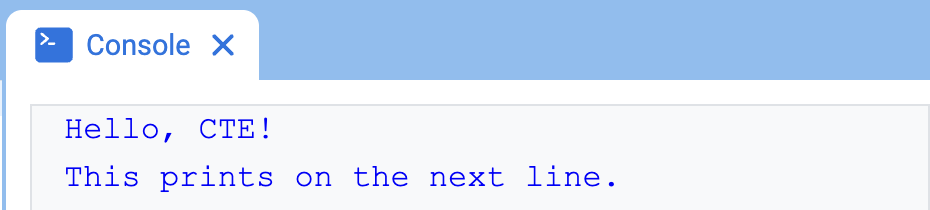
# Display two messages on separate lines
brain.print("Hello, CTE!")
brain.print("This prints on the next line.")
# Display two messages on the same line
brain.print("Hello,", end=" ")
brain.print("CTE!")

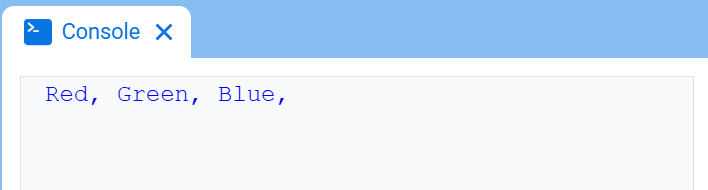
# Print three colors on one line, separated by commas
colors = ["Red", "Green", "Blue"]

for color in colors:
    brain.print(color, end=", ")
new_line#
new_line moves the cursor to column 1 on the next row in the Console. The next value printed will appear on that row.
Use this method when you want the next printed value to start on a new row. If this method is not used, and the previous brain.print() statement used end=“” or another value that does not include \n, the next printed value will appear immediately after the previous value on the same row.
Usage:
brain.new_line()
Parameters |
Description |
|---|---|
This method has no parameters. |
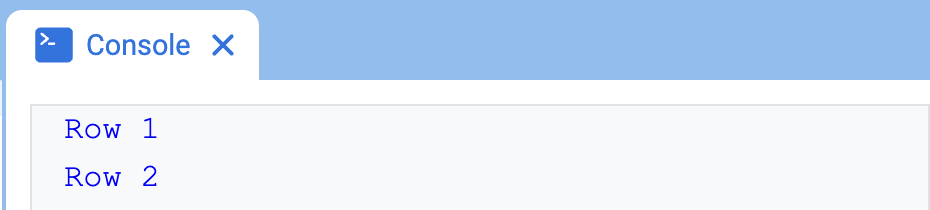
# Print on two lines
brain.print("Row 1", end="")
brain.new_line()
brain.print("Row 2")
clear#
clear clears all rows from the Console.
Usage:
brain.clear()
Parameters |
Description |
|---|---|
This method has no parameters. |
# Display text, then clear it after two seconds
brain.print("This will disappear...")
wait(2, SECONDS)
brain.clear()
Getter#
input#
input displays an optional prompt message, waits for the user to enter a response, then returns that response as text.
The project pauses at input() until a response is entered in the Console. In VS Code, the response is entered in the terminal.
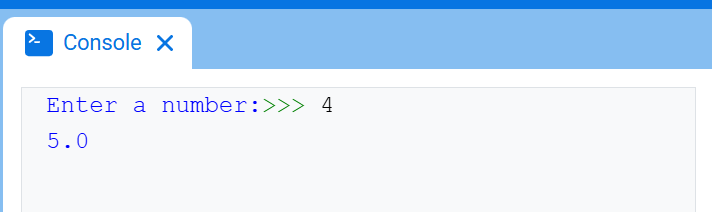
The value returned by input() is always text. To use the response as a number, convert it first with int() or float().
Usage:
input(prompt)
Parameter |
Description |
|---|---|
|
Optional. A string to display in the Console or terminal before waiting for a response. If no prompt is included, no message is displayed before waiting. |
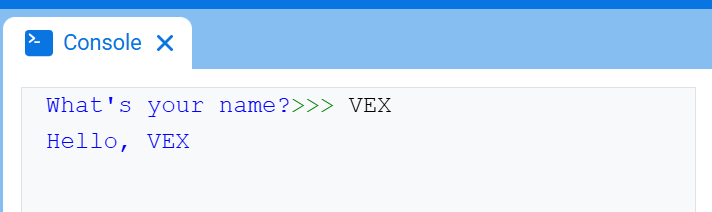
# Ask for a name, then print a greeting
answer = input("What's your name?")
brain.print("Hello, " + answer)
# Ask for a number, then use it in math
answer = input("Enter a number:")
number = float(answer)
brain.print(number + 1)
Mutator#
set_print_color#
set_print_color sets the color used for text printed in the Console after this method is used. At the start of a project, the Console text color is set to BLACK.
This method changes text color in the VEXcode Console. In VS Code, terminal color support can vary by terminal.
Usage:
brain.set_print_color(color)
Parameters |
Description |
|---|---|
|
The color to use for text printed in the Console:
|
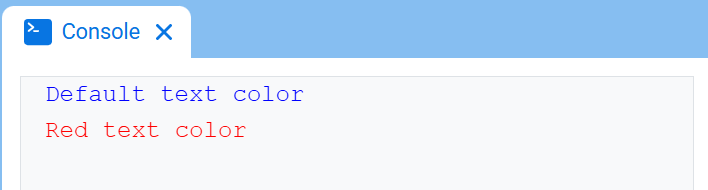
# Print text in different colors
brain.print("Default text color")
brain.new_line()
brain.set_print_color(RED)
brain.print("Red text color")