
Light Sensor#
Introduction#
The light class is used with the Light Sensor, which measures the brightness of light reflected from or shining on an object. It outputs an analog value that represents how much light is detected.
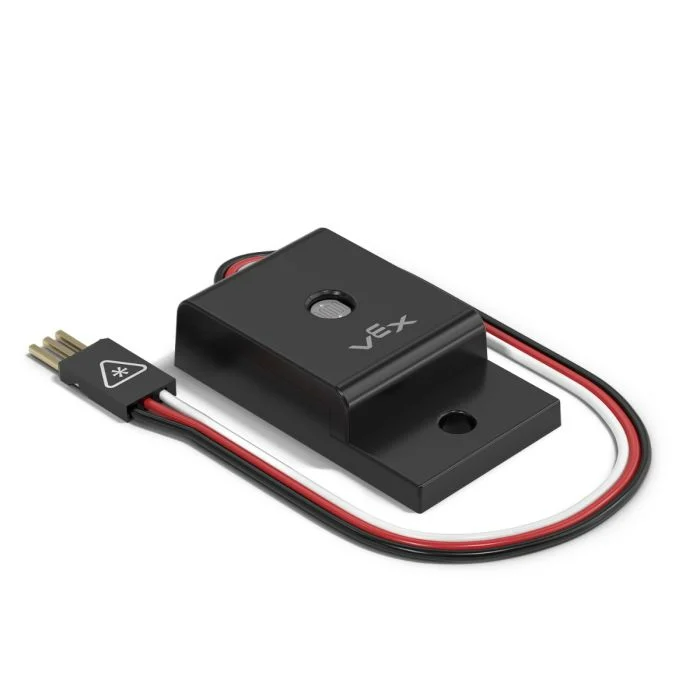
Class Constructor#
light(
  triport::port &port );
Class Destructor#
Destroys the light object and releases associated resources.
virtual ~light();
Parameters#
Parameter |
Type |
Description |
|---|---|---|
|
|
The 3-Wire Port that the Light Sensor is connected to, written as |
Examples#
// Create a light instance in Port A
light LightA = light(Brain.ThreeWirePort.A);
Member Functions#
The light class includes the following member functions:
brightness— Returns the amount of light detected by the Light Sensor.
Before calling any light member functions, a light instance must be created, as shown below:
/* This constructor is required when using VS Code.
Light Sensor configuration is generated automatically
in VEXcode using the Device Menu. Replace the values
as needed. */

// Create a light instance in Port A
light LightA = light(Brain.ThreeWirePort.A);
brightness#
Returns the amount of light detected by the Light Sensor. This can be used to check if an object is bright enough to accurately report other visual data.
Available Functionsint32_t brightness(
percentUnits units = percentUnits::pct );
Parameter |
Type |
Description |
|---|---|---|
|
|
The unit that represents the brightness: |
Returns an int32_t representing the brightness measured by the Light Sensor as a percent in the range 0 - 100%.
// Get Light Sensor brightness in range of 0% - 100%.
int32_t value = LightA.brightness();

// Print the brightness of the Light Sensor to the
// Brain's screen.
Brain.Screen.print(value);