
Range Finder#
Introduction#
The sonar class is used with the Ultrasonic Range Finder, which measures the distance to the nearest object using sound waves. It works by sending out an ultrasonic pulse and measuring how long it takes for the sound to bounce back.
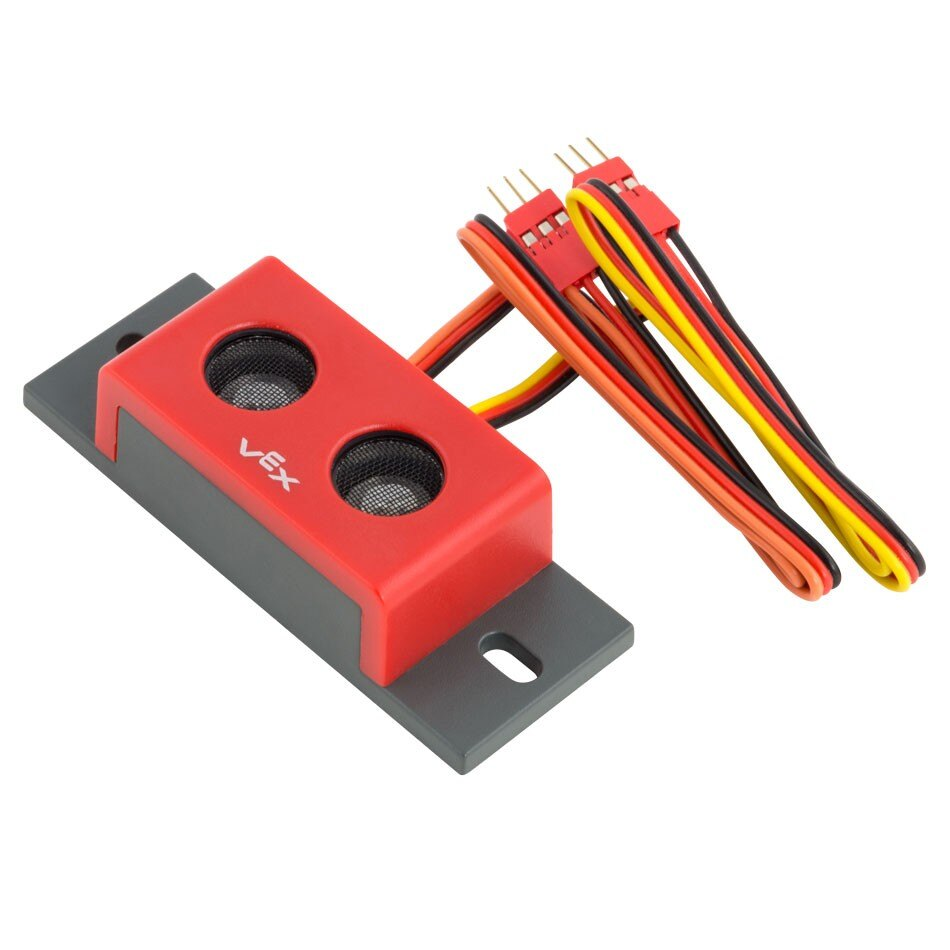
Class Constructor#
sonar(
  triport::port &port);
Class Destructor#
Destroys the sonar object and releases associated resources.
virtual ~sonar();
Parameters#
Parameter |
Type |
Description |
|---|---|---|
|
|
The first 3-Wire Port of a required two-port group used by the Range Finder. The Range Finder occupies two adjacent ports (A–B, C–D, E–F, or G–H) on either the Brain or a 3-Wire Expander. Specify the first port in the pair (A, C, E, or G), written as |
Examples#
// Create a sonar instance in Ports A and B
sonar RangeFinderA = sonar(Brain.ThreeWirePort.A);
Member Functions#
The sonar class includes the following member functions:
foundObject— Returns whether the Range Finder detects an object.distance— Returns the distance between the Range Finder and the nearest detected object.
Before calling any sonar member functions, a sonar instance must be created, as shown below:
/* This constructor is required when using VS Code.
Range Finder configuration is generated automatically
in VEXcode using the Device Menu. Replace the values
as needed. */

// Create a sonar instance in Ports A and B
sonar RangeFinderA = sonar(Brain.ThreeWirePort.A);
foundObject#
Returns whether the Range Finder detects an object within its field of view.
Available Functionsbool foundObject();
This function does not accept any parameters.
Return ValuesReturns a bool representing whether the Range Finder detects an object:
true— The Range Finder is detecting an object.false— The Range Finder is not detecting an object.
// Check if an object is detected.
if (RangeFinderA.foundObject()){
    // Print to screen on the brain that an object was found.
    Brain.Screen.print("object found");
}
distance#
Returns the measured distance to the nearest object detected by the sensor.
Available Functionsdouble distance(
distanceUnits units );
Parameter |
Type |
Description |
|---|---|---|
|
|
The unit that represents the distance: |
Returns a double representing the distance in the specified units.
// Get the Range Finder distance in millimeters.
double value = RangeFinderA.distance(mm);

// Print the current distance detected by the Range Finder to the
// Brain's screen.
Brain.Screen.print(value);