
Object Sensor#
Introduction#
The Object Sensor is an infrared (IR) proximity sensor that detects when an object is close by using reflected IR light.
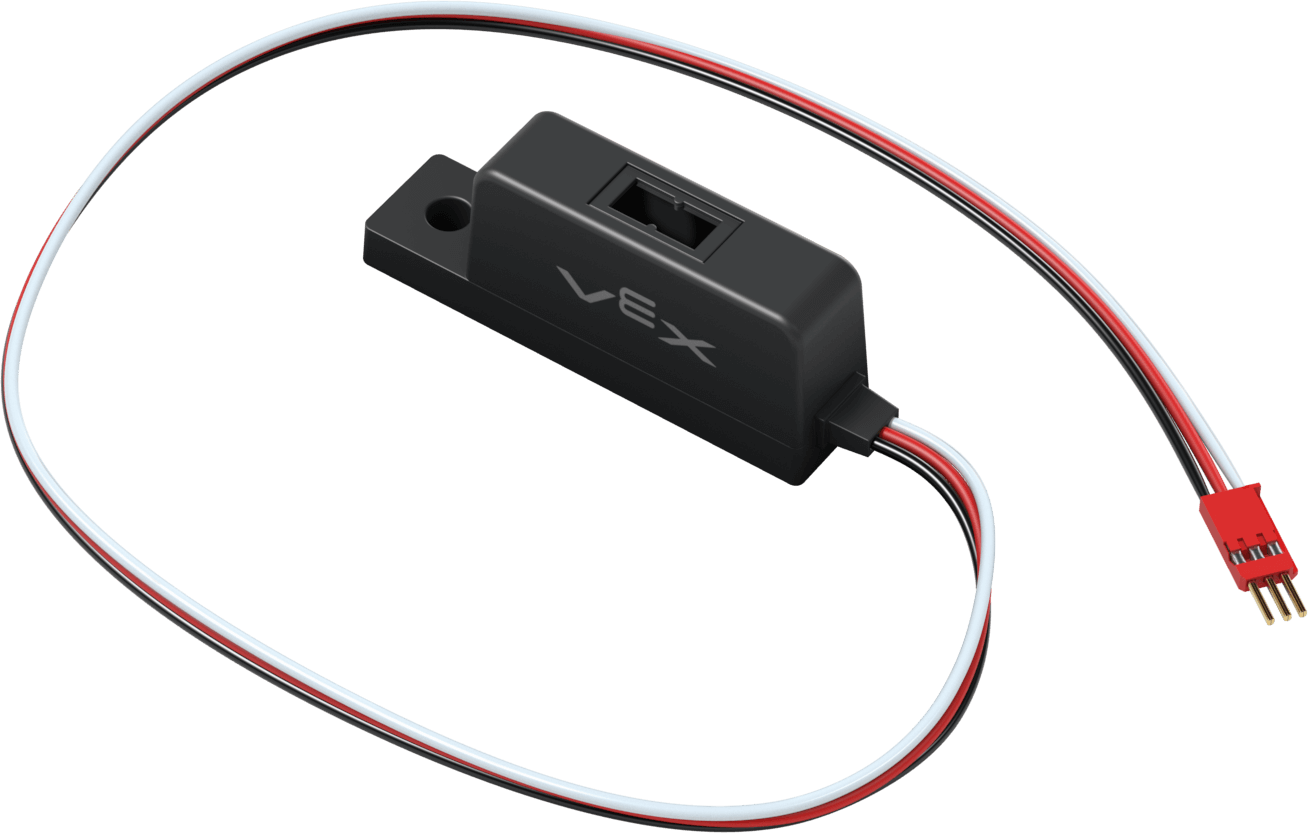
This page uses object_sensor as the example Object Sensor name. Replace it with your own configured name as needed.
Below is a list of available methods:
reflectivity– Returns anintegerthat represents the amount of light reflected from the object as a percent.is_object_detected– Returns whether the Object Sensor is detecting an object.set_threshold– Sets the amount of reflected light needed before an object is considered to be detected.object_detected– Registers a function to be called whenever the Object Sensor detects a new object.object_lost– Registers a function to be called whenever the Object Sensor loses a detected object.changed– Registers a function to be called whenever the Object Sensor’s value changes.
Constructor – Manually initialize an Object Sensor.
ObjectDetector– Create an Object Sensor.
reflectivity#
reflectivity returns an integer that represents the amount of light reflected from the object as a percent.
Note:
0% reflectivity means the object is very dark.
100% reflectivity means the object is very bright.
Usage:
object_sensor.reflectivity()
Parameters |
Description |
|---|---|
This method has no parameters. |
# Drive forward when the reflectivity is greater than 50%.
while True:
    if object_sensor.reflectivity() > 50:
        drivetrain.drive(FORWARD)
    else:
        drivetrain.stop()
    wait(5, MSEC)
is_object_detected#
is_object_detected returns whether the Object Sensor is detecting an object.
True– The Object Sensor is detecting an object.False– The Object Sensor is not detecting an object.
Usage:
object_sensor.is_object_detected()
Parameters |
Description |
|---|---|
This method has no parameters. |
# Drive forward when the object sensor is detecting an object.
while True:
    if object_sensor.is_object_detected():
        drivetrain.drive(FORWARD)
    else:
        drivetrain.stop()
    wait(5, MSEC)
set_threshold#
set_threshold sets the amount of reflected light needed as a percent before an object is considered to be detected.
Usage:
object_sensor.set_threshold(value)
Parameters |
Description |
|---|---|
|
The reflectivity value required before an object is considered to be detected, from 0 to 100. |
# Set the reflectivity threshold to 50%.
object_sensor.set_threshold(50)
# Drive forward when the object sensor is detecting an object.
while True:
    if object_sensor.is_object_detected():
        drivetrain.drive(FORWARD)
    else:
        drivetrain.stop()
    wait(5, MSEC)
object_detected#
object_detected registers a function to be called whenever the Object Sensor detects a new object.
Usage:
object_sensor.object_detected(callback, arg)
Parameters |
Description |
|---|---|
|
A previously defined function that executes when the Object Sensor detects a new object. |
|
Optional. A |
def my_function():
  brain.screen.print("Object detected.")

# Call my_function whenever object_sensor detects an object
object_sensor.object_detected(my_function)
object_lost#
object_lost registers a function to be called whenever the Object Sensor loses a detected object.
Usage:
object_sensor.object_lost(callback, arg)
Parameters |
Description |
|---|---|
|
A previously defined function that executes when the Object Sensor loses a detected object. |
|
Optional. A |
def my_function():
  brain.screen.print("Object lost.")

# Call my_function whenever object_sensor loses an object
object_sensor.object_lost(my_function)
changed#
changed registers a function to be called whenever the Object Sensor’s value changes.
Usage:
object_sensor.changed(callback, arg)
Parameters |
Description |
|---|---|
|
A previously defined function that executes when the Object Sensor’s value changes. |
|
Optional. A |
def my_function():
  brain.screen.print("Reflectivity changed.")

# Call my_function whenever object_sensor's value changes
object_sensor.changed(my_function)
Constructors#
Constructors are used to manually create ObjectDetector objects, which are necessary for configuring Object Sensors.
ObjectDetector#
ObjectDetector creates an Object Sensor.
Usage:
ObjectDetector(port, reverse_det)
Parameter |
Description |
|---|---|
|
The 3-Wire Port that the Object Sensor is connected to:
|
|
Optional. Whether to reverse the detection logic:
|
# Create an Object Sensor in Port A
object_sensor = ObjectDetector(brain.three_wire_port.a)