
Robot Specific Blocks#
All standard VEXcode VR Blocks are available for use in the V5RC Virtual Skills - Tipping Point Playground.
Motion#
This Playground’s Blocks will have access to the IntakeMotorGroup and ArmMotorGroup parameters for all Motion blocks.
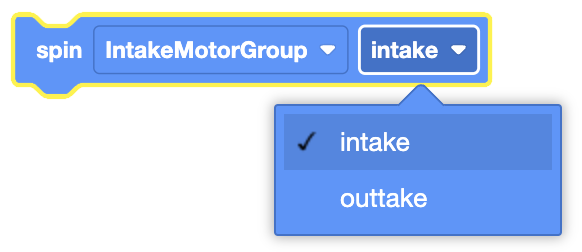
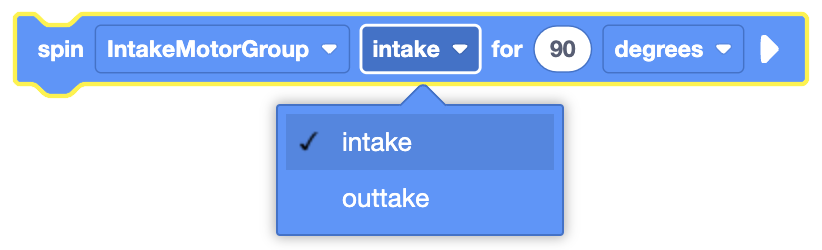
When selecting a direction for Motion blocks, intake will spin the motor group forward and outtake spins the motor group in reverse.
Spin#
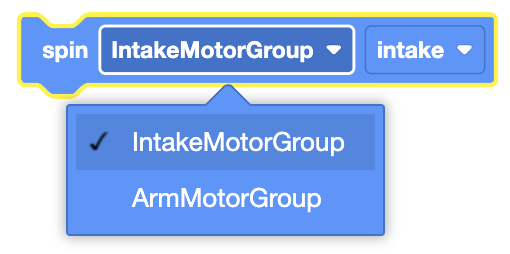
The Spin block is used to spin a motor indefinitely.
This is a non-waiting block and allows any subsequent blocks to execute without delay.
[IntakeMotorGroup v] [收集器 v] 转
Select which motor to use.
Select which direction for the motor to move in.
In this example, the intake motors will spin in the intake direction for 1 second before stopping.
当开始
[IntakeMotorGroup v] [收集器 v] 转
等待 (1) 秒
[IntakeMotorGroup v] 停止
Spin for#
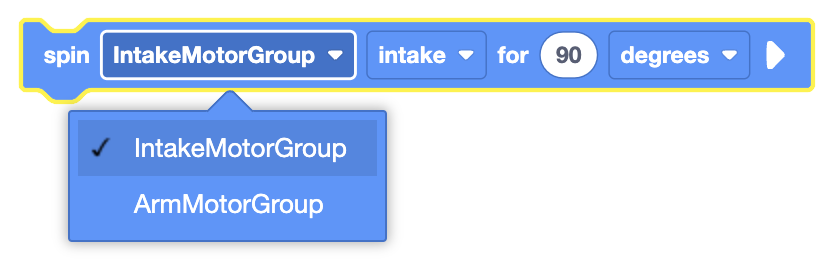
The Spin for block is used to spin a motor for a given distance.
This is can be a non-waiting or waiting block depending on if the and don’t wait option is used.
[IntakeMotorGroup v] [收集器 v] 转 [90] [度 v] ▶
Select which motor to use.
Select which direction for the motor to move in.
Set how far the motor will spin by entering a value, and choosing the unit of measurement (degrees or turns).
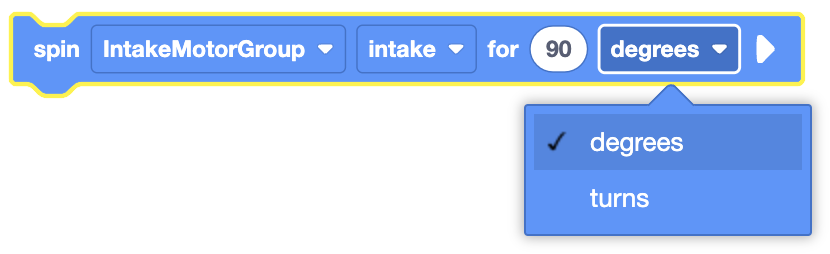
By default, the Spin for block will block any subsequent blocks from executing until it’s finished. By expanding the Spin for block to show and don’t wait, blocks will continue to execute while the motor is moving.
[IntakeMotorGroup v] [收集器 v] 转 [90] [度 v] ◀ 并且不等待
In this example, the intake motors will spin in the intake direction for 1 turn.
当开始
[IntakeMotorGroup v] [收集器 v] 转 [1] [转 v] ▶
Spin to position#
The Spin to position block is used to spin a motor to a set position.
This is can be a non-waiting or waiting block depending on if the and don’t wait option is used.
[IntakeMotorGroup v] 转至 [90] [度 v] ▶
Select which motor to use.
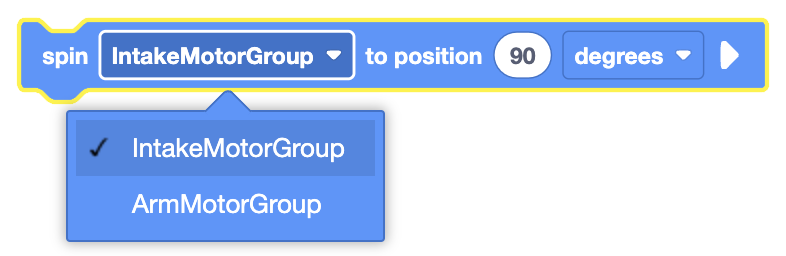
Set how far the motor will spin by entering a value, and choosing the unit of measurement (degrees or turns).
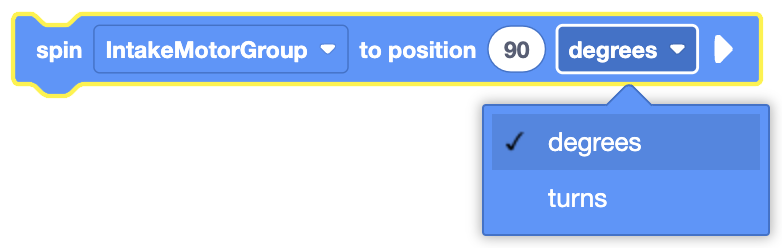
By default, the Spin to position block will block any subsequent blocks from executing until it’s finished. By expanding the Spin to position block to show and don’t wait, blocks will continue to execute while the motor is moving.
[IntakeMotorGroup v] 转至 [90] [度 v] ◀ 并且不等待
In this example, the motor will spin to the 270 degrees position.
当开始
[IntakeMotorGroup v] 转至 [270] [度 v] ▶
Stop Motor#
The Stop Motor block is used to stop the motor from moving.
This is a non-waiting block and allows any subsequent blocks to execute without delay.
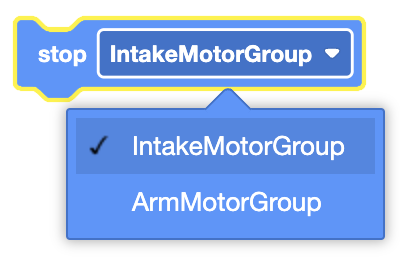
[IntakeMotorGroup v] 停止
Select which motor to use.
In this example, the intake motors will spin in the intake direction for 1 second before stopping.
当开始
[IntakeMotorGroup v] [收集器 v] 转
等待 (1) 秒
[IntakeMotorGroup v] 停止
Set Motor position#
The Set Motor position block is used to set a motor’s encoder position(s) to the entered value.
This is a non-waiting block and allows any subsequent blocks to execute without delay.
设定 [IntakeMotorGroup v] 转位至 [0] [度 v]
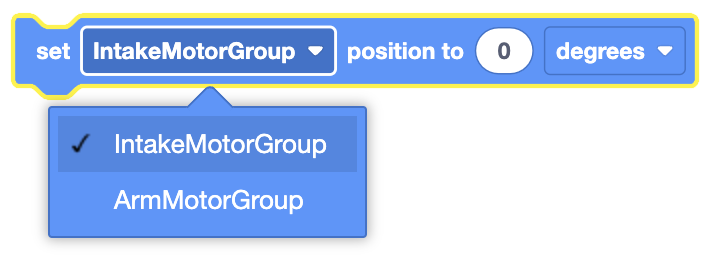
Select which motor to use.
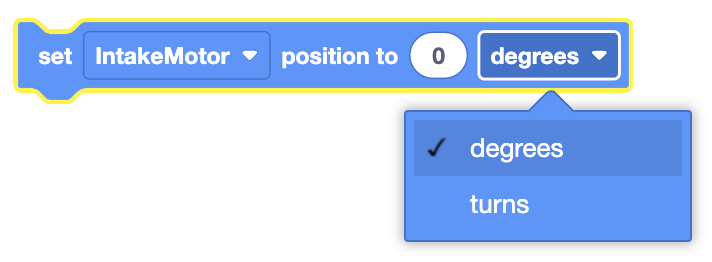
Set the unit of measurement to use, degrees or turns.
In this example, the Motor’s encoder position is set to 90 degrees before the motor spins to the 0 degrees position.
当开始
设定 [IntakeMotorGroup v] 转位至 [90] [度 v]
[IntakeMotorGroup v] 转至 [0] [度 v] ▶
Set Motor velocity#
The Set Motor velocity block is used to set the speed of a motor.
This is a non-waiting block and allows any subsequent blocks to execute without delay.
设定 [IntakeMotorGroup v] 转速为 [50] [% v]
Select which motor to use.
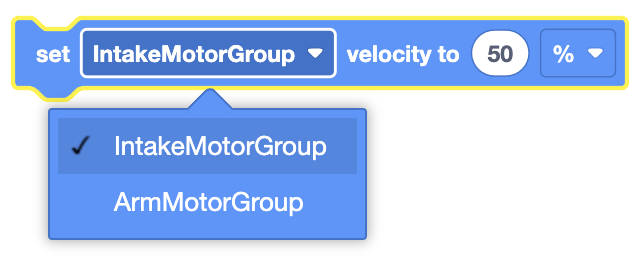
The Set Motor velocity block will accept a range of -100% to 100%.
In this example, the Motor’s velocity is set to 75% before it spins for 1 turn in the intake direction.
当开始
设定 [IntakeMotorGroup v] 转速为 [75] [% v]
[IntakeMotorGroup v] [收集器 v] 转 [1] [转 v] ▶
Set Motor timeout#
The Set Motor timeout block is used to set a time limit for Motor movement blocks.
This prevents motion blocks that do not reach their intended position from preventing subsequent blocks from running.
This is a non-waiting command and allows any subsequent commands to execute without delay.
设定 [IntakeMotorGroup v] 超时为 [1] 秒
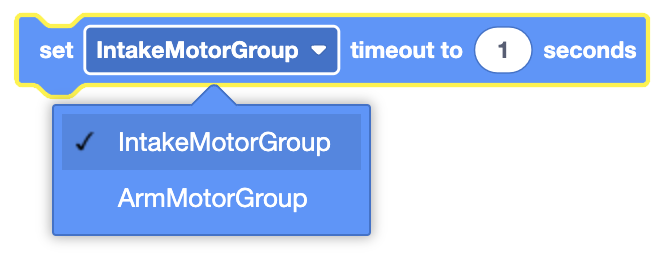
Select which motor to use.
In this example, the motor timeout is set to 2 seconds before it spins the motor for 3 turns in the outtake direction.
当开始
设定 [IntakeMotorGroup v] 超时为 [2] 秒
[IntakeMotorGroup v] [吐放器 v] 转 [3] [转 v] ▶
Sensing#
Byte has access to the standard Brain, Drivetrain, Bumper, Distance Sensing Blocks.
Eye Sensing has been renamed to Optical Sensing to match the Front Optical Sensor.
Byte has access to Motor Sensing Blocks:
Motor is done#
The Motor is done block is used to report if the selected Motor or Motor Group has completed its movement.
<[IntakeMotorGroup v] 已结束?>
Select which Motor or Motor Group to use.
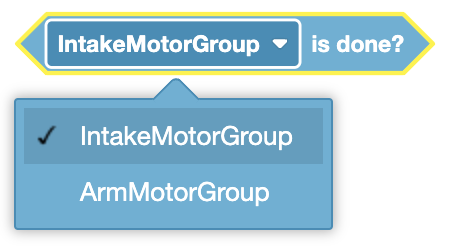
The Motor is done block reports True when the selected Motor or Motor Group has completed its movement.
The Motor is done block reports False when the selected Motor or Motor Group has not completed its movement.
The Motor is done block is used in blocks with hexagonal (six-sided) spaces.
In this example, the Arm will be raised so the Distance Sensor can report the closest object’s distance.
当开始
[Raise the Arm out of the way of the Front Distance Sensor.]
[ArmMotorGroup v] 转至 [1000] [度 v] ◀ 并且不等待
[Wait until the Arm has finished moving.]
等到 <[ArmMotorGroup v] 已结束?>
[Print the distance between the Front Distance Sensor and the closest object in front of it.]
打印 ([FrontDistance v] 对象距离 [毫米 v]) ▶
Motor is spinning#
The Motor is spinning block is used to report if the selected Motor or Motor Group is moving.
<[IntakeMotorGroup v] 正在转?>
Select which Motor or Motor Group to use.
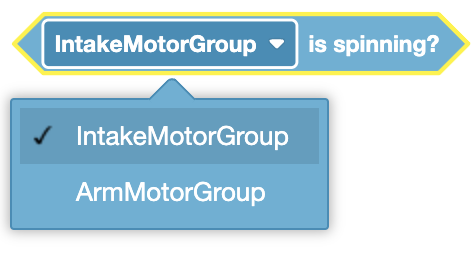
The Motor is spinning block reports True when the selected Motor or Motor Group is moving.
The Motor is spinning block reports False when the selected Motor or Motor Group is not moving.
The Motor is spinning block is used in blocks with hexagonal (six-sided) spaces.
In this example, the Arm will be raised while the Intake Motor Group is still moving.
当开始
[Take a Block into the Intake.]
[IntakeMotorGroup v] [收集器 v] 转 [90] [度 v] ◀ 并且不等待
[Execute Blocks while the Intake Motor Group is still moving.]
当 <[IntakeMotorGroup v] 正在转?>
[Move the Arm to a position of 1000 degrees.]
[ArmMotorGroup v] 转至 [1000] [度 v] ◀ 并且不等待
结束
Position of motor#
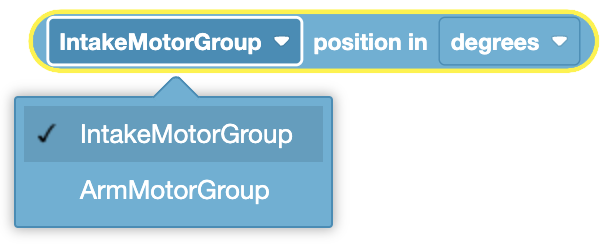
The Position of motor block is used to report the position of a Motor or the first motor in a Motor Group.
([IntakeMotorGroup v] 转位 [度 v])
Select which Motor or Motor Group to use.
Select when unit to use, degrees or turns.
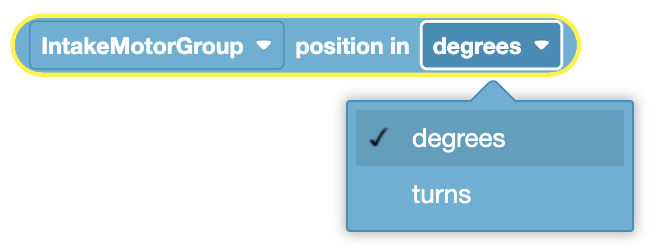
The Position of motor block is used in blocks with circular spaces.
In this example, the robot will print the current position of the Arm Motor Group.
当开始
打印 ([ArmMotorGroup v] 转位 [度 v]) ▶
Velocity of motor#
The Velocity of motor block is used to report the current velocity of a Motor or the first motor in a Motor Group.
([IntakeMotorGroup v] 速度 [% v] 值 :: custom-motion)
Select which Motor or Motor Group to use.
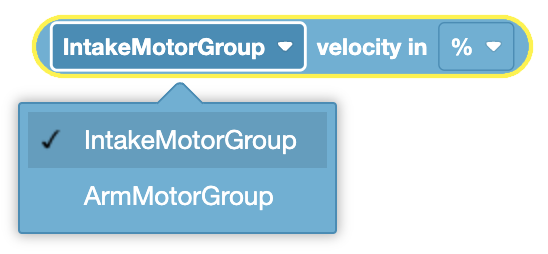
The Velocity of motor block is used in blocks with circular spaces.
In this example, the robot will print the current velocity of the Intake Motor Group.
当开始
打印 ([IntakeMotorGroup v] 速度 [% v] 值 :: custom-motion) ▶
GPS position#
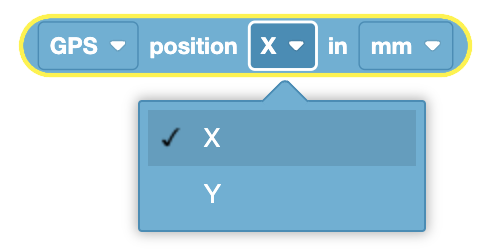
The GPS position block is used to report the positional offset of the robot’s turning reference point from the center of a field.
([GPS v] [X v] 位置 [毫米 v])
Select either the X or Y axis offset of the robot’s turning reference point from the center of the field to report.
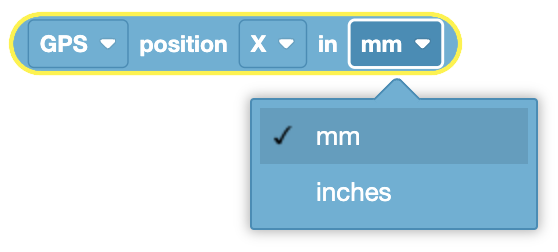
Select what unit to report the offset value in, millimeters (MM) or inches.
The GPS position block is used in blocks with circular spaces.
In this example, the robot will print the current Y offset of the robot’s turning reference point
当开始
打印 ([GPS v] [X v] 位置 [毫米 v]) ▶
GPS heading#
The GPS heading block is used to report the heading that a robot is currently facing based on a GPS Sensor’s readings from the VEX GPS Field Code.
GPS heading reports a range from 0.00 to 359.99 degrees.
([GPS v] 归位角度值)
The GPS heading block is used in blocks with circular spaces.
In this example, the robot will print the current GPS heading.
当开始
打印 ([GPS v] 归位角度值) ▶