游乐场#
VEXcode VR Playgrounds 是虚拟环境,您可以在其中编写代码控制机器人完成目标、解决谜题并探索编程概念。本页面按许可级别对所有 Playgrounds 进行分组,并将每个 Playgrounds 链接到其专属的 Playgrounds 页面和机器人页面。
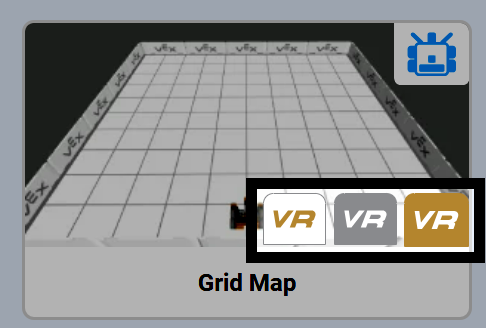
在游乐场选择窗口中,每个级别都通过其徽标进行标识:免费游乐场显示白色 VR 徽标,增强型游乐场显示银色 VR 徽标,高级游乐场显示金色 VR 徽标。
免费游乐场#
所有用户均可使用免费游乐场。每个免费游乐场都位于2000 x 2000 毫米的地图上,并使用专为该活动设计的 VR 机器人配置。
图像 |
操场 |
描述 |
机器人 |
|---|---|---|---|
|
使用VR机器人的笔在地面上绘制图像。 |
||
|
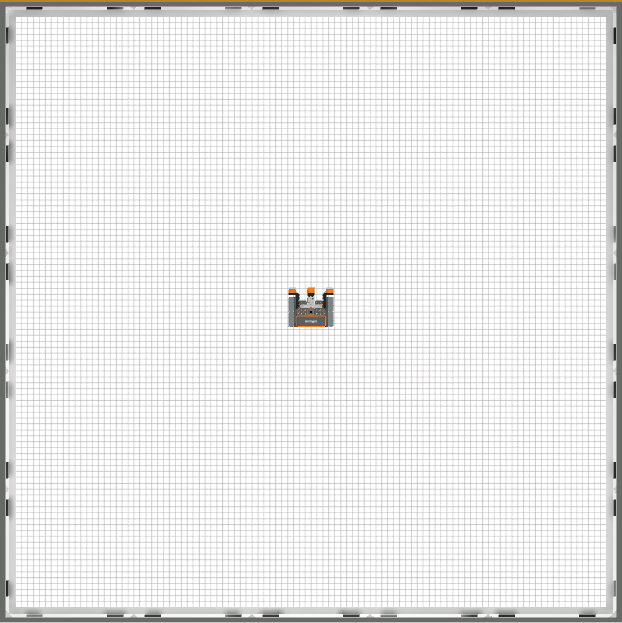
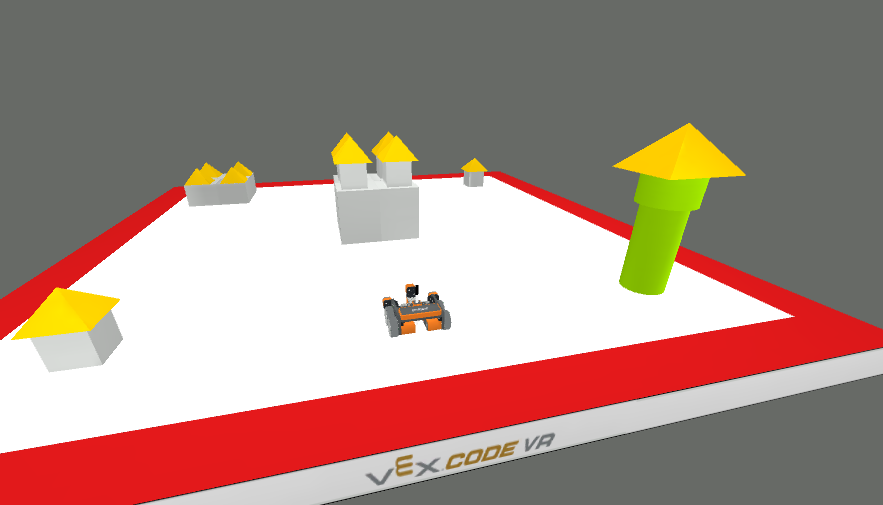
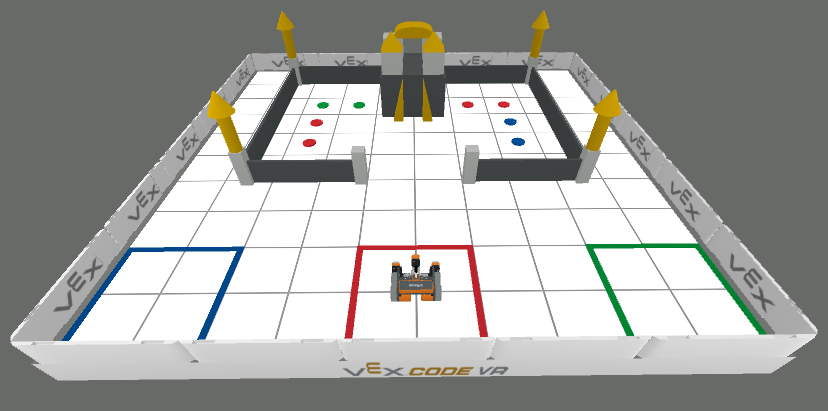
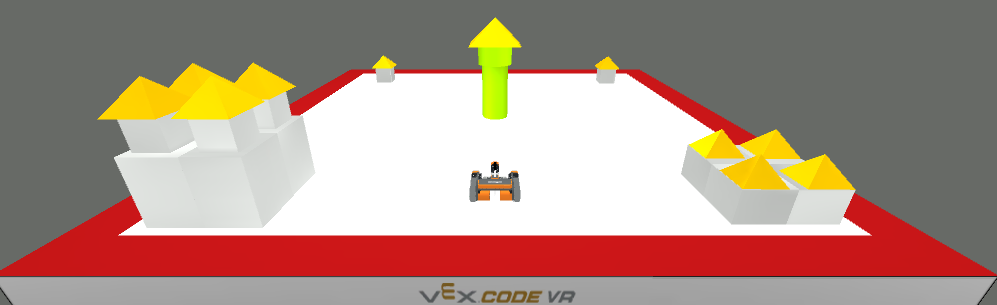
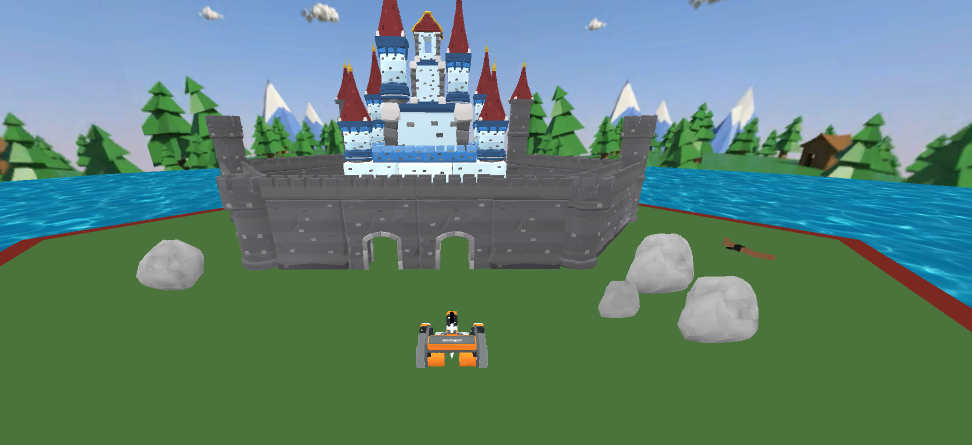
摧毁场地上所有城堡相关的物体。 |
||
|
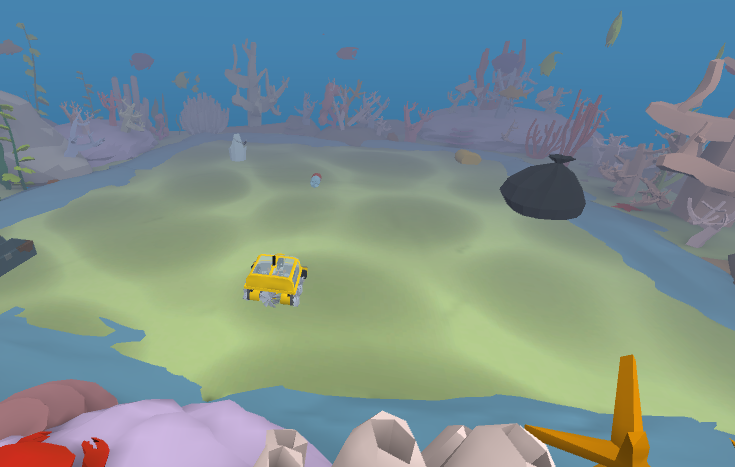
在机器人电池耗尽之前,收集所有垃圾。 |
||
|
使用眼动追踪器检测并跟随彩色路径,在彩色迷宫中导航。 |
||
|
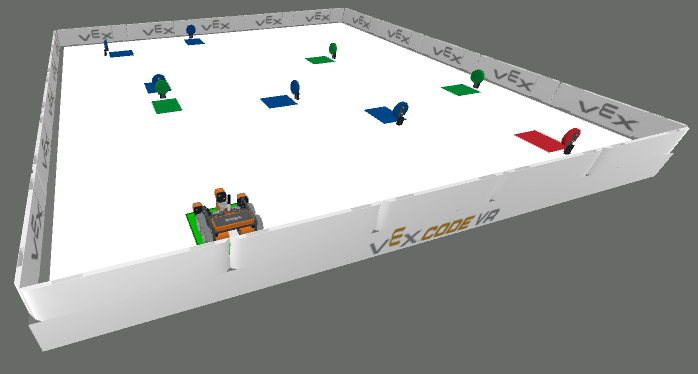
使用电磁铁将彩色圆盘分类到与其颜色匹配的区域。 |
||
|
在城堡中穿梭,用电磁铁拾取圆盘,并将它们分类到相应的颜色区域中。 |
||
|
拆除城堡内所有物体,布局每次项目运行时都会改变。 |
||
|
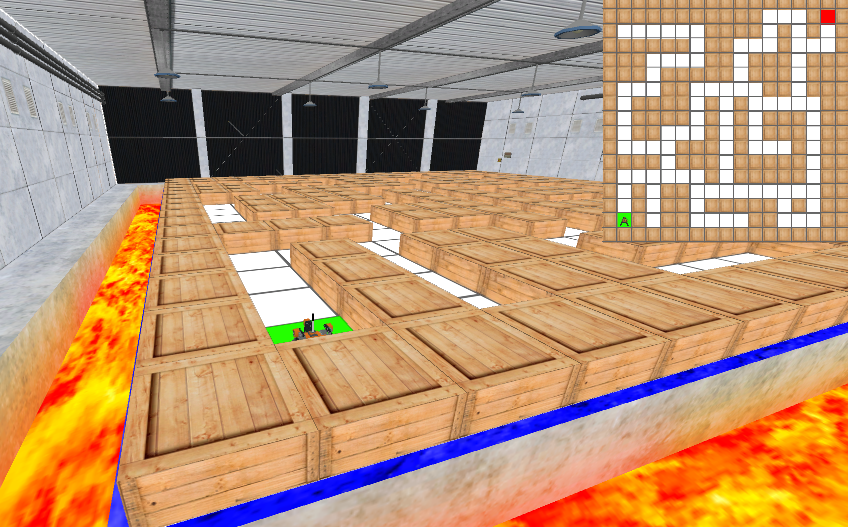
在每次项目运行时随机生成的迷宫中穿行。 |
||
|
使用眼动传感器和列表将二进制 ASCII 字符解码成隐藏信息。 |
||
|
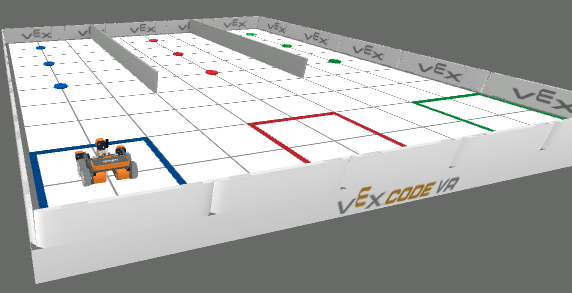
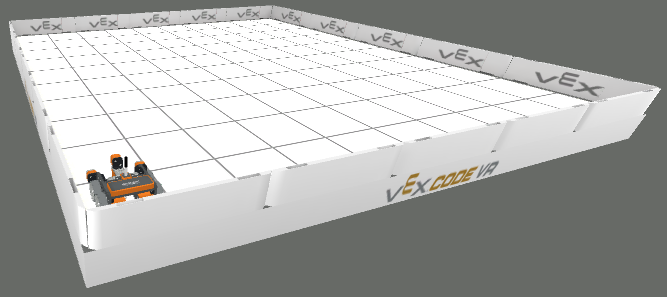
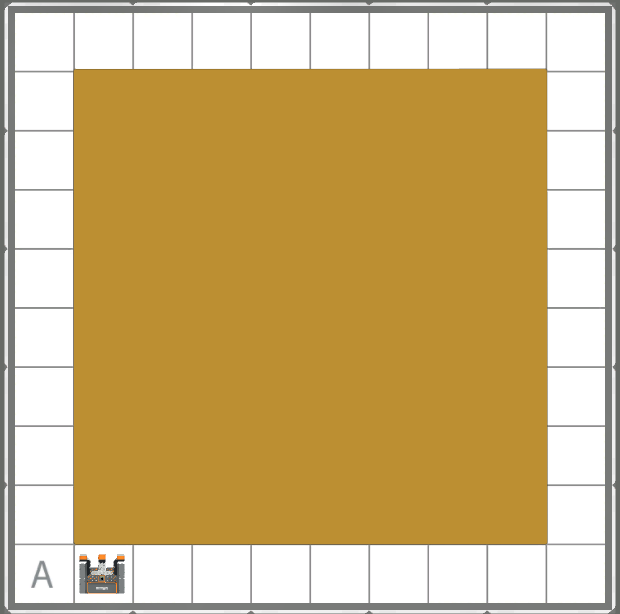
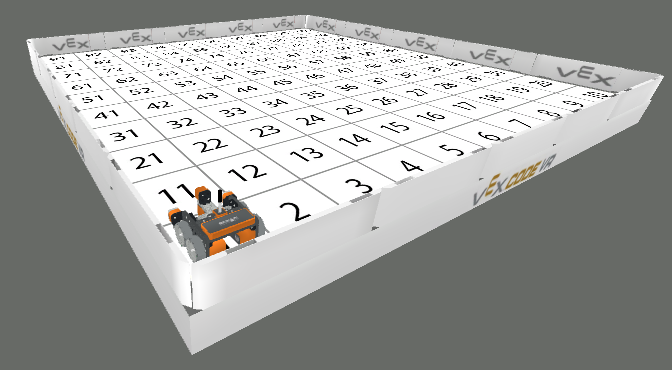
练习在网格状的游乐场中操控和移动 VR 机器人。 |
||
|
使用眼动追踪器和 2D 列表,一次显示一个像素,揭示隐藏的艺术作品。 |
||
|
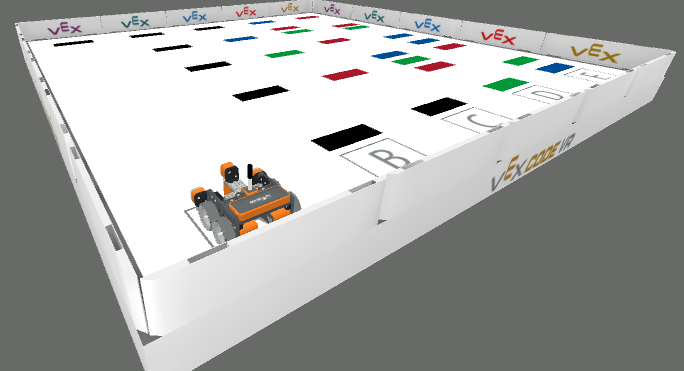
辨别操场上不同颜色的线条。 |
||
|
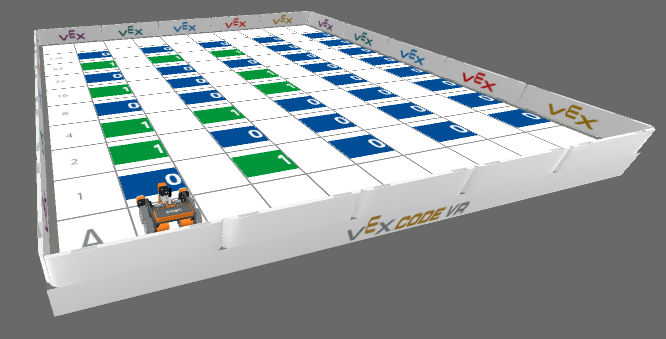
练习数数、导航和在编号为 1 到 100 的方格中移动。 |
||
|
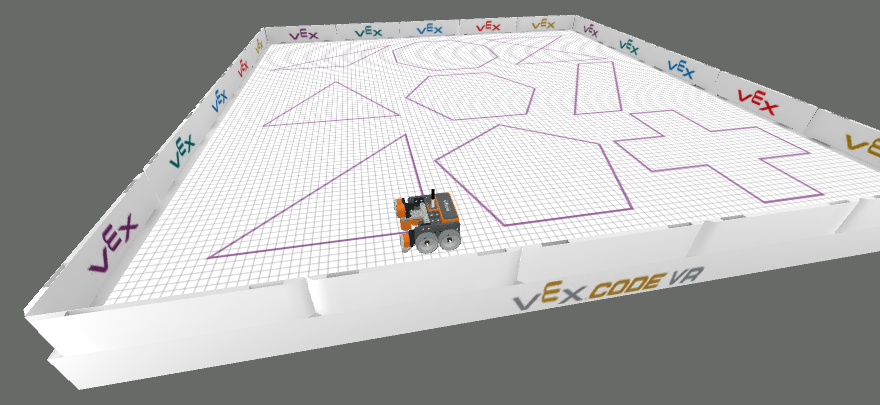
使用 VR 笔在地面上描绘预先绘制的形状。 |
||
|
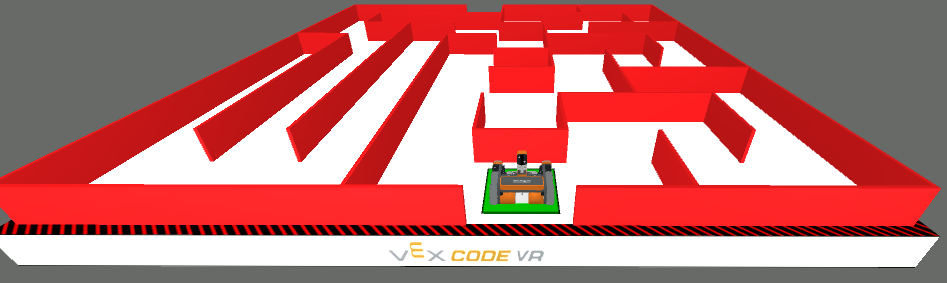
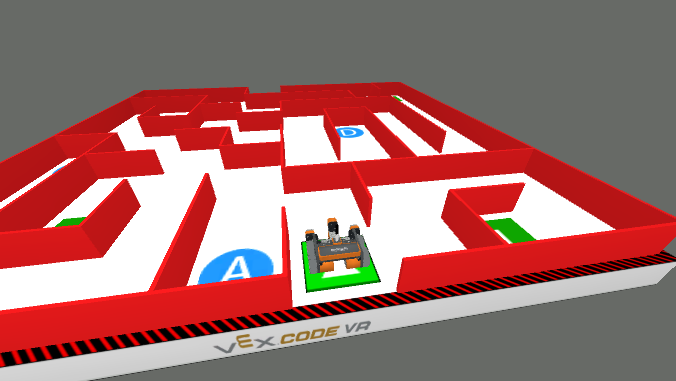
穿过迷宫到达出口。 |
升级版游乐场#
增强型游乐场在免费游乐场的基础上增加了额外的工具、更大的环境或升级的机器人行为。
图像 |
操场 |
描述 |
机器人 |
|---|---|---|---|
|
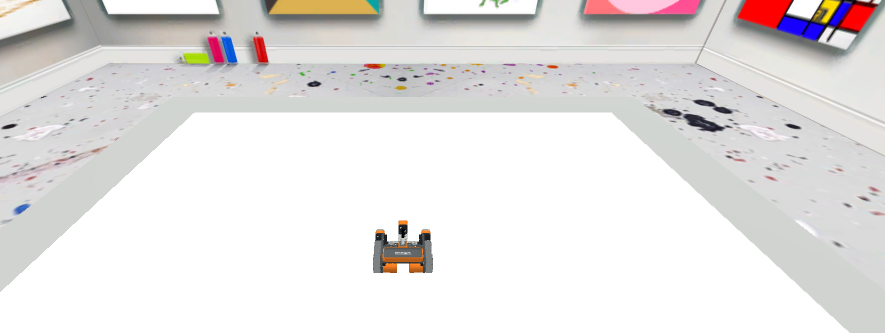
增加了图像上传、画布下载和清除工具,适用于更高级的绘图项目。 |
||
|
为《城堡破坏者》增加了更多挑战关卡和通关证书。 |
||
|
使用更大的迷宫和带有左右距离传感器的 VR 迷宫机器人。 |
高级游乐场#
高级游乐场提供最先进的挑战和机制,包括竞赛环境、专用机器人以及游乐场专用模块和 Python 方法。
图像 |
操场 |
描述 |
机器人 |
|---|---|---|---|
|
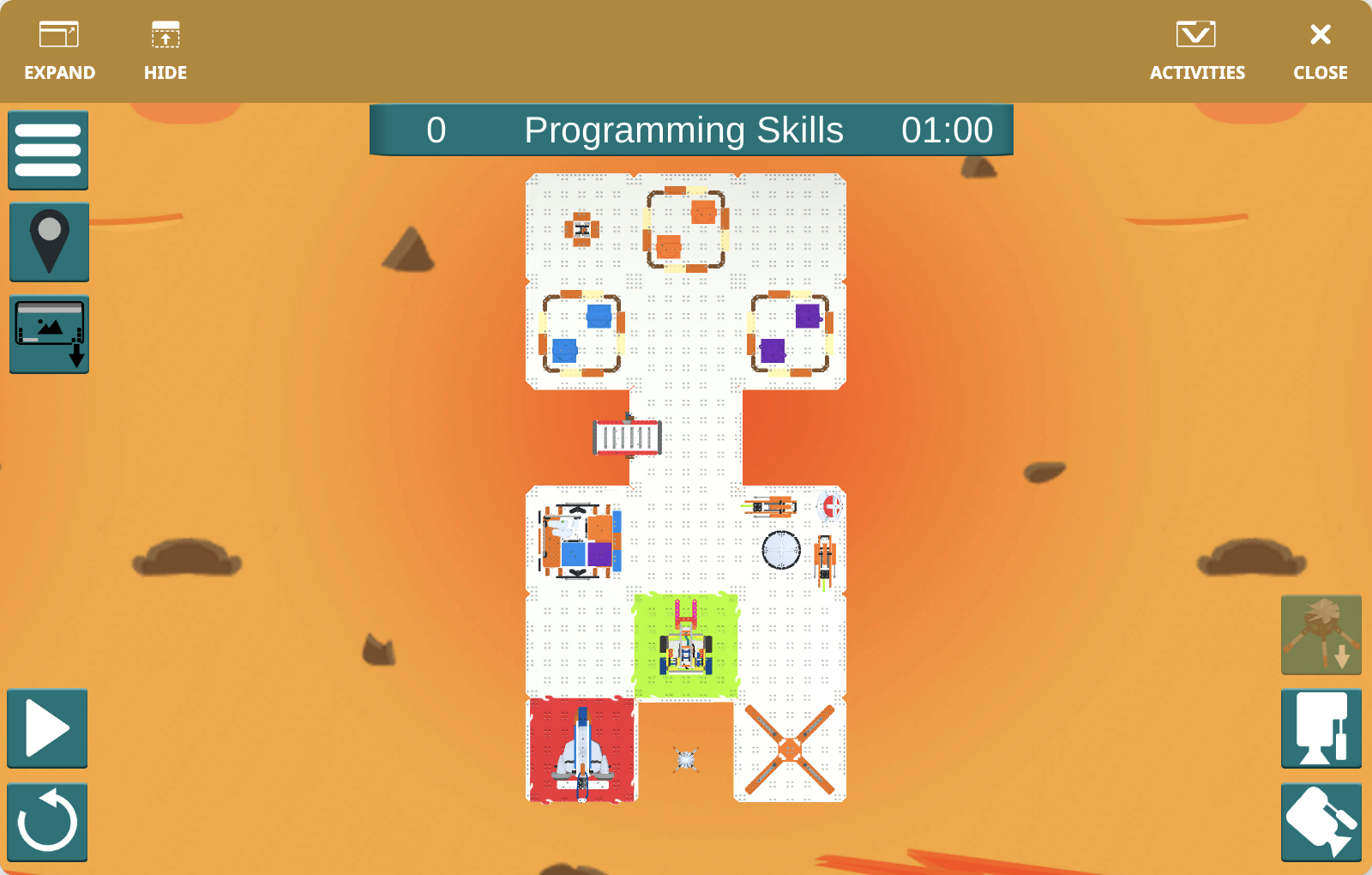
使用虚拟 123 机器人探索引导式和开放式活动地图。 |
||
|
使用 GO Competition Advanced 2.0 机器人完成分阶段的火星挑战任务。 |
||
|
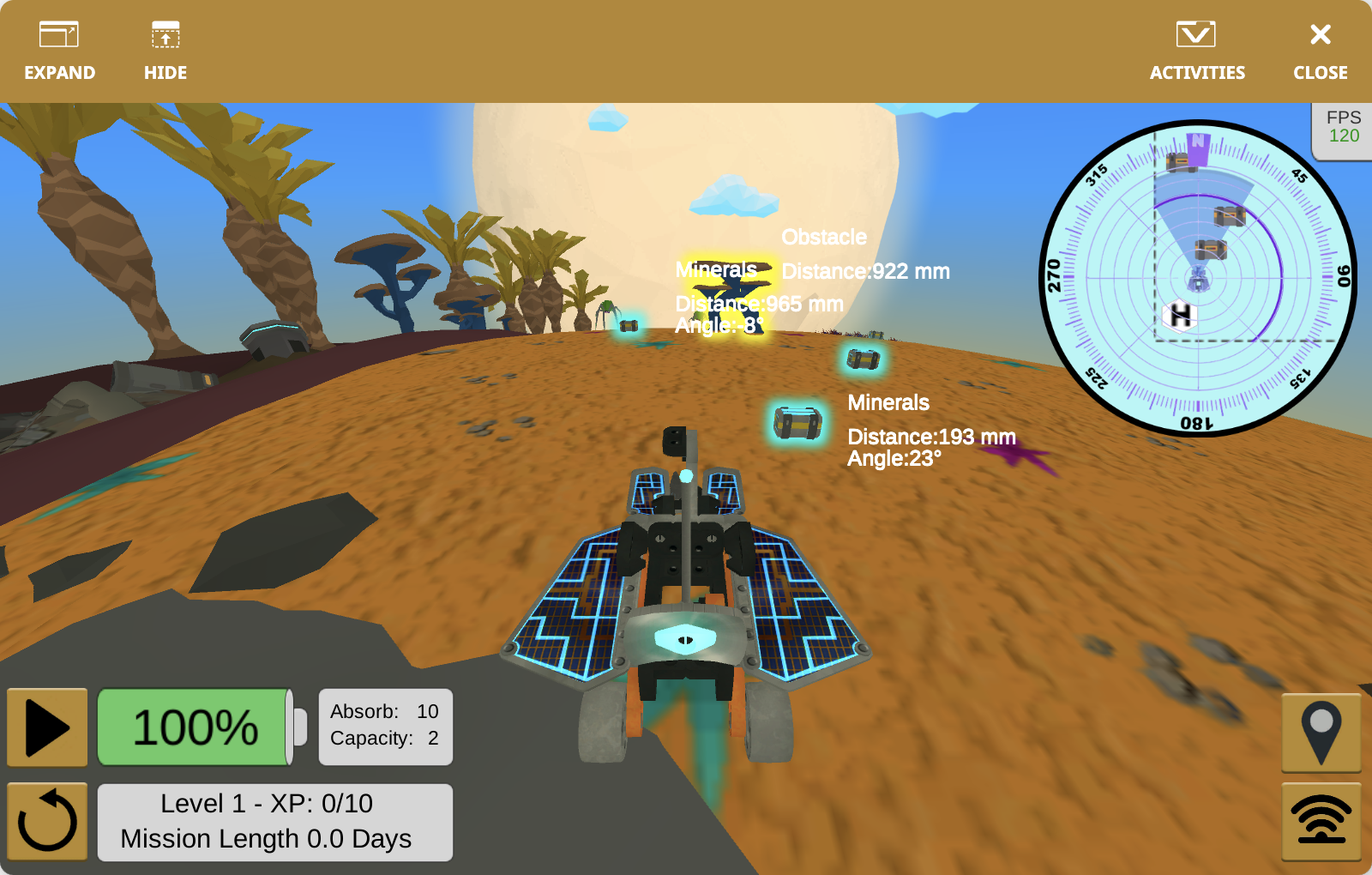
探索外星环境,收集矿物,躲避敌人,并保持探测车的生存。 |
||
|
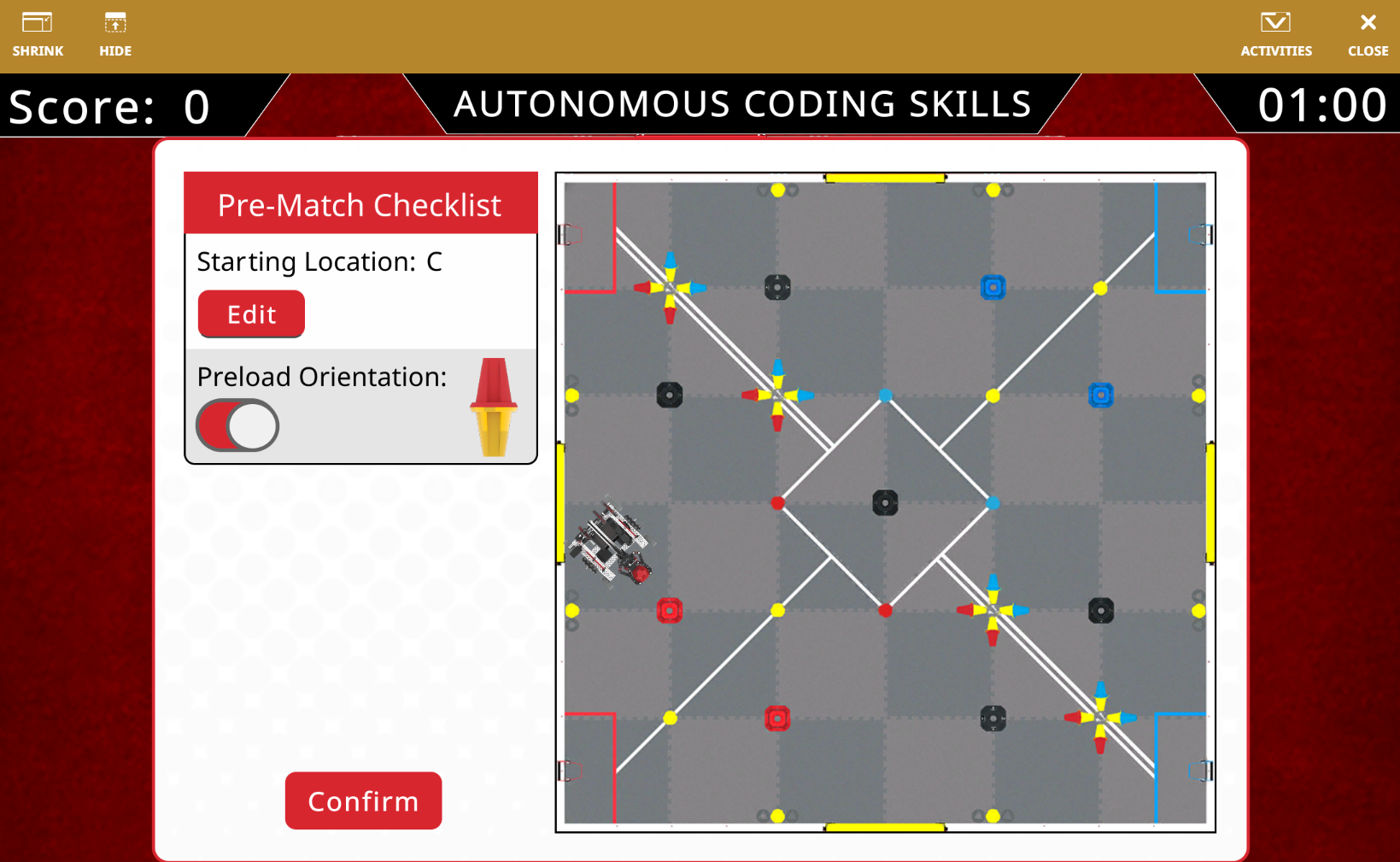
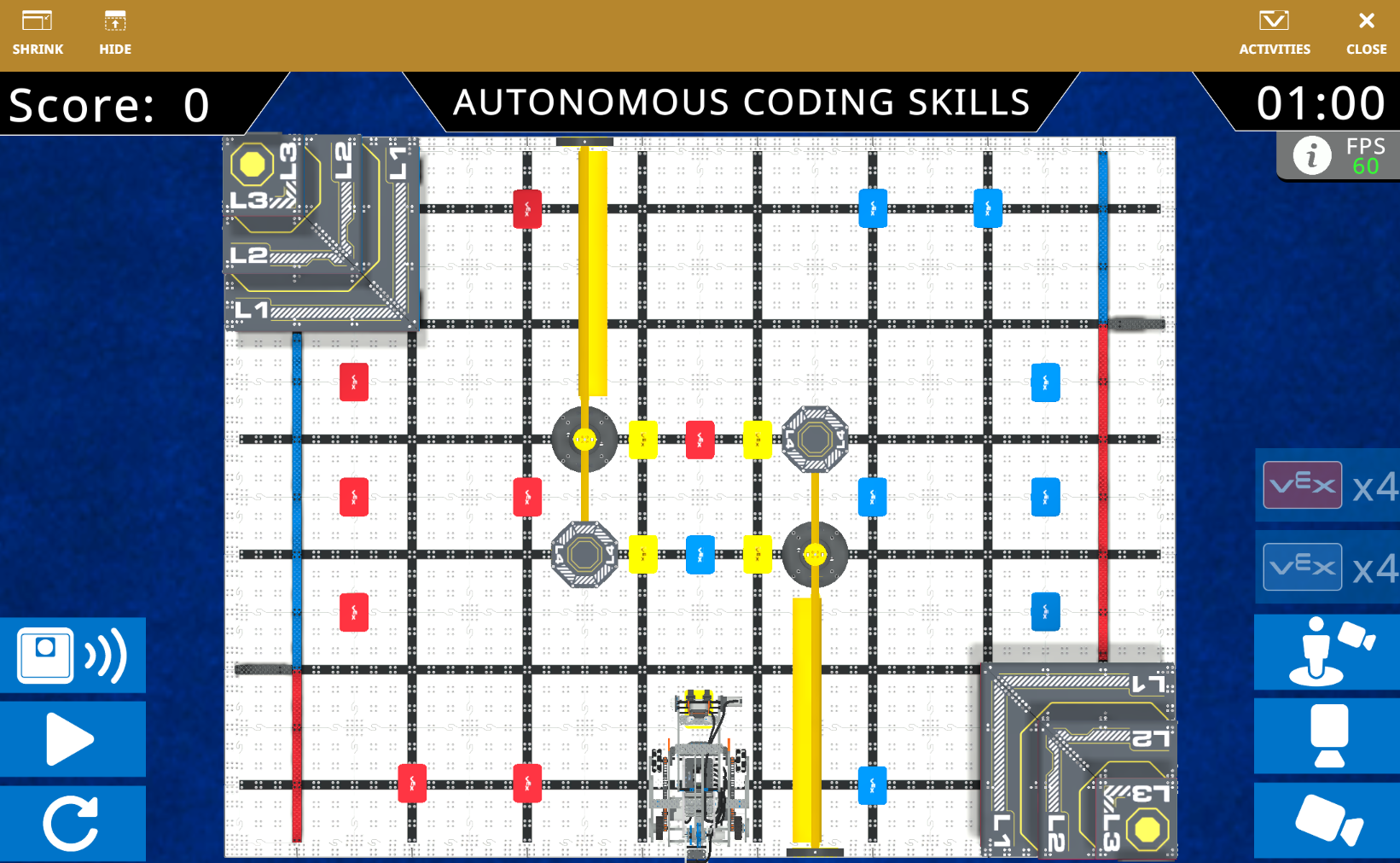
参加 V5 26-27 自主编码技能挑战。 |
||
|
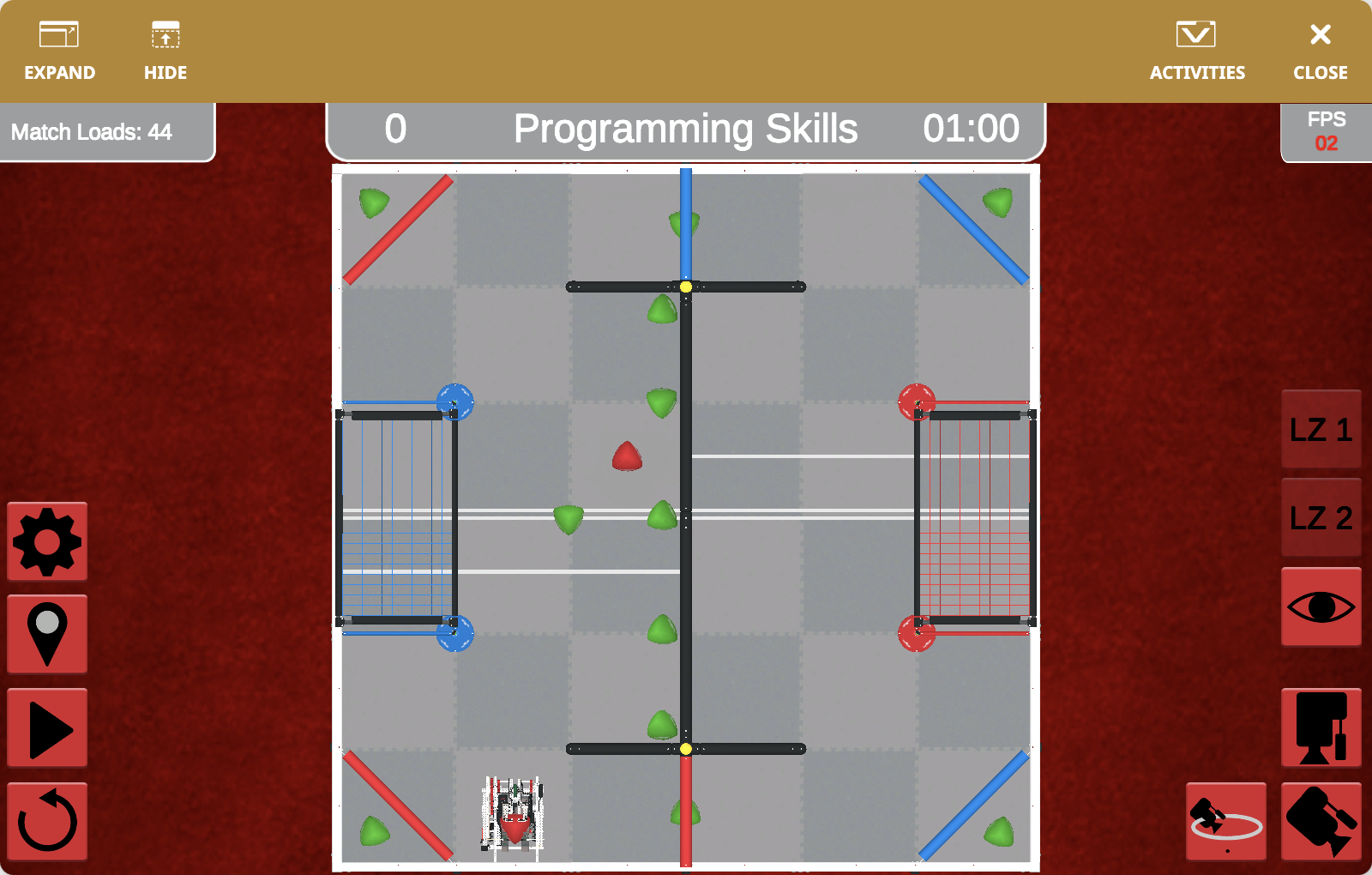
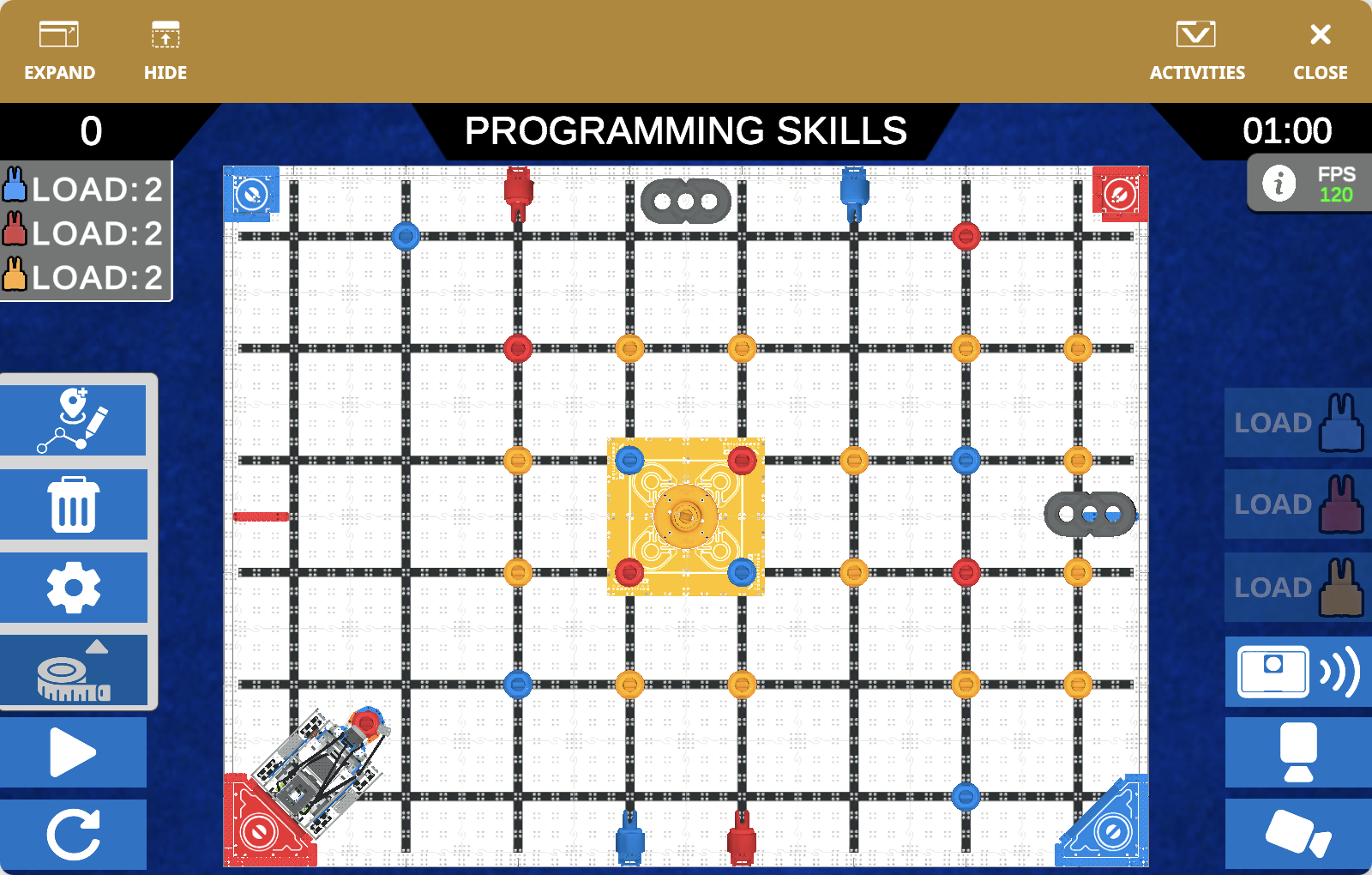
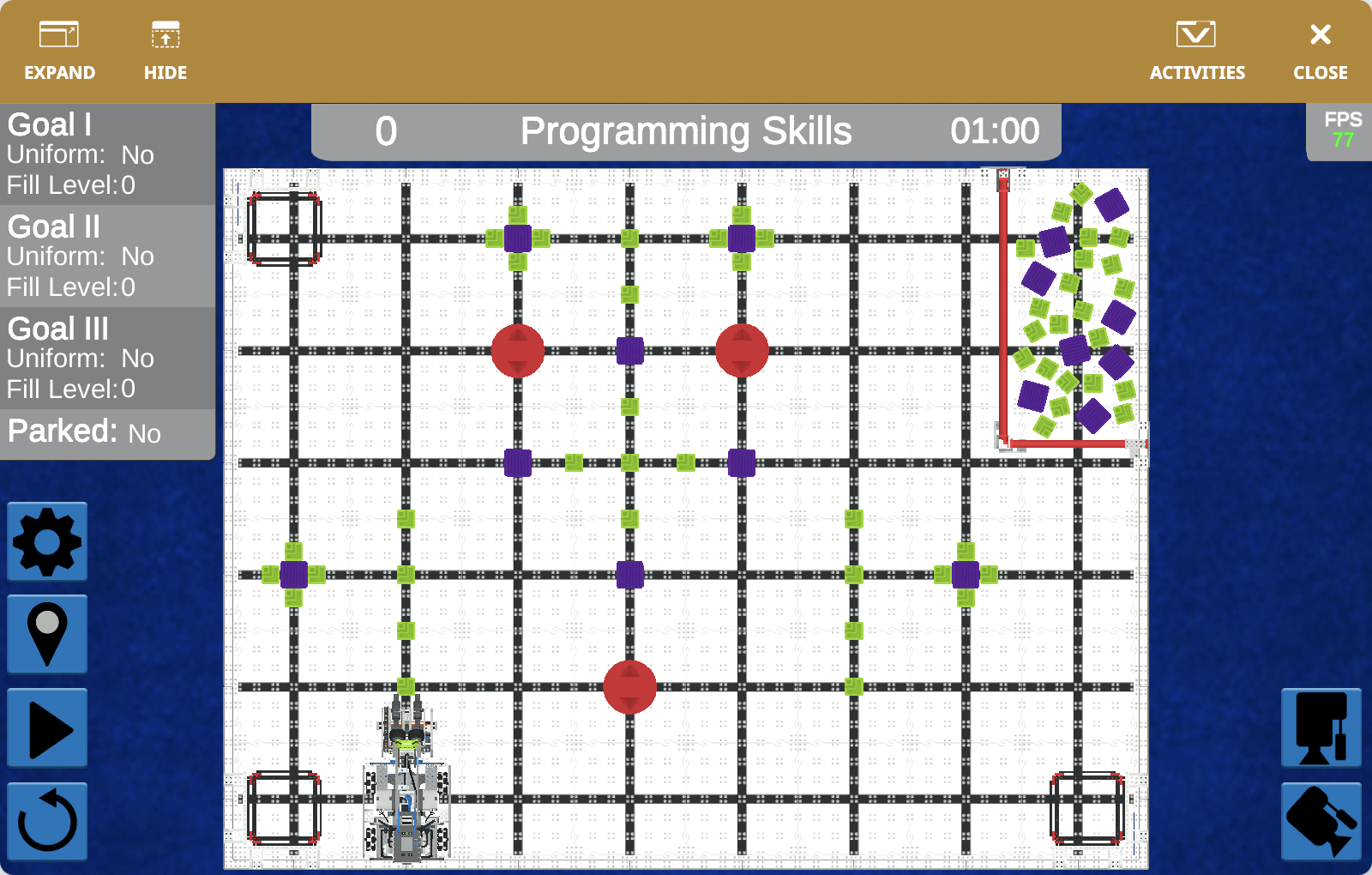
将红色和蓝色方块推入 V5 25-26 虚拟技能场的目标中。 |
||
|
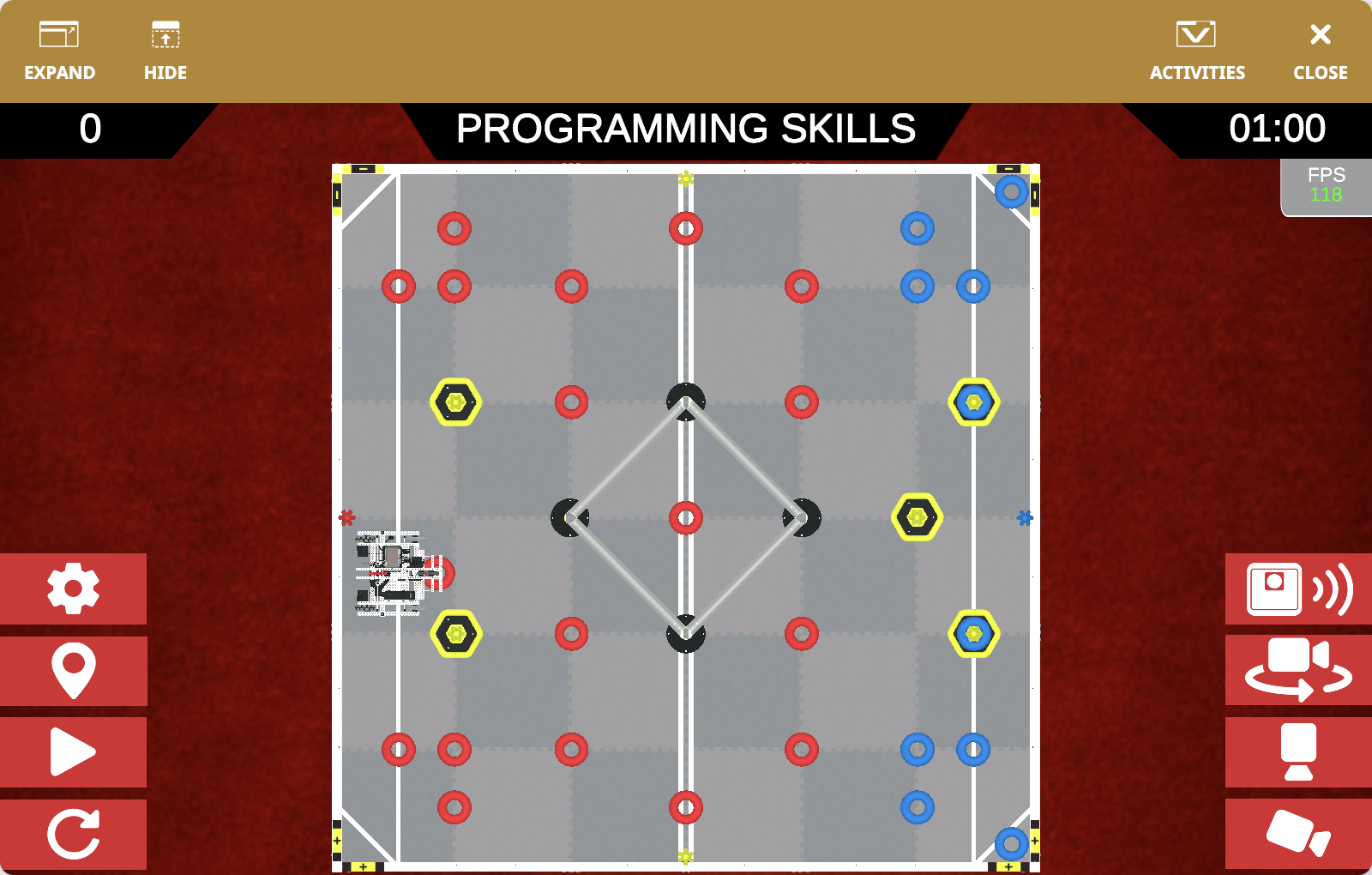
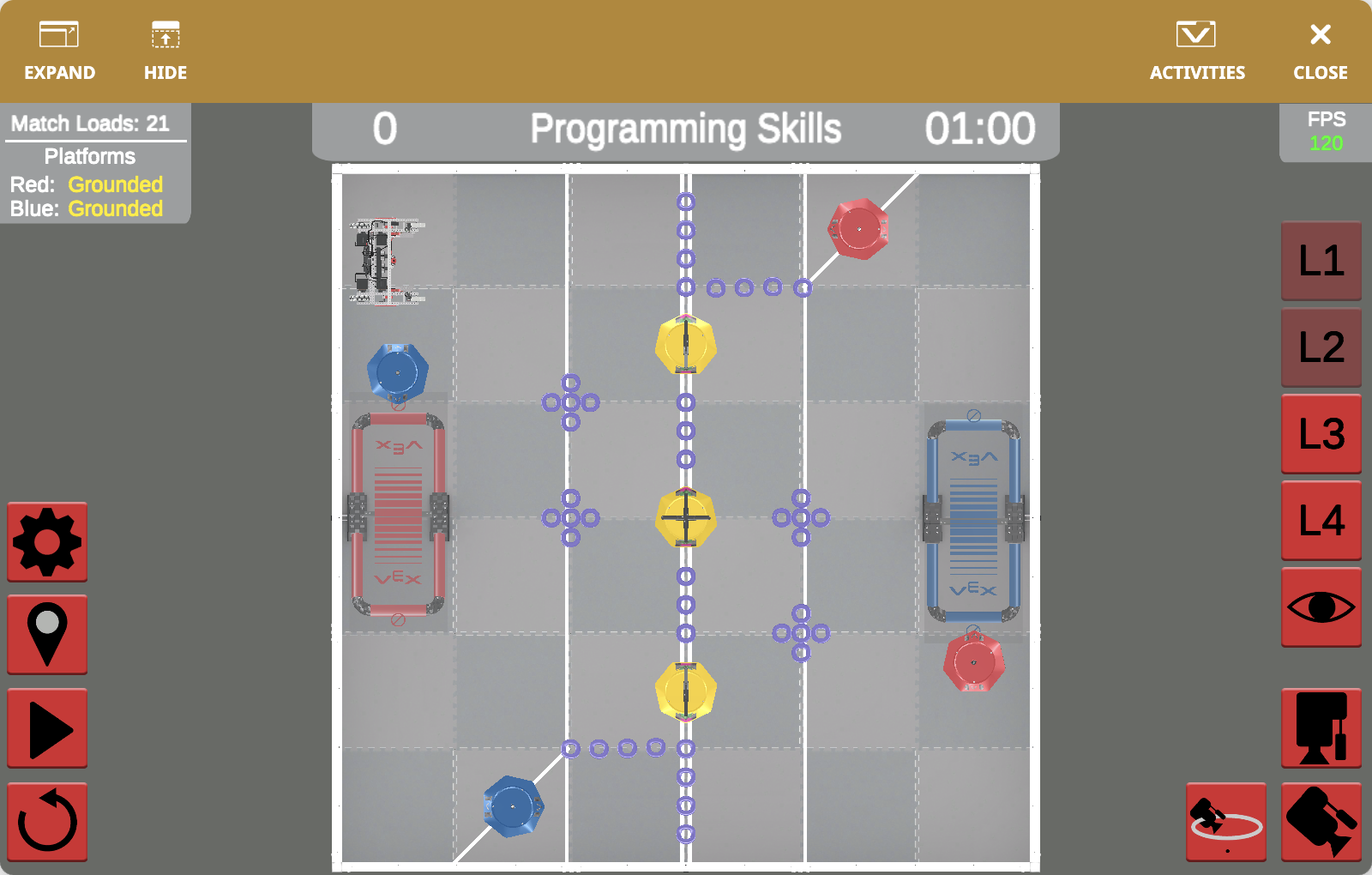
在 V5 24-25 虚拟技能赛场上得分环和移动目标。 |
||
|
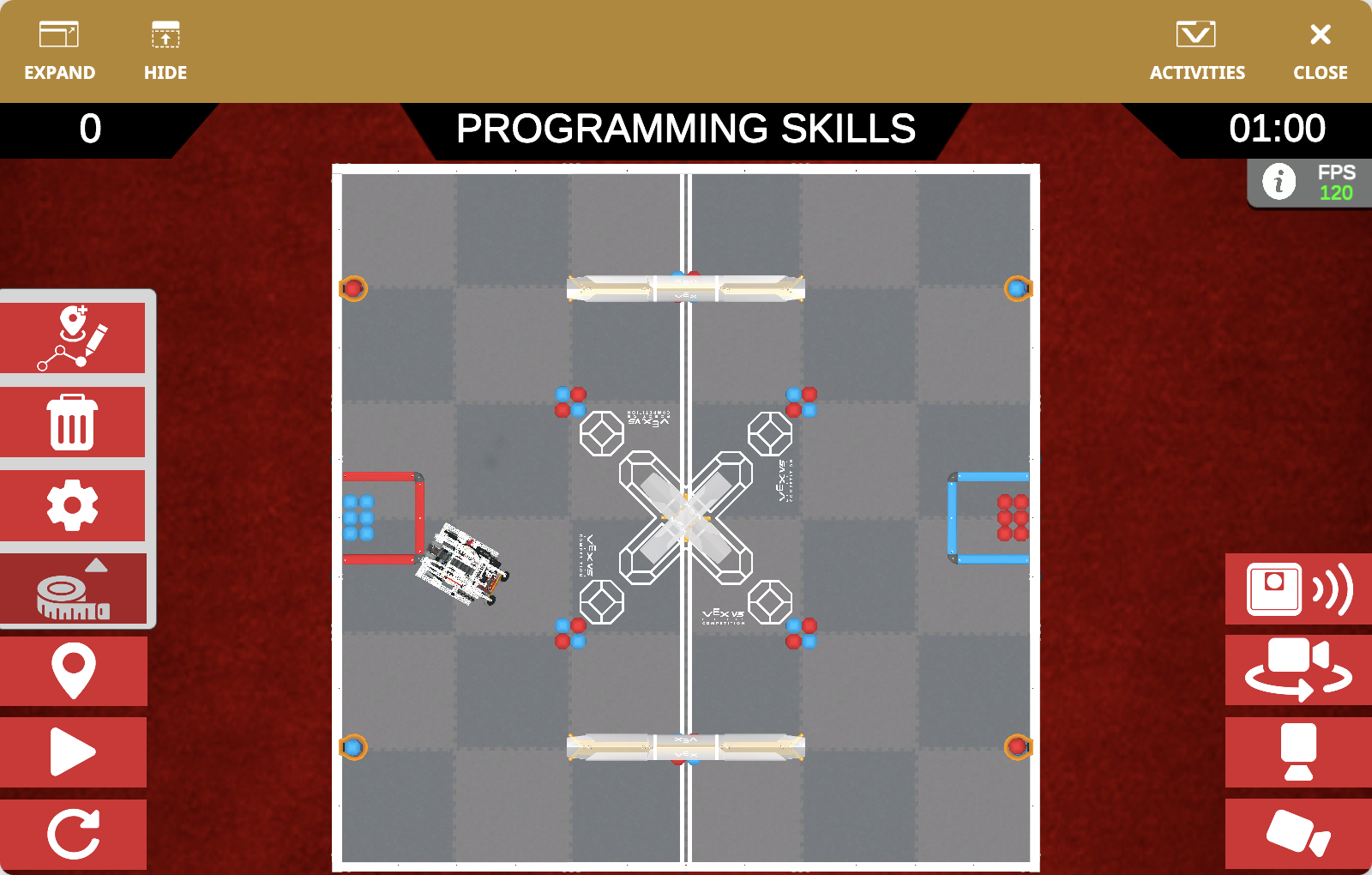
在 V5 23-24 虚拟技能赛场上得分 Triballs 并提升等级。 |
||
|
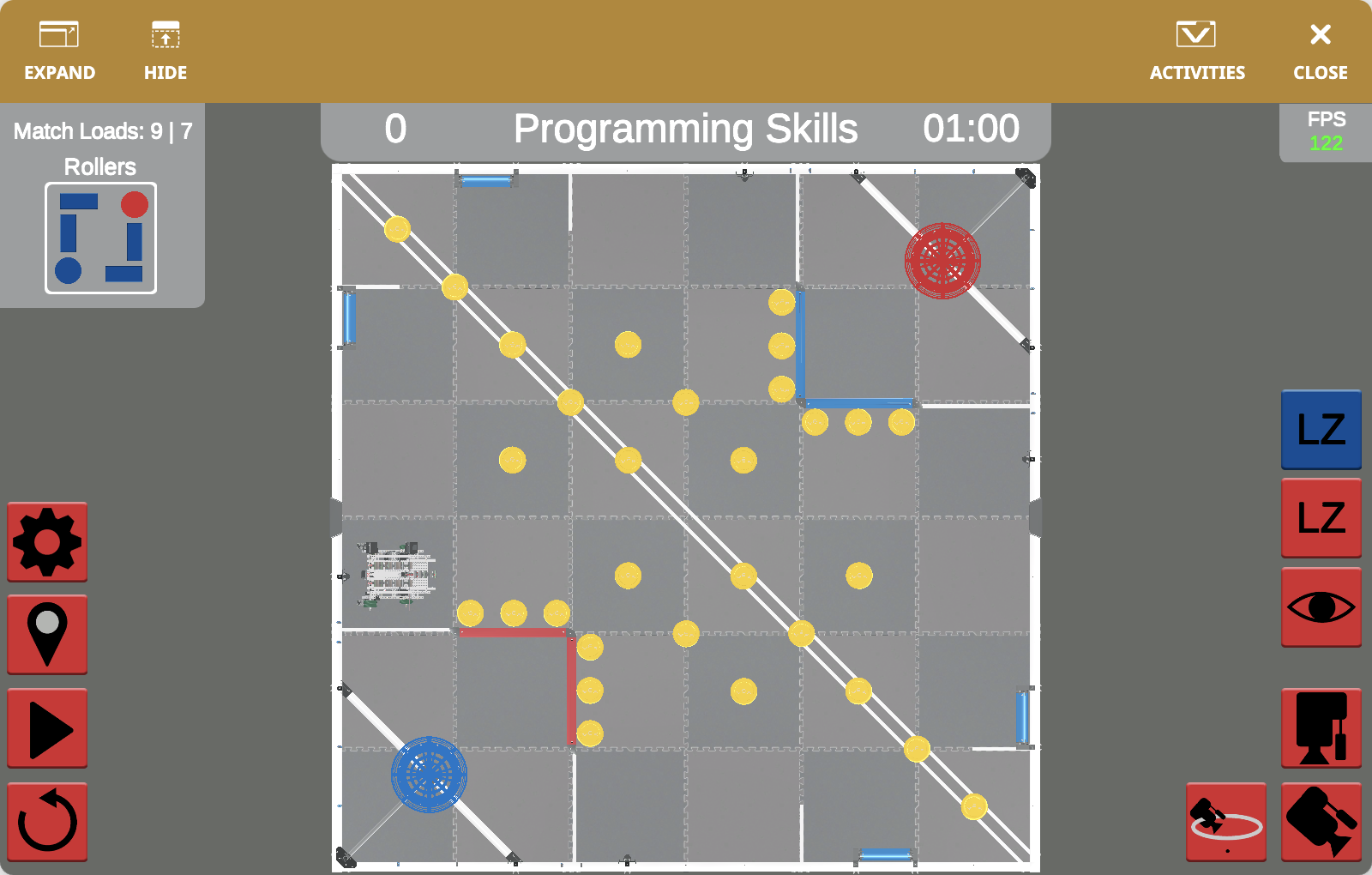
V5 22-23 虚拟技能赛场上的得分圆盘和滚轮。 |
||
|
在 V5 21-22 虚拟技能赛场上,对移动目标、圆环和平台高度进行评分。 |
||
|
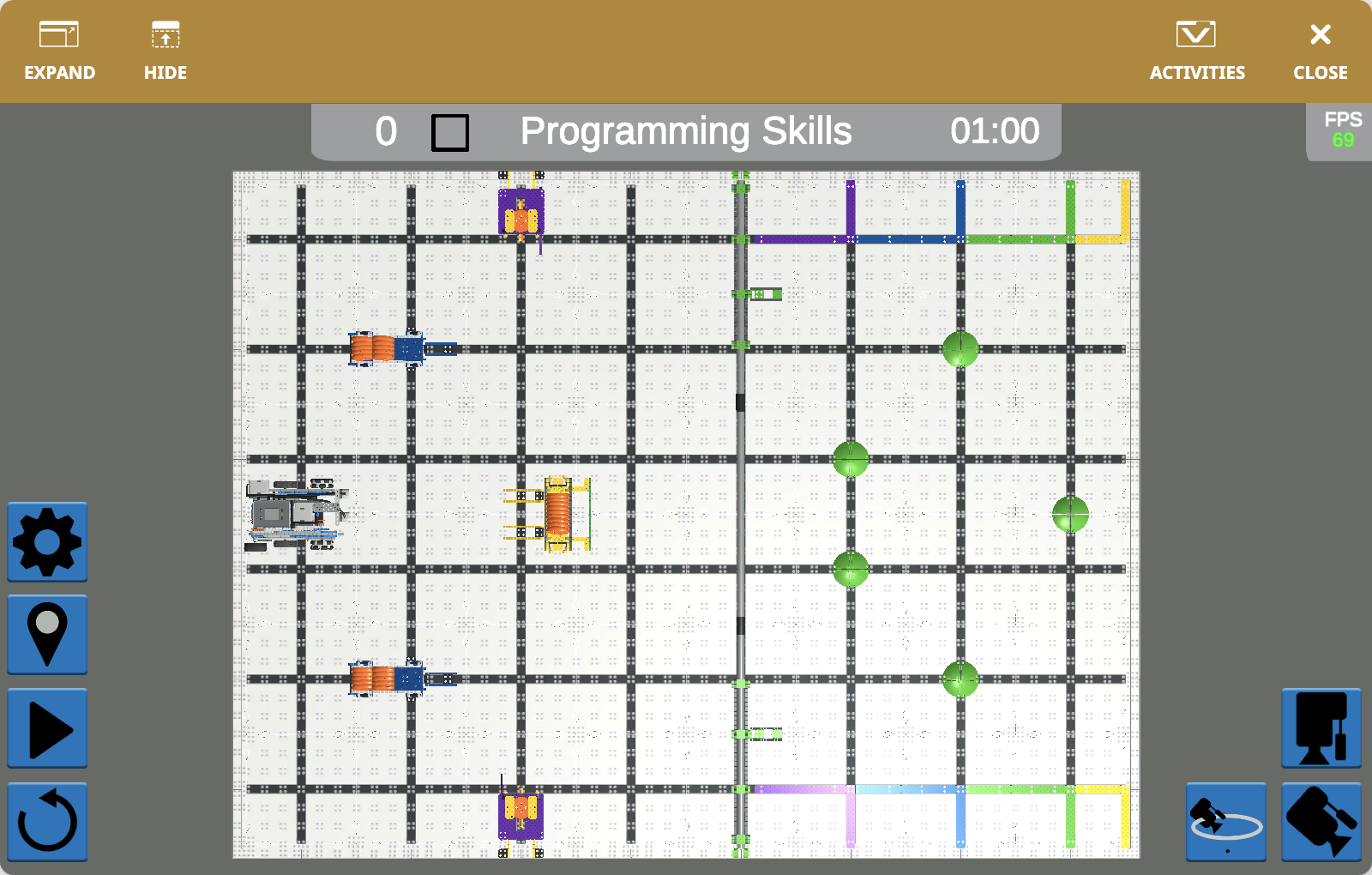
参加 IQ 26-27 级自主编程技能挑战。 |
||
|
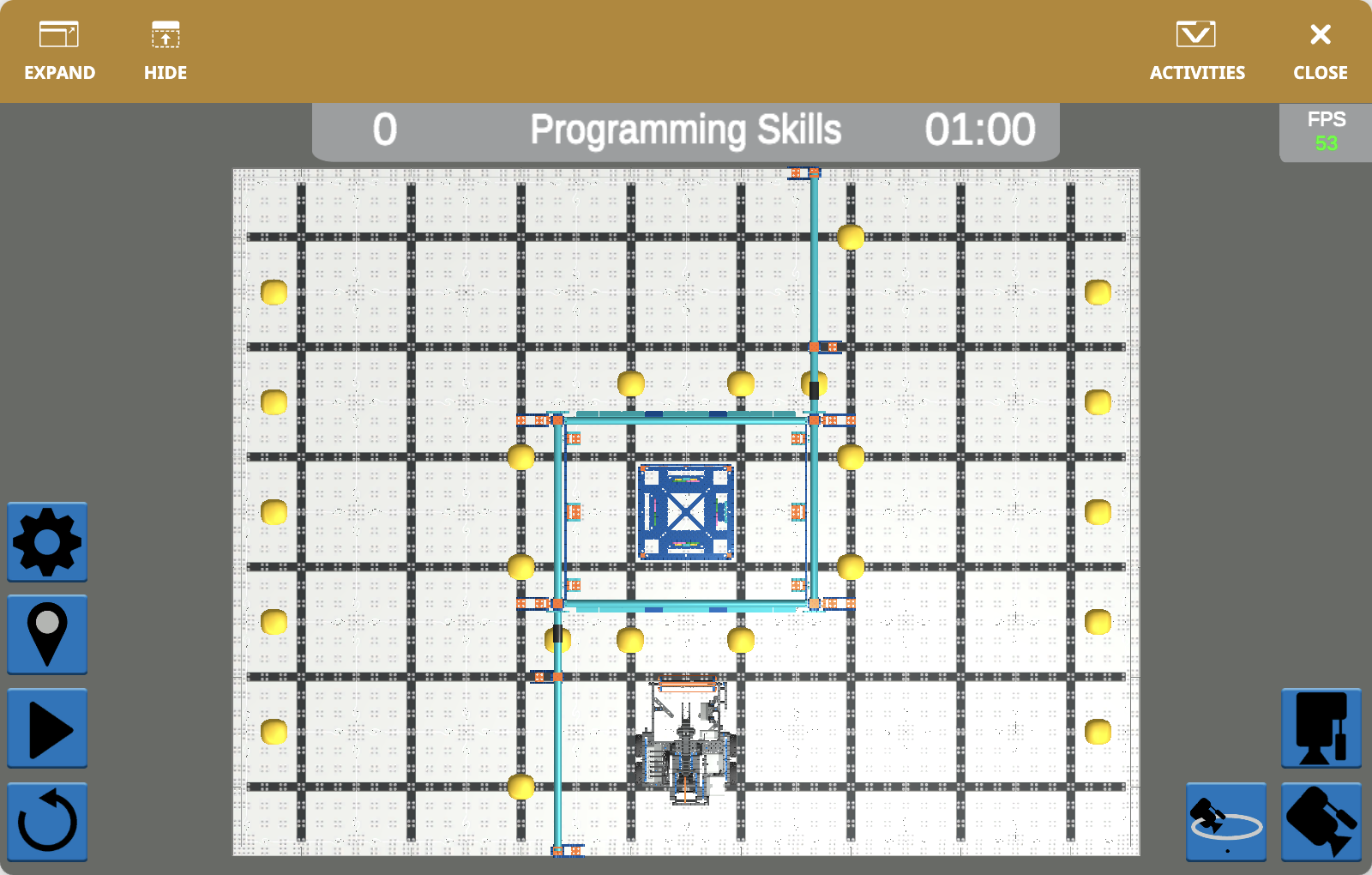
在 IQ 25-26 虚拟技能领域中操作销钉和光束。 |
||
|
在 IQ 24-25 虚拟技能场中收集并发射球。 |
||
|
将方块移动到 IQ 23-24 虚拟技能领域的目标中。 |
||
|
在 IQ 22-23 虚拟技能领域收集并得分光盘。 |
||
|
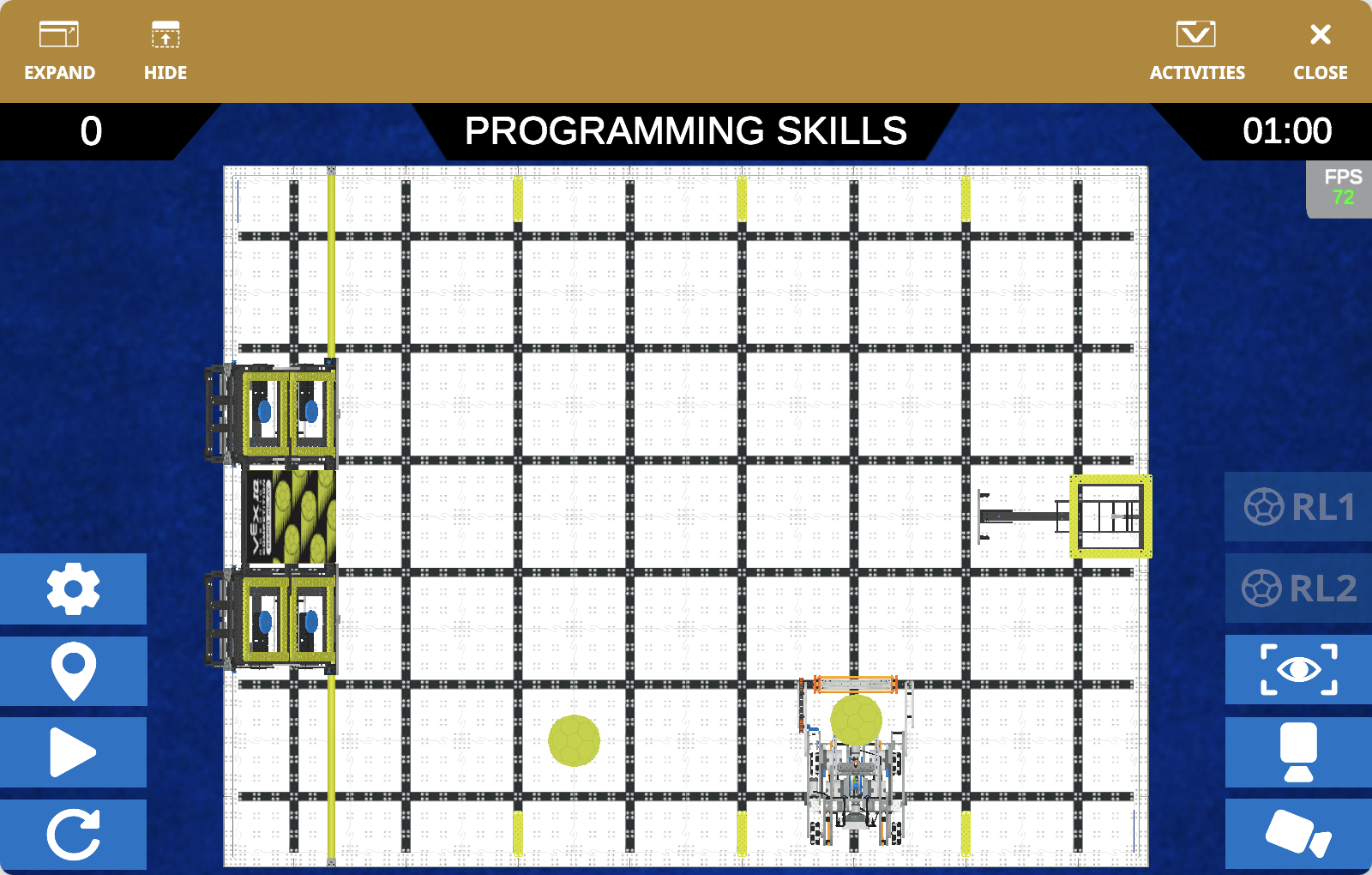
在 IQ 21-22 虚拟技能场中收集并发射球。 |