
LED指示燈#
介紹#
led 類別可讓 EXP Brain 使用 3 線連接埠開啟或關閉連接的發光二極體 (LED)。
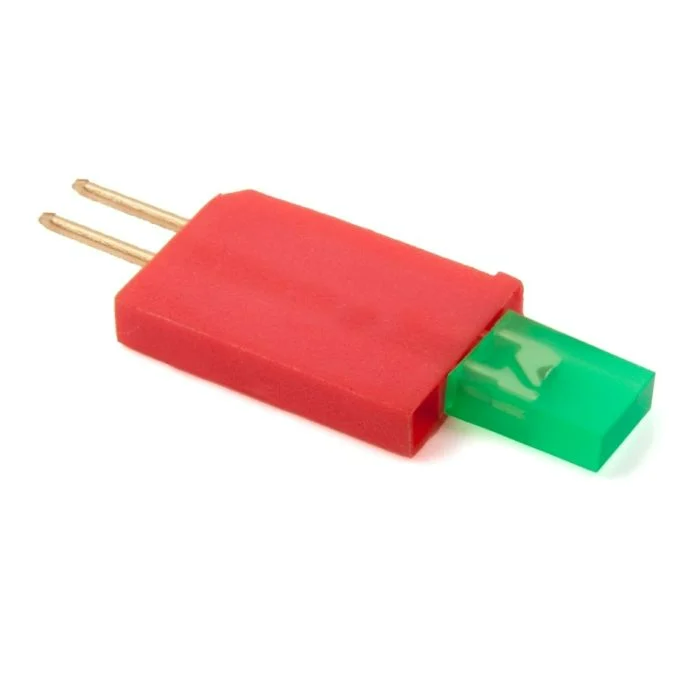
類別建構函數#
led(
  triport::port &port );
類別析構函數#
銷毀 led 物件並釋放相關資源。
virtual ~led();
參數#
範圍 |
類型 |
描述 |
|---|---|---|
|
|
LED 指示燈連接的 3 線端口,寫成 |
範例#
// Create an led instance in Port A
led LEDA = led(Brain.ThreeWirePort.A);
成員功能#
led 類別包含以下成員函數:
在呼叫任何 led 成員函數之前,必須先建立一個 led 實例,如下所示:
/* This constructor is required when using VS Code.
LED Indicator configuration is generated automatically
in VEXcode using the Device Menu. Replace the values
as needed. */

// Create an led instance in Port A
led LEDA = led(Brain.ThreeWirePort.A);
on#
開啟指定的LED指示燈。
Available Functionsvoid on();
此函數不接受任何參數。
Return Values此函數不傳回值。
Examples// Turn on the LED
LEDA.on();
// Wait 2 seconds
wait(2, seconds);
// Turn off LED
LEDA.off();
off#
關閉指定的LED指示燈。
Available Functionsvoid off();
此函數不接受任何參數。
Return Values此函數不傳回值。
Examples// Turn on the LED
LEDA.on();
// Wait 2 seconds
wait(2, seconds);
// Turn off LED
LEDA.off();