Castle Crasher+#
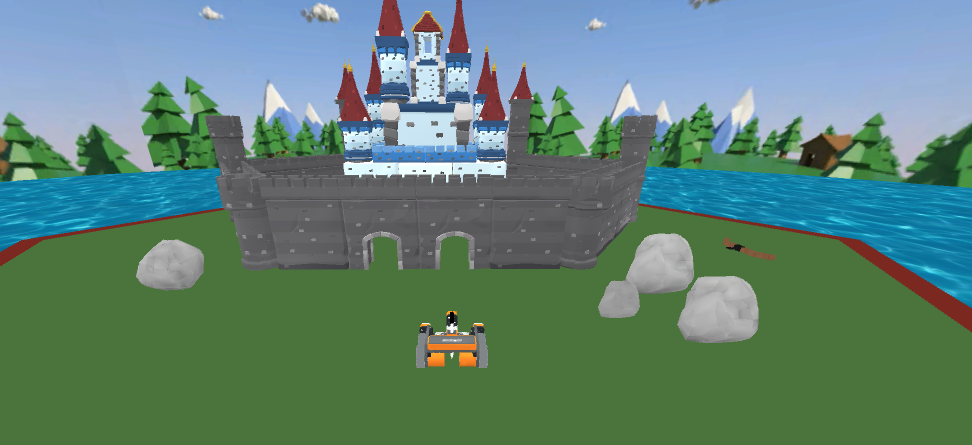
Castle Crasher+ takes place on a hexagonal map measuring 3,288 millimeters in diameter. The VR Robot functions the same as it does in the Free version of Castle Crasher, with a starting position of (1014, 50).
Robot Overview#
Castle Crasher+ uses the Standard VR Robot.
Levels#
Castle Crasher+ has two levels, which can be selected by clicking the State Select icon in the bottom-left of the Playground window:
Level 1 (Standard): Push as many castle objects into the water as possible without letting the robot fall in.
Level 2 (Advanced): Includes trees that can be detected by the forward-facing Eye Sensor but cannot be moved, adding an extra layer of challenge.
Certificate#
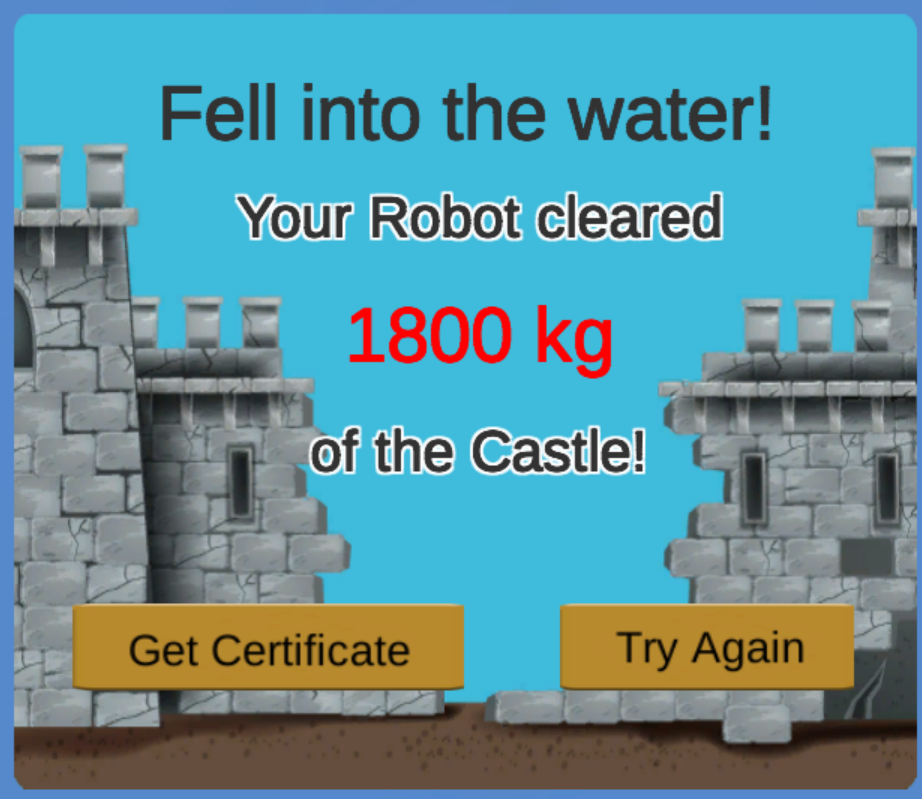
After completing the playground, a printable certificate is available to download to your device.