
123 Playspace#
The 123 Playspace Playground is a virtual version of the VEX 123 Robot and 123 Field that lets students complete 123 activities with a virtual robot.
It is designed to behave like the physical 123 Robot experience, but in a virtual environment where students can test movement, sensing, sounds, and simple robot behaviors directly in VEXcode VR.
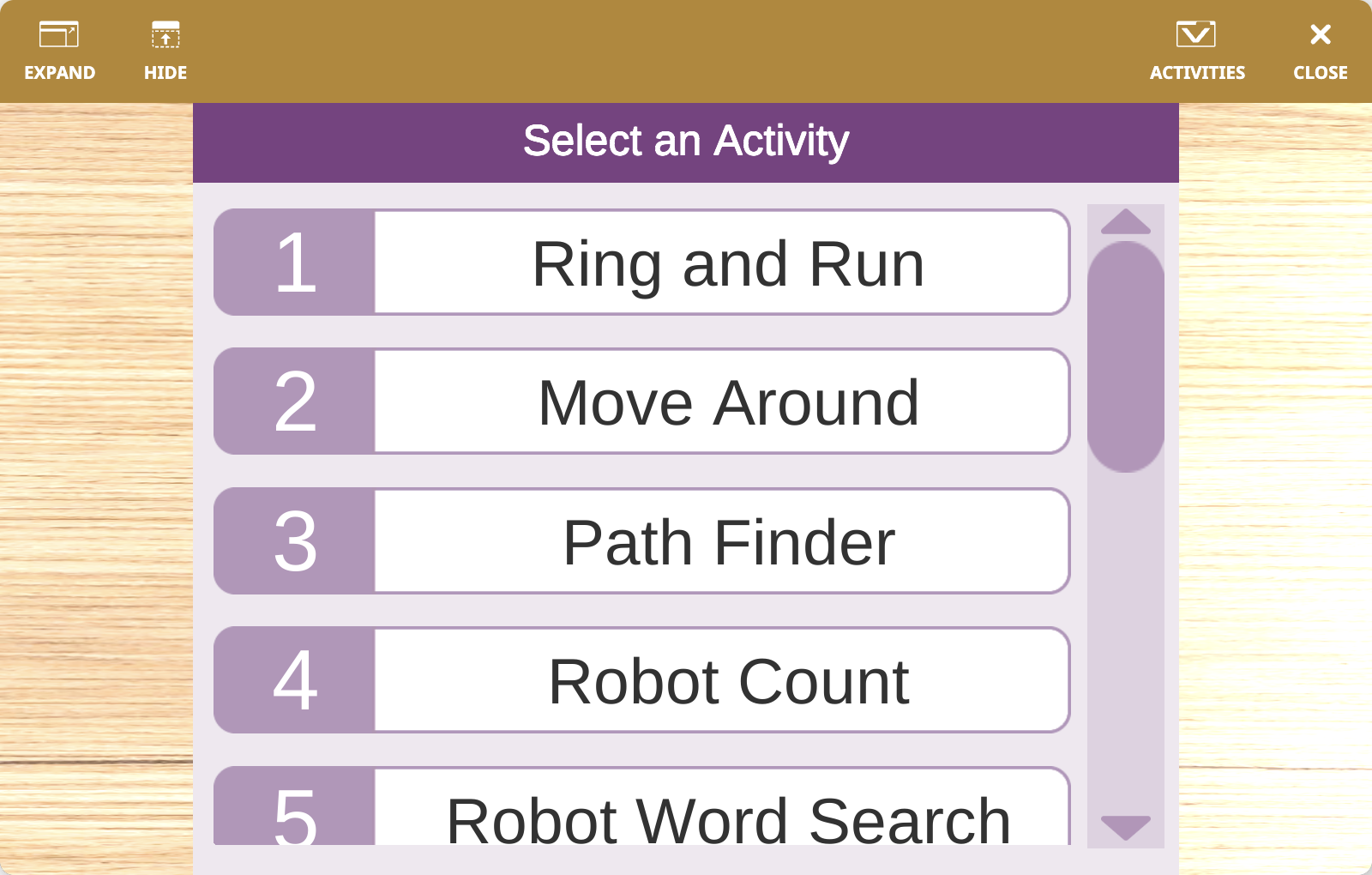
Playground Overview#
When the Playground starts, you can choose from 12 different activities. Each activity loads its own Field layout and artwork so the virtual robot can be used in the same kinds of challenges and lessons as the physical 123 Robot.
The virtual 123 Robot can:
Drive and turn around the field
Start from different positions depending on the selected setup
Use its built-in Eye Sensor and Gyro-based crash detection
Glow its center LED and play built-in sounds
Perform preset robot actions such as happy, sad, and crazy
Draw with a Pen in the virtual Playground
Activities and Field#
The 123 Playspace includes a mix of guided and open-ended activity maps:
Playground |
Activity |
Purpose |
|---|---|---|
|
Ring and Run |
Navigate to a house to ring the doorbell and run away. |
|
Move Around |
Navigate around all the blocks in the field to the goal. |
|
Path Finder |
Follow a path marked on the field. |
|
Robot Count |
Navigate using numbers marked on the field. |
|
Robot Word Search |
Navigate through letters to write words. |
|
Treasure Hunt |
Navigate to collect treasure and avoid the pirates. |
|
Visit the Zoo |
Navigate to visit the animals around the zoo. |
|
Clean Your Room |
Use a pusher on the front of the robot to clean the field. |
|
Get to the Castle |
Navigate around houses and a dragon to reach the castle. |
|
Gather Materials |
Collect materials from the village and return to the castle. |
|
Push the Dragon |
Use the pusher on the front of the robot to push the dragon away from the houses. |
|
Custom |
Start with a customizable activity Field for open-ended activities. |
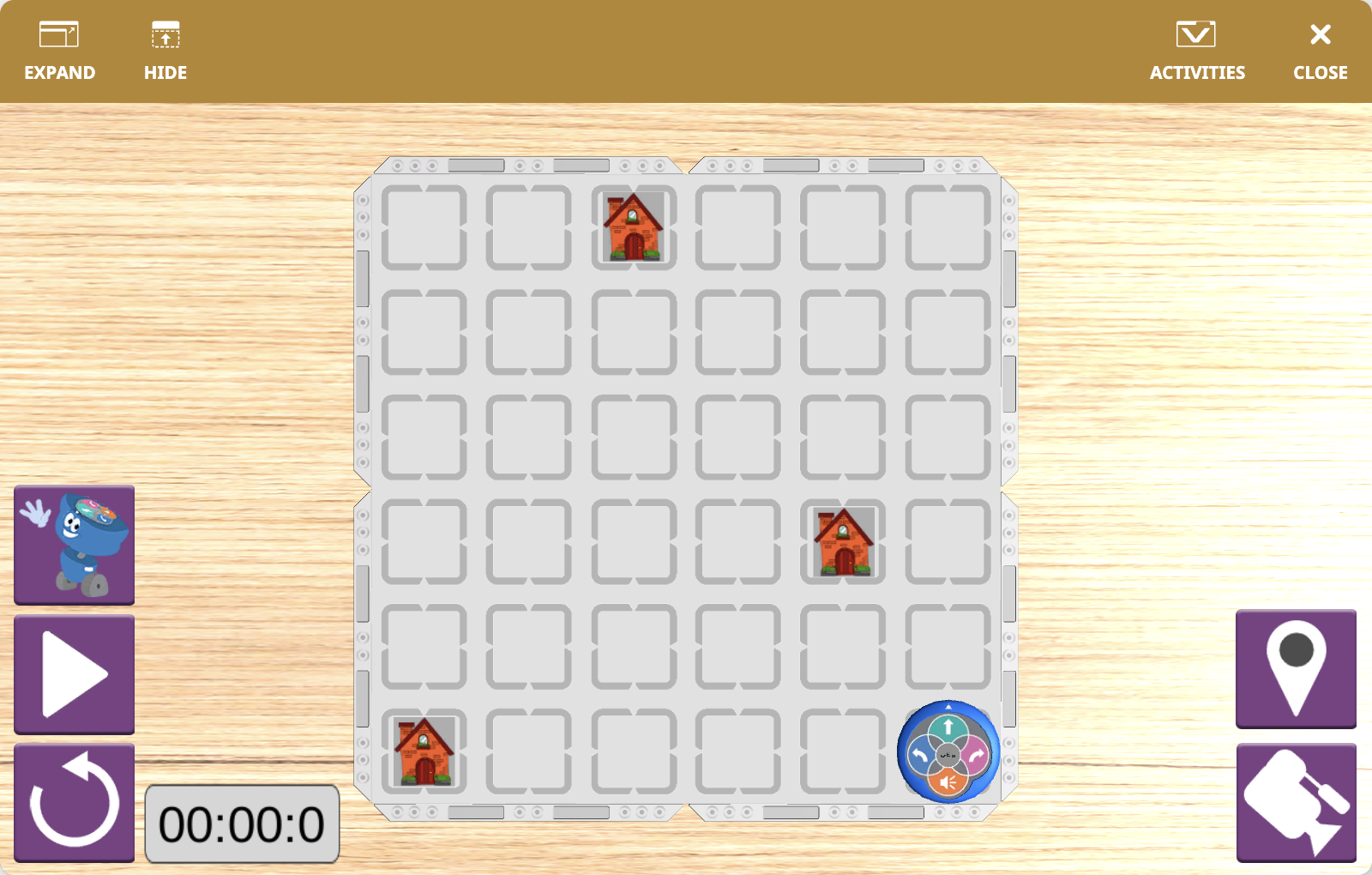
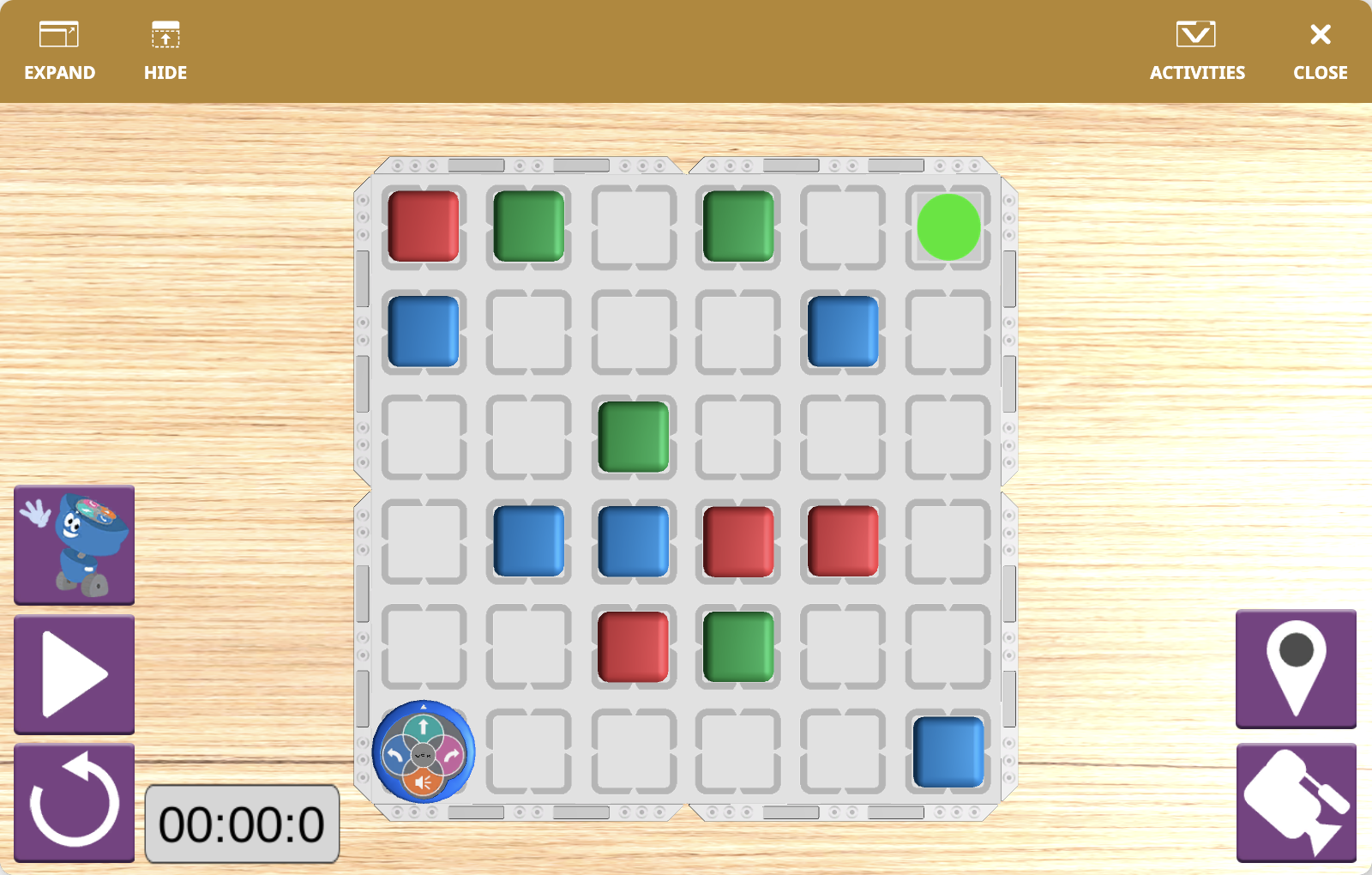
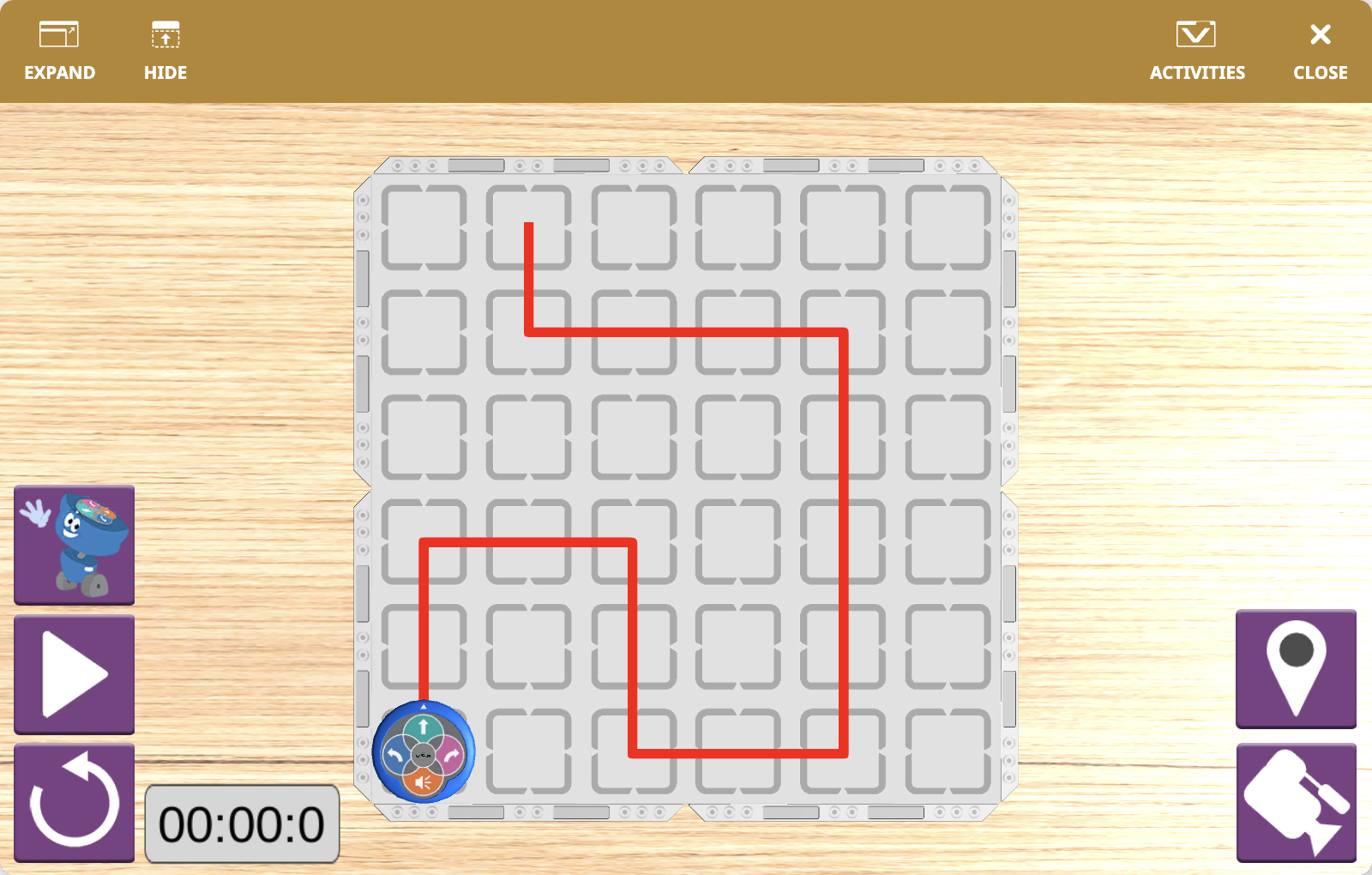
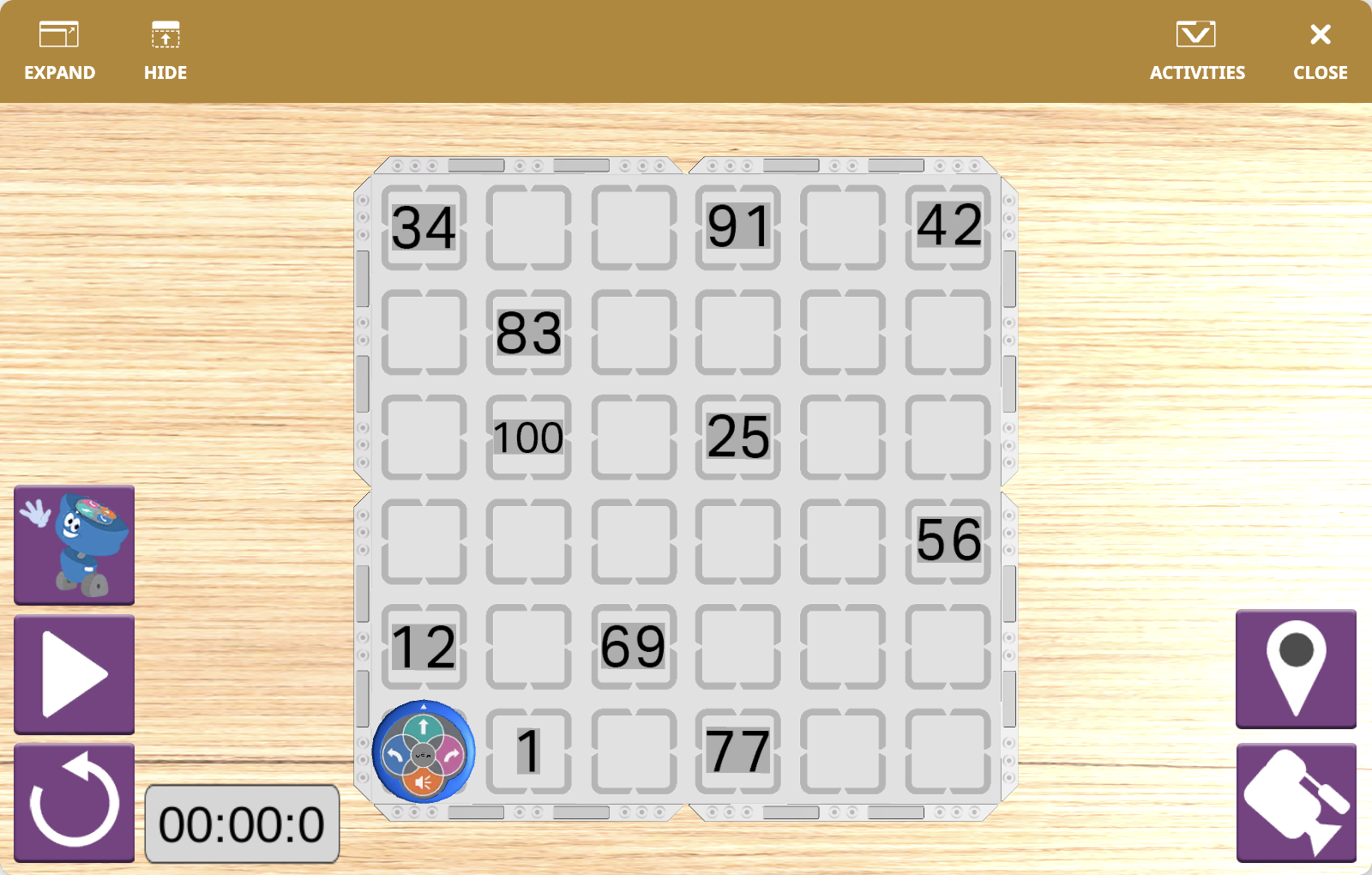
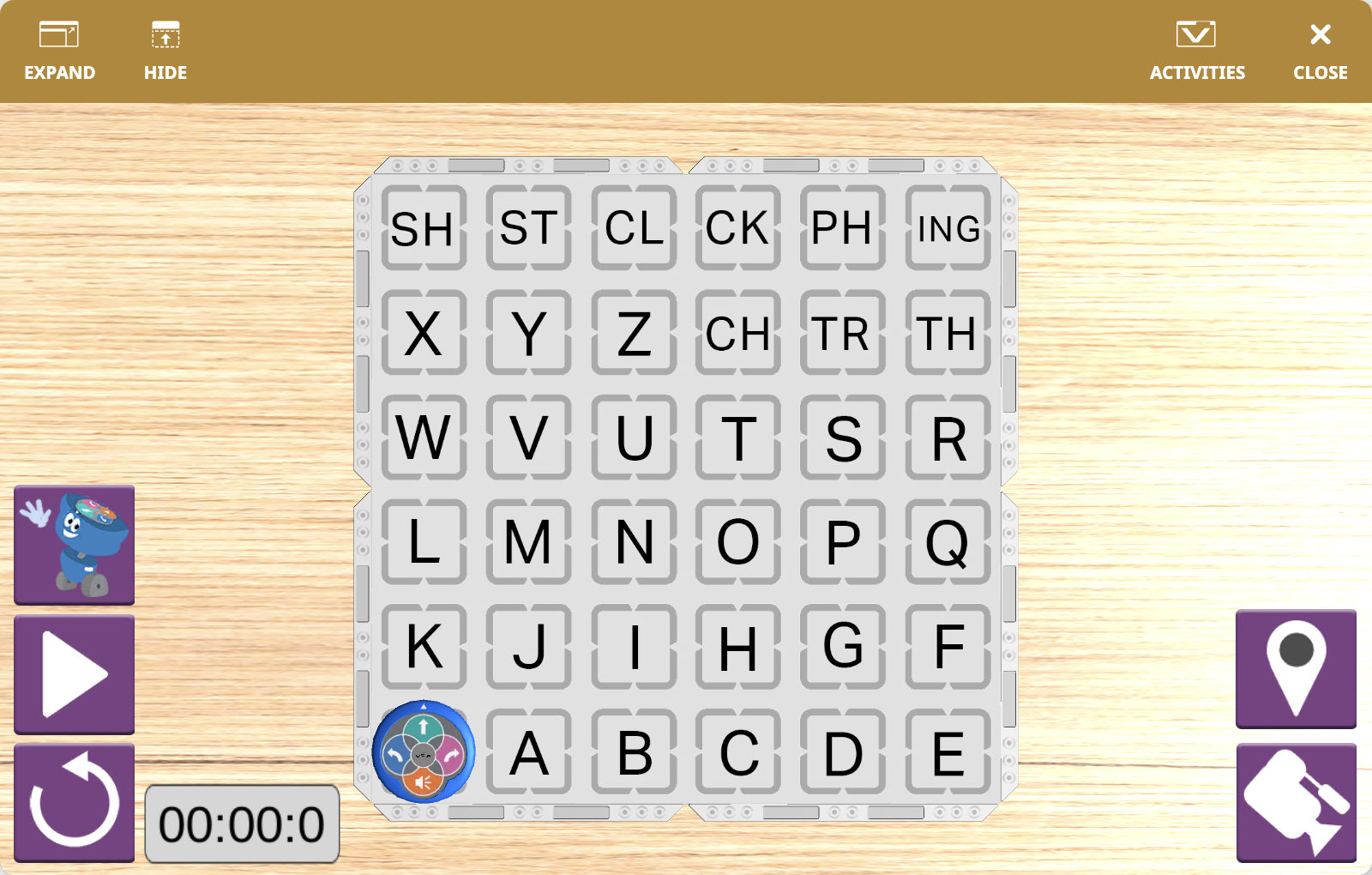
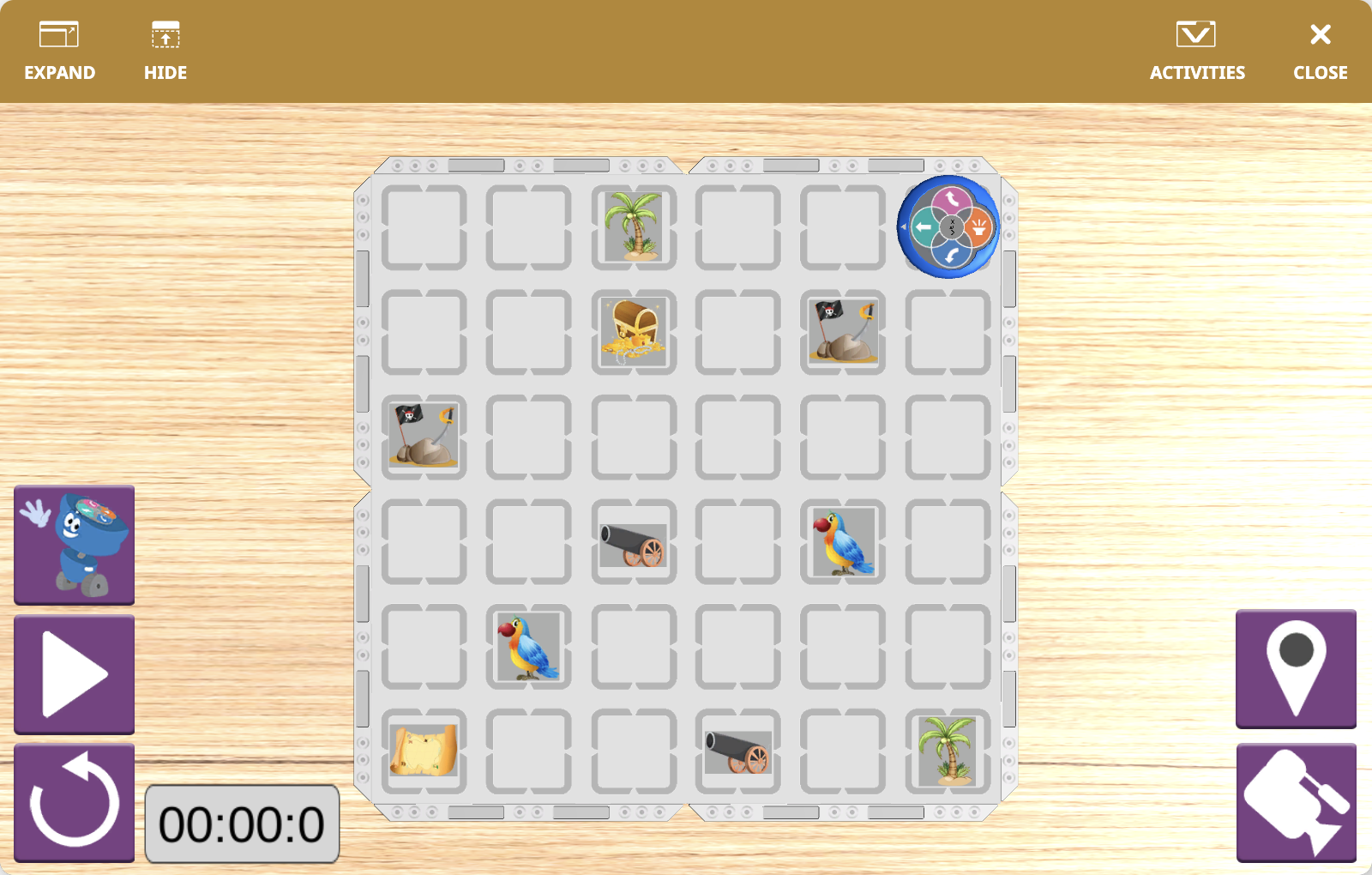
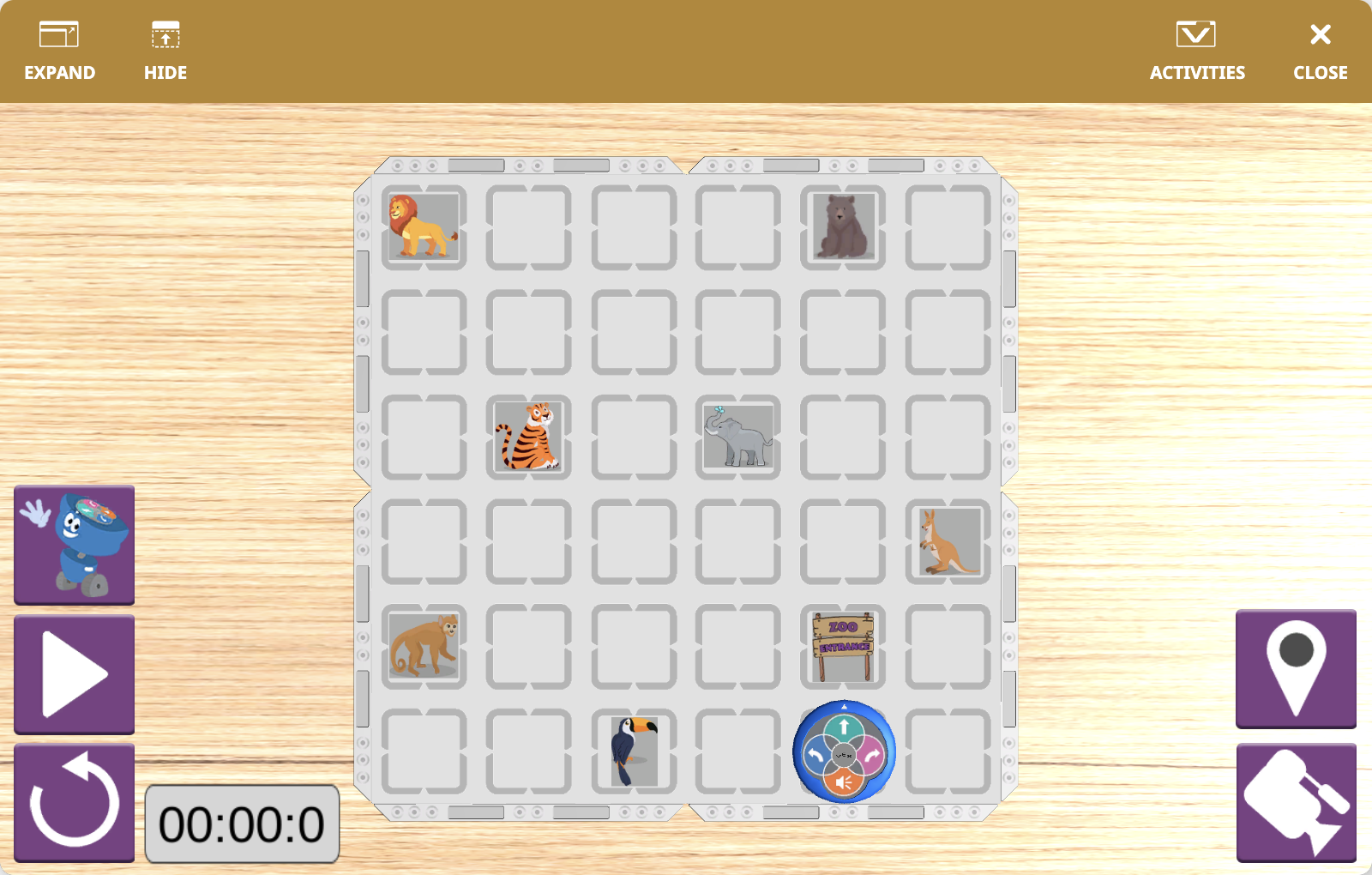
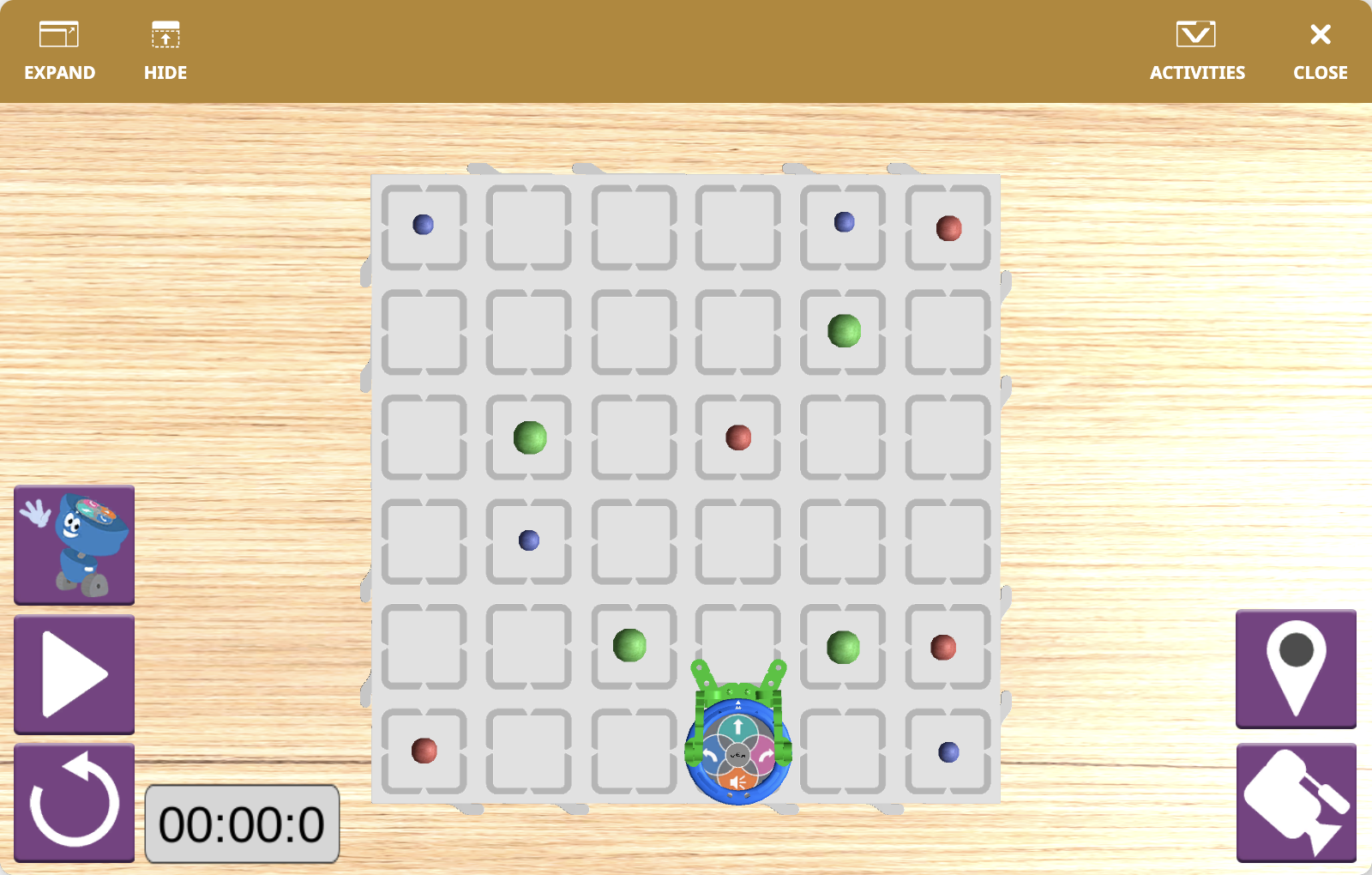
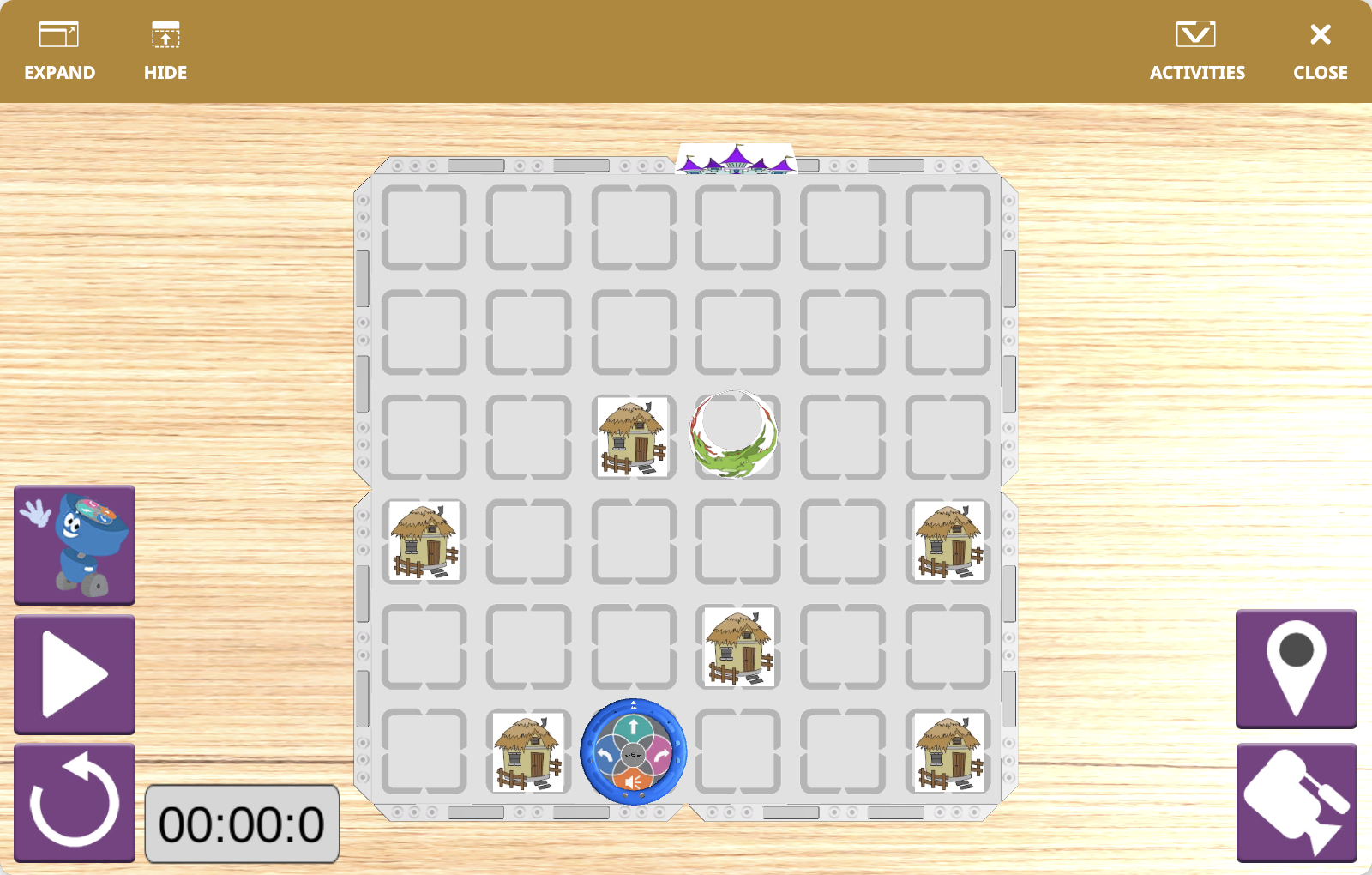
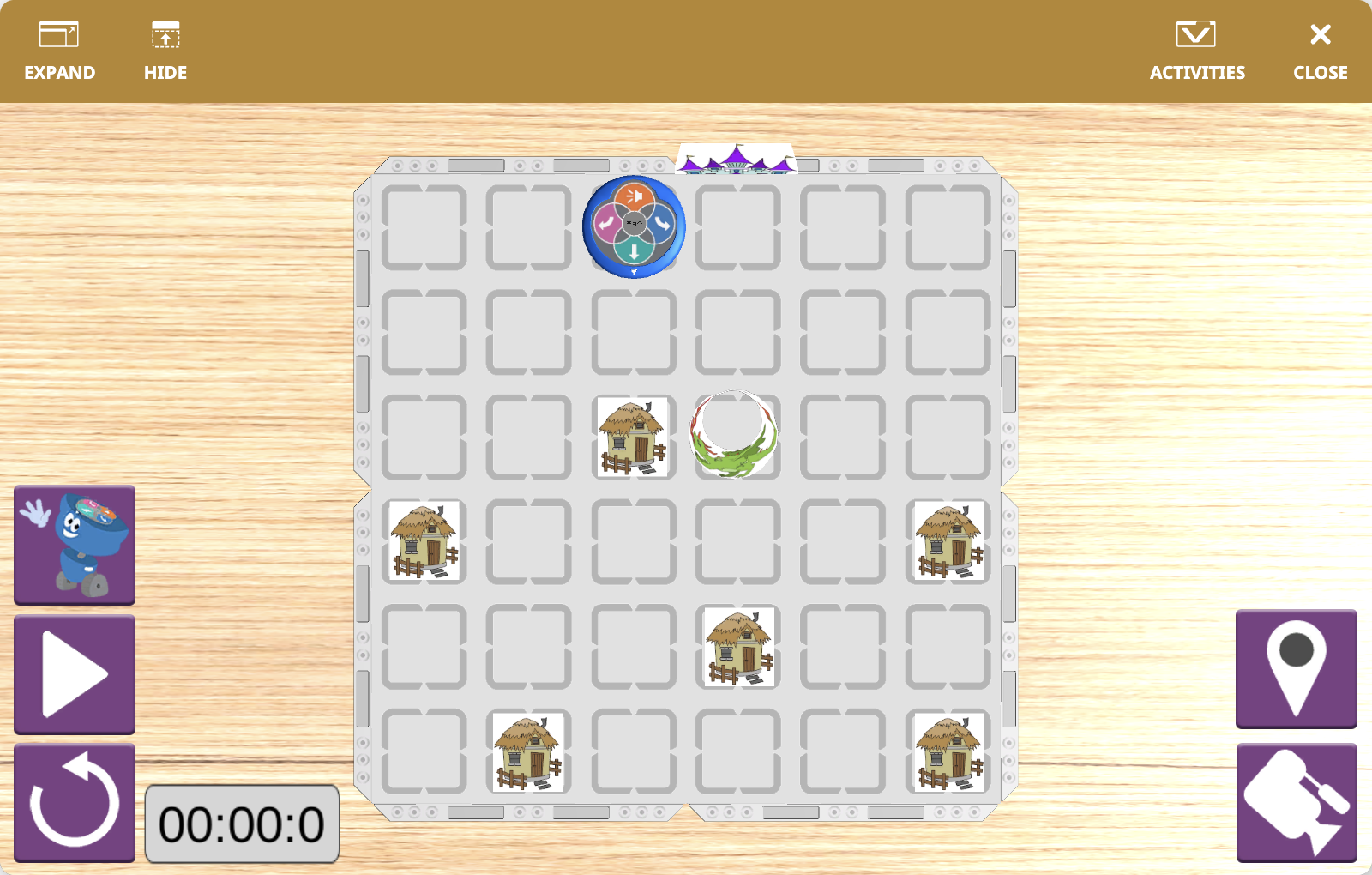
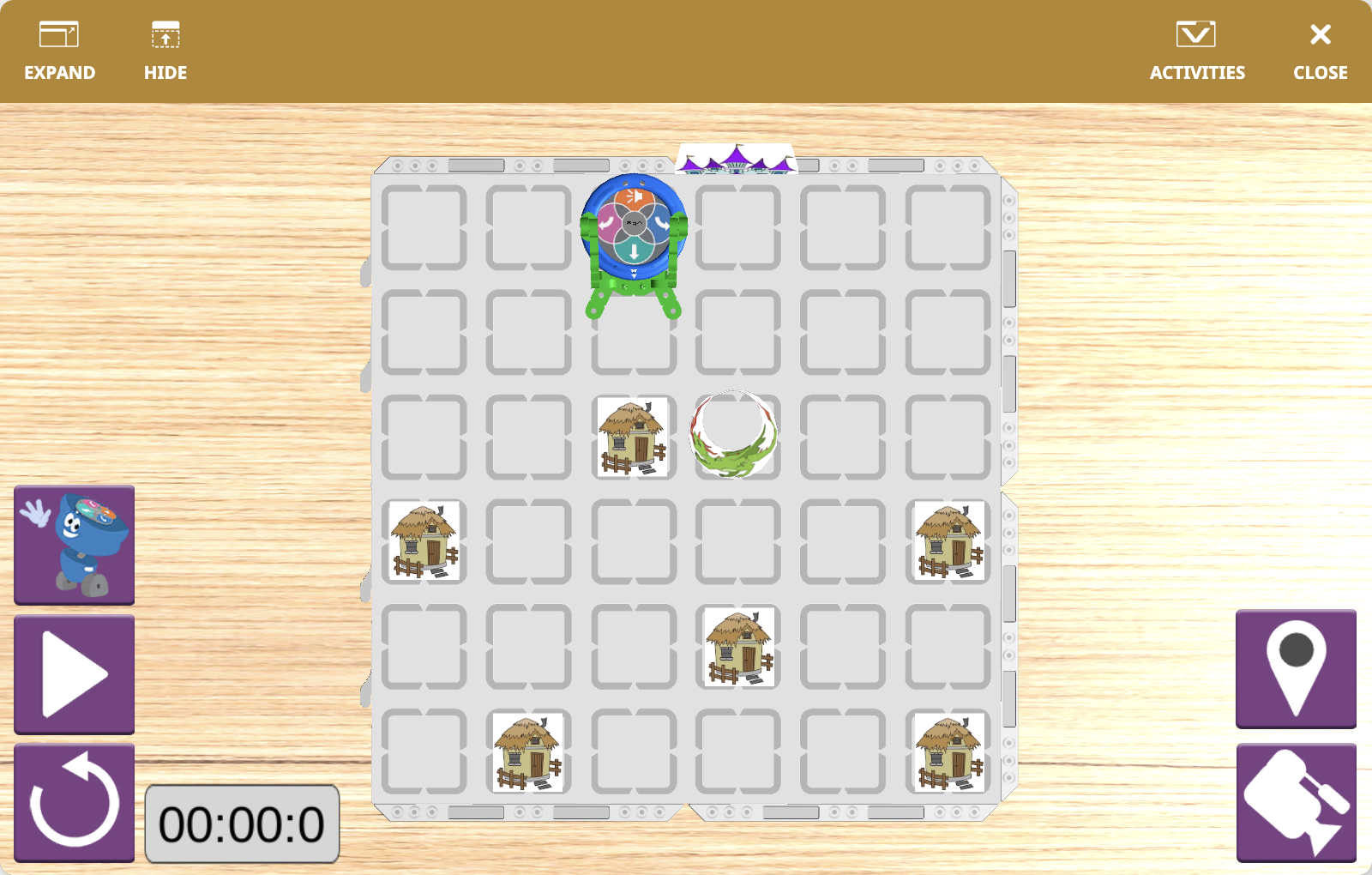
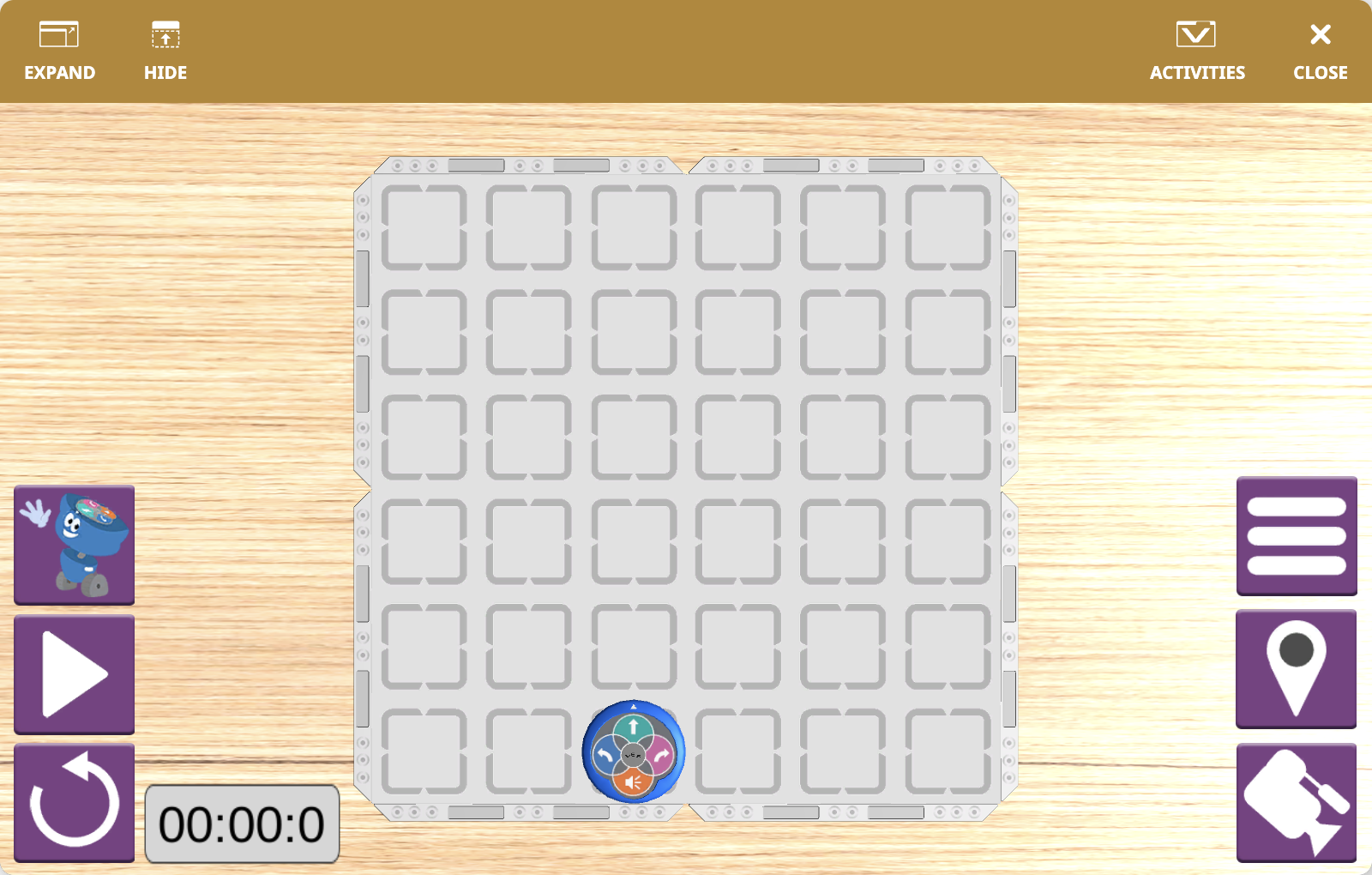
Each activity changes the visual layout of the field, and many activities also let you choose the robot’s starting position before you begin.
Robot Overview#
123 Playspace uses the 123 Robot, a virtual version of the physical 123 Robot, with the same size and sensing abilities used in classroom activities.