Art Canvas+#
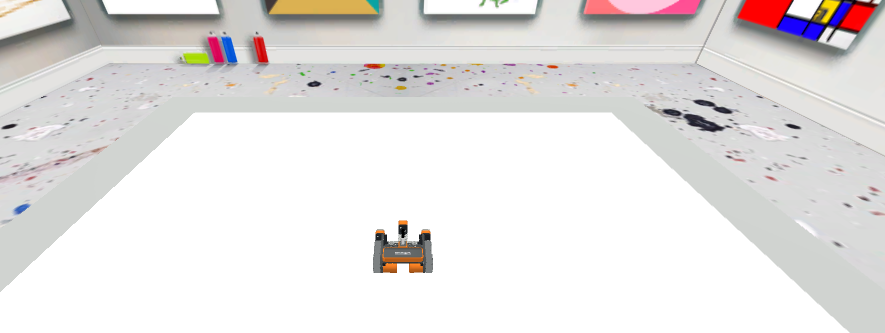
Art Canvas+ uses the same Playground size as Art Canvas, with a starting position of (0, 0).
Robot Overview#
Art Canvas+ uses the Standard VR Robot.
Additional Functionality#
Art Canvas+ provides tools for creating and sharing complex artwork. Access them using the icon menu in the bottom left of the Playground window.
Upload Images#
Use the Upload button to set a custom background image, letting you trace, color, or build on top of your own designs.
Note: Images must be in .png format and under 1 MB.
Save Playground Image#
In addition to the standard screenshot feature available on Enhanced Playgrounds, Art Canvas+ lets you download your current drawing directly using the Download Canvas button.
Clear the Playground#
Press the Clear button to reset the Playground to a blank white canvas at any time.