
Drawing#
Introduction#
The VR Robot uses a pen to draw on a playground as it moves. The robot’s pen can change width, color, and fill entire playgrounds.
Below is a list of all available blocks:
Actions – Change the state of the pen and filled colors of playgrounds and other drawings.
move– Raise or lower the robot’s pen.fill– Fill a playground or an enclosed area with a specified color.
Mutators – Modify the color and width of the pen.
set_pen_color– Set the color of the robot’s pen from preset options.set_pen_width– Set the width of the robot’s pen.set_pen_color_rgb– Set the color of the robot’s pen with red, green, and blue values.
Actions#
move#
move sets the position of the VR Pen.
Usage:
pen.move(action)
Parameters |
Description |
|---|---|
|
The set position of the VR Pen:
|
def main():
    # Draw a straight line.
    pen.move(DOWN)
    drivetrain.drive_for(FORWARD, 400, MM)

# VR threads — Do not delete
vr_thread(main)
fill#
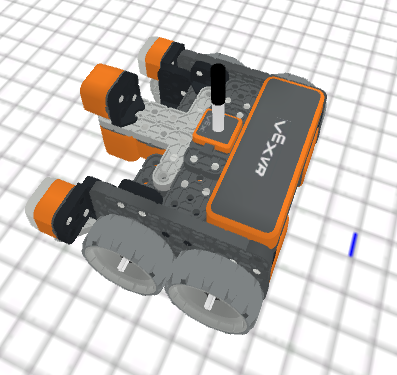
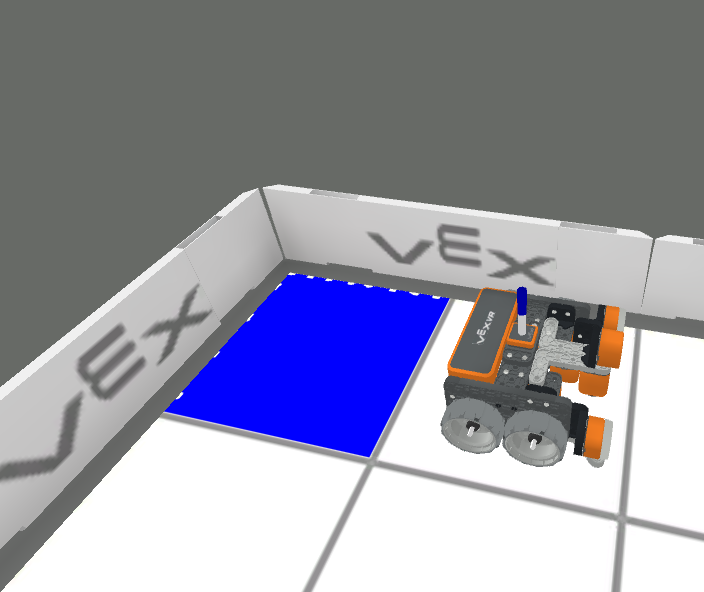
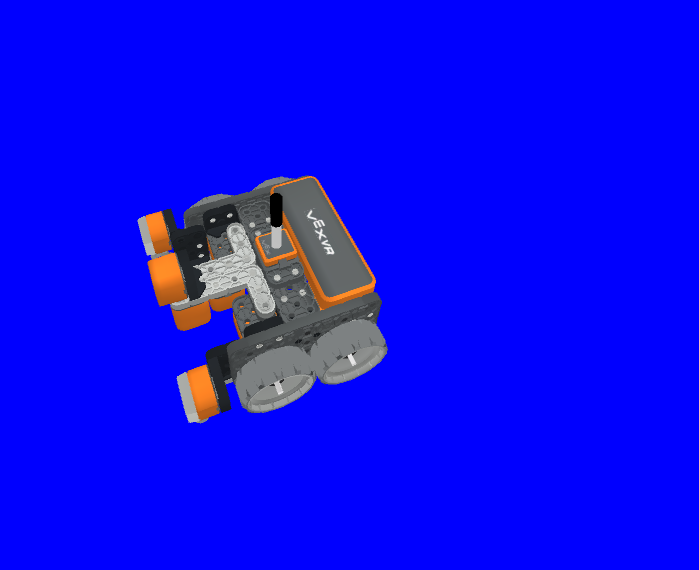
fill fills in the shape of whatever the VR Pen is on top of, for example:
|
|
|
|---|---|---|
Grid lines |
Grid square |
On Playgrounds with no grid, it fills the entire Playground floor. |
Usage:
pen.fill(red, green, blue, opacity)
Parameters |
Description |
|---|---|
|
The intensity of the color red in the RGB value, ranging from 0 to 255. |
|
The intensity of the color green in the RGB value, ranging from 0 to 255. |
|
The intensity of the color blue in the RGB value, ranging from 0 to 255. |
|
The transparency of the VR Pen’s color, ranging from 0 to 100 percent. |
def main():
    # Fill the playground's floor with blue at full opacity.
    pen.fill(43, 162, 202, 100)

# VR threads — Do not delete
vr_thread(main)
Mutators#
set_pen_color#
set_pen_color sets the color of the VR Pen from preset options.
Usage:
pen.set_pen_color(color)
Parameters |
Description |
|---|---|
|
The color of the VR Pen: |
def main():
    # Draw a blue line
    pen.move(DOWN)
    pen.set_pen_color(BLUE)
    drivetrain.drive_for(FORWARD, 400, MM)

# VR threads — Do not delete
vr_thread(main)
set_pen_width#
set_pen_width method is used to set the width of the VR Pen.
Usage:
pen.set_pen_width(width)
Parameters |
Description |
|---|---|
|
The width of the VR Pen:
|
def main():
    # Draw a straight line of medium width
    pen.move(DOWN)
    pen.set_pen_width(MEDIUM)
    drivetrain.drive_for(FORWARD, 400, MM)

# VR threads — Do not delete
vr_thread(main)
set_pen_color_rgb#
set_pen_color_rgb method is used to set the RGB and opacity values for the VR Pen’s color.
Usage:
pen.set_pen_color_rgb(red, green, blue, opacity)
Parameters |
Description |
|---|---|
|
The intensity of the color red in the RGB value, ranging from 0 to 255. |
|
The intensity of the color green in the RGB value, ranging from 0 to 255. |
|
The intensity of the color blue in the RGB value, ranging from 0 to 255. |
|
The transparency of the VR Pen’s color, ranging from 0 to 100 percent. |
def main():
    # Draw an orange line
    pen.move(DOWN)
    pen.set_pen_color_rgb(225, 112, 52, 100)
    drivetrain.drive_for(FORWARD, 400, MM)

# VR threads — Do not delete
vr_thread(main)