
绘画#
介绍#
这款VR机器人使用一支笔在游乐场上边移动边作画。机器人的笔可以改变粗细、颜色,并能覆盖整个游乐场。
以下是所有可用模块的列表:
操作——改变画笔状态以及游乐场和其他图画的填充颜色。
修改器 – 修改画笔的颜色和粗细。
set_pen_color– 从预设选项中设置机器人笔的颜色。set_pen_width– 设置机器人笔的宽度。set_pen_color_rgb– 使用红色、绿色和蓝色值设置机器人笔的颜色。
行动#
move#
move 设置 VR 笔的位置。
Usage:
pen.move(action)
参数 |
描述 |
|---|---|
|
VR笔的设置位置:
|
def main():
    # Draw a straight line.
    pen.move(DOWN)
    drivetrain.drive_for(FORWARD, 400, MM)

# VR threads — Do not delete
vr_thread(main)
fill#
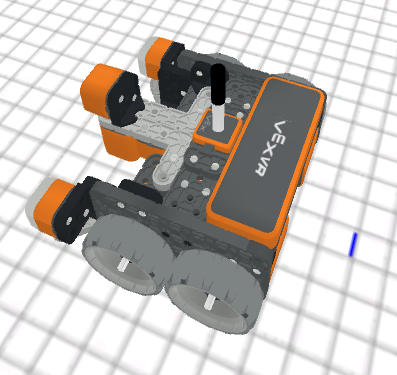
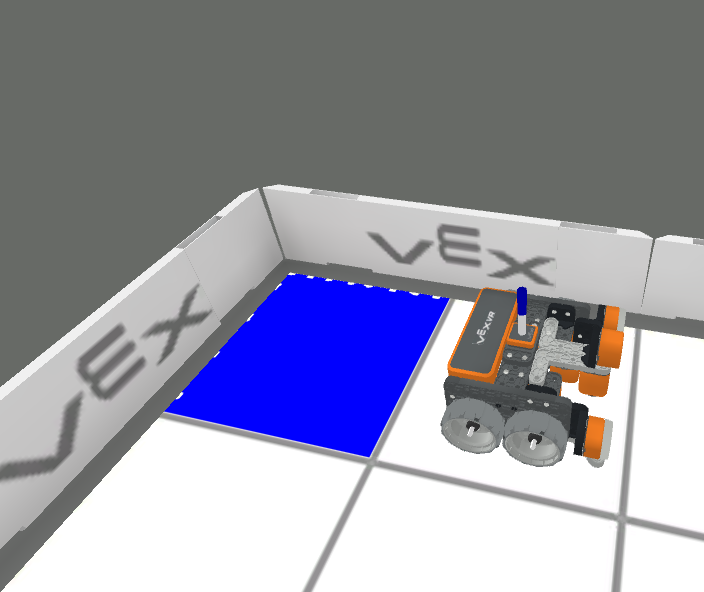
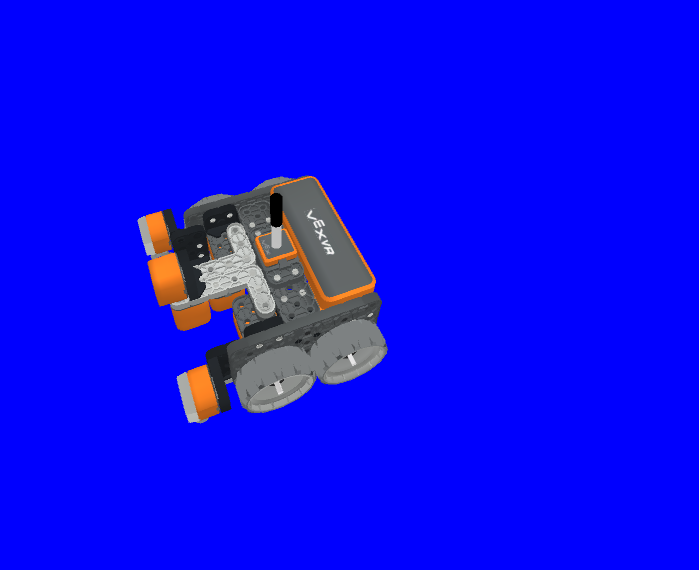
fill 填充 VR 笔所在物体的形状,例如:
|
|
|
|---|---|---|
网格线 |
网格方块 |
在没有网格的操场上,它会铺满整个操场地面。 |
Usage:
pen.fill(red, green, blue, opacity)
参数 |
描述 |
|---|---|
|
RGB 值中红色颜色的强度,范围从 0 到 255。 |
|
RGB 值中绿色的强度,范围从 0 到 255。 |
|
RGB 值中蓝色的强度,范围从 0 到 255。 |
|
VR笔颜色的透明度,范围从0%到100%。 |
def main():
    # Fill the playground's floor with blue at full opacity.
    pen.fill(43, 162, 202, 100)

# VR threads — Do not delete
vr_thread(main)
变异体#
set_pen_color#
set_pen_color 从预设选项中设置 VR 笔的颜色。
Usage:
pen.set_pen_color(color)
参数 |
描述 |
|---|---|
|
The color of the VR Pen: |
def main():
    # Draw a blue line
    pen.move(DOWN)
    pen.set_pen_color(BLUE)
    drivetrain.drive_for(FORWARD, 400, MM)

# VR threads — Do not delete
vr_thread(main)
set_pen_width#
set_pen_width 方法用于设置 VR 笔的宽度。
Usage:
pen.set_pen_width(width)
参数 |
描述 |
|---|---|
|
VR笔的宽度:
|
def main():
    # Draw a straight line of medium width
    pen.move(DOWN)
    pen.set_pen_width(MEDIUM)
    drivetrain.drive_for(FORWARD, 400, MM)

# VR threads — Do not delete
vr_thread(main)
set_pen_color_rgb#
set_pen_color_rgb 方法用于设置 VR 笔颜色的 RGB 和不透明度值。
Usage:
pen.set_pen_color_rgb(red, green, blue, opacity)
参数 |
描述 |
|---|---|
|
RGB 值中红色颜色的强度,范围从 0 到 255。 |
|
RGB 值中绿色的强度,范围从 0 到 255。 |
|
RGB 值中蓝色的强度,范围从 0 到 255。 |
|
VR笔颜色的透明度,范围从0%到100%。 |
def main():
    # Draw an orange line
    pen.move(DOWN)
    pen.set_pen_color_rgb(225, 112, 52, 100)
    drivetrain.drive_for(FORWARD, 400, MM)

# VR threads — Do not delete
vr_thread(main)