
123 Playspace#
El espacio de juego 123 Playspace es una versión virtual del Robot VEX 123 y del Campo 123 que permite a los estudiantes completar 123 actividades con un robot virtual.
Está diseñado para comportarse como la experiencia física de 123 Robot, pero en un entorno virtual donde los estudiantes pueden probar el movimiento, la detección, los sonidos y los comportamientos robóticos simples directamente en VEXcode VR.
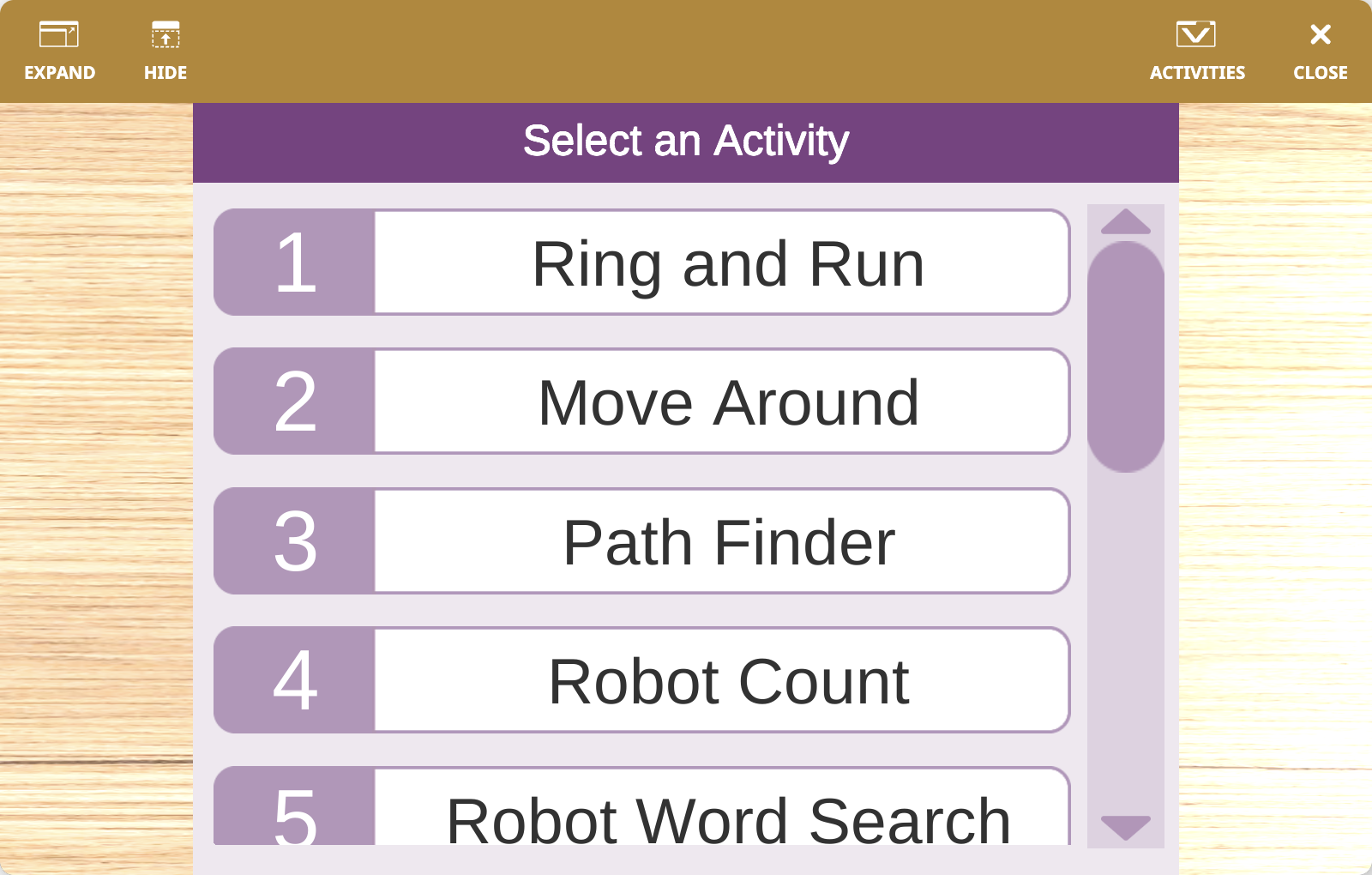
Descripción general del parque infantil#
Cuando se inicia el Playground, puedes elegir entre 12 actividades diferentes. Cada actividad carga su propio diseño de campo y gráficos para que el robot virtual pueda usarse en los mismos tipos de desafíos y lecciones que el robot físico 123.
El robot virtual 123 puede:
Conduzca y dé la vuelta al campo.
Comience desde diferentes posiciones dependiendo de la configuración seleccionada.
Utilice su sensor ocular integrado y la detección de colisiones basada en giroscopio.
Enciende su LED central y reproduce sonidos incorporados.
Realiza acciones de robot preestablecidas como feliz, triste y loco.
Dibuja con un bolígrafo en el patio de juegos virtual.
Actividades y campo#
El espacio de juego 123 incluye una combinación de mapas de actividades guiadas y de final abierto:
Patio de juegos |
Actividad |
Objetivo |
|---|---|---|
|
Anillo y carrera |
Navega hasta una casa, toca el timbre y huye. |
|
Cambiar de lugar |
Navega alrededor de todos los bloques en el campo hasta llegar a la meta. |
|
Buscador de caminos |
Sigue el camino marcado en el terreno. |
|
Recuento de robots |
Navegue utilizando los números marcados en el campo. |
|
Búsqueda de palabras de robots |
Navega por las letras para escribir palabras. |
|
Búsqueda del tesoro |
Navega para recolectar tesoros y evitar a los piratas. |
|
Visita el zoológico |
Navega para visitar a los animales del zoológico. |
|
Limpia tu habitación |
Utilice un empujador en la parte delantera del robot para limpiar el campo. |
|
Llega al castillo |
Ábrete paso entre casas y un dragón para llegar al castillo. |
|
Reúna los materiales |
Recoge los materiales del pueblo y regresa al castillo. |
|
Empuja al dragón |
Utiliza el empujador situado en la parte delantera del robot para alejar al dragón de las casas. |
|
Costumbre |
Comience con un campo de actividad personalizable para actividades abiertas. |
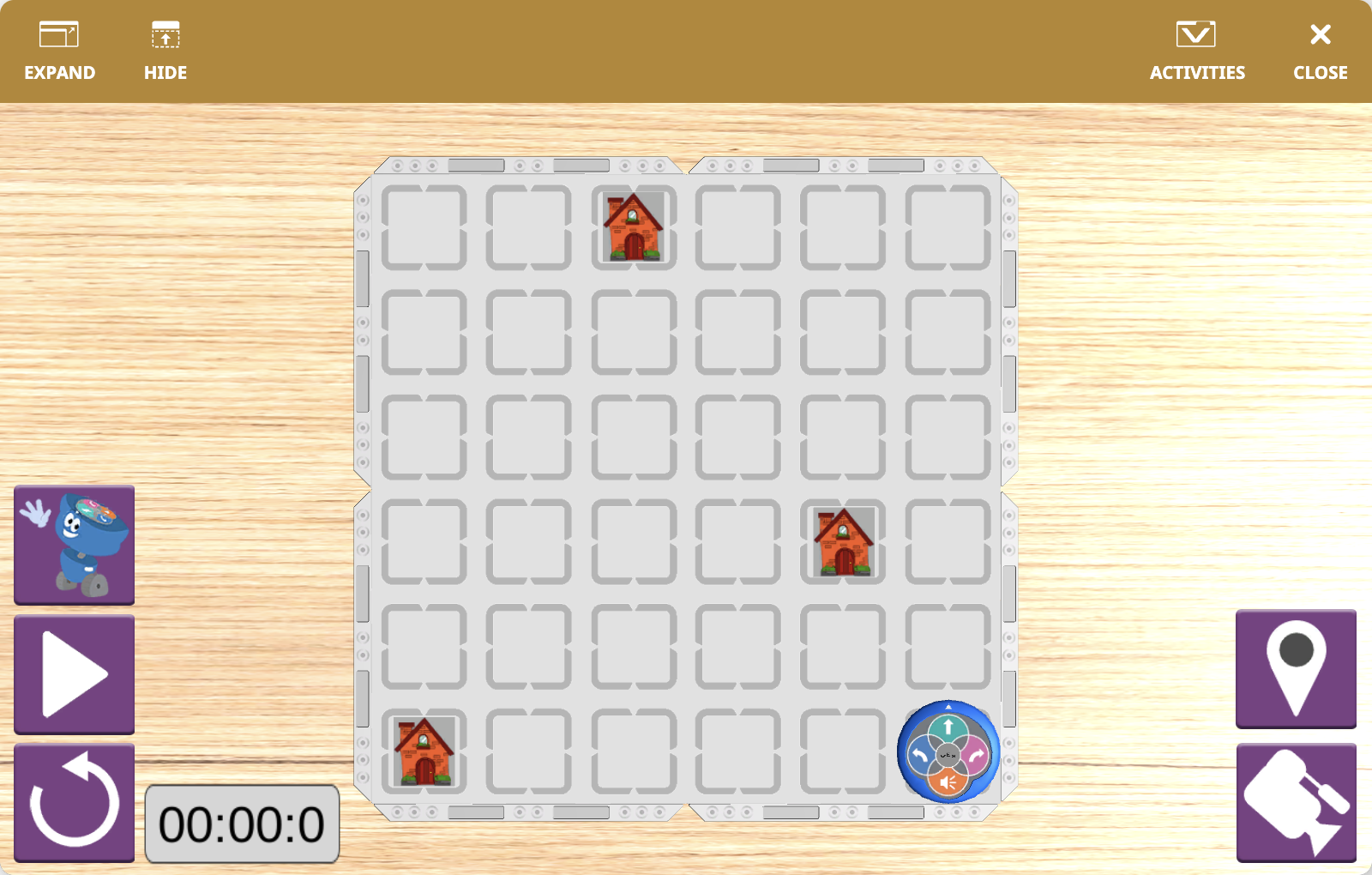
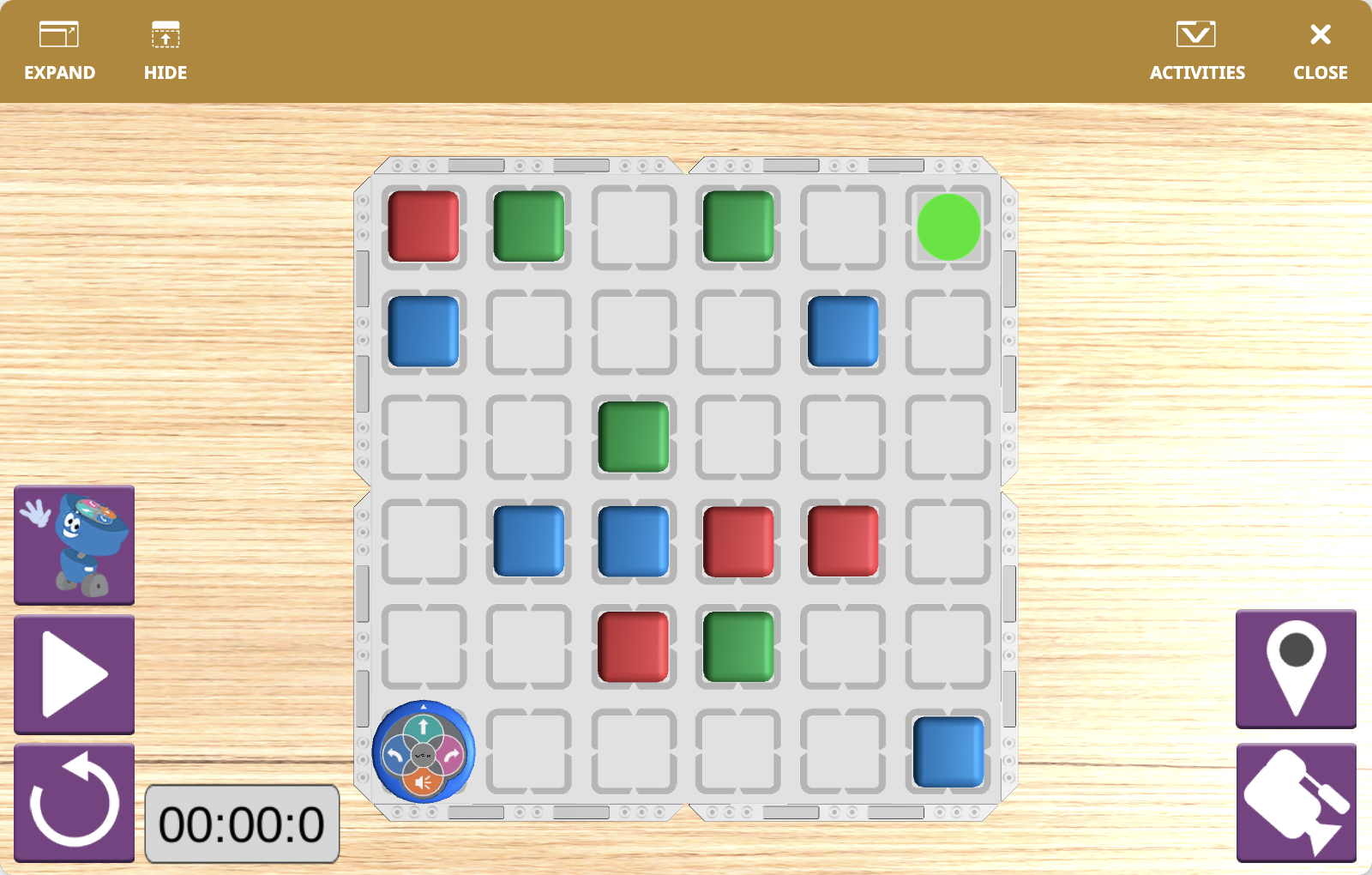
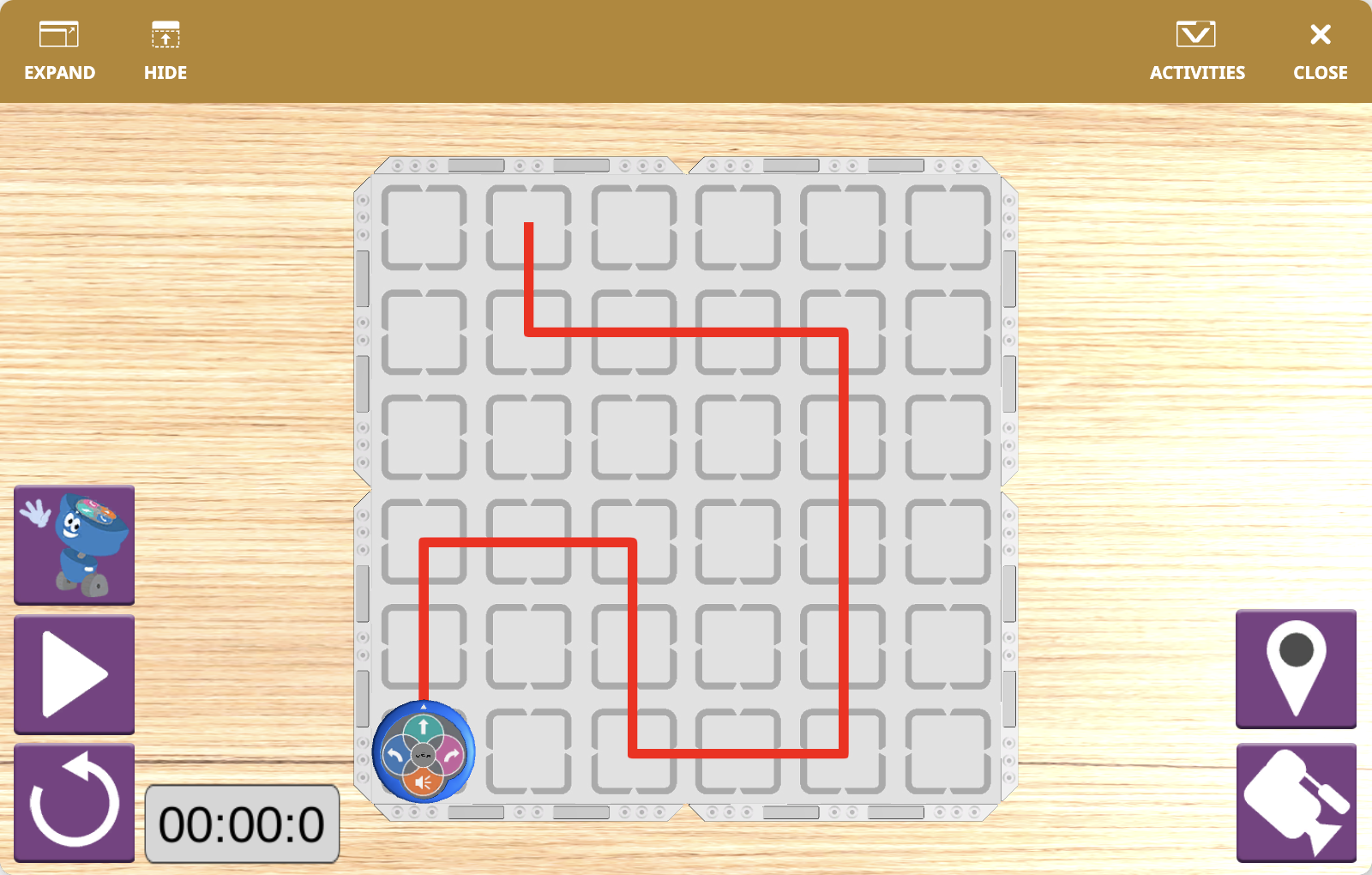
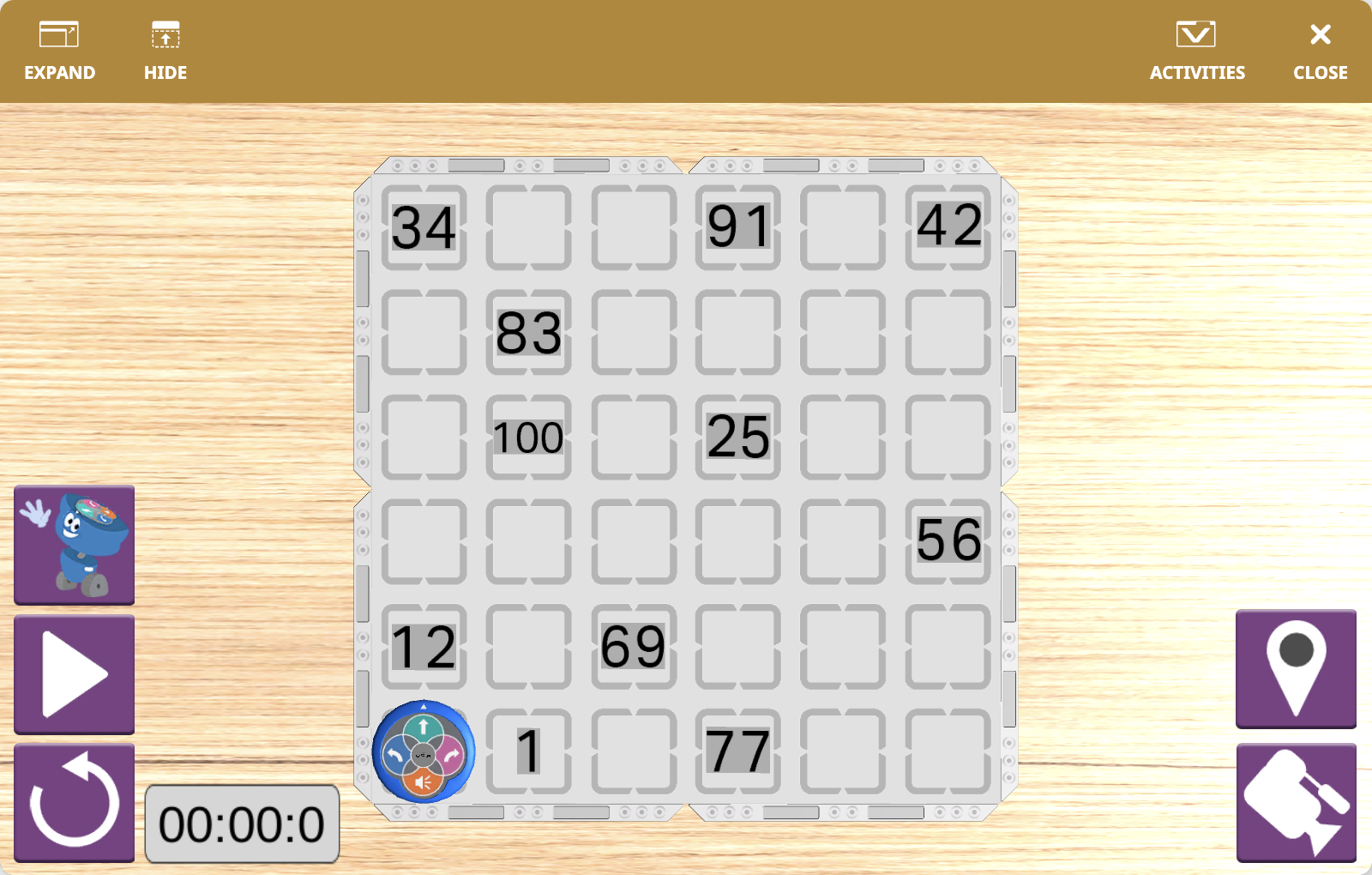
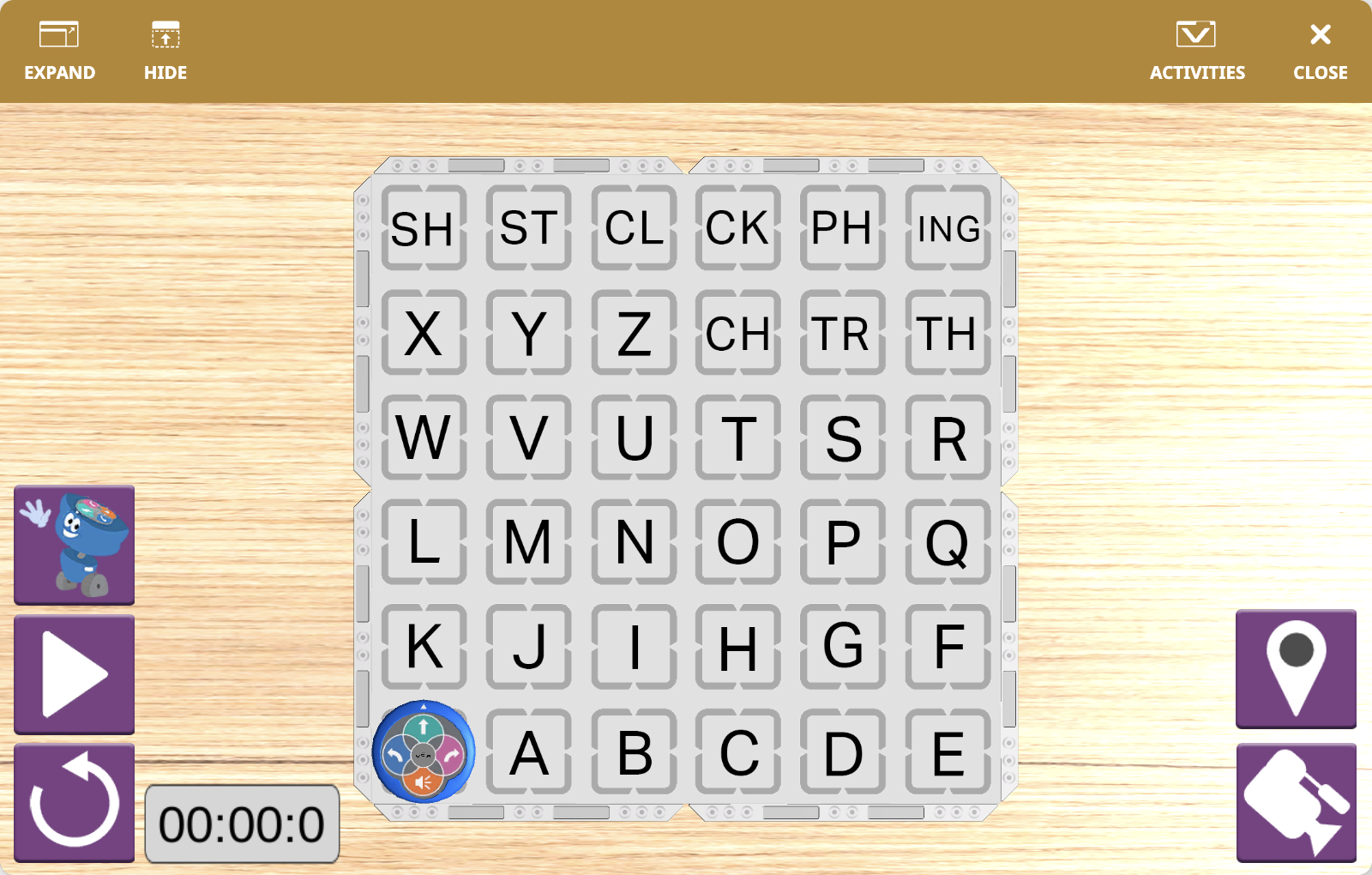
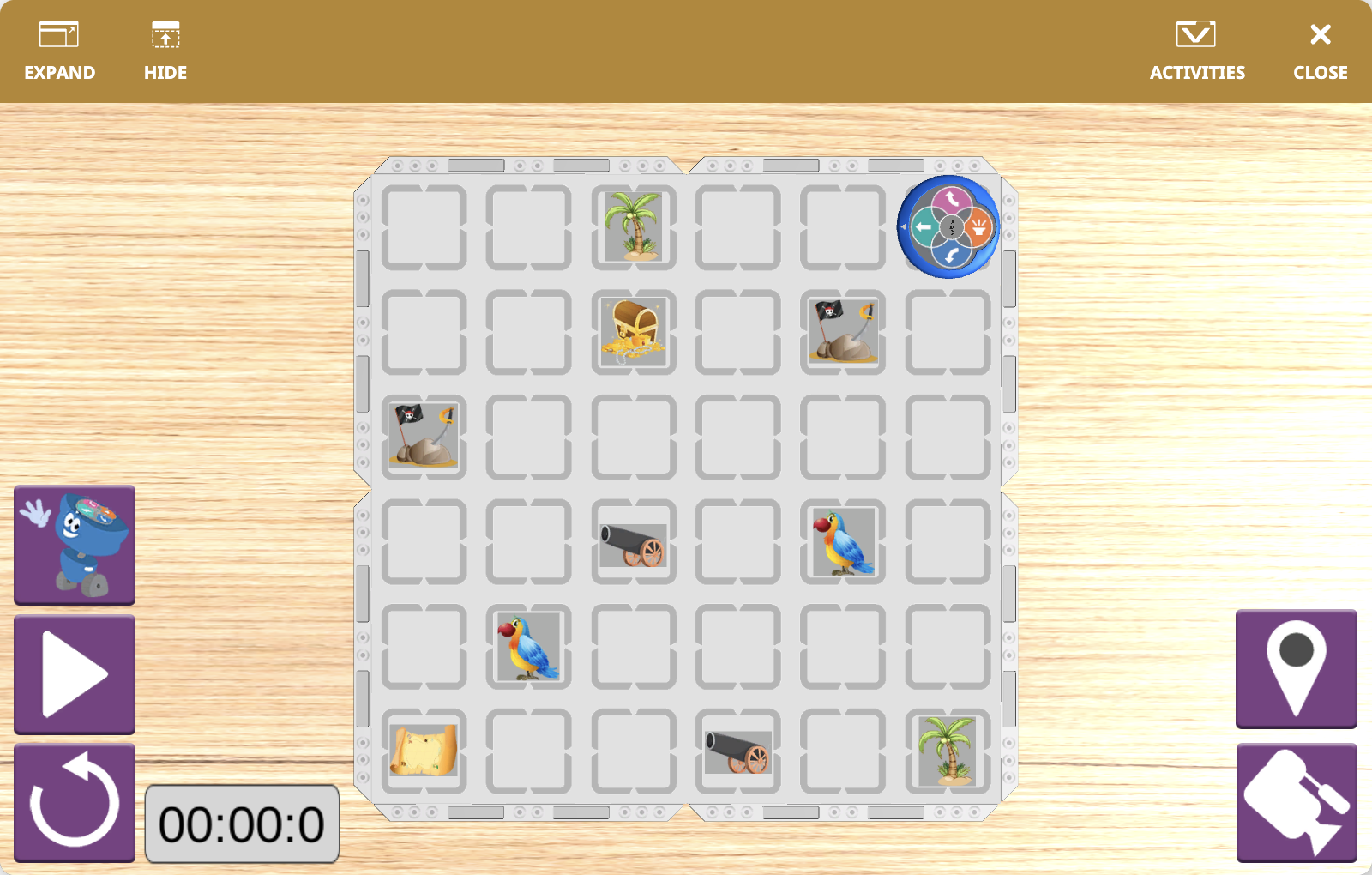
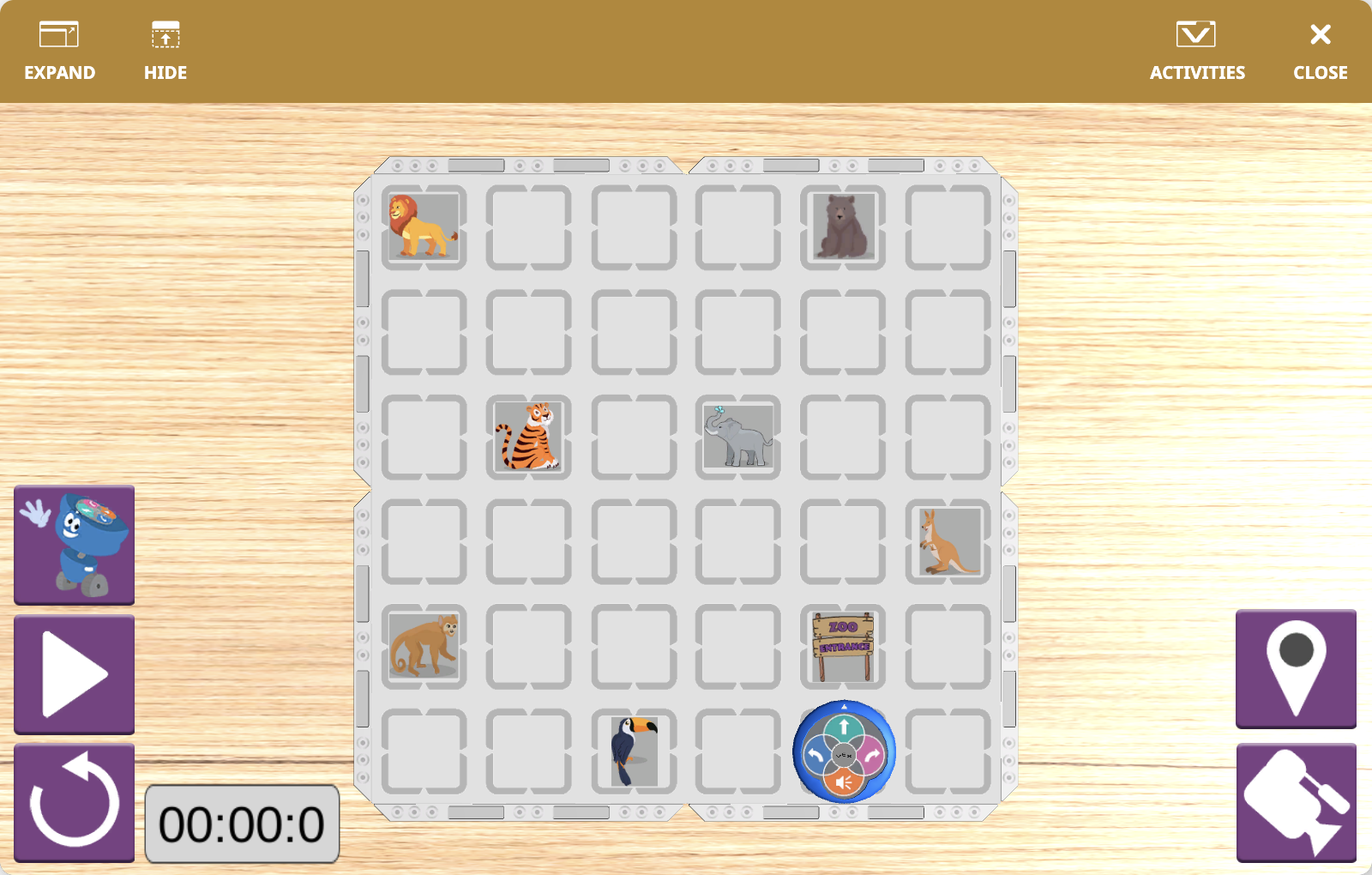
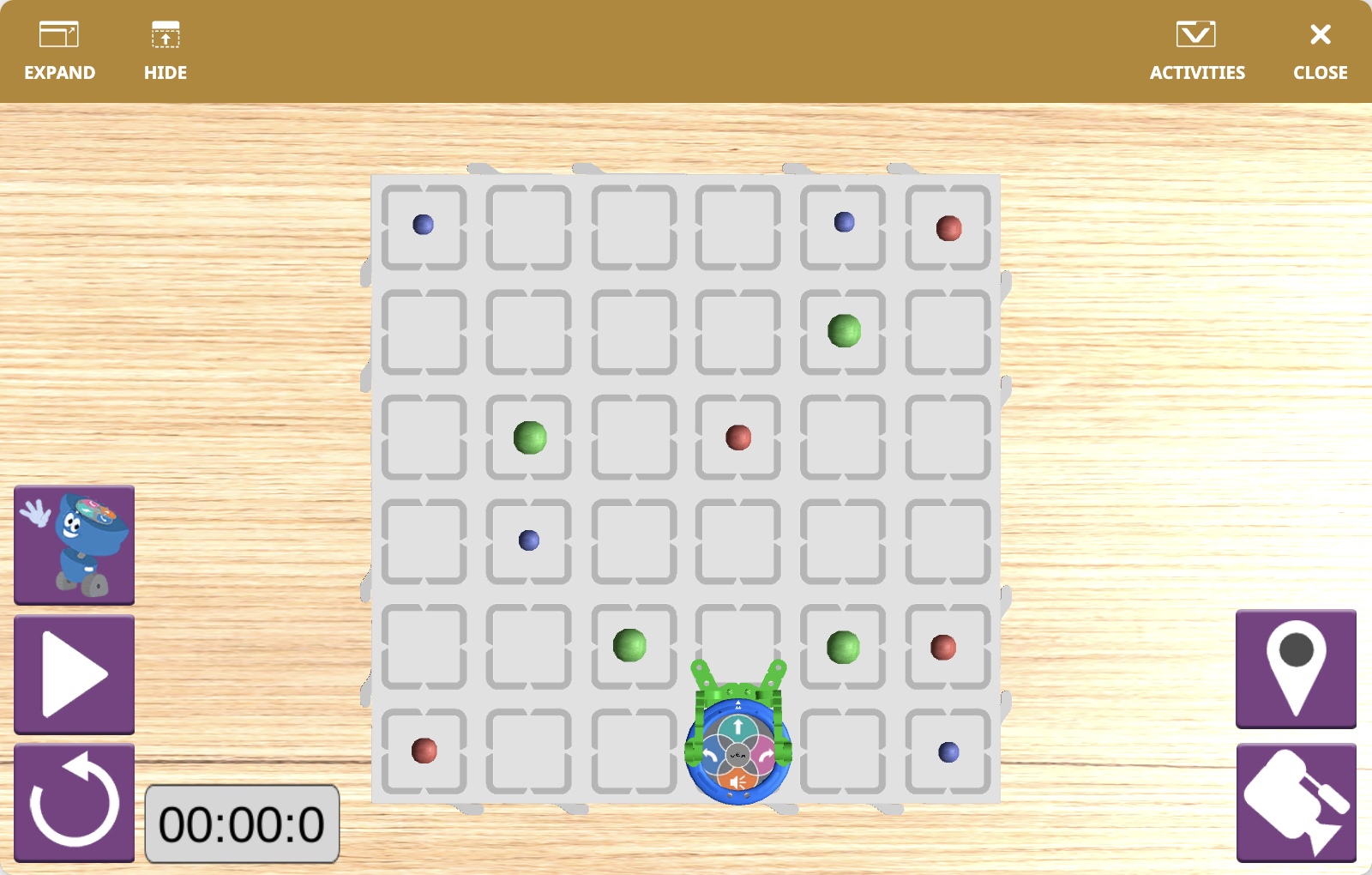
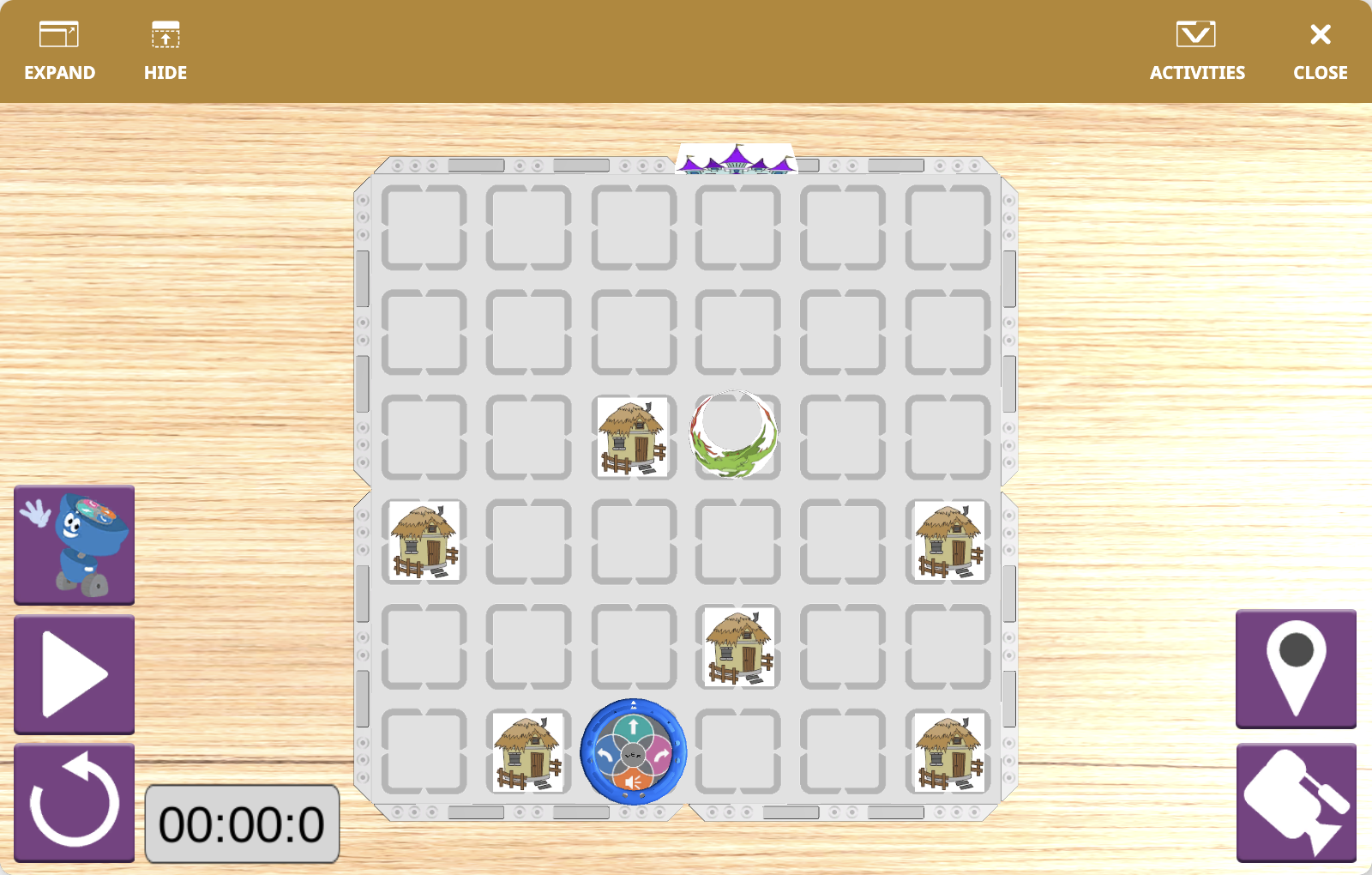
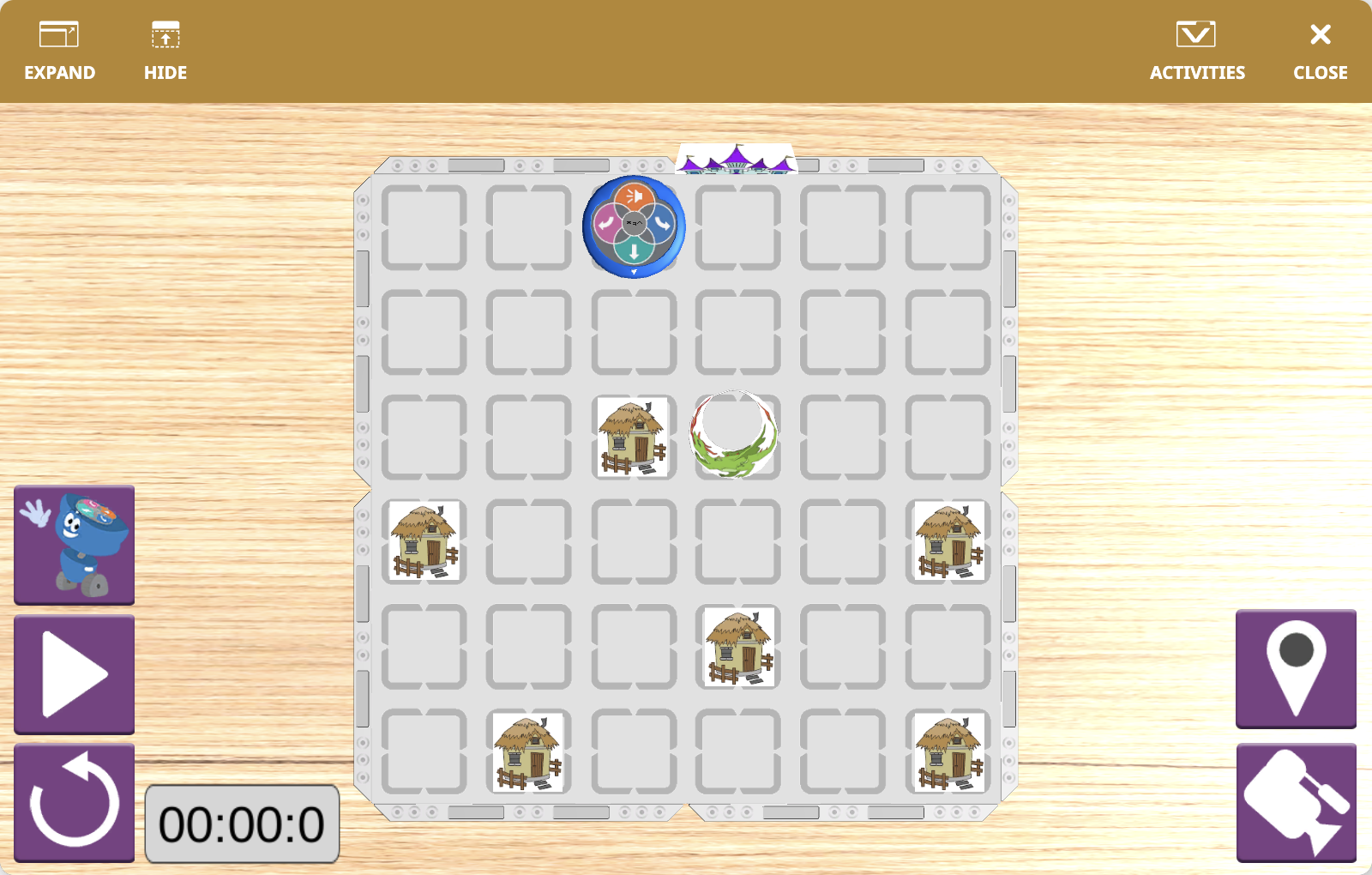
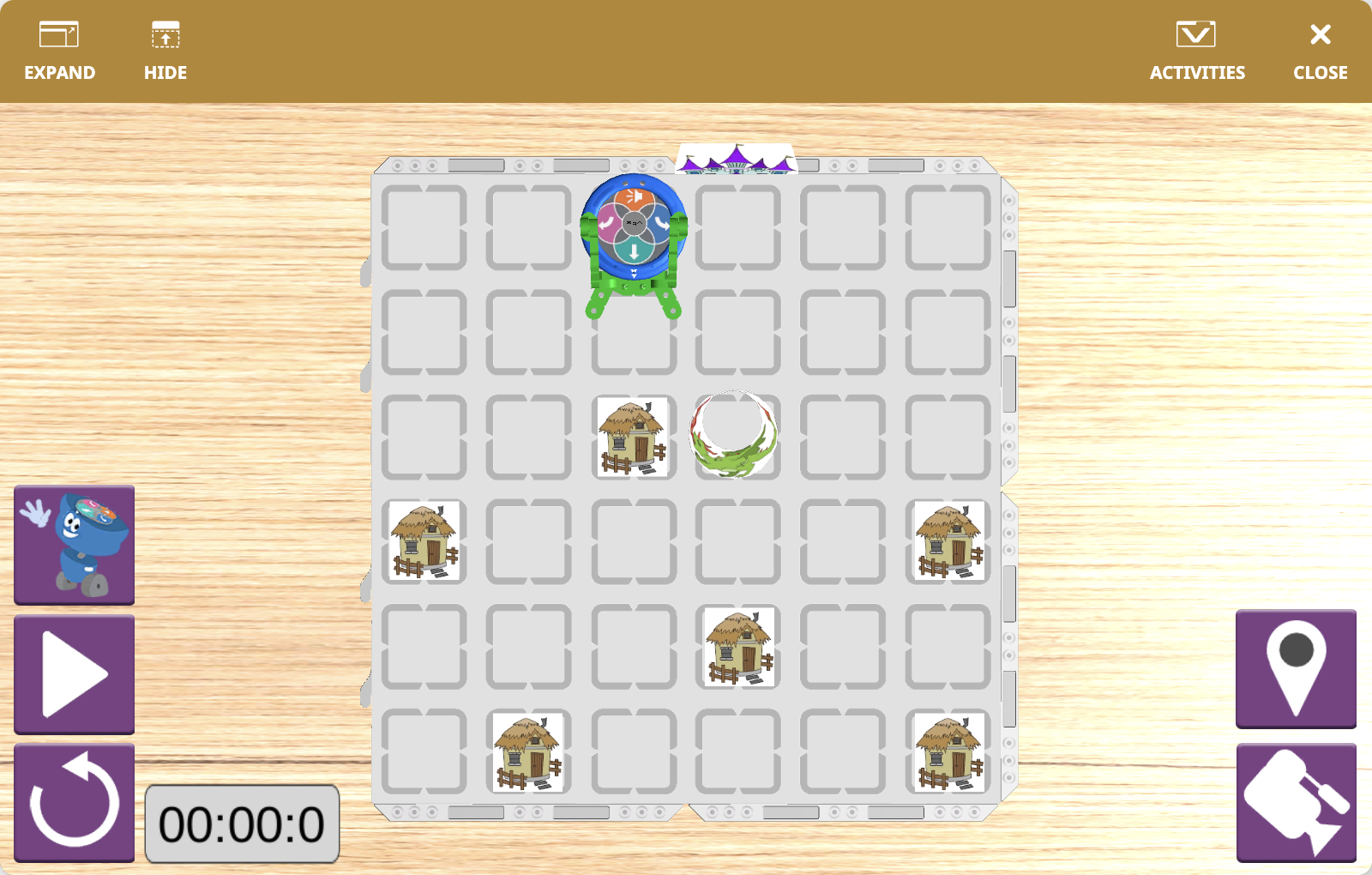
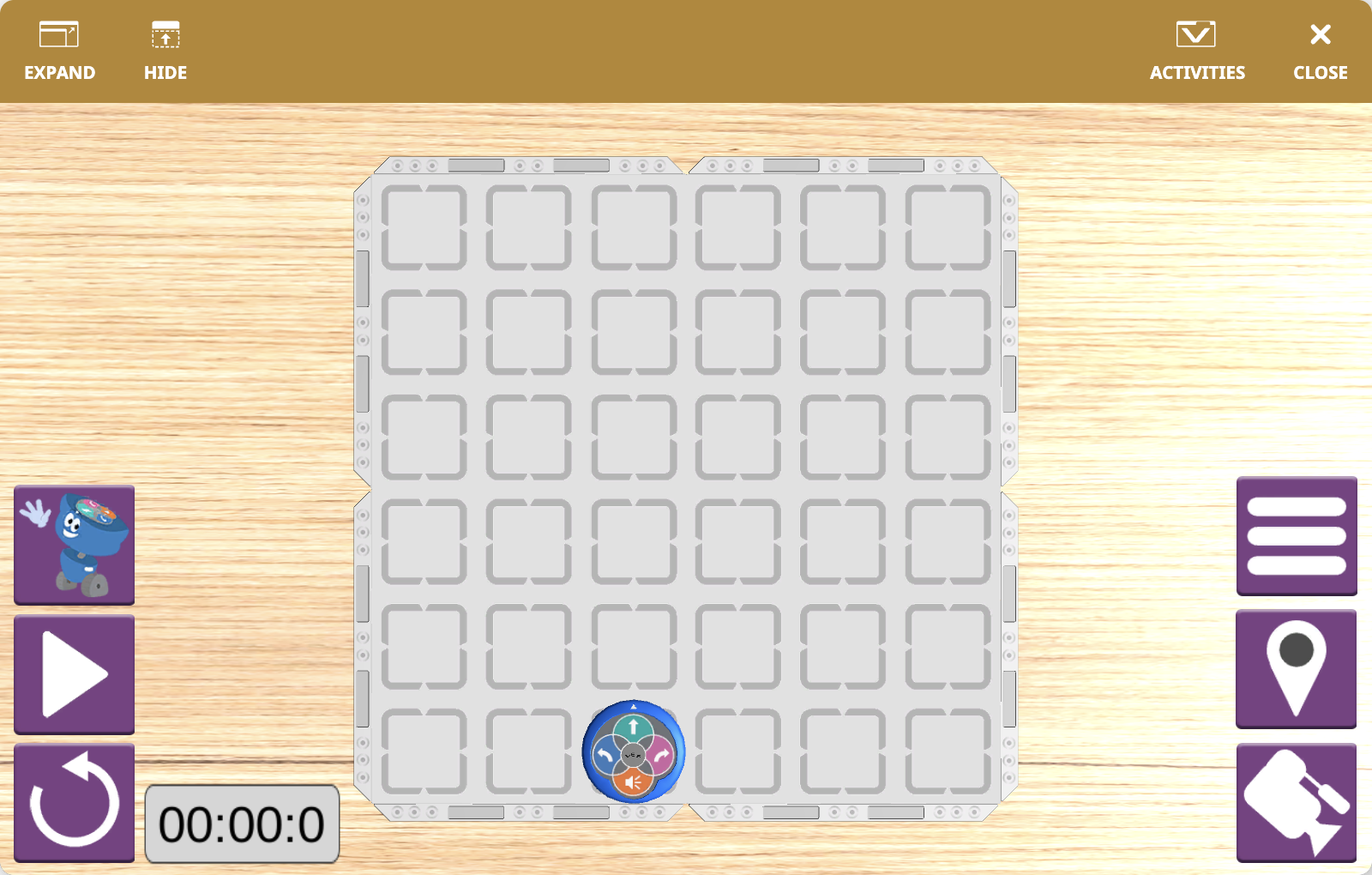
Cada actividad modifica la disposición visual del campo, y muchas actividades también permiten elegir la posición inicial del robot antes de comenzar.
Descripción general del robot#
123 Playspace utiliza el 123 Robot, una versión virtual del robot físico 123, con el mismo tamaño y capacidades de detección que se utilizan en las actividades del aula.