

GO Competition - Mars Math Expedition 2.0#
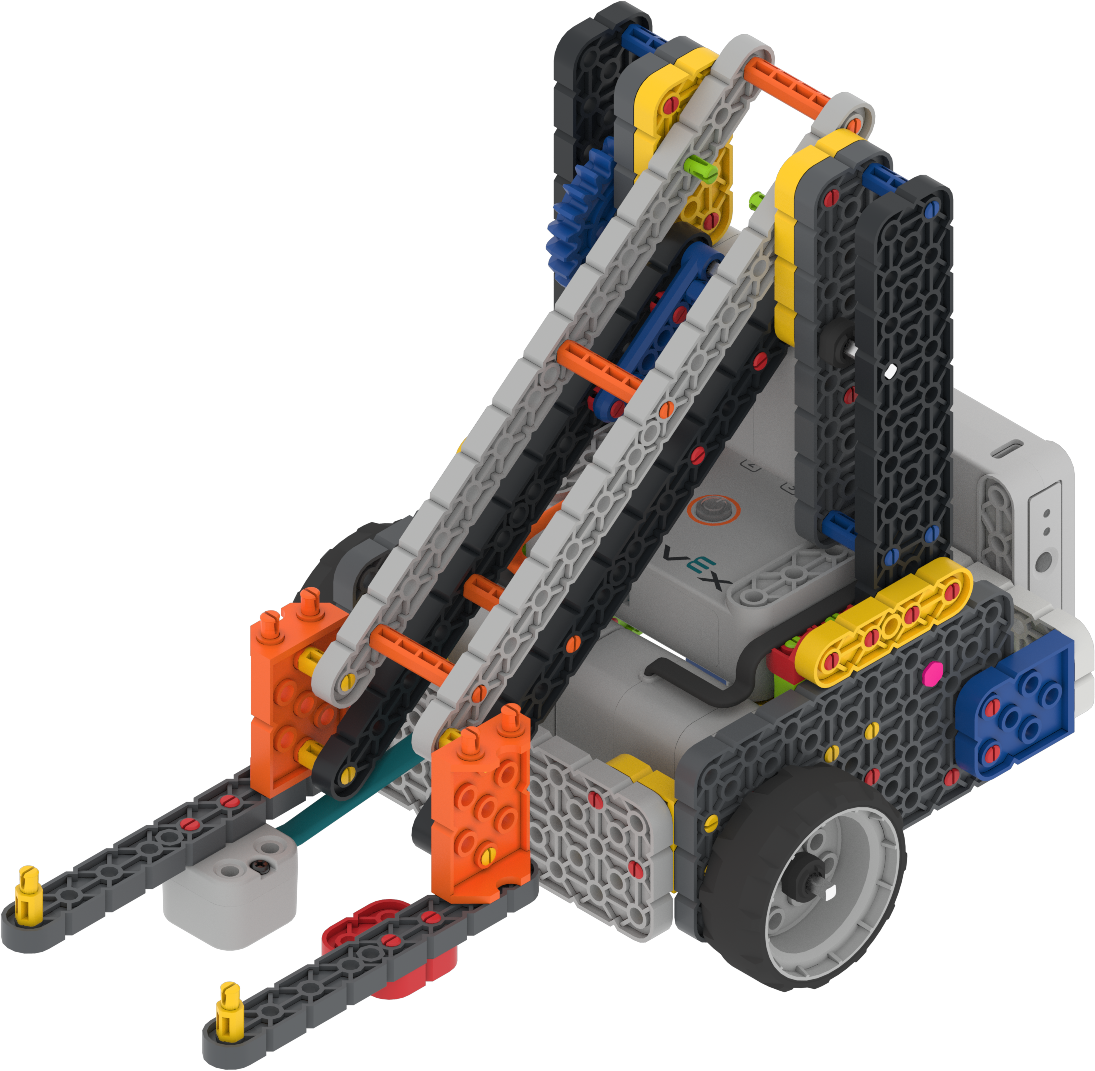
The GO Competition - Mars Math Expedition 2.0 Playground lets you code a virtual VEX GO Competition Advanced 2.0 Robot to complete the tasks from the Mars Math Expedition competition.
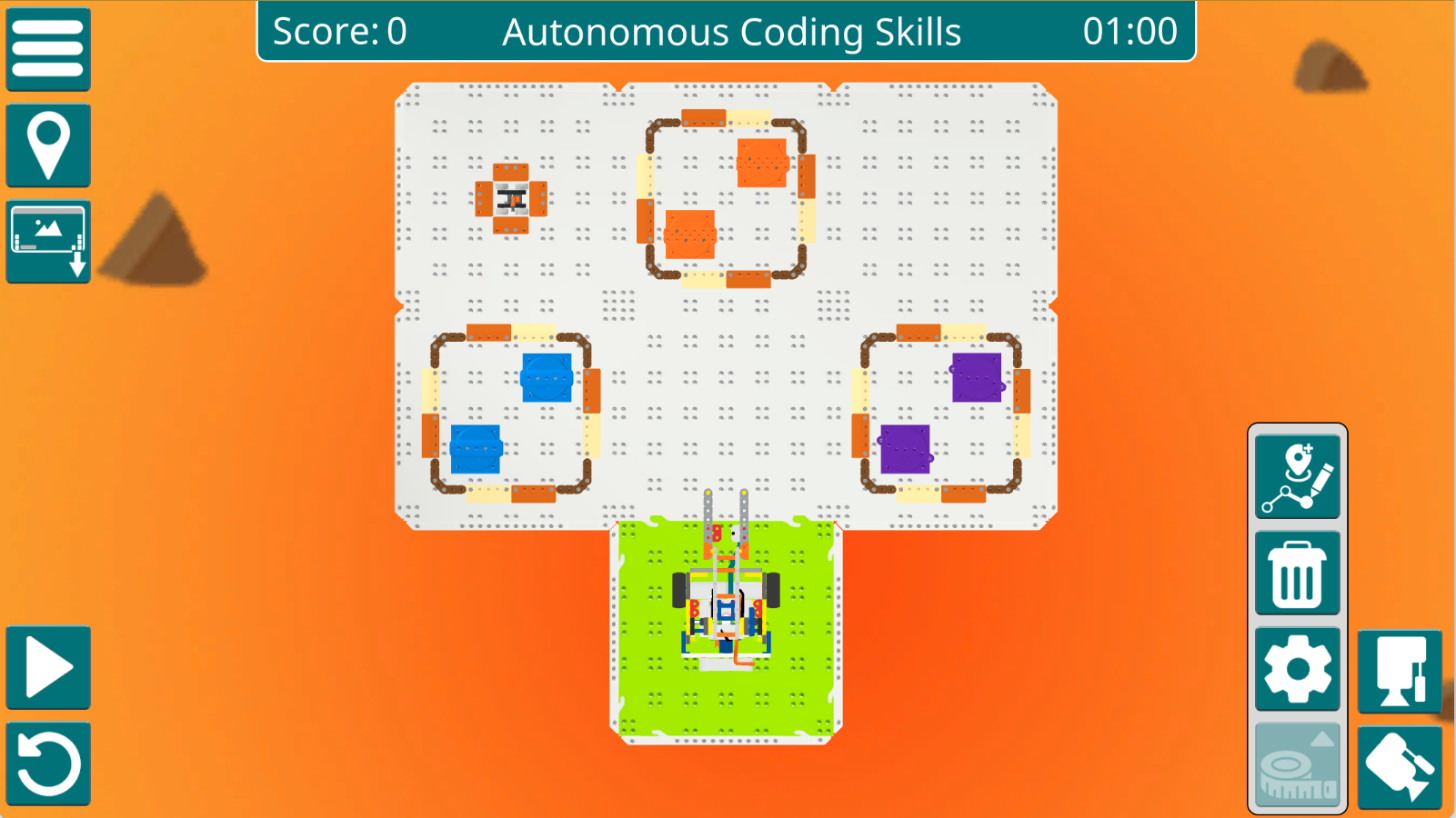
This Playground has the same field and tasks as the GO Competition - Mars Math Expedition Playground, but it uses the GO Competition Advanced 2.0 Robot.
Playground Overview#
The Playground uses a Mars-themed competition field and is organized into four stages. Stage 1 introduces the first core tasks, then each later stage adds new goals without removing the earlier ones.
This progression makes the Playground useful for both guided classroom work and full competition-style autonomous coding. You can start by solving one or two tasks, then keep improving your program as more field elements are added.
Stages#
Each stage keeps the goals from earlier stages and adds the tasks listed below. As the stages progress, the challenge level increases by requiring more precise movement, manipulation, and route planning.
Stage |
Field |
Goals Added |
|---|---|---|
1 |
|
Collect a sample from a crater and move the Rover out of its crater. |
2 |
|
Place a sample inside the Lab, place a sample on top of the Lab, and place a sample on the colored square that matches its color. |
3 |
|
Tilt the Solar Panel down, clear the beams off the Landing Site, land the helicopter, lift the Rocket Ship upright, and end the project with the robot on the red tile. |
4 |
|
Remove a Fuel Cell from its cradle and deliver Fuel Cells to the Rocket Ship and the Landing Site. |
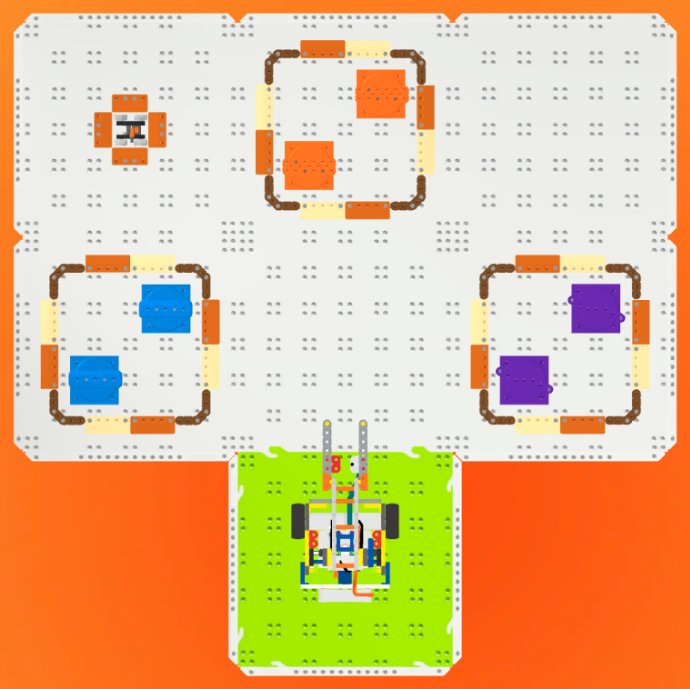
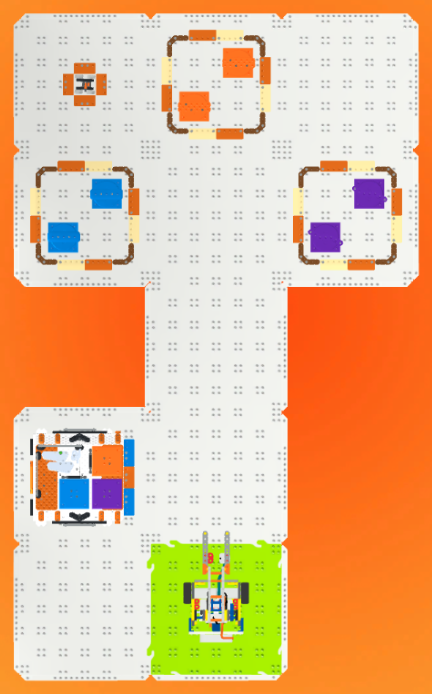
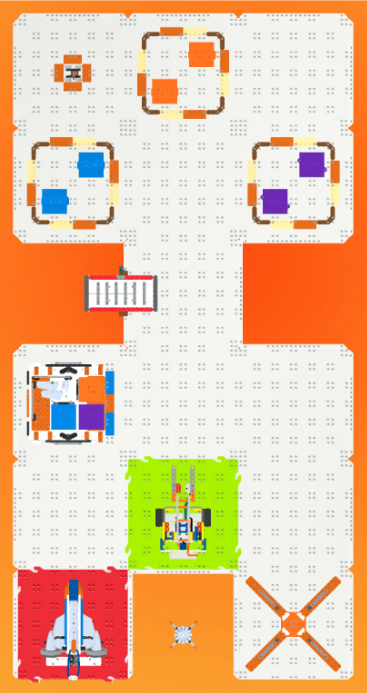
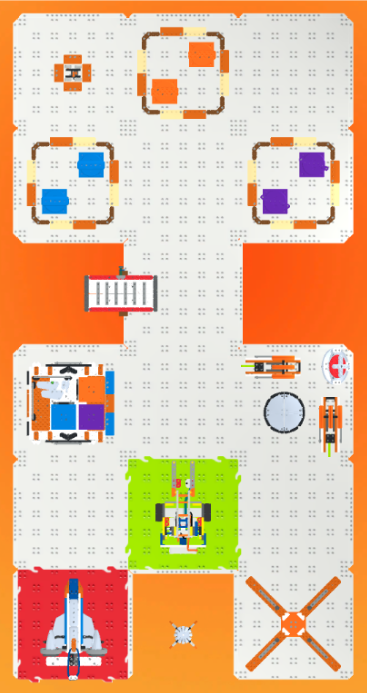
Across the four stages, the robot must interact with samples, the Rover, the Lab, the Solar Panel, the Landing Site, the helicopter, the Rocket Ship, and Fuel Cells.
Playground Buttons#
This Playground adds one button to the Playground window.
Helicopter#
In Stage 3 and Stage 4, the helicopter is waiting to land. Once the robot clears the beams off the Landing Site, select the Helicopter button to land the helicopter on the Landing Site.
Virtual GO Competition Advanced 2.0 Robot#
The Playground uses a virtual version of the GO Competition Advanced 2.0 Robot. This robot mirrors the physical build’s main dimensions, movement system, motors, and sensors.