
LED指示灯#
介绍#
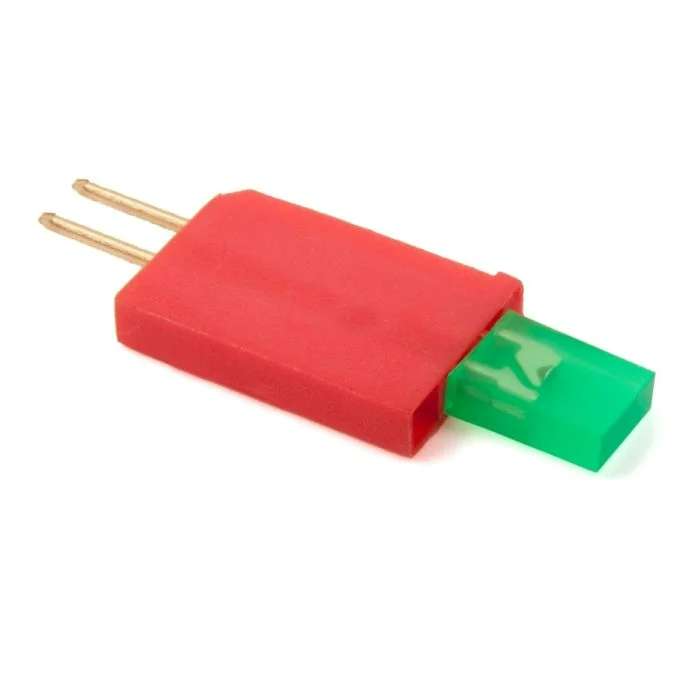
The led class allows the V5 Brain to turn a connected light-emitting diode (LED) on or off using a 3-Wire Port.
类构造函数#
led(
  triport::port &port );
类析构函数#
Destroys the led object and releases associated resources.
virtual ~led();
参数#
范围 |
类型 |
描述 |
|---|---|---|
|
|
The 3-Wire Port that the LED Indicator is connected to, written as |
示例#
// Create an led instance in Port A
led LEDA = led(Brain.ThreeWirePort.A);
成员功能#
The led class includes the following member functions:
Before calling any led member functions, a led instance must be created, as shown below:
/* This constructor is required when using VS Code.
LED Indicator configuration is generated automatically
in VEXcode using the Device Menu. Replace the values
as needed. */

// Create an led instance in Port A
led LEDA = led(Brain.ThreeWirePort.A);
on#
打开指定的LED指示灯。
Available Functionsvoid on();
此函数不接受任何参数。
Return Values此函数不返回值。
Examples// Turn on the LED
LEDA.on();
// Wait 2 seconds
wait(2, seconds);
// Turn off LED
LEDA.off();
off#
关闭指定的LED指示灯。
Available Functionsvoid off();
此函数不接受任何参数。
Return Values此函数不返回值。
Examples// Turn on the LED
LEDA.on();
// Wait 2 seconds
wait(2, seconds);
// Turn off LED
LEDA.off();