
电位器#
介绍#
The pot and potV2 classes are used with Potentiometers, which are analog sensors that measure the angular position of a rotating shaft. A Potentiometer outputs a voltage proportional to its position.
根据电位器型号的不同,其可检测的旋转量也不同:
电位器 - 最高可达 250 度
电位器 V2 - 330 度(连续)
|
|
|---|---|
电位器 |
电位器 V2 |
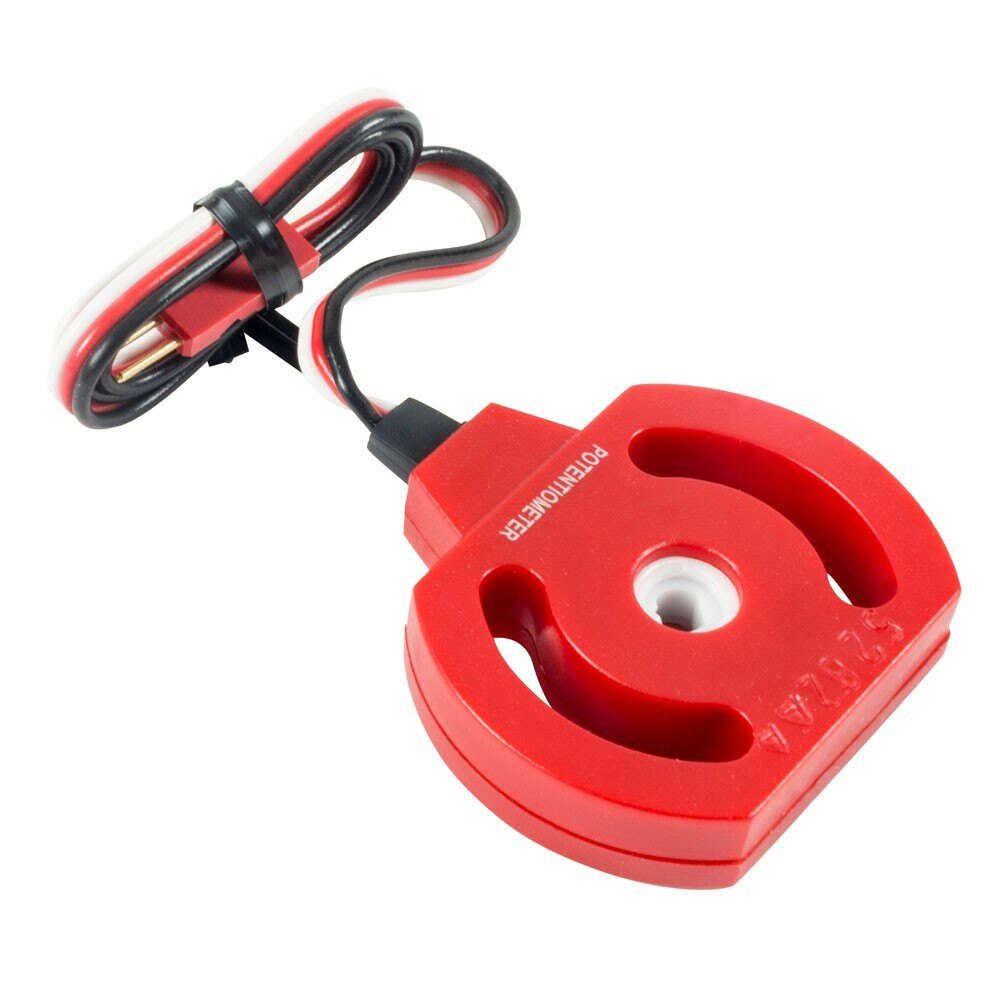
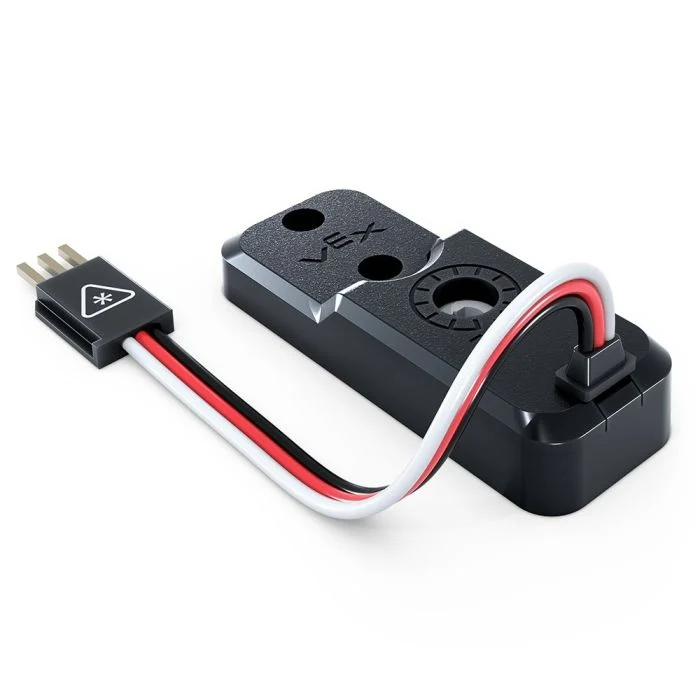
电位器#
Class Constructors#
pot(
  triport::port &port );
Class Destructor#
Destroys the pot object and releases associated resources.
~pot();
Parameters#
范围 |
类型 |
描述 |
|---|---|---|
|
|
The 3-Wire Port the Potentiometer is connected to, written as |
Example#
// Create a pot instance in Port A
pot PotentiometerA = pot(Brain.ThreeWirePort.A);
电位器 V2#
Class Constructors#
potV2(
  triport::port &port );
Class Destructor#
Destroys the potV2 object and releases associated resources.
~potV2();
Parameters#
范围 |
类型 |
描述 |
|---|---|---|
|
|
The 3-Wire Port the Potentiometer V2 is connected to, written as |
Examples#
// Create a Potentiometer V2 on 3-Wire Port A
potV2 PotentiometerV2A = potV2(Brain.ThreeWirePort.A);
成员功能#
The pot and potV2 classes include the following member functions:
angle— Returns the angular position of the Potentiometer in degrees or as a percent.
Before calling any pot or potV2 member functions, a pot or potV2 instance must be created, as shown below:
/* This constructor is required when using VS Code.
Potentiometer configuration is generated automatically
in VEXcode using the Device Menu. Replace the values
as needed. */

// Create a potV2 instance in Port A
potV2 PotentiometerV2A = potV2(Brain.ThreeWirePort.A);
angle#
返回电位器的角度位置。
1 — 此函数以百分比表示角度。
int32_t angle (
  percentUnits units = percentUnits::pct );
Parameters2 — 此函数以选定的旋转单位表示角度。
double angle(
  rotationUnits units );
范围 |
类型 |
描述 |
|---|---|---|
|
|
The unit that represents the position as a percentage of full rotation: |
|
|
The unit that represents the angle:
|
返回:
An
int32_twhen usingpercentUnits.A
doublewhen usingrotationUnits.
// Get the current angle of the Potentiometer V2 in the
// range 0 to 330 degrees.
double angle = PotentiometerV2A.angle(degrees);

// Print the current angle of the Potentiometer to the
// brain screen.
Brain.Screen.print(angle);