
Kicker#
Introduction#
The VEX AIM Coding Robot has a front-mounted Kicker that pushes objects away from the robot’s magnetic attachment. This separates the object from the magnet so the robot can either kick a ball with different force levels or place an object gently in front of the robot.
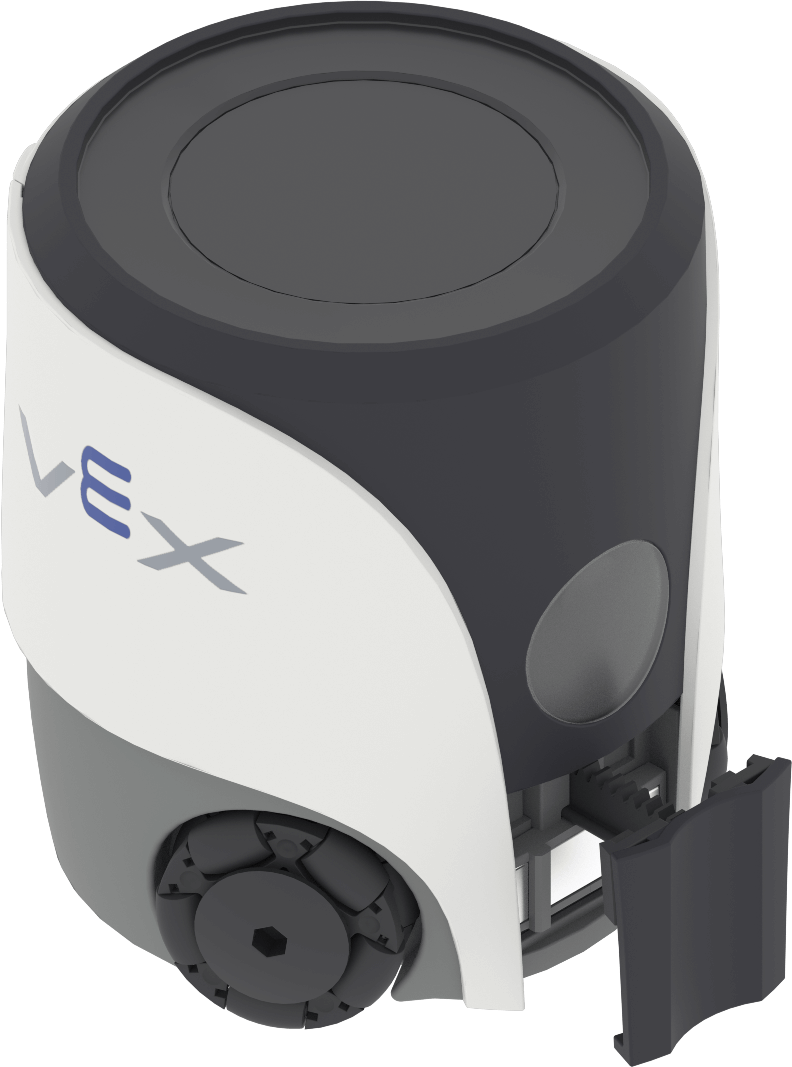
Below is a list of all blocks:
Actions — Kick or place an object.
kick object — Kicks an object with a selected force.
place object — Places an object gently in front of the robot.
Actions#
kick object#
The kick object stack block activates the robot’s Kicker to kick an object.
kick object stack block#
kick object [medium v]
Parameter |
Description |
|---|---|
force |
The force used to kick the object:
|
Example
When started, kicks an object with hard force.#
  when started
  [Kick an object with hard force.]
  kick object [hard v]
place object#
The place object stack block uses the robot’s Kicker to place an object gently in front of the robot.
place object stack block#
place object
Parameters |
Description |
|---|---|
This block has no parameters. |
Example
When started, places an object, then moves the robot in reverse.#
    when started
    [Place an object, then back up.]
    place object
    move [reverse v] for [100] [mm v] ▶