
Iniciar un proyecto#
Starting a Project
By the end of this tutorial, you’ll know how to start and stop your projects.
Make sure your robot is connected to VEXcode. See Connecting to Your Robot for more information.

Select Start to run your project on the robot.

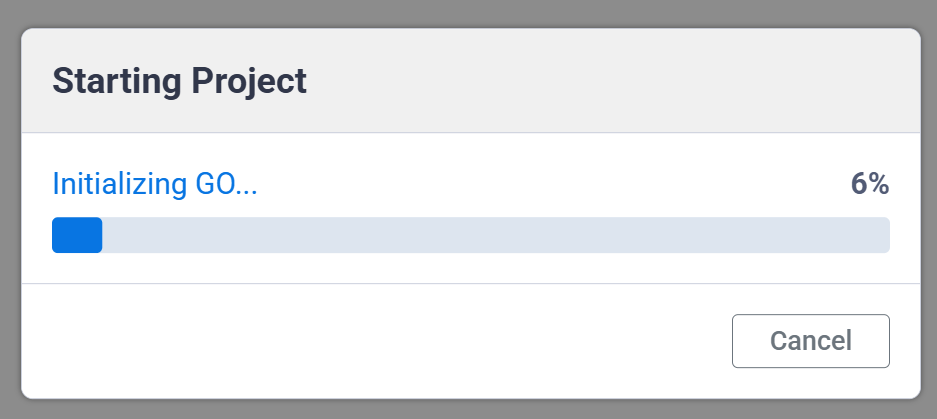
A dialog shows your project’s progress as it loads, then starts automatically once it finishes.
Select Stop to stop the project.
