
Downloading and Starting a Project#
Downloading and Starting a Project
This tutorial walks you through downloading, starting, and stopping a project in VEXcode V5. By the end, you’ll have downloaded your project to the Brain, run it, and stopped it.
Build a project in the workspace.
Make sure your robot is connected to VEXcode.
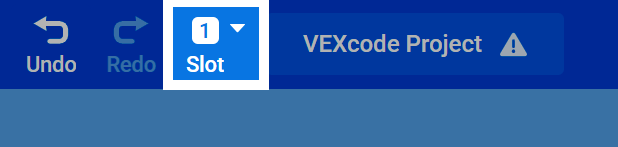
Select the Slot number at the top of the page to change which slot the project will download into on the Brain.
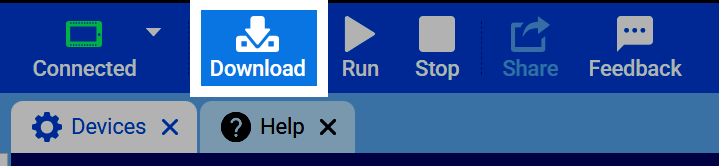
Select Download to download the project to the Brain.
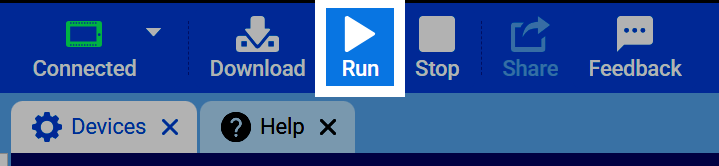
Select Run to have your robot begin running the project.
Select Stop to stop the project.
