Moving the Arm#
Moving the Arm
This tutorial covers how to move the arm on your VEX V5 Clawbot in VEXcode V5. By the end, you’ll have a project that raises the arm.
Make sure your robot is configured with the Drivetrain, Inertial version of the Clawbot build, so you see the ArmMotor blocks in the toolbox.
Attach the spin motor for block to the when started block.
The spin motor for block, spinning the ArmMotor by default.#
    when started
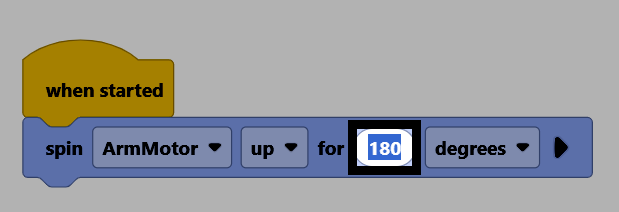
        spin [ArmMotor v] [up v] for (90) [degrees v] ▶
Change its distance parameter to 180, to move the arm 180 degrees from its current position.
Make sure your robot is connected to VEXcode, then select Download to download the project to the Brain.
Select Run to run the project. This project will now raise the arm up.