Moving the Claw#
This tutorial covers how to move the claw on your VEX V5 Clawbot in VEXcode V5. By the end, you’ll have a project that closes the claw, waits, then opens it again.
Make sure your robot is configured with the Drivetrain, Inertial version of the Clawbot build, so you see the ClawMotor blocks in the toolbox.
Attach two spin motor for blocks below the when started block.
    when started
        spin [ArmMotor v] [up v] for (90) [degrees v] ▶
        spin [ArmMotor v] [up v] for (90) [degrees v] ▶
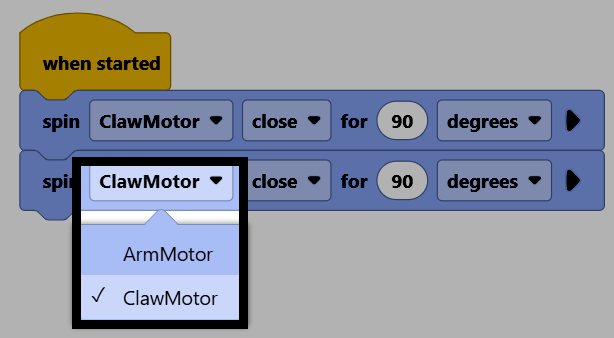
Change both of their motor parameters to ClawMotor so they control the claw.
Attach a wait block between the two blocks, to pause before opening the claw again.
    when started
        spin [ClawMotor v] [close v] for (90) [degrees v] ▶
        wait (1) seconds
        spin [ClawMotor v] [close v] for (90) [degrees v] ▶
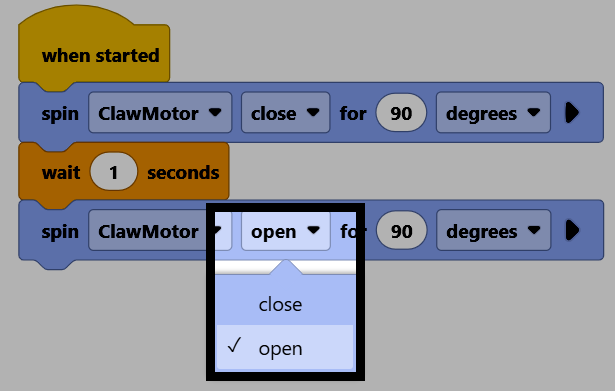
Change the direction parameter of the second spin motor for block to open, to open the claw back up.
Make sure your robot is connected to VEXcode, then select Download to download the project to the Brain.
Select Run to run the project. This project will now close the claw, wait, then open it again.