
安慰#
介绍#
VEXcode 123 控制台显示在 VEXcode 的“控制台”选项卡中。控制台方法可以在项目运行时显示文本、数字和变量值。它们还可以将控制台光标移动到新的一行、清除控制台、读取用户输入以及设置更改颜色后打印文本的颜色。
以下是所有方法的列表:
操作——输出文本或清空控制台。
print— Displays text, numbers, or variable values in the Console.new_line— Moves the Console cursor to the start of the next row.clear— Clears all rows in the Console.
Getter 方法——读取用户输入。
input— Waits for user input and returns the response as text.
Mutator — 格式化打印文本。
set_print_color— Sets the color used for text printed in the Console.
行动#
print#
print displays text, numbers, or variable values in the Console using the current cursor position.
如果您希望打印消息中包含项目中的值(例如分数、计时器或传感器读数),请使用自定义字符串格式。有关更多信息,请参阅字符串格式页面。
Use new_line when you want the next printed value to start on a new row.
Usage:
console.print(value, precision)
参数 |
描述 |
|---|---|
|
要在控制台中显示的文本、数字或变量值。 |
|
Optional. The number of decimal places to display when printing a number. The default is |
# Display a message in the Console
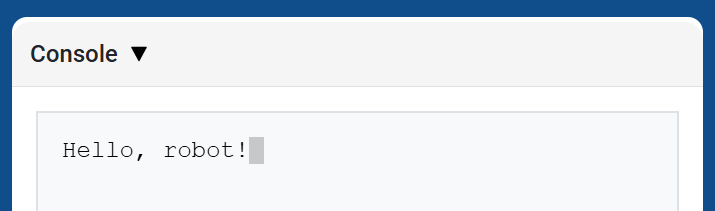
console.print("Hello, robot!")
# Display 1/3 with two decimals
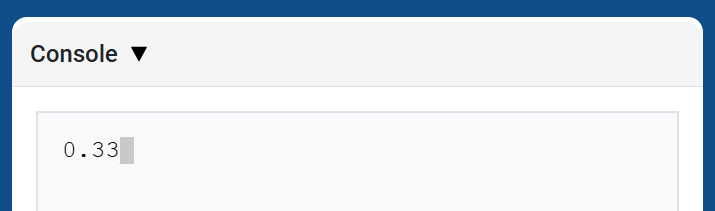
console.print(1 / 3, precision=2)
new_line#
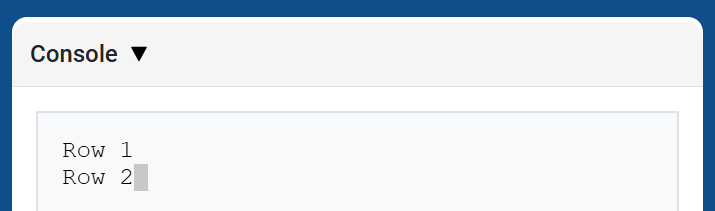
new_line moves the cursor to column 1 on the next row in the Console. The next value printed will appear on that row.
当您希望下一个打印值从新的一行开始时,请使用此方法。
Usage:
console.new_line()
参数 |
描述 |
|---|---|
此方法没有参数。 |
# Print on two lines
console.print("Row 1")
console.new_line()
console.print("Row 2")
clear#
clear clears all rows from the Console.
Usage:
console.clear()
参数 |
描述 |
|---|---|
此方法没有参数。 |
# Display text, then clear it after two seconds
console.print("This will disappear...")
wait(2, SECONDS)
console.clear()
Getter#
input#
input waits for the user to enter a response, then returns that response as text.
The project pauses at input() until a response is entered in the Console.
The value returned by input() is always text. To use the response as a number, convert it first with int() or float().
Usage:
input()
参数 |
描述 |
|---|---|
此方法没有参数。 |
# Ask for a name, then print a greeting
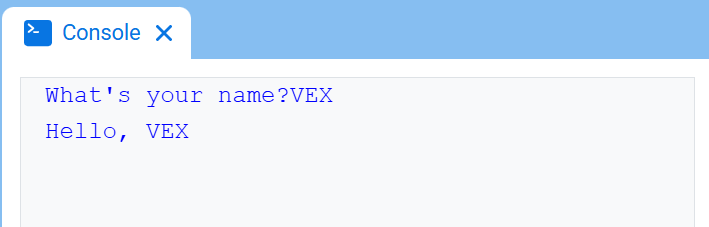
answer = input("What's your name?")
console.print("Hello, " + answer)
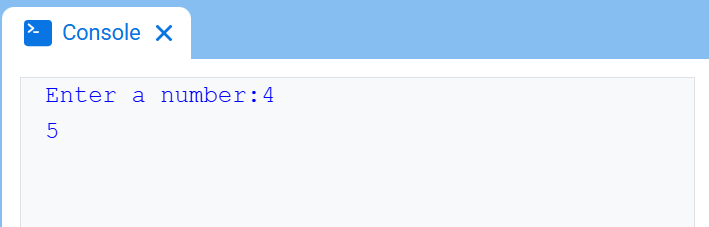
# Ask for a number, then use it in math
answer = input("Enter a number:")
number = float(answer)
console.print(number + 1)
变异体#
set_print_color#
set_print_color sets the color used for text printed in the Console after this method is used. At the start of a project, the Console text color is set to BLUE.
Usage:
console.set_print_color(color)
参数 |
描述 |
|---|---|
|
The color to use for text printed in the Console:
|
# Print text in different colors
console.print("Default text color")
console.new_line()
console.set_print_color(RED)
console.print("Red text color")
VEXcode 控制台,显示控制台和蓝色文字“默认文本颜色”(位于第一行)和红色文字“红色文本颜色”/_static/img/console_examples/print_color.png位于第二行),“红色文本颜色”右侧的灰色矩形显示光标位置。