Connecting with a Wired Connection (App)#
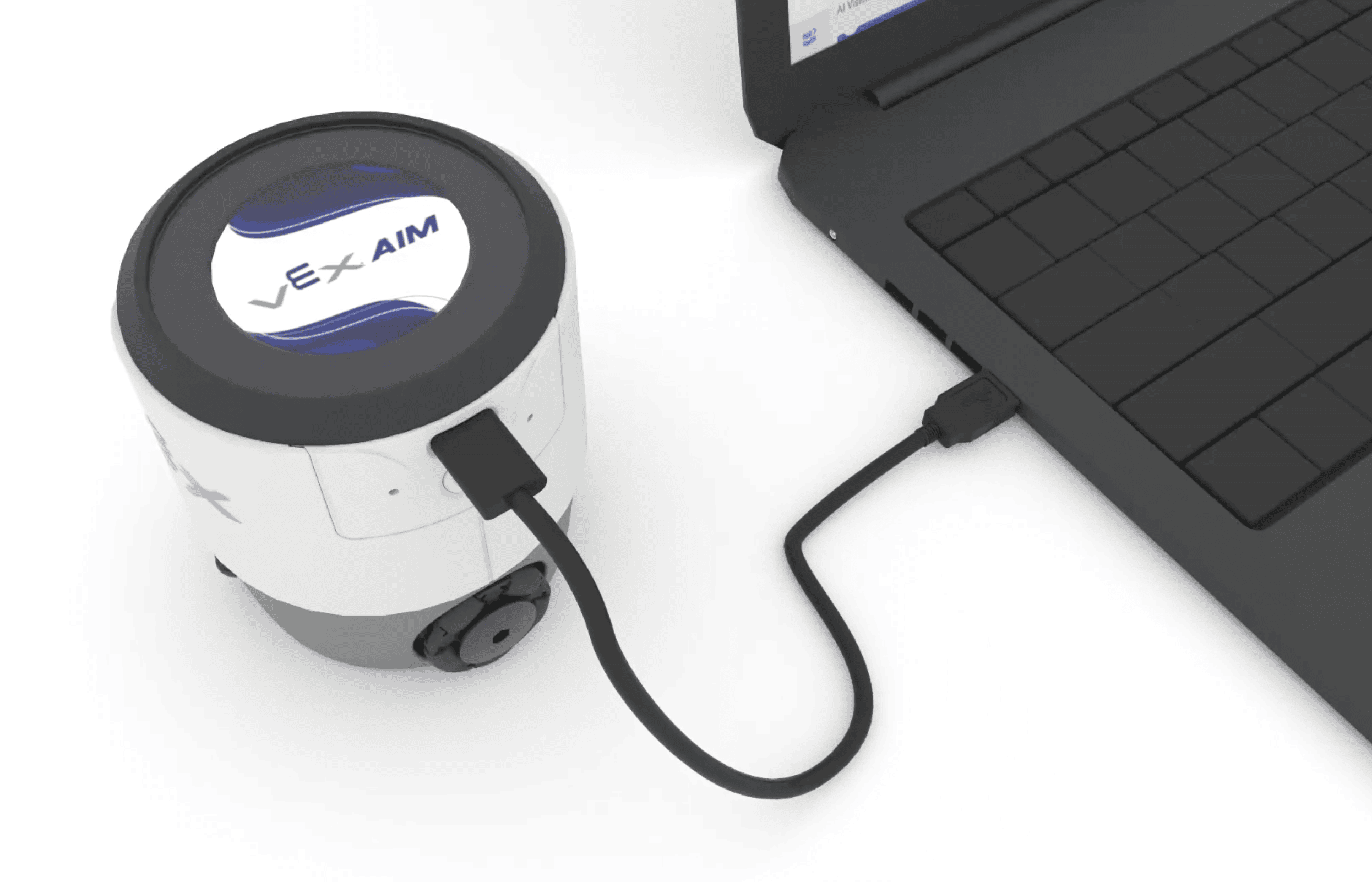
Follow these simple steps to connect your VEX AIM Coding Robot to your computer using a USB-C cable.
Plug in the cable#
Use a USB-C cable to connect your robot to your computer.
The robot will automatically turn on when it is plugged in.
You are now connected#
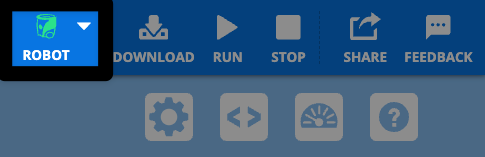
Once connected, the Robot icon in the top right corner will turn green.