Descarga y ejecución de un proyecto#
Before downloading a project, make sure your robot is connected to VEXcode.
Download and Run Your Project#
Select a Slot#
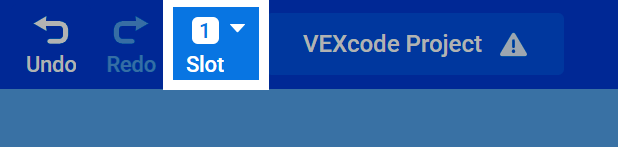
At the top of the page, select the Slot number to change which slot the project will download into on the Brain.
Download Your Project#
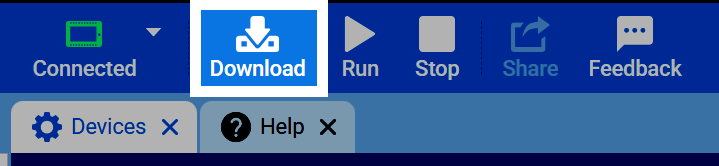
Once your project is ready to be tested and your robot is connected to VEXcode, select the Download button to download the project to the Brain.
Run Your Project#
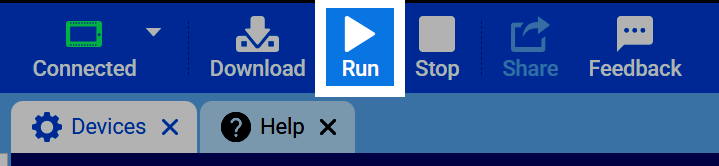
Press Run to have your robot begin running the project.