
Competition Template#
The Competition Template is used for projects that will run with the Field Control System during the VEX V5 Robotics Competition or VEX U Robotics Competition. It splits a project into two periods: the Autonomous period, where the robot runs on its own, and the Driver-Controlled period, where a driver operates the robot with a Controller.
Using this template ensures your project complies with VEX V5 Competition Rules and will connect correctly to the Smart Field Control System during a match.
Open a Competition Template Project#
Open Examples#
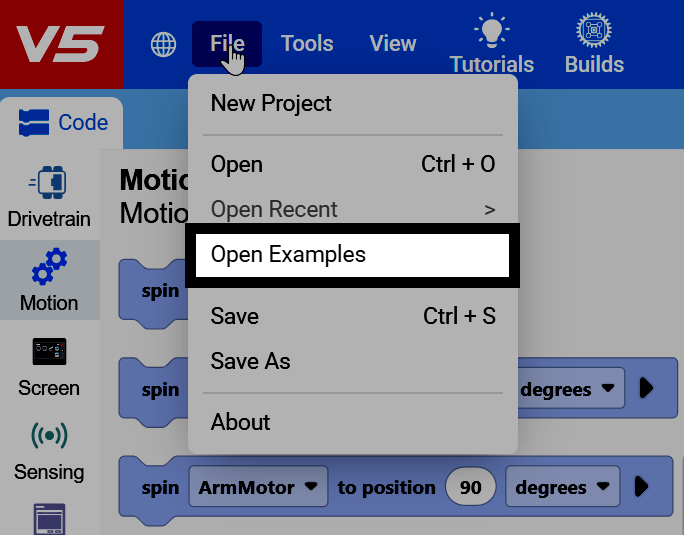
Select File in the top-left of VEXcode, then select Open Examples.
Find the Competition Template#
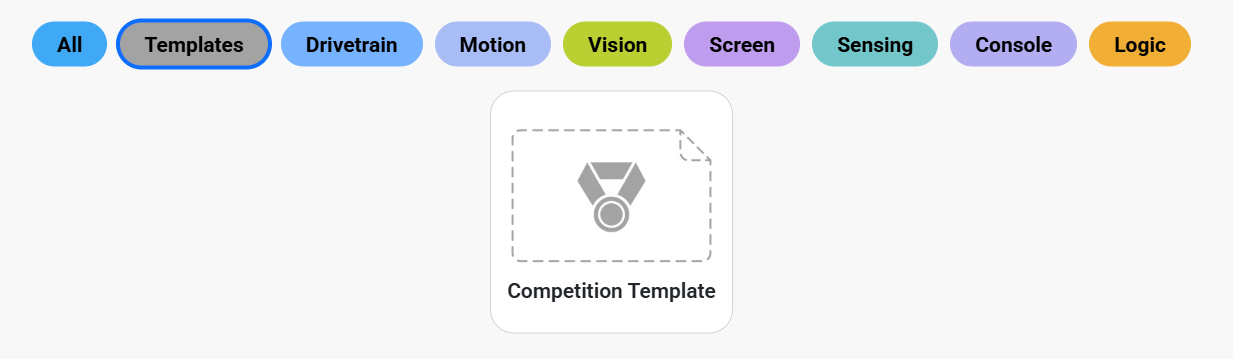
Filter by Templates to find the Competition Template.
Create the Project#
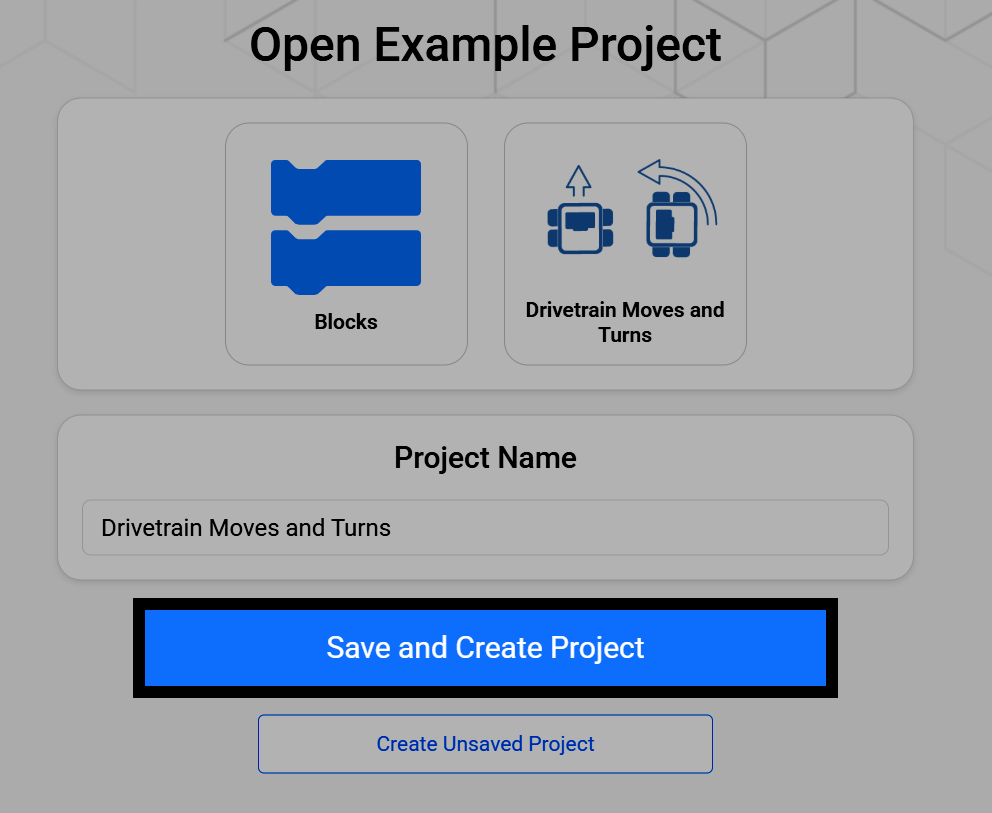
Selecting the Competition Template opens a screen where you can rename it and save it to your device. Select Save and Create Project to save the new project to your device.
Understand the Template’s Hat Blocks#
A Competition Template project starts with three hat blocks already in the workspace, one for each part of a match: when started, when autonomous, and when driver control with a forever block already attached.
cuando inicie
cuando autónomo :: hat events
when drive control :: hat events
por siempre
fin
Set Up#
The when started block runs once, immediately when the project starts, before the Autonomous or Driver-Controlled periods begin. Use it for any setup your robot needs, like calibrating a Gyro or Inertial Sensor, or setting variables.
If no setup is needed, the when started block can stay empty.
cuando inicie
calibrar tren de conducción
Autonomous#
Blocks attached to the when autonomous hat block run during the Autonomous period, when the Field Control System sends the autonomous signal and the robot acts on its own, without driver input. Use this stack for a scoring routine or other autonomous behavior.
If no autonomous behavior is desired, the when autonomous block can stay empty.
cuando autónomo :: hat events
conducir [adelante v] por (600) [mm v] ▶
detener conducción
Driver Control#
Blocks attached to the when driver control hat block run during the Driver-Controlled period, when the Field Control System sends the driver control signal and a driver operates the robot with a controller.
when drive control :: hat events
por siempre
si <¿[Controller1 v] [X v] presionado?> entonces
conducir [adelante v]
si no
detener conducción
fin
fin