Parques infantiles#

VEXcode VR Playgrounds are virtual environments where you can code a robot to complete goals, solve puzzles, and explore coding concepts. This page groups all Playgrounds by license tier and links each one to its dedicated Playground page and robot page.

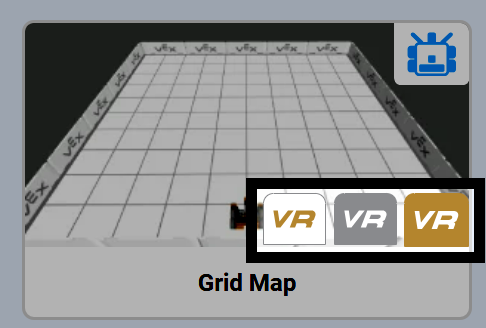
In the Playground Selection window, each tier is identified by its logo: Free Playgrounds display a white VR logo, Enhanced display a silver VR logo, and Premium display a gold VR logo.

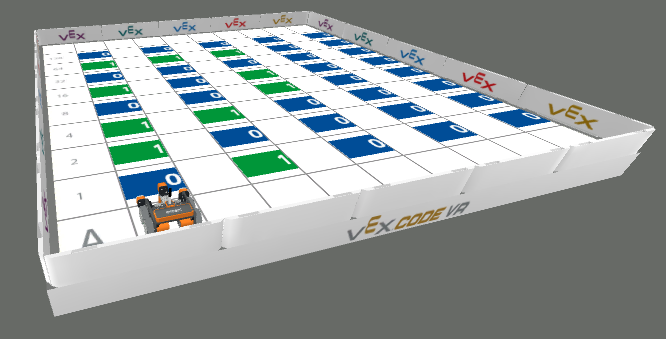
The thumbnail for the Grid Map layout in the Playground Selection Window, highlighting the three visible white, silver, and gold VR logos, showing that this playground can be accessed by VEXcode VR Free, Enhanced, and Premium license holders.

Free Playgrounds#

Free Playgrounds are available to all users. Every Free Playground takes place on a 2000 x 2000 mm map and uses a VR robot configuration designed for that activity.

Image

Playground

Description

Robot

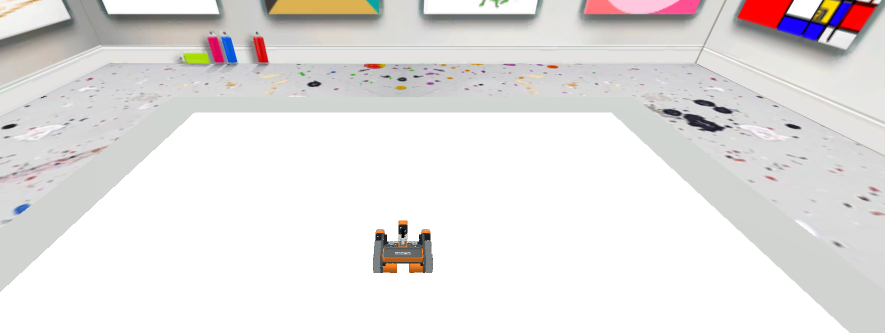
The VEXcode VR Playground window showing the Art Canvas Playground. It shows the VR Robot on top of a blank canvas in an art gallery environment.

Art Canvas

Draw images on the ground using the VR Robot’s pen.

Standard VR Robot

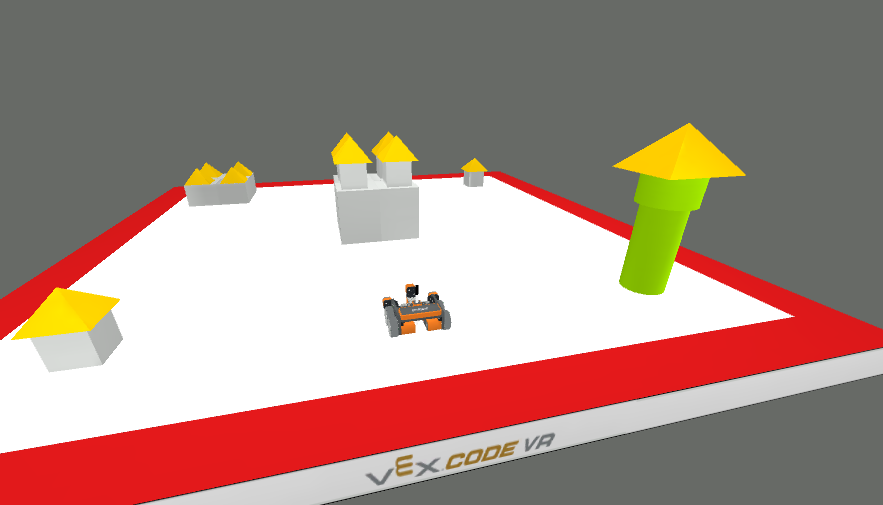
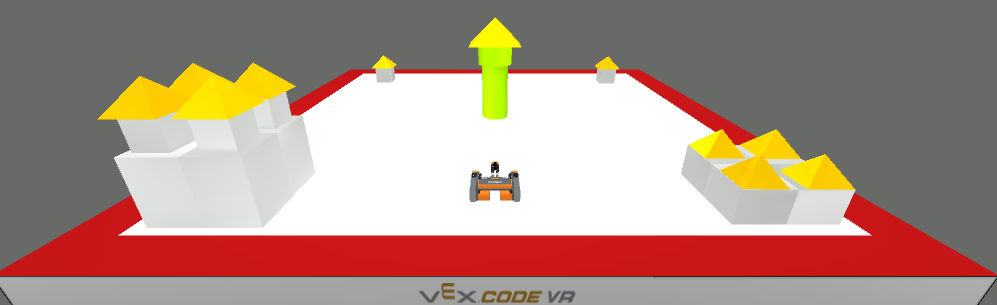
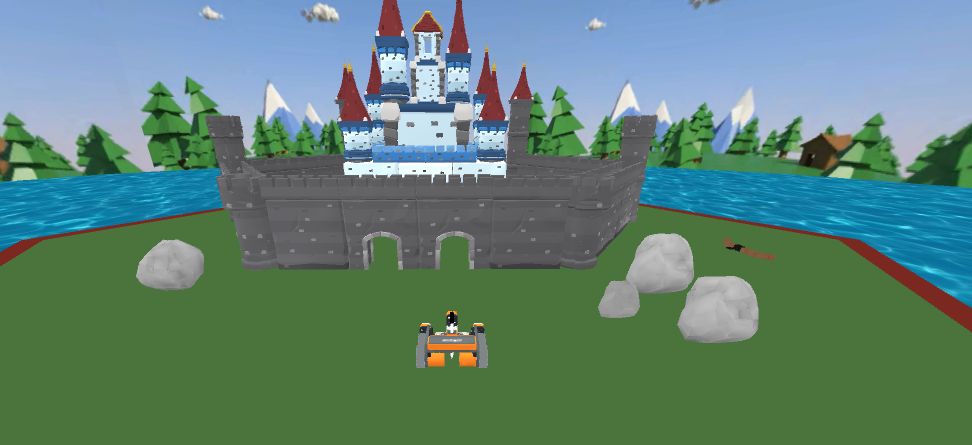
The VEXcode VR Playground window showing the Castle Crasher Playground. It shows the VR Robot knocking down castle objects on the field.

Castle Crasher

Knock down all of the castle objects on the field.

Standard VR Robot

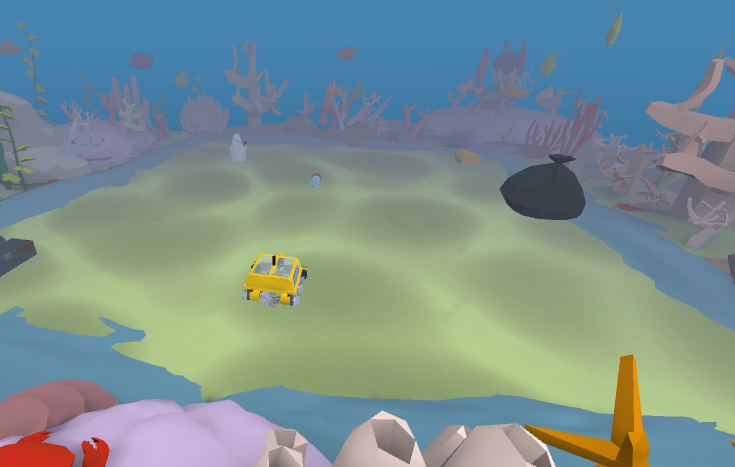
The VEXcode VR Playground window showing the Coral Reef Cleanup Playground. It shows the Underwater VR Robot collecting trash from the ocean floor.

Coral Reef Cleanup

Collect all pieces of trash before the robot’s battery runs out.

Underwater VR Robot

The VEXcode VR Playground window showing the Disk Maze Playground. It shows the VR Robot navigating through a color-coded maze using the Eye Sensor to detect and follow colored paths.

Disk Maze

Navigate through a color-coded maze using the Eye Sensor to detect and follow colored paths.

Standard VR Robot

The VEXcode VR Playground window showing the Disk Mover Playground. It shows the VR Robot using the Electromagnet to sort colored Disks into their matching color zones.

Disk Mover

Use the Electromagnet to sort colored Disks into their matching color zones.

Standard VR Robot

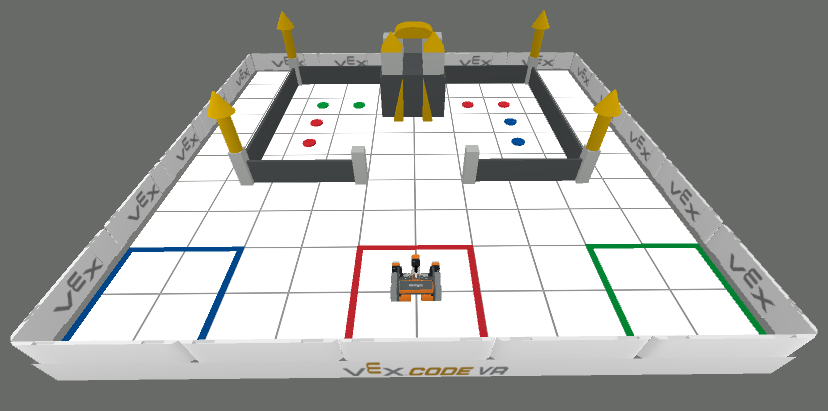
The VEXcode VR Playground window showing the Disk Transport Playground. It shows the VR Robot navigating around a castle, pick up Disks with the Electromagnet, and sort them into their matching color zones.

Disk Transport

Navigate around a castle, pick up Disks with the Electromagnet, and sort them into their matching color zones.

Standard VR Robot

The VEXcode VR Playground window showing the Dynamic Castle Crasher Playground. It shows the VR Robot knocking down all castle objects on a layout that changes every time the project runs.

Dynamic Castle Crasher

Knock down all castle objects on a layout that changes every time the project runs.

Standard VR Robot

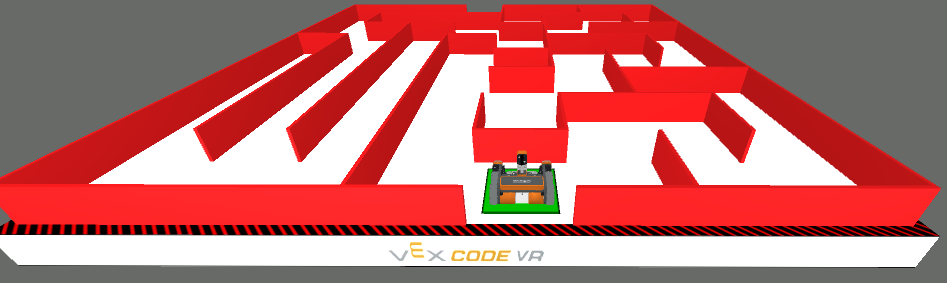
The VEXcode VR Playground window showing the Dynamic Wall Maze Playground. It shows the VR Robot navigating through a maze that is randomly generated each time the project runs.

Dynamic Wall Maze

Navigate through a maze that is randomly generated each time the project runs.

Standard VR Robot

The VEXcode VR Playground window showing the Encoded Message Playground. It shows the VR Robot using the Eye Sensor and Lists to decode binary ASCII characters into a hidden message.

Encoded Message

Use the Eye Sensor and Lists to decode binary ASCII characters into a hidden message.

Standard VR Robot

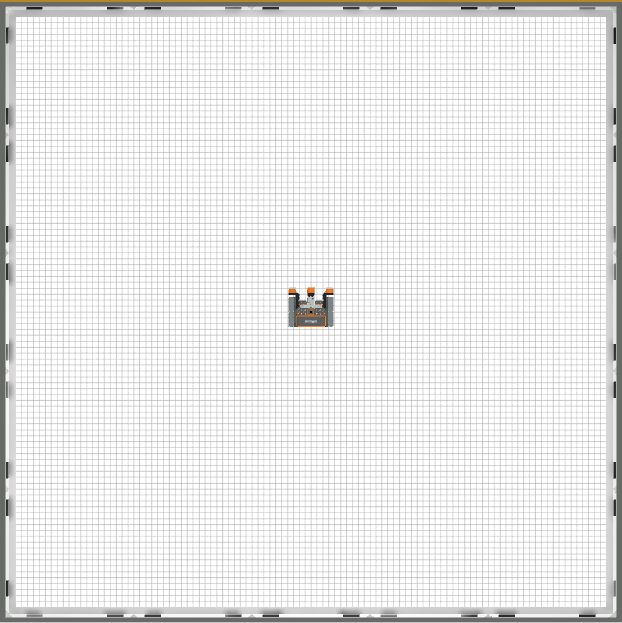
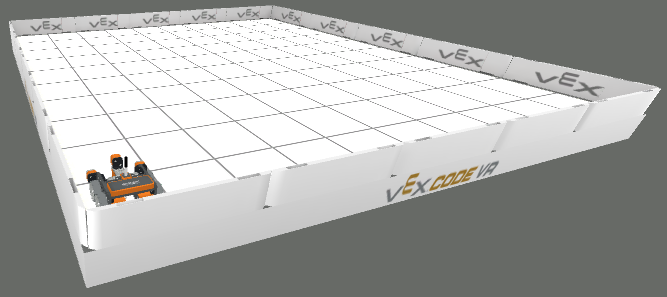
The VEXcode VR Playground window showing the Grid Map Playground. It shows the VR Robot practicing navigating and moving across a gridded Playground.

Grid Map

Practice navigating and moving the VR Robot across a gridded Playground.

Standard VR Robot

The VEXcode VR Playground window showing the Hidden Pixel Art Playground. It shows the VR Robot using the Eye Sensor and 2D Lists to reveal hidden artwork one pixel at a time.

Hidden Pixel Art

Use the Eye Sensor and 2D Lists to reveal hidden artwork one pixel at a time.

Standard VR Robot

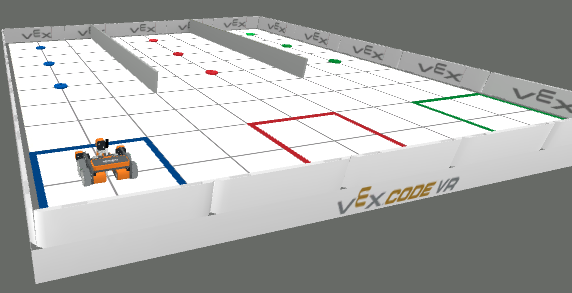
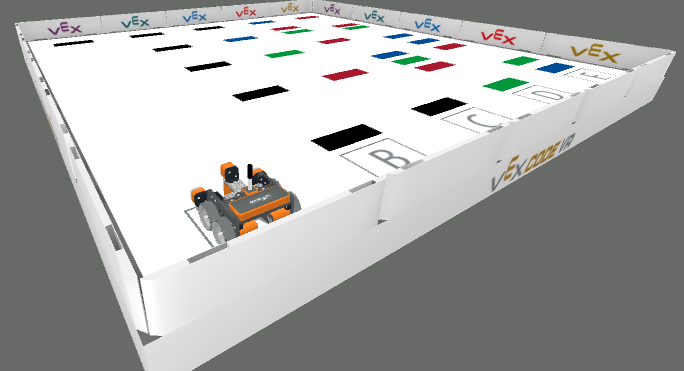
The VEXcode VR Playground window showing the Line Detector Playground. It shows the VR Robot detecting and identifying differently colored lines across the Playground.

Line Detector

Detect and identify differently colored lines across the Playground.

Standard VR Robot

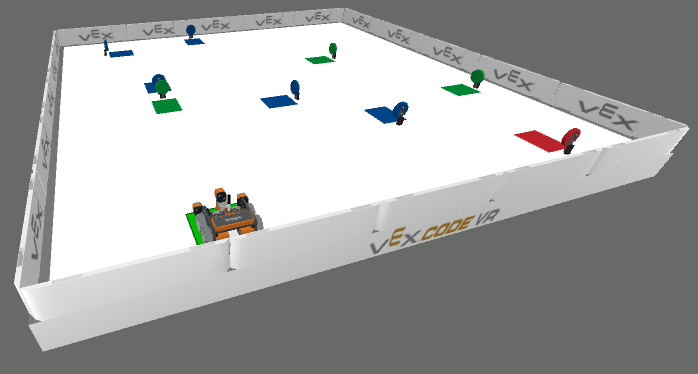
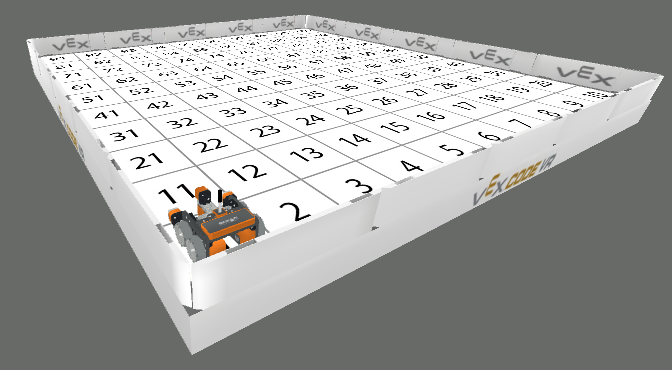
The VEXcode VR Playground window showing the Number Grid Map Playground. It shows the VR Robot practicing counting, navigating, and moving across squares numbered 1 to 100.

Number Grid Map

Practice counting, navigating, and moving across squares numbered 1 to 100.

Standard VR Robot

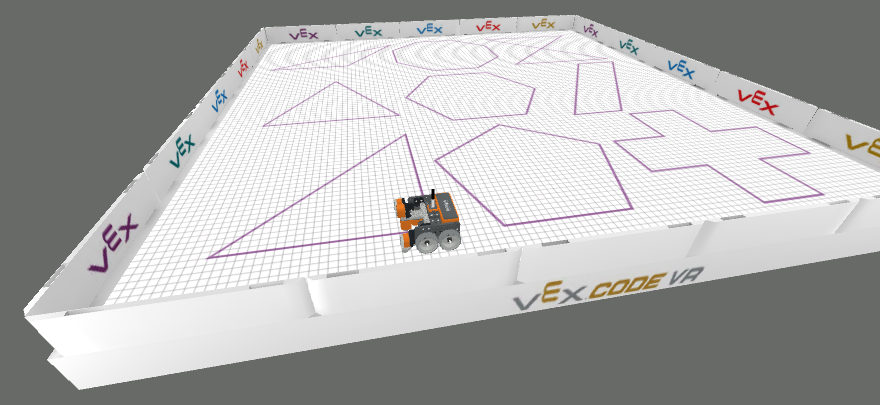
The VEXcode VR Playground window showing the Shape Tracer Playground. It shows the VR Robot tracing pre-drawn shapes on the ground using the VR Pen.

Shape Tracer

Trace pre-drawn shapes on the ground using the VR Pen.

Standard VR Robot

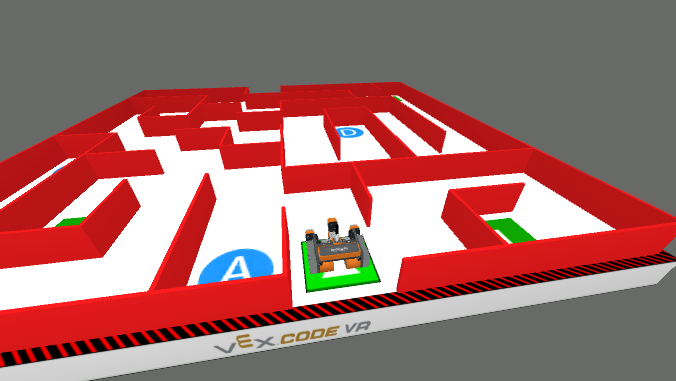
The VEXcode VR Playground window showing the Wall Maze Playground. It shows the VR Robot navigating through a maze to reach the exit.

Wall Maze

Navigate through a maze to reach the exit.

Standard VR Robot

Enhanced Playgrounds#

Enhanced Playgrounds build on Free Playgrounds with additional tools, larger environments, or upgraded robot behavior.

Image

Playground

Description

Robot

The VEXcode VR Playground window showing the Art Canvas+ Playground. It shows the VR Robot on top of a blank canvas in an art gallery environment, with additional tools for advanced drawing projects.

Art Canvas+

Adds image upload, canvas download, and clear tools for more advanced drawing projects.

Standard VR Robot

The VEXcode VR Playground window showing the Castle Crasher+ Playground. It shows the VR Robot knocking down castle objects on the field, with additional challenge levels and a completion certificate.

Castle Crasher+

Expands Castle Crasher with additional challenge levels and a completion certificate.

Standard VR Robot

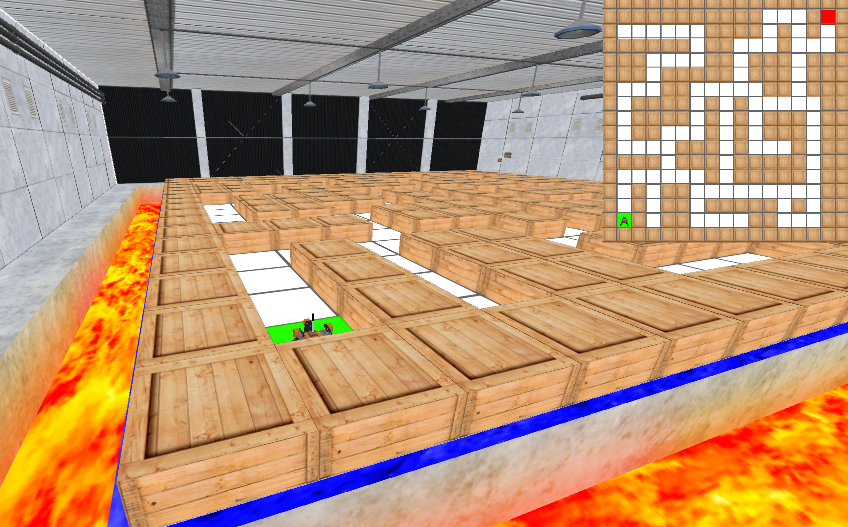
The VEXcode VR Playground window showing the Wall Maze+ Playground. It shows the VR Mazebot surrounded by walls of boxes, starting on the A tile with a minimap of the maze in the top-right corner of the window.

Wall Maze+

Uses a larger maze and the VR MazeBot with left and right Distance Sensors.

VR MazeBot

Premium Playgrounds#

Premium Playgrounds offer the most advanced challenges and mechanics, including competition environments, specialized robots, and Playground-specific Blocks and Python methods.

Image

Playground

Description

Robot

The VEXcode VR Playground window showing the 123 Playspace Playground. It shows the 123 Robot exploring guided and open-ended activity maps with the virtual 123 Robot.

123 Playspace

Explore guided and open-ended activity maps with the virtual 123 Robot.

123 Robot

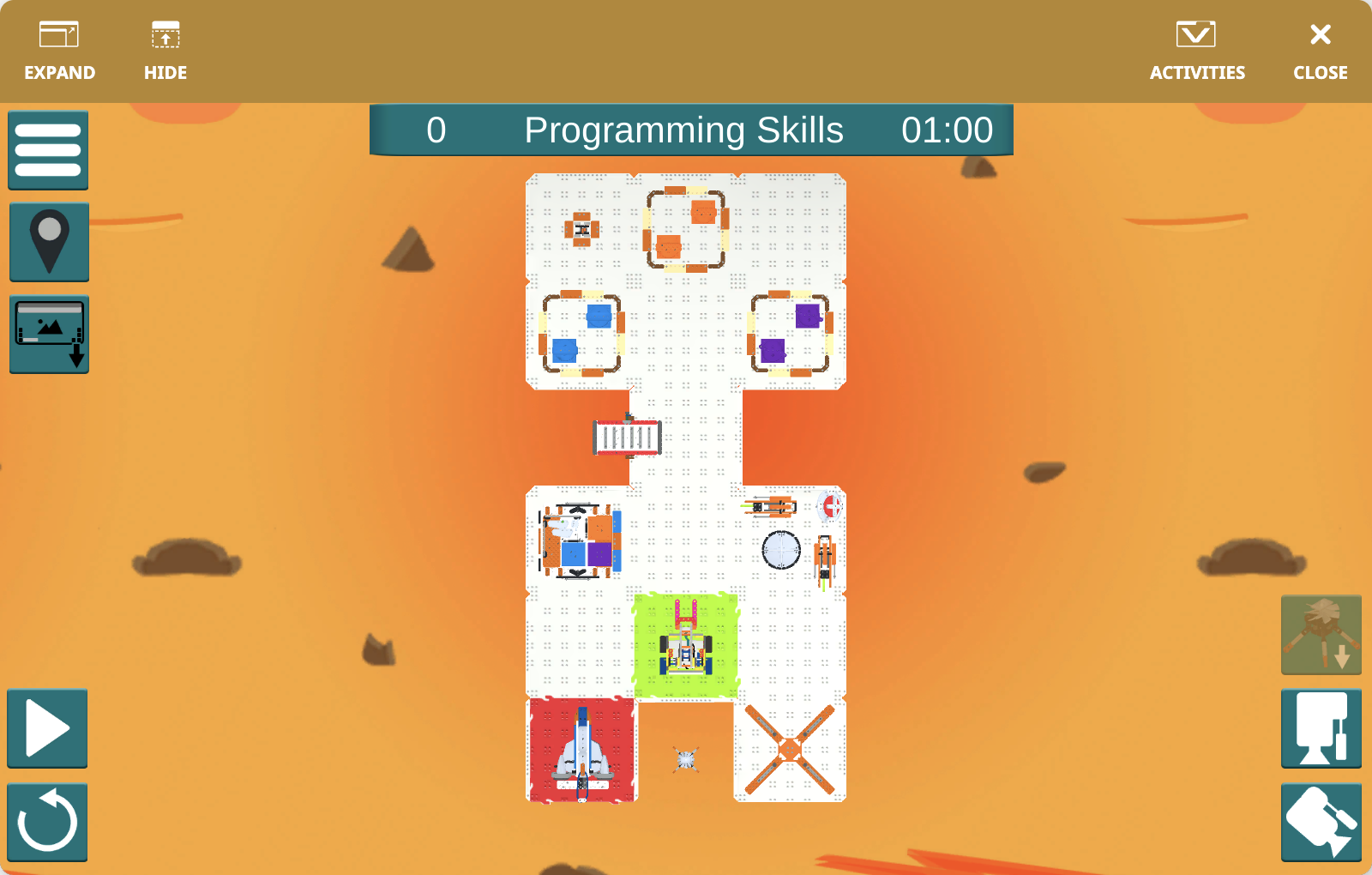
The VEXcode VR Playground window showing the GO Competition - Mars Math Expedition Playground. It shows the GO Competition Advanced 2.0 Robot completing staged Mars challenge tasks.

GO Competition - Mars Math Expedition

Complete staged Mars challenge tasks using the GO Competition Advanced 2.0 Robot.

GO Competition Advanced 2.0 Robot

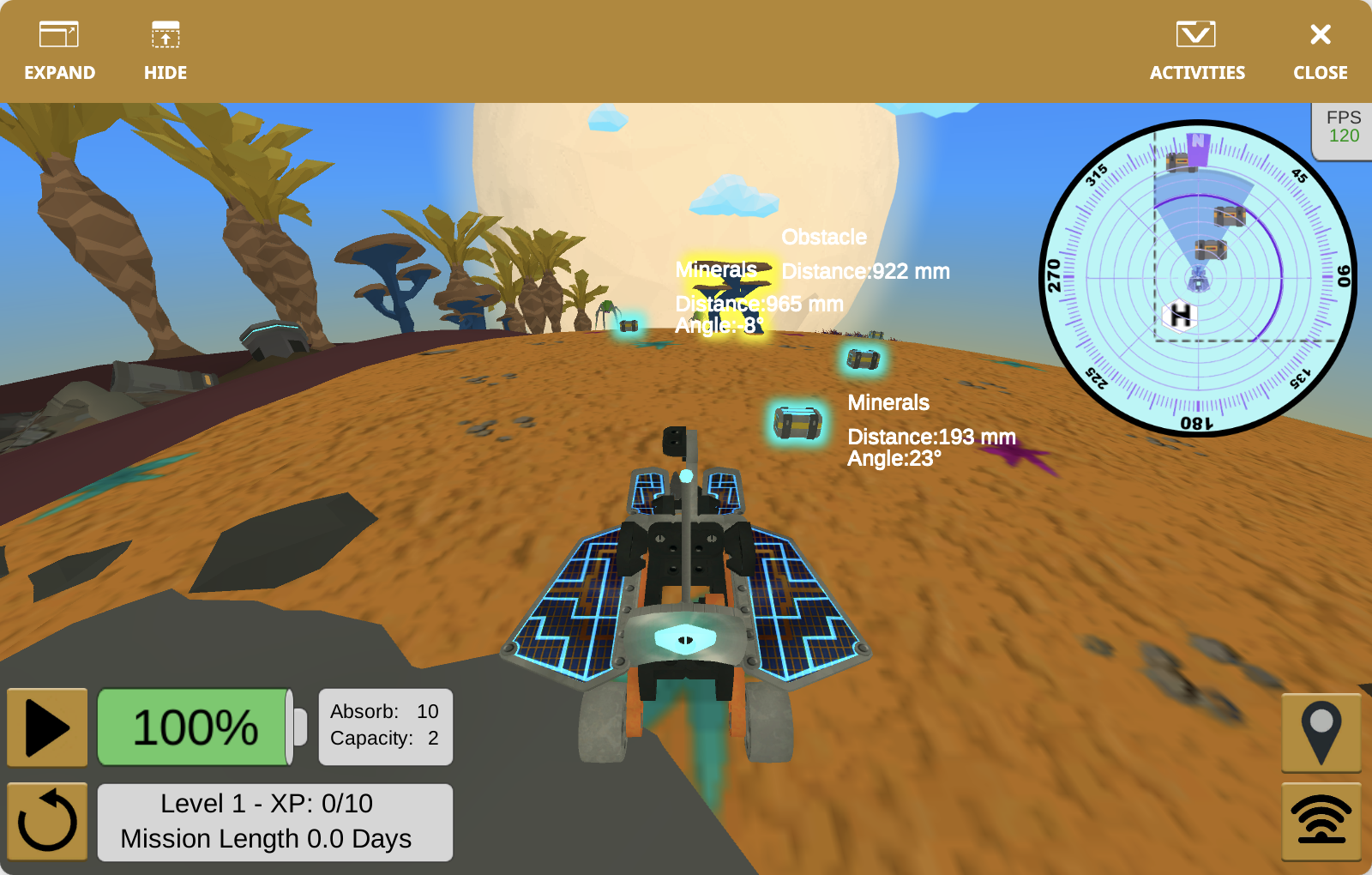
The VEXcode VR Playground window showing the Rover Rescue Playground. It shows the VR Rover exploring an alien environment, collecting minerals, avoiding enemies, and keeping the rover alive.

Rover Rescue

Explore an alien environment, collect minerals, avoid enemies, and keep the rover alive.

VR Rover

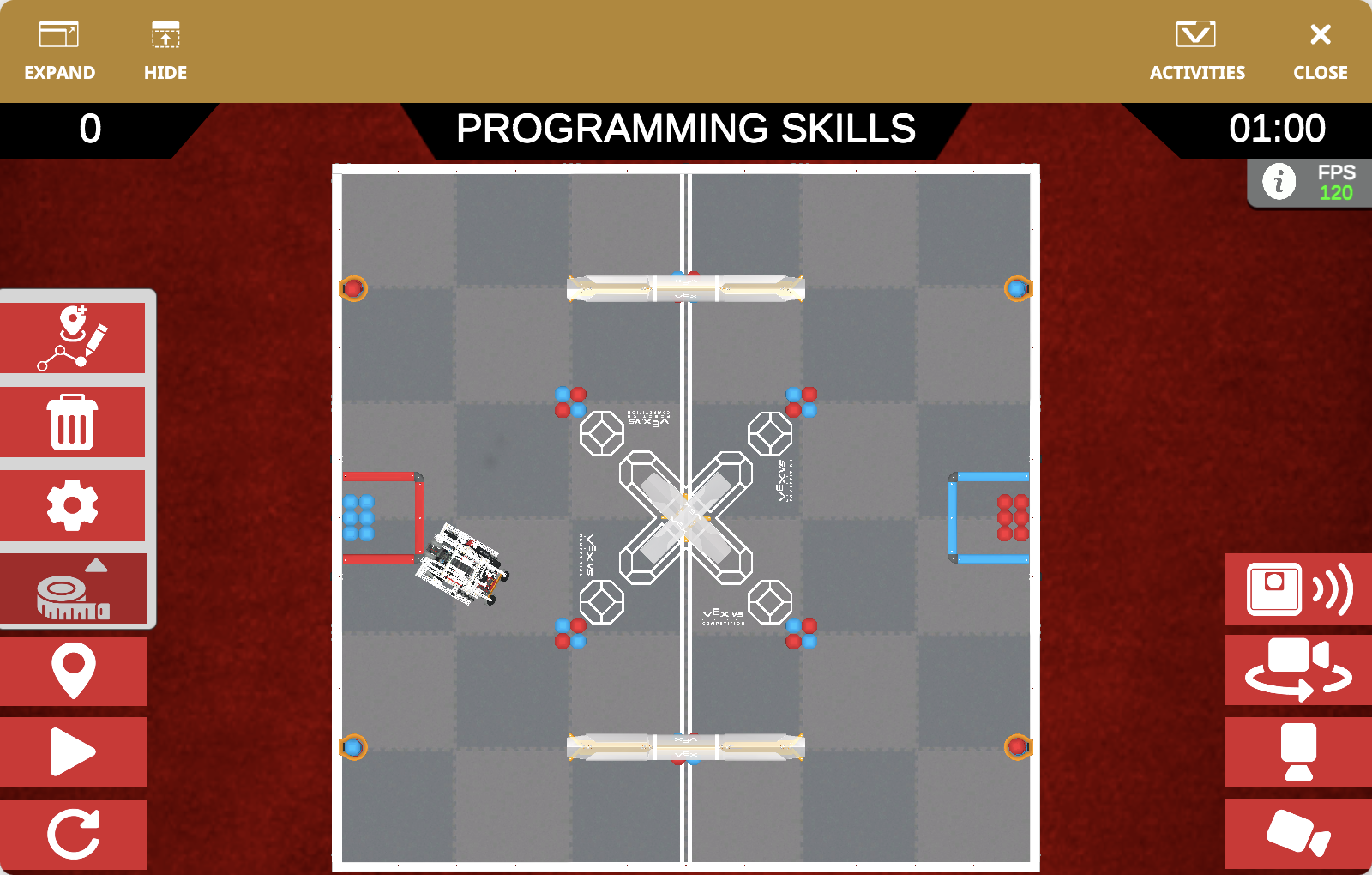
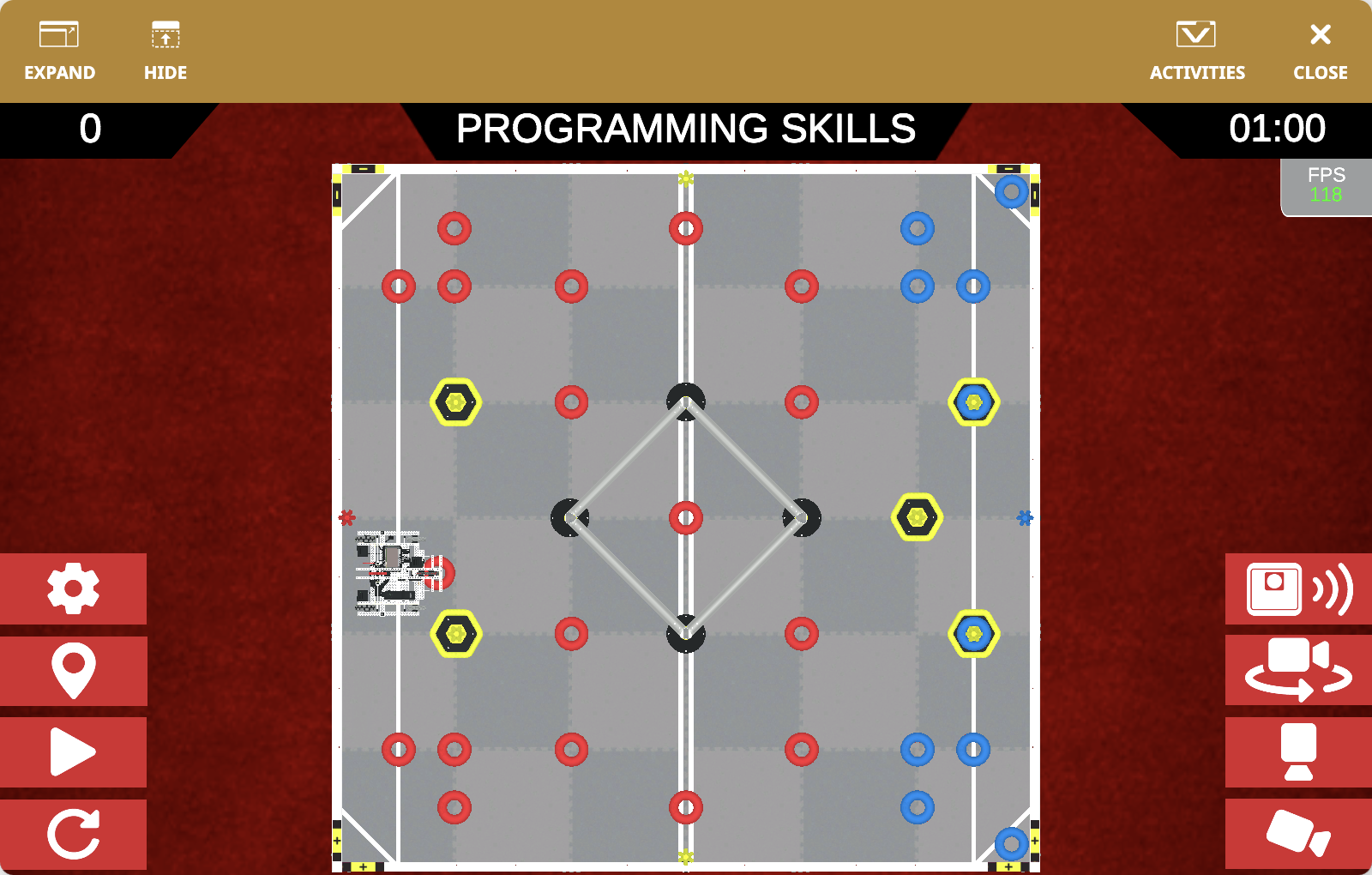
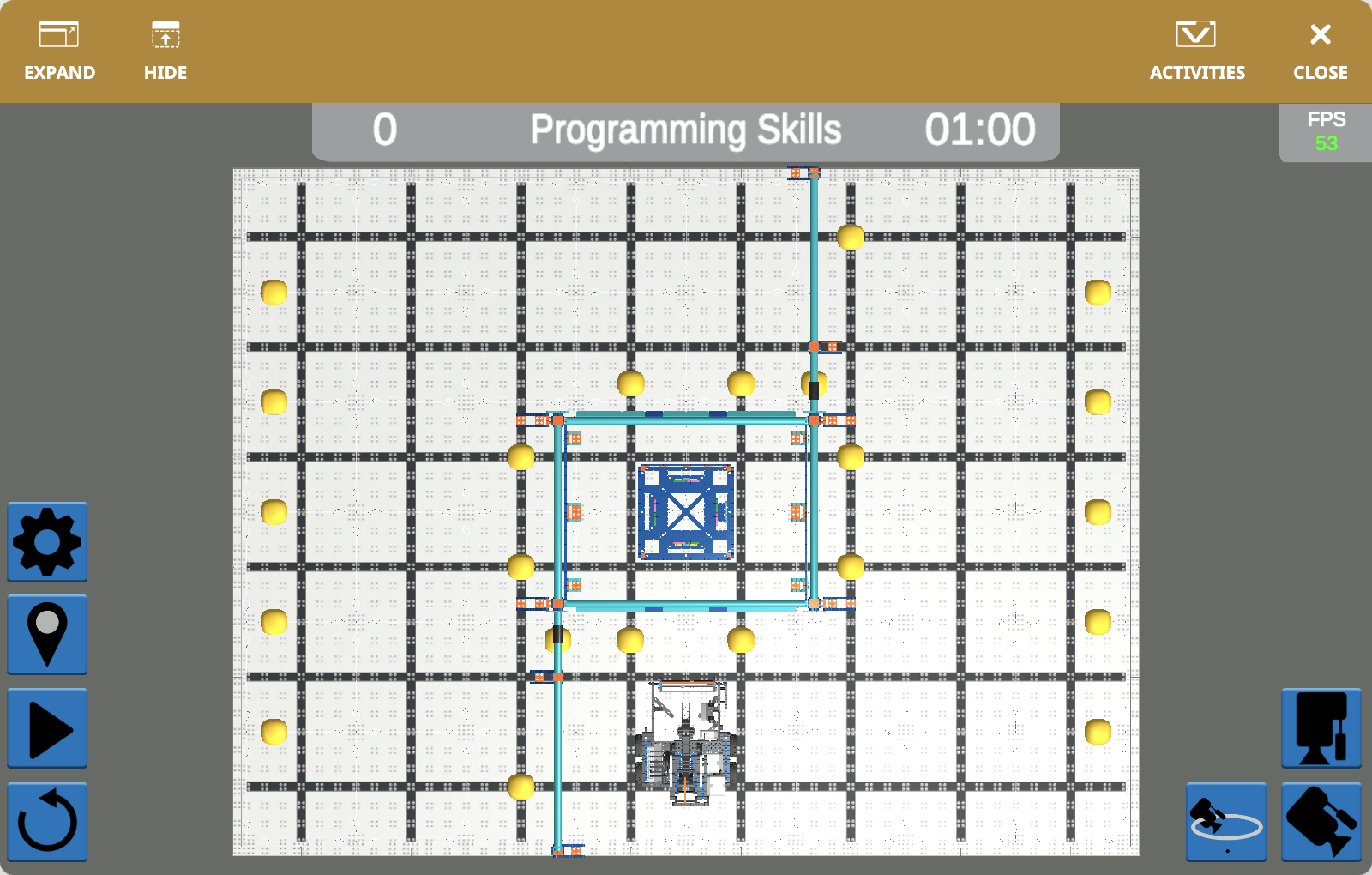
The VEXcode VR Playground window showing the V5RC 25-26 Push Back Playground. It shows the Dex Robot pushing red and blue Blocks into goals in the V5RC 25-26 Virtual Skills field.

V5RC 25-26 Push Back

Push red and blue Blocks into goals in the V5RC 25-26 Virtual Skills field.

Dex

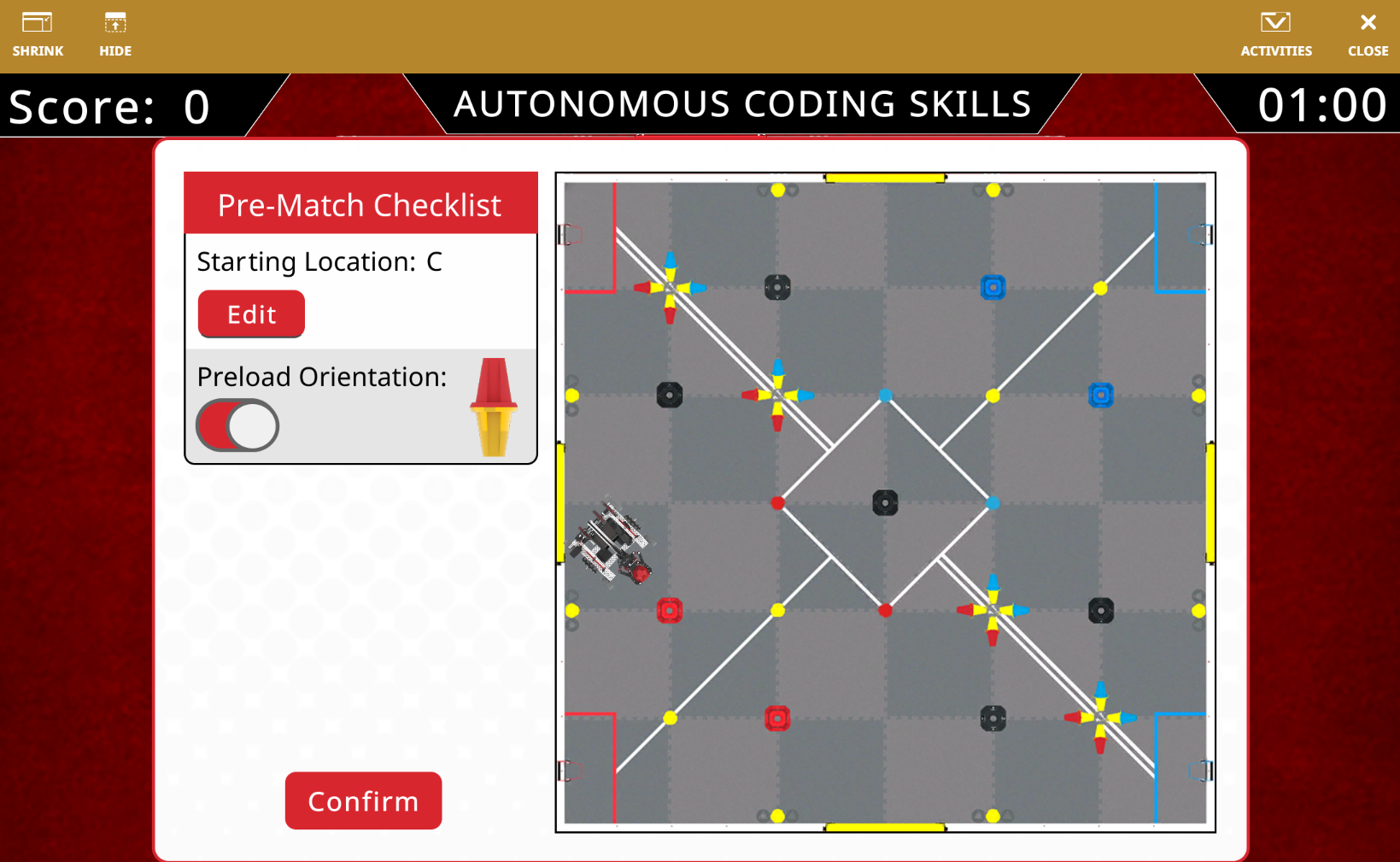
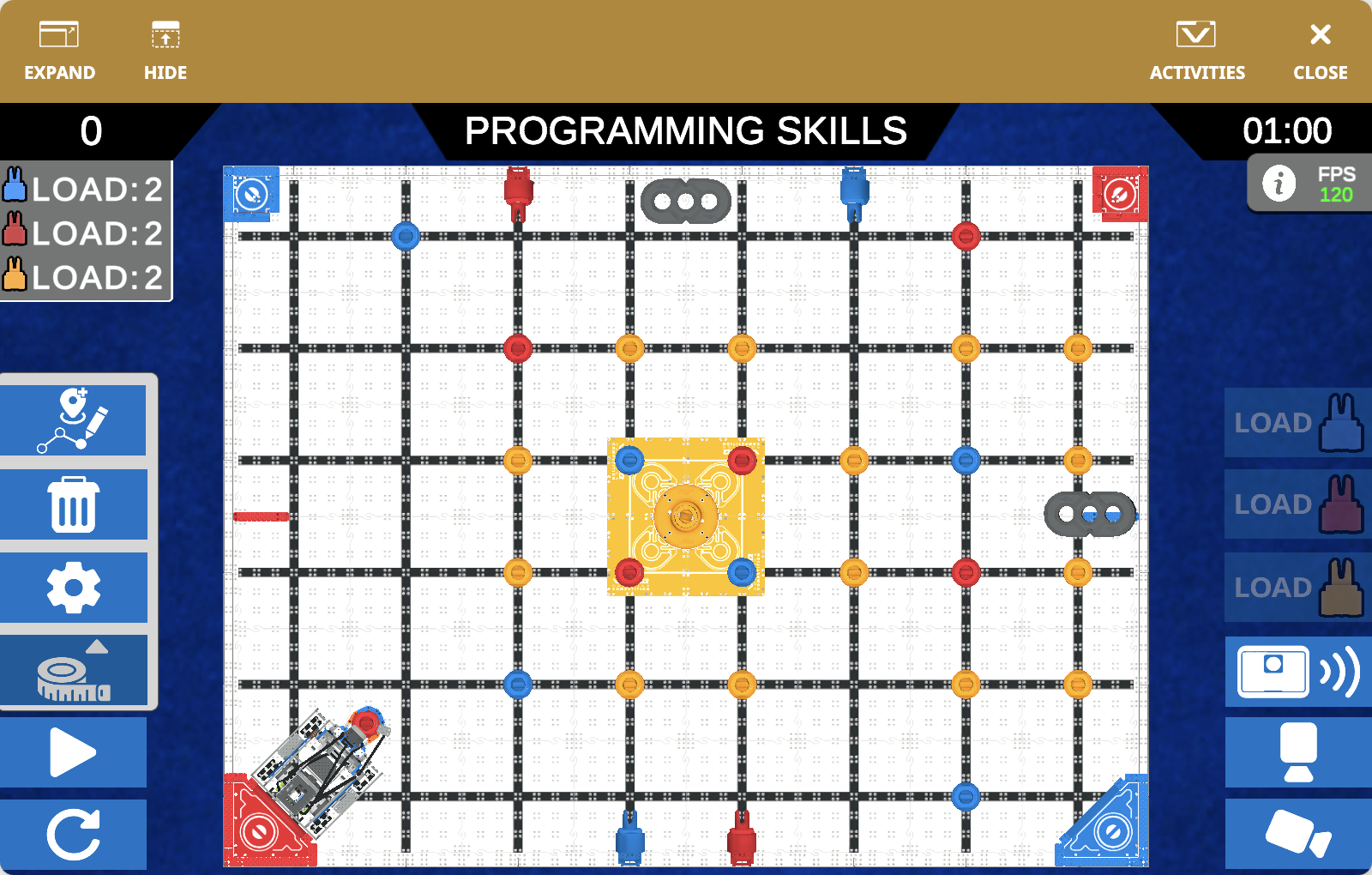
The VEXcode VR Playground window showing the V5RC 24-25 High Stakes Playground. It shows the Axel Robot scoring Rings and Mobile Goals in the V5RC 24-25 Virtual Skills field.

V5RC 24-25 High Stakes

Score Rings and Mobile Goals in the V5RC 24-25 Virtual Skills field.

Axel

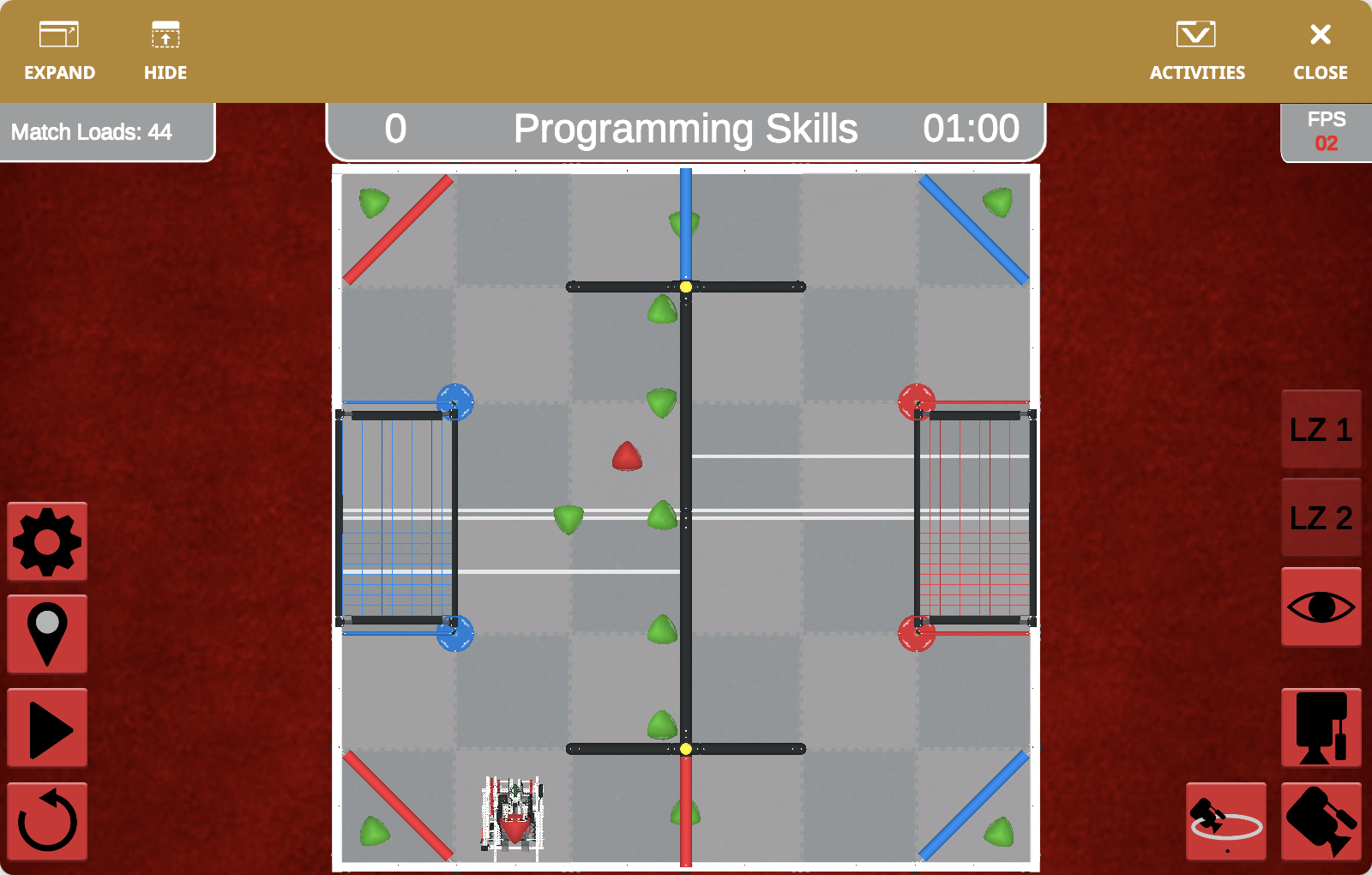
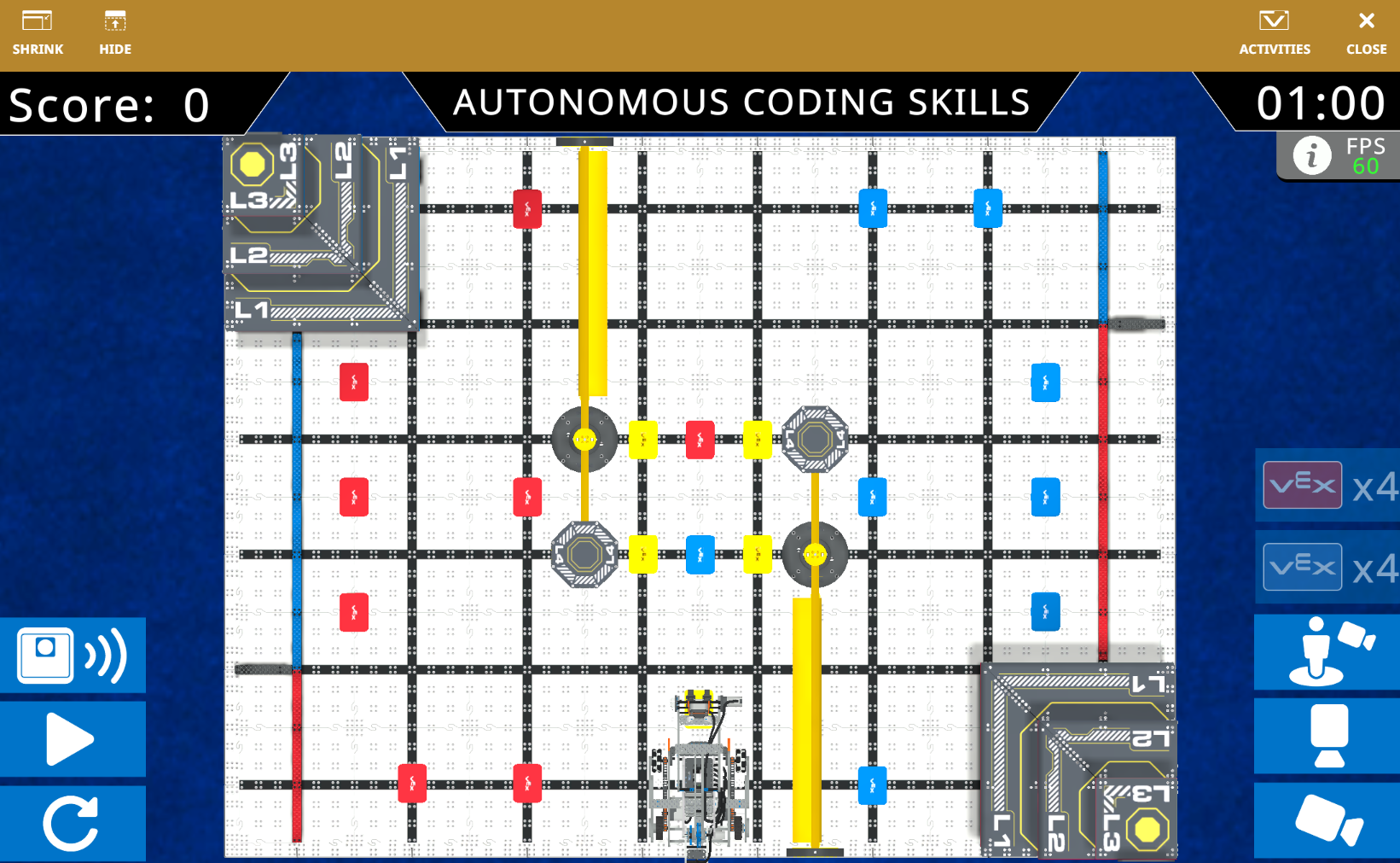
The VEXcode VR Playground window showing the V5RC 23-24 Over Under Playground. It shows the Striker Robot scoring Triballs and Elevate in the V5RC 23-24 Virtual Skills field.

V5RC 23-24 Over Under

Score Triballs and Elevate in the V5RC 23-24 Virtual Skills field.

Striker

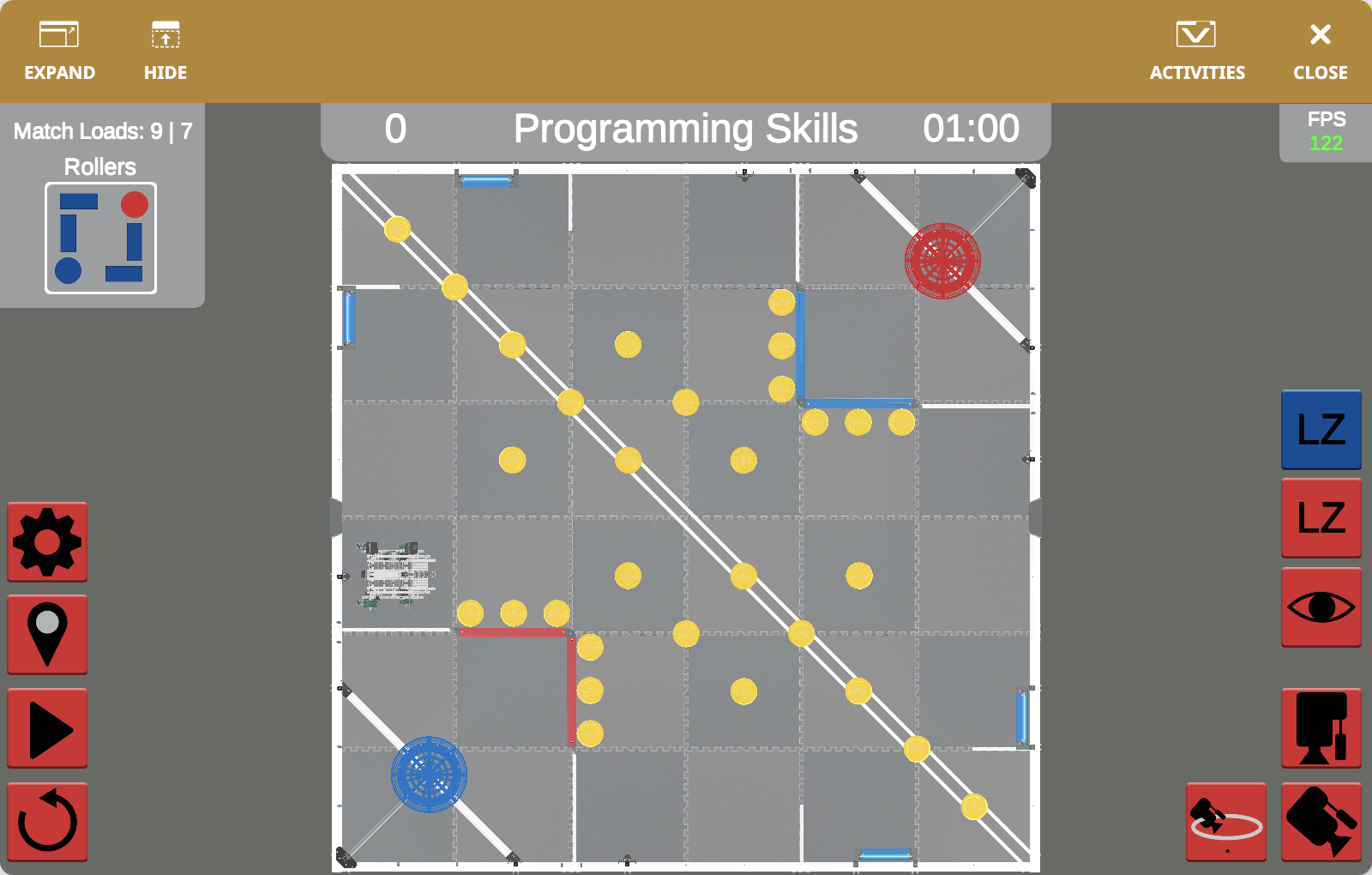
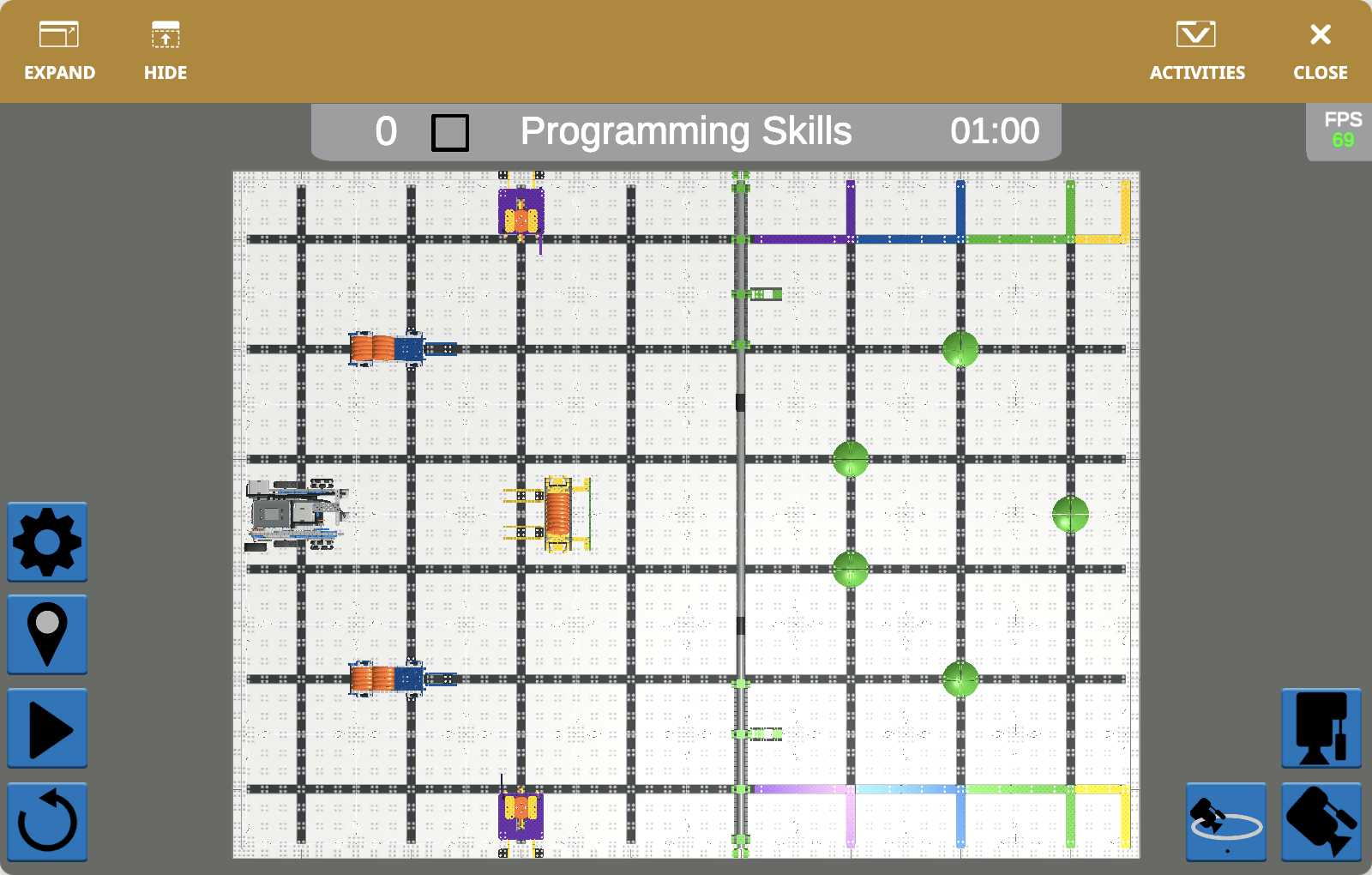
The VEXcode VR Playground window showing the V5RC 22-23 Spin Up Playground. It shows the Disco Robot scoring Discs and Rollers in the V5RC 22-23 Virtual Skills field.

V5RC 22-23 Spin Up

Score Discs and Rollers in the V5RC 22-23 Virtual Skills field.

Disco

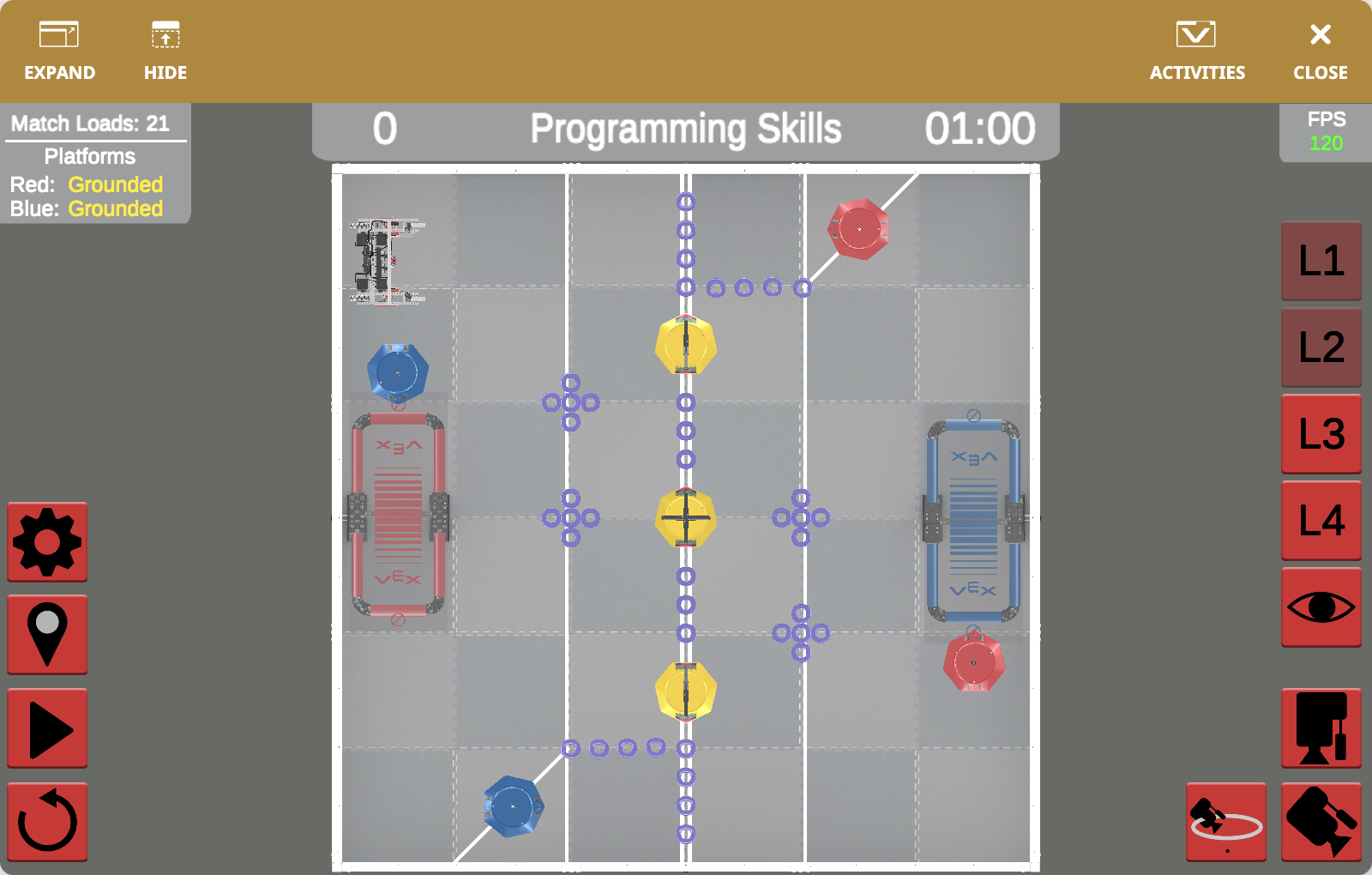
The VEXcode VR Playground window showing the V5RC 21-22 Tipping Point Playground. It shows the Moby Robot scoring Mobile Goals, Rings, and platform elevation in the V5RC 21-22 Virtual Skills field.

V5RC 21-22 Tipping Point

Score Mobile Goals, Rings, and platform elevation in the V5RC 21-22 Virtual Skills field.

Moby

The VEXcode VR Playground window showing the VIQRC 25-26 Mix & Match Playground. It shows the Huey Robot manipulating Pins and Beams in the VIQRC 25-26 Virtual Skills field.

VIQRC 25-26 Mix & Match

Manipulate Pins and Beams in the VIQRC 25-26 Virtual Skills field.

Huey

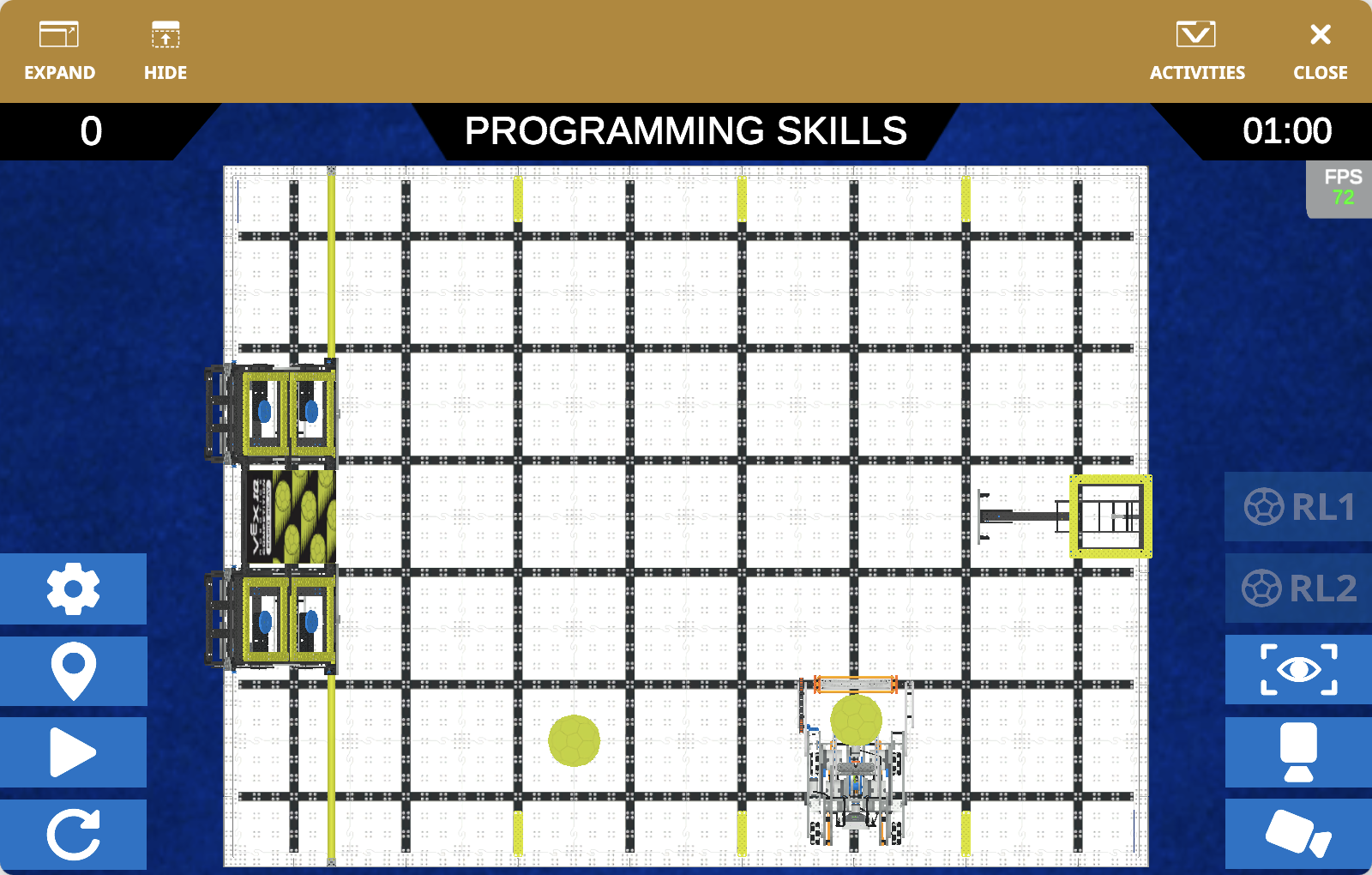
The VEXcode VR Playground window showing the VIQRC 24-25 Rapid Relay Playground. It shows the Swish Robot collecting and launching Balls in the VIQRC 24-25 Virtual Skills field.

VIQRC 24-25 Rapid Relay

Collect and launch Balls in the VIQRC 24-25 Virtual Skills field.

Swish

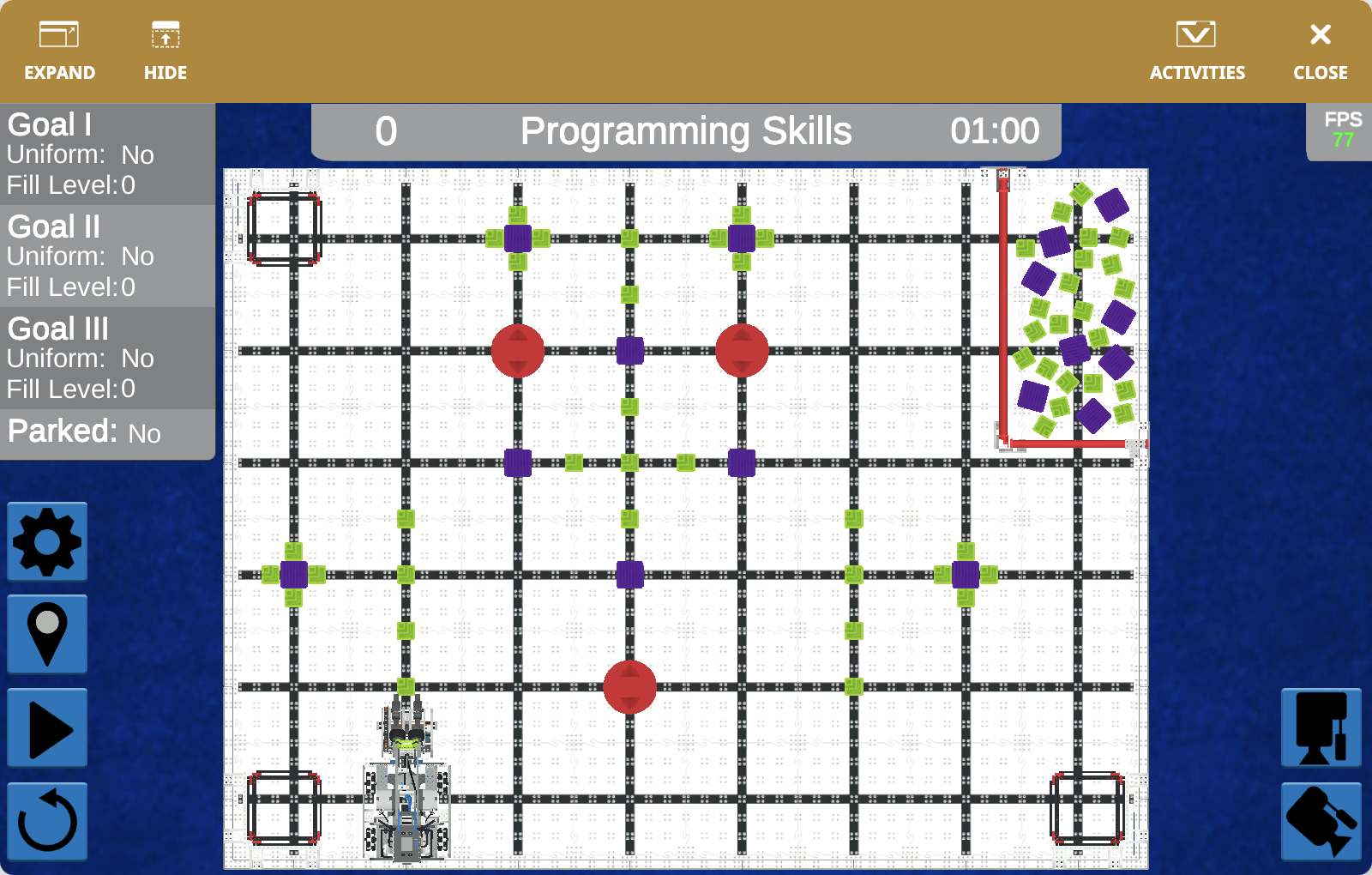
The VEXcode VR Playground window showing the VIQRC 23-24 Full Volume Playground. It shows the Byte Robot moving Blocks into goals in the VIQRC 23-24 Virtual Skills field.

VIQRC 23-24 Full Volume

Move Blocks into goals in the VIQRC 23-24 Virtual Skills field.

Byte

The VEXcode VR Playground window showing the VIQRC 22-23 Slapshot Playground. It shows the Snapshot Robot collecting and scoring Discs in the VIQRC 22-23 Virtual Skills field.

VIQRC 22-23 Slapshot

Collect and score Discs in the VIQRC 22-23 Virtual Skills field.

Snapshot

The VEXcode VR Playground window showing the VIQRC 21-22 Pitching In Playground. It shows the Fling Robot collecting and launching Balls in the VIQRC 21-22 Virtual Skills field.

VIQRC 21-22 Pitching In

Collect and launch Balls in the VIQRC 21-22 Virtual Skills field.

Fling