
V5 26-27 Anulación#
V5 Override es el juego de la competición de robótica VEX V5 para la temporada 2026-2027.
Para conocer las reglas del juego, acceda al manual del juego aquí.
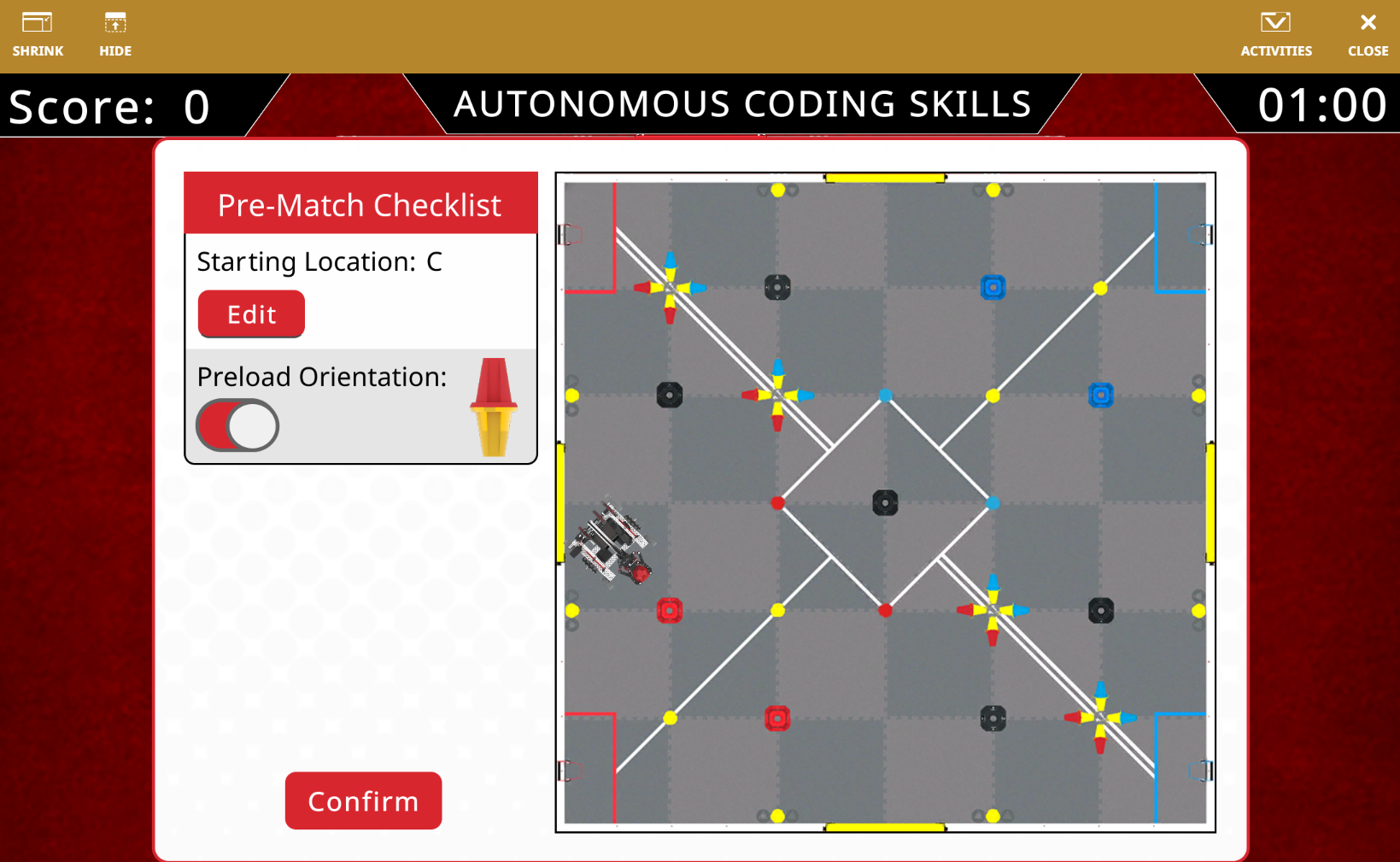
El V5 26-27 Override Playground te permite intentar conseguir el mayor número de puntos en el desafío de Habilidades de Codificación Autónoma de la temporada.
Descripción general del campo#
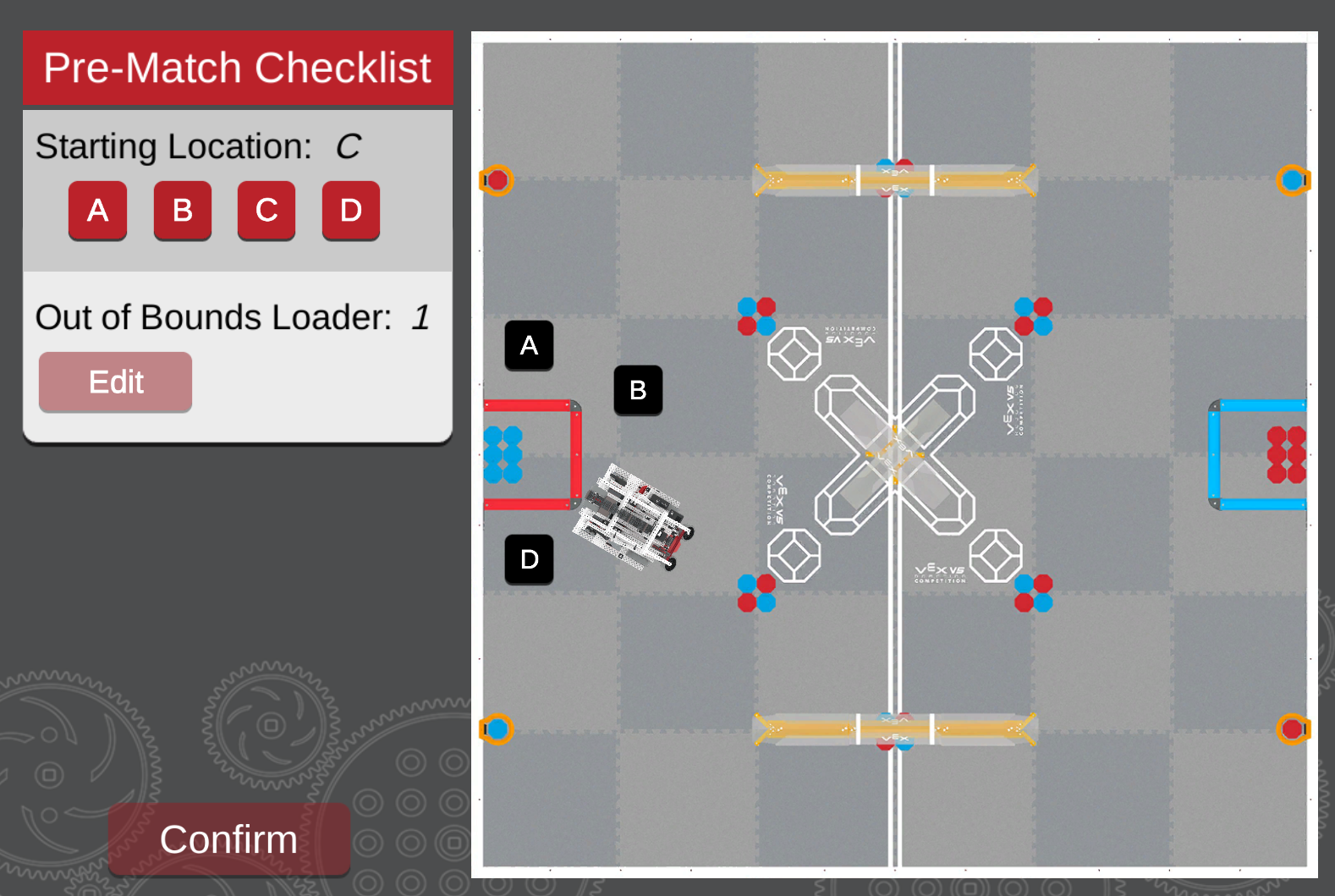
El Playground tiene cuatro puntos de inicio diferentes que se pueden configurar utilizando la lista de verificación previa al partido del Playground.
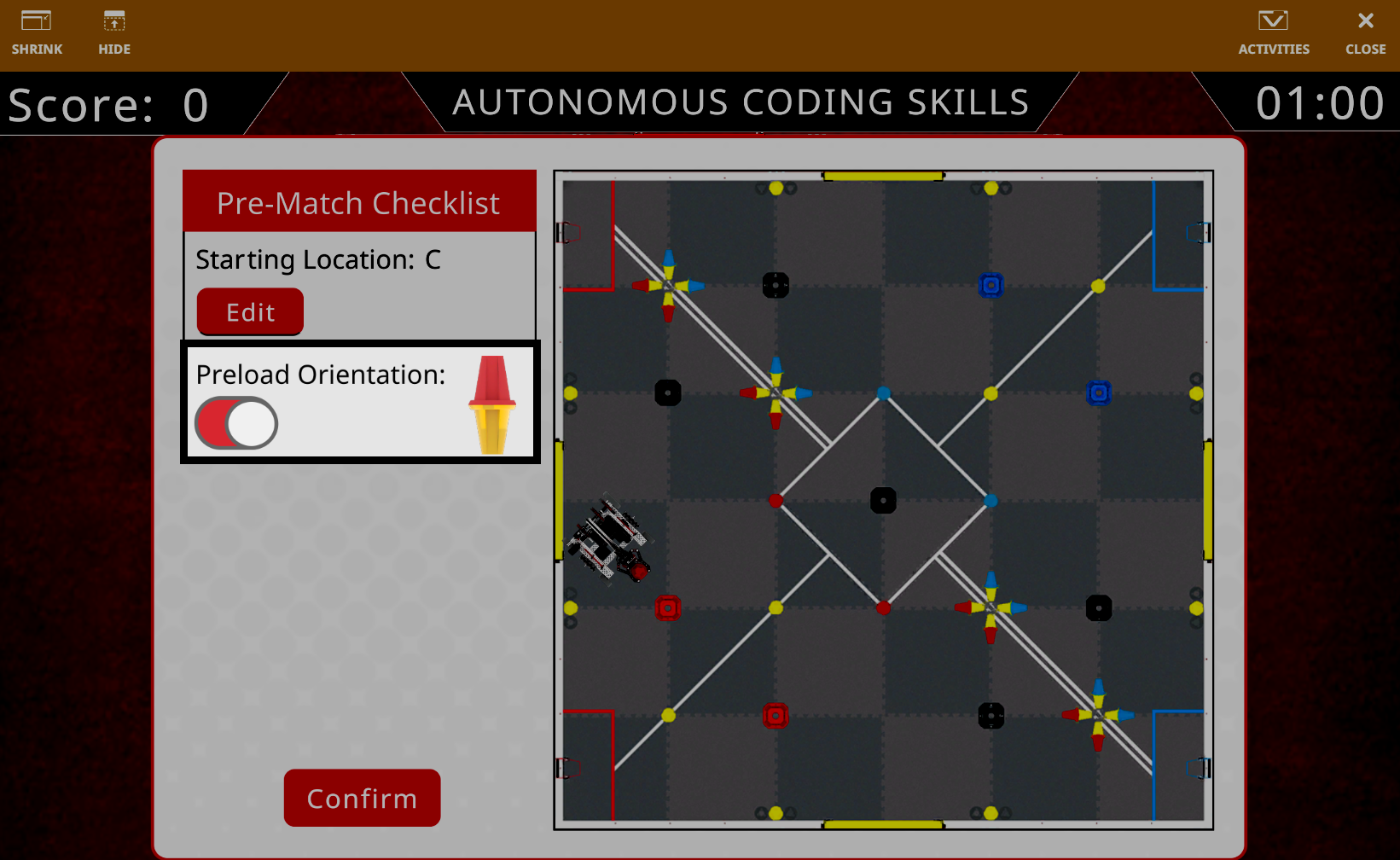
También puedes configurar la orientación del pasador precargado en la garra del robot y si el color amarillo o rojo estará en la parte superior del pasador.
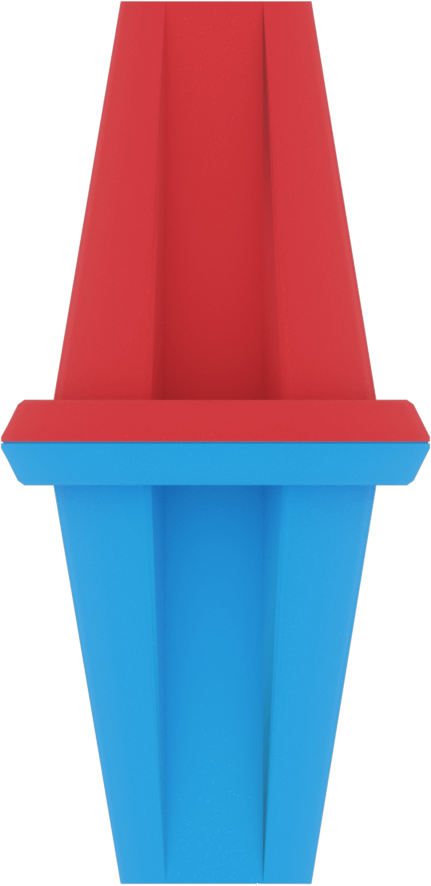
El campo incluye cinco tipos de elementos de juego: RedBluePin, BlueYellowPin, RedYellowPin, YellowPin y Copa.
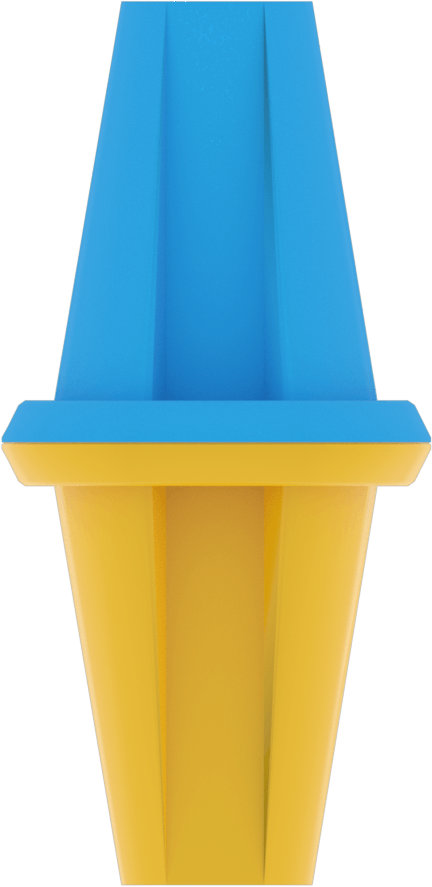
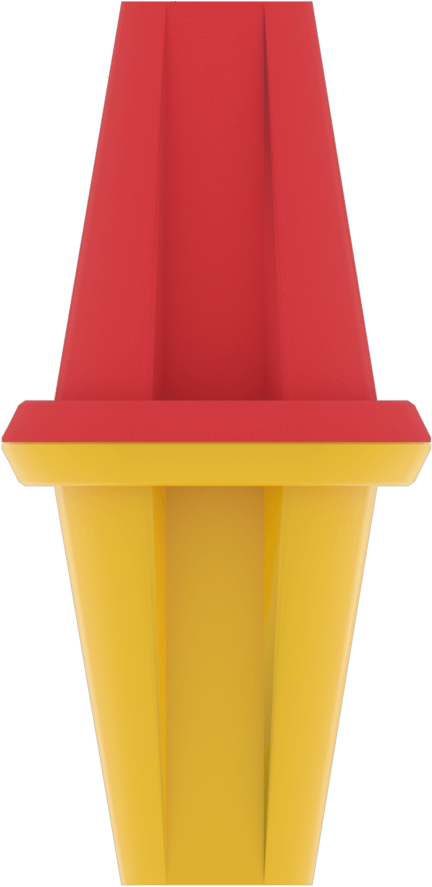
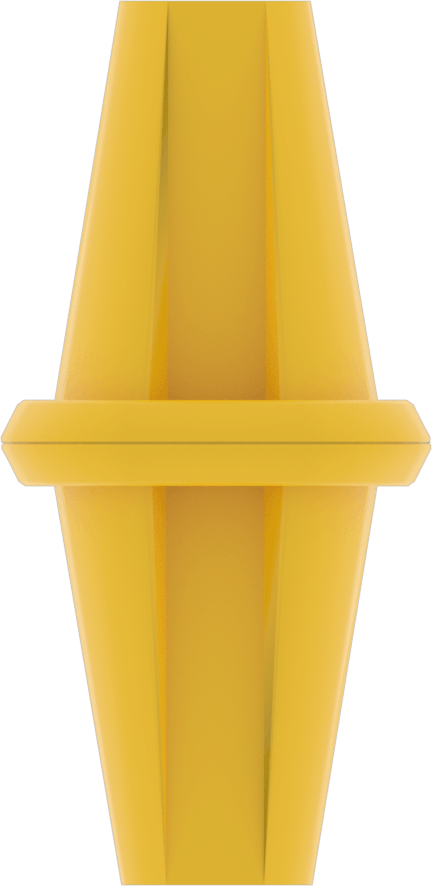
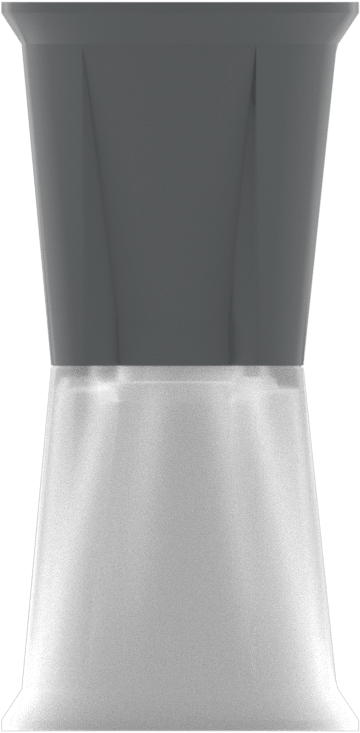
El campo también utiliza el código de campo GPS para aprovechar el sensor GPS del robot. Vaya a Coordenadas GPS para obtener las coordenadas de lugares u objetos importantes en el campo.
Descripción general del robot#
El V5 26-27 Override Playground utiliza el VEX V5 Hero Bot, Flex.
Coordenadas GPS#
El sensor GPS (Sistema de Posicionamiento de Juego) proporciona coordenadas (X, Y) y rumbo para la navegación en el área de juego V5 26-27 Override, utilizando el código de campo GPS para determinar la posición.
El sensor GPS mide desde el centro exacto del robot, con el centro del campo definido como (0, 0).
Coordenadas (X, Y) de los elementos del juego#
Las siguientes imágenes muestran una vista aérea del campo con las coordenadas GPS de los elementos importantes del juego.
Objetivos#
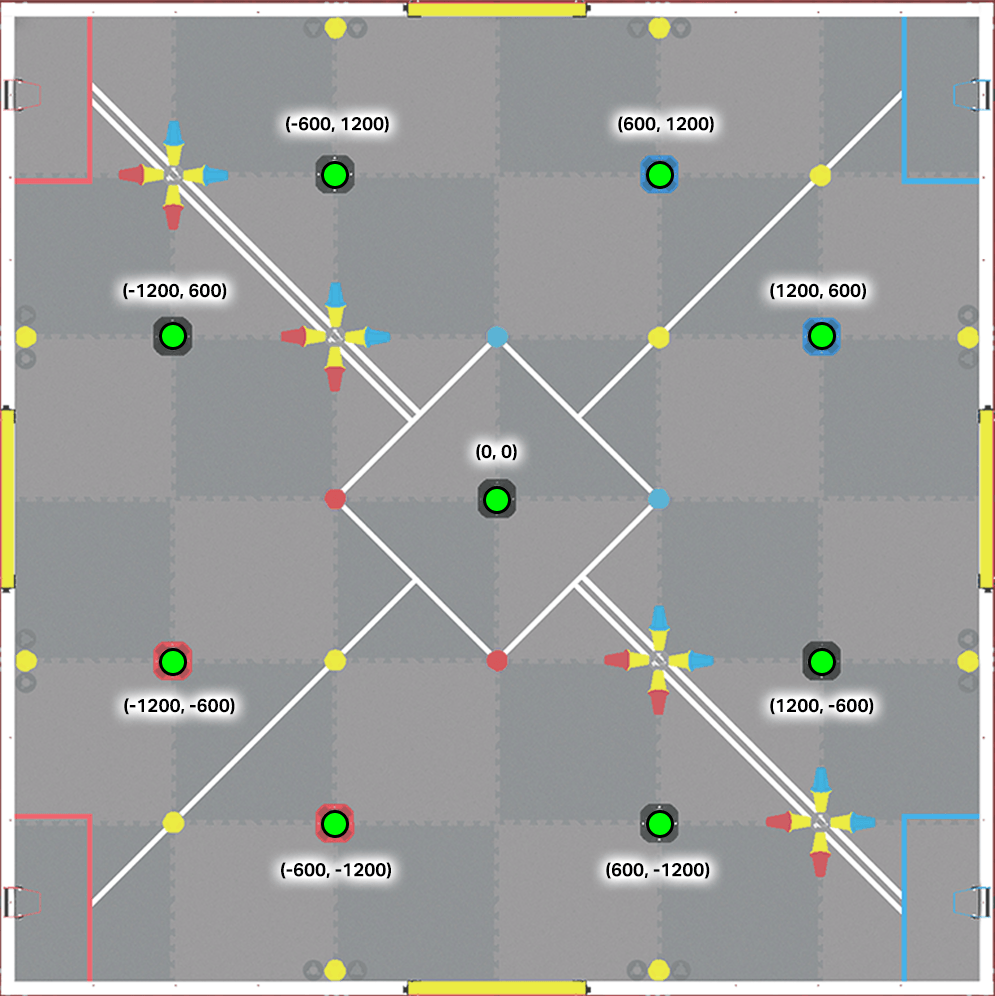
Posiciones de portería:
Objetivos neutrales:
(0, 0)
(-600, 1200)
(-1200, 600)
(1200, -600)
(600, -1200)
Objetivos de la Alianza Roja:
(-1200, -600)
(-600, -1200)
Objetivos de la Alianza Azul:
(600, 1200)
(1200, 600)
Alternar centros#
Hay cuatro interruptores en el campo, uno en cada borde. Las coordenadas GPS que se muestran a continuación representan el punto central de cada interruptor, no su límite exterior.
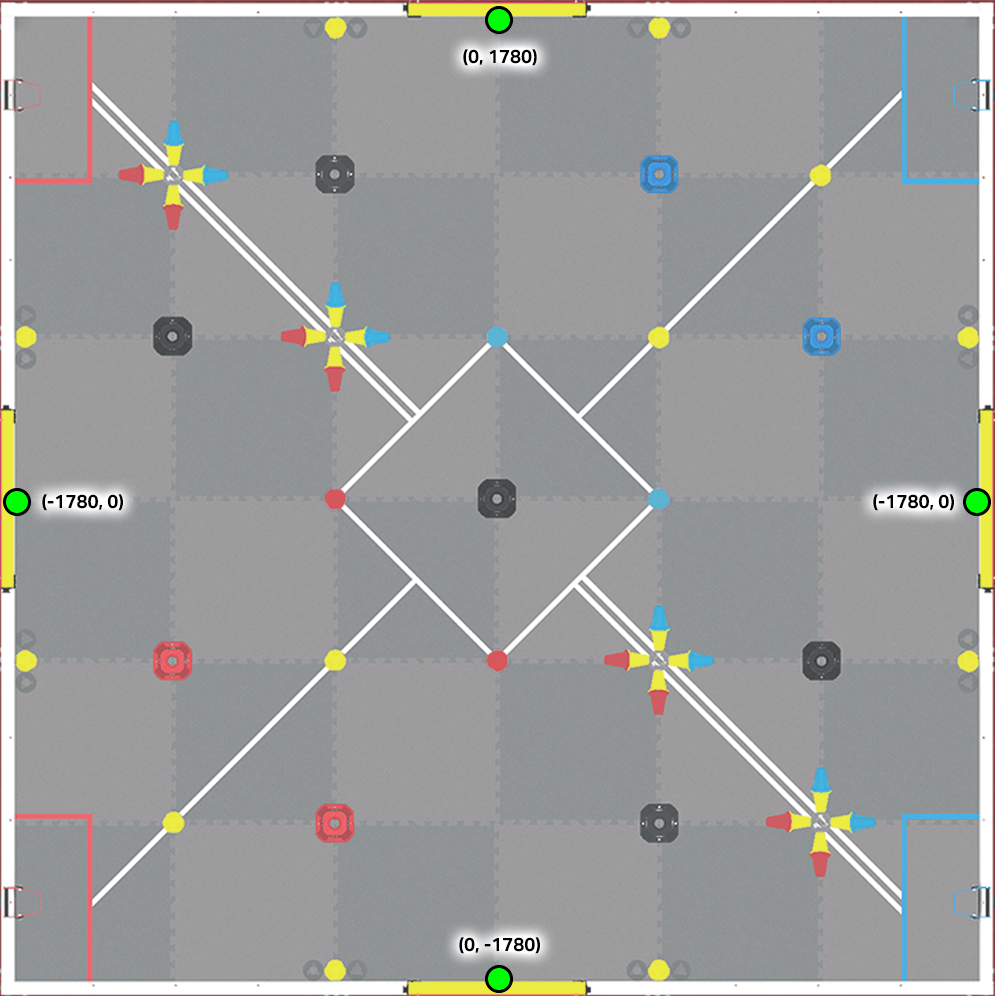
Alternar posiciones centrales:
(0, 1780) - Interruptor de pared superior
(1780, 0) - Interruptor de pared derecha
(0, -1780) - Interruptor de pared inferior
(-1780, 0) - Interruptor de pared izquierda
Pines y copas#
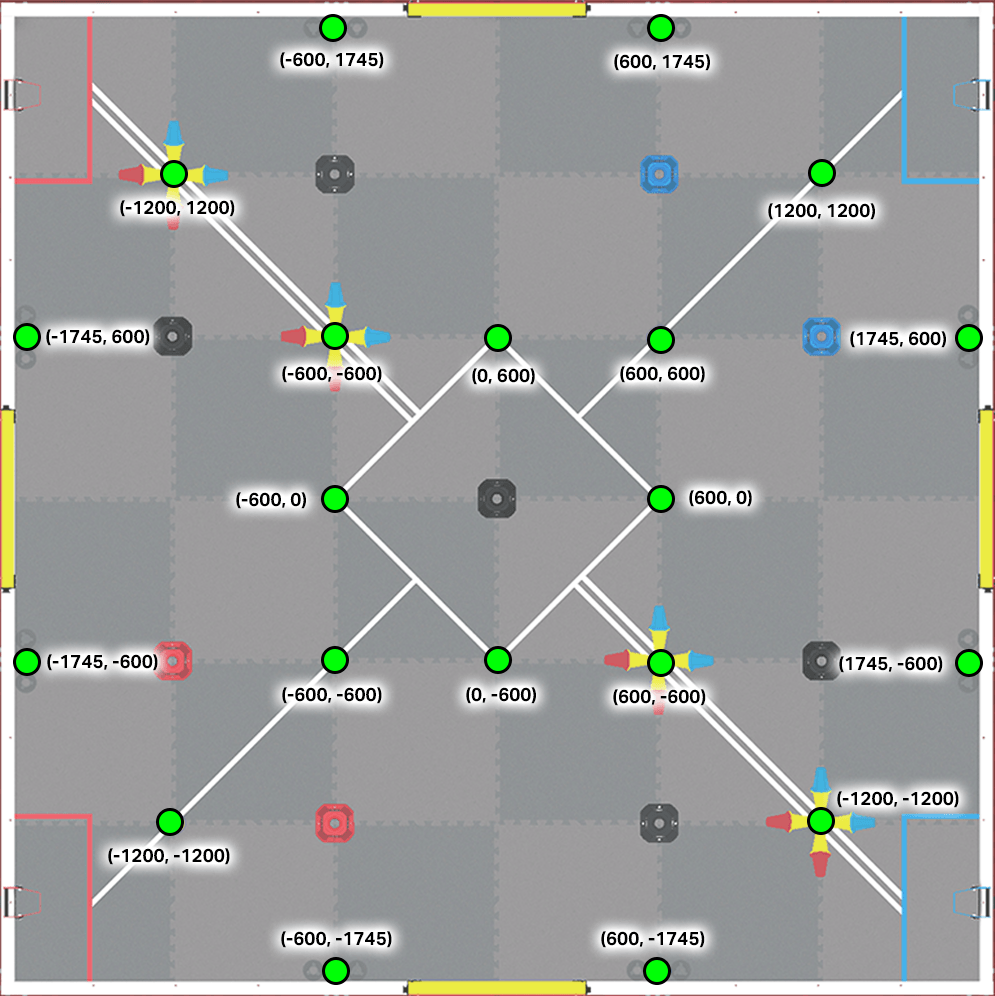
Posiciones de los pines y las copas:
(-600, 1745)
(600, 1745)
(-1200, 1200)
(1200, 1200)
(-1745, 600)
(-600, 600)
(0, 600)
(600, 600)
(1745, 600)
(-600, 0)
(600, 0)
(-1745, -600)
(-600, -600)
(0, -600)
(600, -600)
(1745, -600)
(-1200, -1200)
(1200, -1200)
(-600, -1745)
(600, -1745)
Cargadores#
Hay cuatro cargadores en el campo de anulación, uno junto a cada estación de la Alianza. Solo los dos cargadores rojos se pueden usar en este campo de entrenamiento de habilidades de programación autónoma.
Puestos de cargador:
Cargadores rojos:
(-1740, 1490)
(-1740, -1490)