
LEDインジケーター#
導入#
led クラスを使用すると、V5 Brainは3線式ポートを使用して接続された発光ダイオード(LED)をオンまたはオフにすることができます。
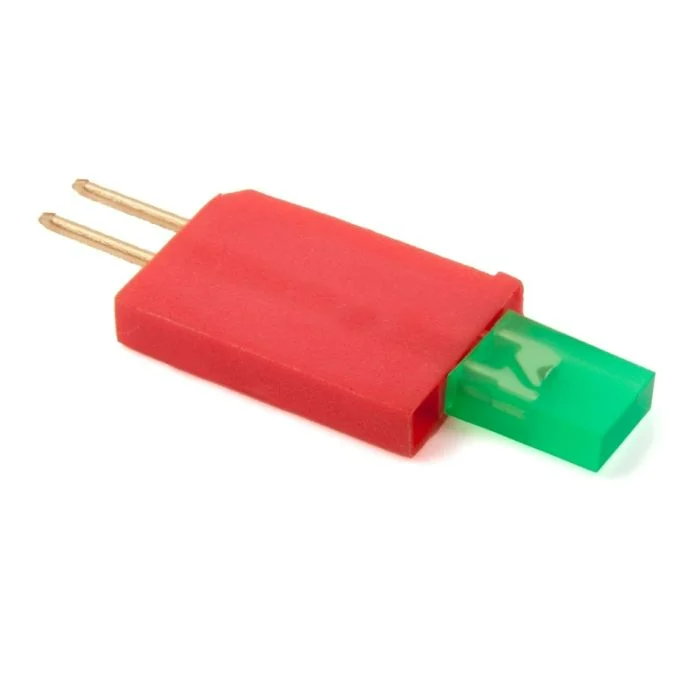
クラスコンストラクタ#
led(
  triport::port &port );
クラスデストラクタ#
led オブジェクトを破棄し、関連するリソースを解放します。
virtual ~led();
パラメータ#
パラメータ |
タイプ |
説明 |
|---|---|---|
|
|
LEDインジケータが接続されている3線式ポートは、 |
例#
// Create an led instance in Port A
led LEDA = led(Brain.ThreeWirePort.A);
メンバーの機能#
led クラスには、以下のメンバ関数が含まれています。
led メンバ関数を呼び出す前に、以下に示すように led インスタンスを作成する必要があります。
/* This constructor is required when using VS Code.
LED Indicator configuration is generated automatically
in VEXcode using the Device Menu. Replace the values
as needed. */

// Create an led instance in Port A
led LEDA = led(Brain.ThreeWirePort.A);
on#
指定されたLEDインジケーターを点灯します。
Available Functionsvoid on();
この関数は引数を受け付けません。
Return Valuesこの関数は値を返しません。
Examples// Turn on the LED
LEDA.on();
// Wait 2 seconds
wait(2, seconds);
// Turn off LED
LEDA.off();
off#
指定されたLEDインジケーターを消灯します。
Available Functionsvoid off();
この関数は引数を受け付けません。
Return Valuesこの関数は値を返しません。
Examples// Turn on the LED
LEDA.on();
// Wait 2 seconds
wait(2, seconds);
// Turn off LED
LEDA.off();