
限位開關#
介紹#
限位開關是一種小型數位感測器,用於檢測與物體的物理接觸。
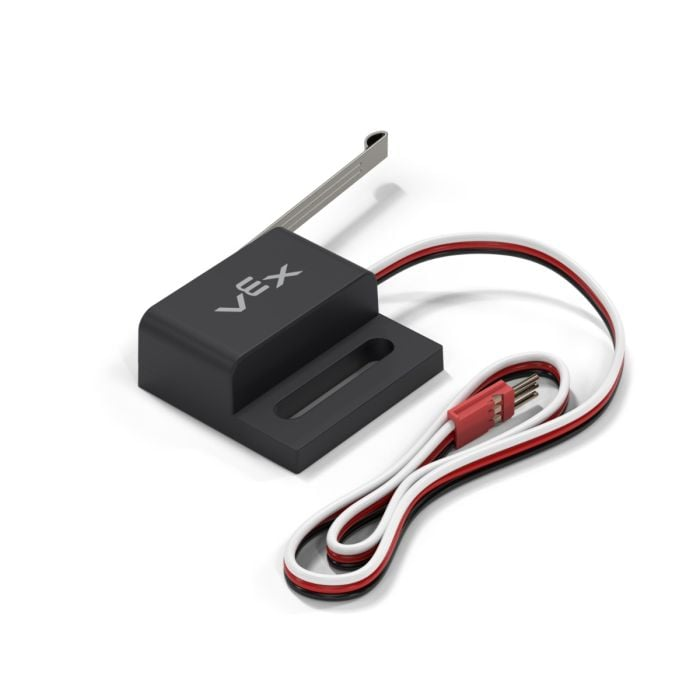
本頁面使用 limit_switch 作為限位開關名稱範例。您可以根據需要將其替換為您自己配置的名稱。
以下是可用方法清單:
建構函式 - 手動初始化限位開關。
Limit– 建立一個限位開關。
緊迫#
pressing 返回 Boolean 指示限位開關目前是否被按下。
True– 限位開關被按下。False– 限位開關未按下。
Usage:
limit_switch.pressing()
參數 |
描述 |
|---|---|
此方法沒有參數。 |
# Display a message after limit_switch is pressed
while not limit_switch.pressing():
  pass

brain.screen.print("Limit Switch pressed!")
按下#
pressed 註冊函數,函數會在限位開關被按下時呼叫。
Usage:
limit_switch.pressed(callback, arg)
參數 |
描述 |
|---|---|
|
一個先前定義的函數,當限位開關被按下時執行。 |
|
def my_function():
  brain.screen.print("Pressed")

# Call my_function whenever limit_switch is pressed
limit_switch.pressed(my_function)
發布#
released 註冊一個函數,該函數將在限位開關釋放時呼叫。
Usage:
limit_switch.released(callback, arg)
參數 |
描述 |
|---|---|
|
先前定義的 函數,當限位開關釋放時執行。 |
|
def my_function():
  brain.screen.print("Pressed")

# Call my_function whenever limit_switch is released
limit_switch.released(my_function)
建構函數#
建構函式用於手動建立 Limit 對象,這是在 VEXcode 之外配置限位開關所必需的。
Limit#
Limit 創建限位開關。
Usage:
Limit(port)
範圍 |
描述 |
|---|---|
|
The 3-Wire Port that the Limit Switch is connected to:
|
# Create a Limit Switch in Port A
light_switch = Limit(brain.three_wire_port.a)