
Indicador LED#
Introducción#
El indicador LED permite que el V5 Brain encienda o apague un diodo emisor de luz (LED) conectado mediante un puerto de 3 cables.
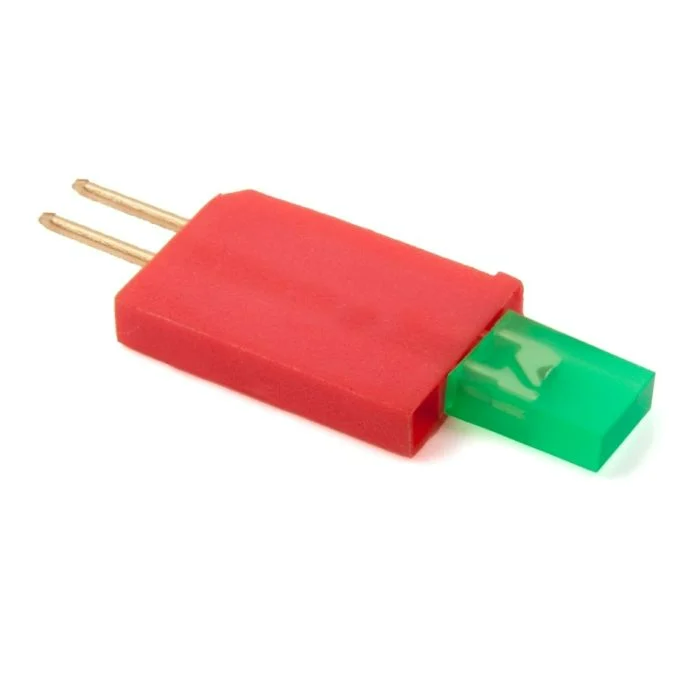
This page uses led_a as the example LED Indicator name. Replace it with your own configured name as needed.
A continuación se muestra una lista de los métodos disponibles:
Constructor – Inicializa manualmente un indicador LED.
Led– Create an LED Indicator.
en#
on turns the specified LED Indicator on.
Usage:
led_a.on()
Parámetros |
Descripción |
|---|---|
Este método no tiene parámetros. |
apagado#
off turns the specified LED Indicator off.
Usage:
led_a.off()
Parámetros |
Descripción |
|---|---|
Este método no tiene parámetros. |
Constructor#
Constructors are used to manually create Led objects, which are necessary for configuring an LED Indicator outside of VEXcode.
Led#
Led creates an LED Indicator.
Usage:
Led(port)
Parámetro |
Descripción |
|---|---|
|
The 3-Wire Port that the LED Indicator is connected to:
|
# Create an LED Indicator in Port A
led_a = Led(brain.three_wire_port.a)