
Sensor de luz#
Introducción#
El Sensor de Luz mide la intensidad de la luz reflejada o incidida sobre un objeto. Emite un valor analógico que representa la cantidad de luz detectada.
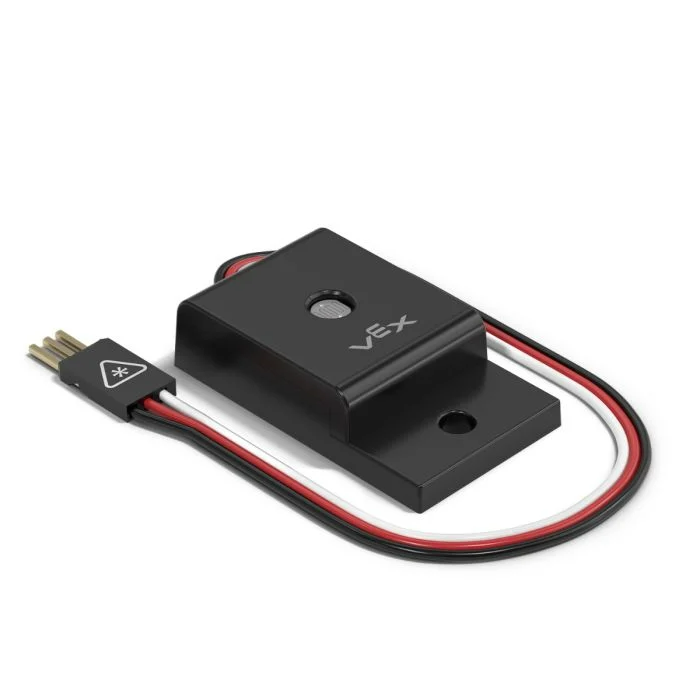
This page uses light_sensor as the example Light Sensor name. Replace it with your own configured name as needed.
A continuación se muestra una lista de los métodos disponibles:
brightness– Returns the amount of light detected by the Light Sensor as a percent.changed– Registers a function to be called whenever the Light Sensor’s brightness value changes.
Constructor – Inicializa manualmente un sensor de luz.
Light– Create a Light Sensor.
brillo#
brightness returns the amount of light detected by the Light Sensor as an integer. This can be used to check if an object is bright enough to accurately report other visual data.
Usage:
light_sensor.brightness(units)
Parámetro |
Descripción |
|---|---|
|
Optional. The unit to return the brightness with: |
cambió#
changed registers a function to be called whenever the Light Sensor’s brightness value changes.
Usage:
light_sensor.changed(callback, arg)
Parámetros |
Descripción |
|---|---|
|
Una función previamente definida que se ejecuta cuando cambia el valor de brillo del sensor de luz. |
|
Optional. A |
def my_function():
  brain.screen.print("Brightness changed")

# Call my_function whenever the brightness changes
light_sensor.changed(my_function)
Constructor#
Constructors are used to manually create Light objects, which are necessary for configuring a Light Sensor outside of VEXcode.
Light#
Light creates a Light Sensor.
Usage:
Light(port)
Parámetro |
Descripción |
|---|---|
|
The 3-Wire Port that the Light Sensor is connected to:
|
# Create a Light Sensor in Port A
light_sensor = Light(brain.three_wire_port.a)