
Acelerómetro#
Introducción#
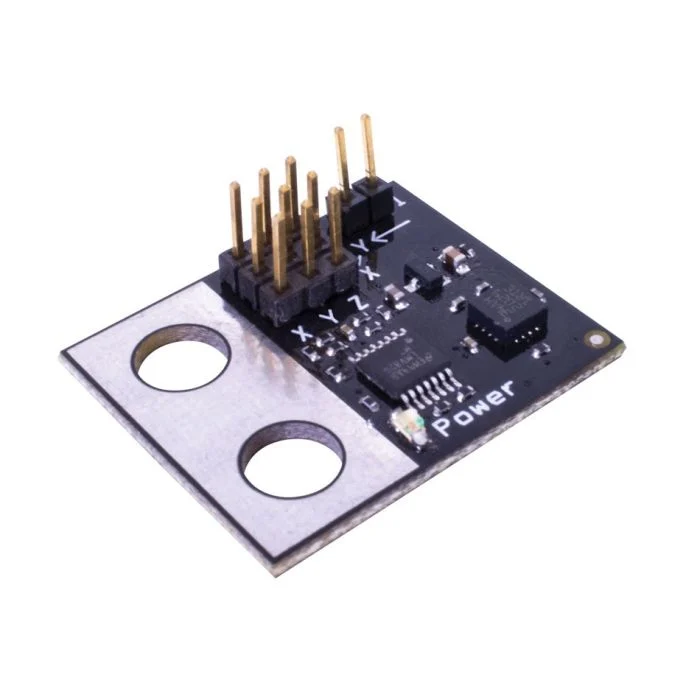
El acelerómetro mide la aceleración del robot a lo largo de uno o más ejes. El sensor emite un voltaje analógico que varía según la aceleración en fuerzas G (G).
Un puente en el acelerómetro determina su rango de sensibilidad:
2G – Mide la aceleración de -2G a +2G
6G – Mide la aceleración de -6G a +6G
This page uses accel_a as the example Accelerometer name. Replace it with your own configured name as needed.
A continuación se muestra una lista de los métodos disponibles:
acceleration– Returns the acceleration detected by the Accelerometer in Gs.changed– Registers a function to be called whenever the Accelerometer’s value changes.
Constructor: inicializa y configura manualmente un acelerómetro.
Accelerometer– Create an Accelerometer.
aceleración#
acceleration returns the acceleration measured in Gs as a decimal float.
Usage:
accel_a.acceleration()
Parámetros |
Descripción |
|---|---|
Este método no tiene parámetros. |
cambió#
changed registers a function to be called whenever the Accelerometer’s value changes.
Usage:
accel_a.changed(callback, arg)
Parámetros |
Descripción |
|---|---|
|
Una función previamente definida que se ejecuta cuando cambia el valor del acelerómetro. |
|
Optional. A |
def my_function():
  brain.screen.print("Value changed")

# Call my_function whenever accel_a's value changes
accel_a.changed(my_function)
Constructor#
Constructors are used to manually create Accelerometer objects, which are necessary for configuring an Accelerometer outside of VEXcode.
Accelerometer#
Accelerometer creates an Accelerometer.
Usage:
Accelerometer(port, sensitivity)
Parámetro |
Descripción |
|---|---|
|
The 3-Wire Port that the Accelerometer is connected to:
|
|
Optional. Whether to enable high sensitivity mode on the Accelerometer: |
# Create a high sensitivity Accelerometer in Port A
accel_a = Accelerometer(brain.three_wire_port.a, True)