Downloading and Starting a Project#
Before downloading a project, make sure your robot is connected to VEXcode. See Connecting to Your Robot for more information.
Download and Start Your Project#
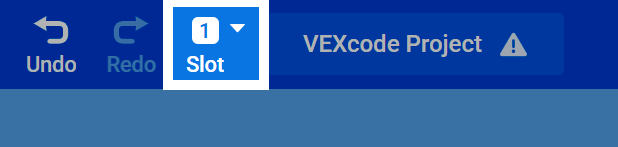
Select a Slot#
At the top of the page, select the Slot number to change which slot the project will download into on the VEX IQ (2nd gen) Brain. There is a maximum of 8 different slots.
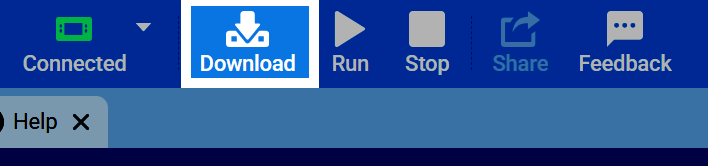
Download Your Project#
Once your project is ready to be tested and your robot is connected to VEXcode, select the Download button to download the project to the VEX IQ (2nd gen) Brain.
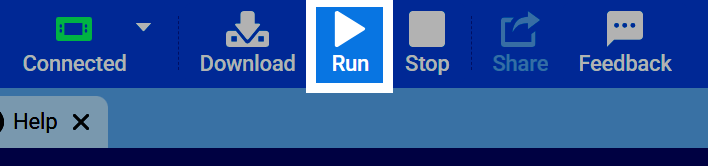
Start Your Project#
Press Run to have your robot begin running the project.