
数据存储#
Storing Data
本教程将介绍如何在 VEXcode IQ(第二代)中创建和使用变量。学完本教程后,您将掌握如何在项目中创建和使用变量。
变量 允许您在项目过程中存储数据,例如数字、真/假值或项目列表。
转到工具箱中的“逻辑 - 变量”类别,然后选择“创建变量”。
选择要创建的变量类型。
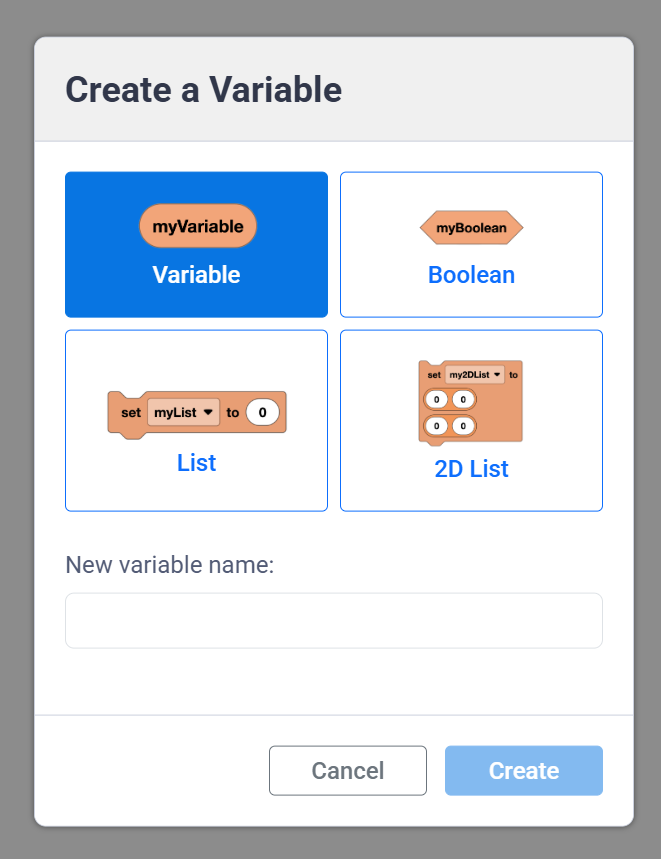
数值变量可以存储文本或数字。
数值型变量。#
(my_variable)
布尔值存储真或假值。
布尔变量。#
<my_boolean>
列表存储一系列文本和/或数字。
列表变量。#
设定 [my_list v] 为 (0) (0) (0)
二维列表以行和列的形式存储文本和/或数字序列。当您需要一次性存储大量数据并保持所有值井然有序时,二维列表非常有用。
一个二维列表变量。#
设定 [my_2d_list v] 为 ([0] [0]) ([0] [0])
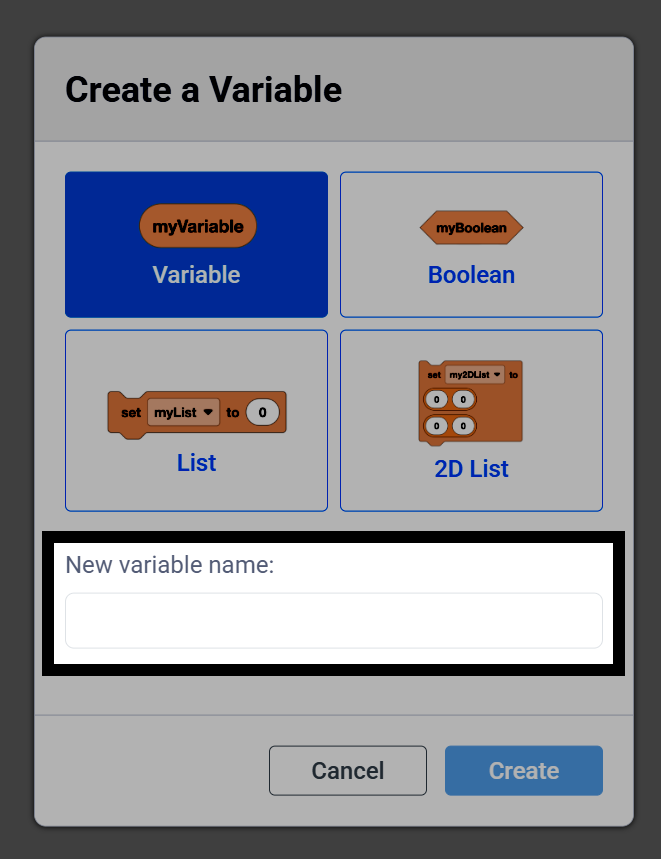
输入变量名称。
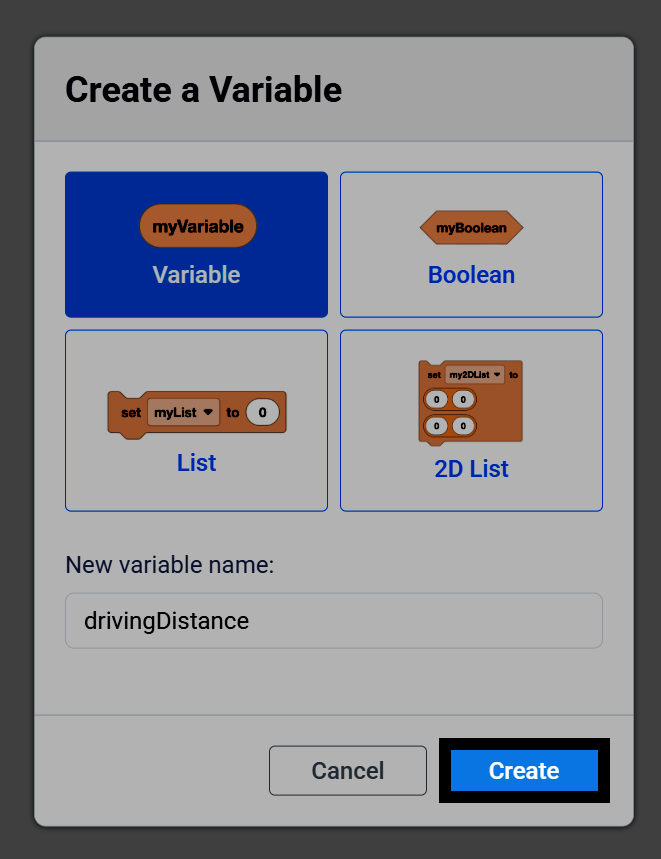
选择创建将变量添加到工具箱。
除了变量本身,工具箱中还会包含一些模块,您可以在项目进行过程中使用这些模块来更改变量的值。例如,数值变量包含一个“报告器”模块,以及“设置数值变量”和“更改数值变量”模块。
my_variable 报告器模块。#
(my_variable)
设置数值变量块。#
设定 [my_variable v] 为 (1)
更改数值变量模块。#
将 [my_variable v] 改变 (1)
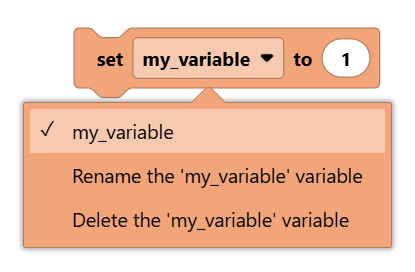
选择变量块的下拉菜单,可以选择不同的变量,或者重命名或删除当前选定的变量。
在这个项目中,按下大脑的检查按钮会将名为count的变量加1,并在控制台上显示;而按下大脑的左按钮会将其重置为0。
一个统计脑力测试按钮按下次数的项目,当按下左按钮时重置计数。#
当开始
设定 [count v] 为 [0]
永久循环
如果 <Brain [确认 v] 键按下了?> 那么
[Add 1 to the count.]
将 [count v] 改变 (1)
在控制台上打印 (count)◀ 并设定光标至下一行
否则如果 <Brain [◀ v] 键按下了?> 那么
[Reset the count back to 0.]
设定 [count v] 为 [0]
在控制台上打印 (count)◀ 并设定光标至下一行
结束
结束