Flight Safety with the Drone#
Before flying the VEX AIR Drone, ensure you have a safe environment and that everyone nearby is prepared.
Inspect the drone#
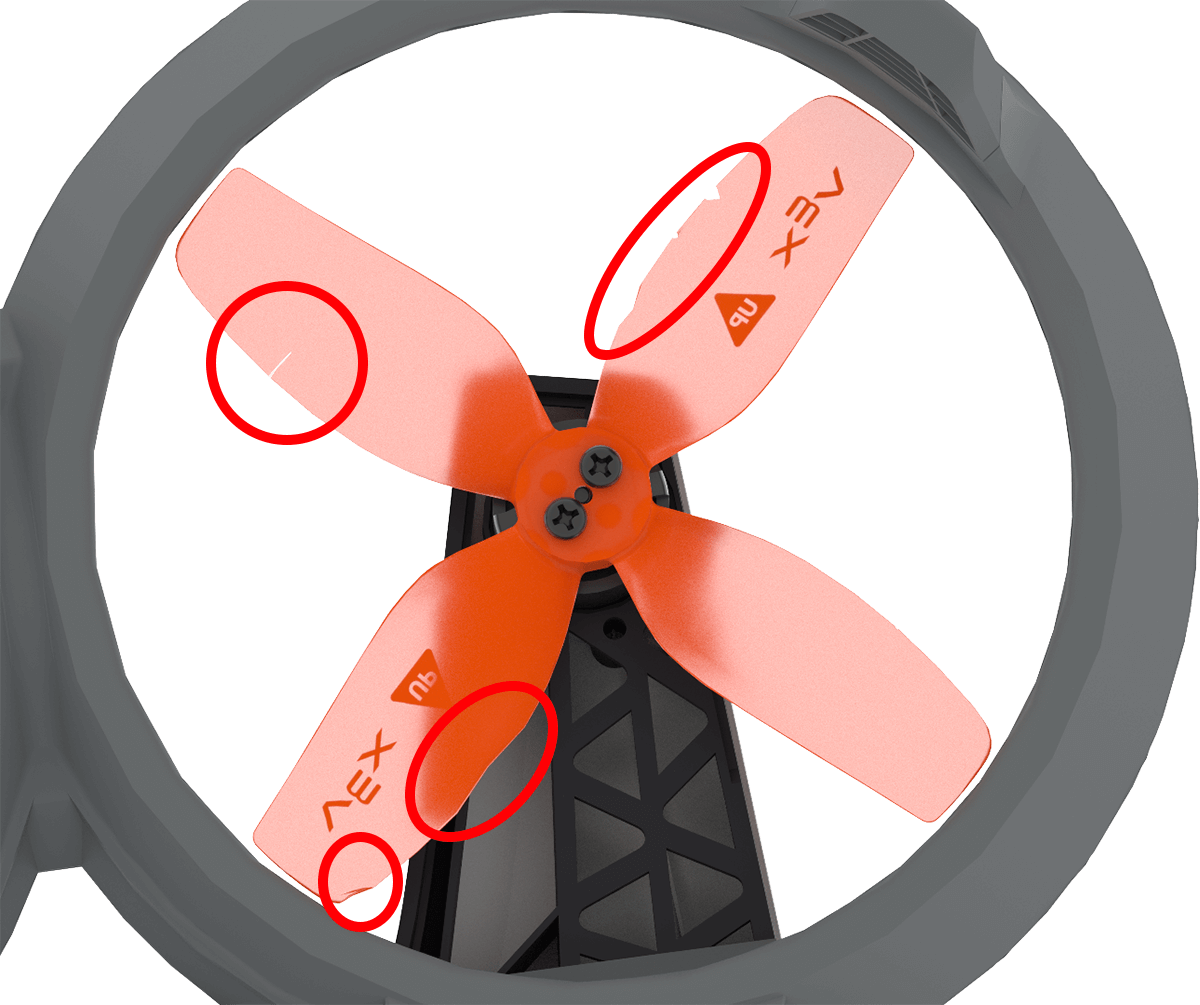
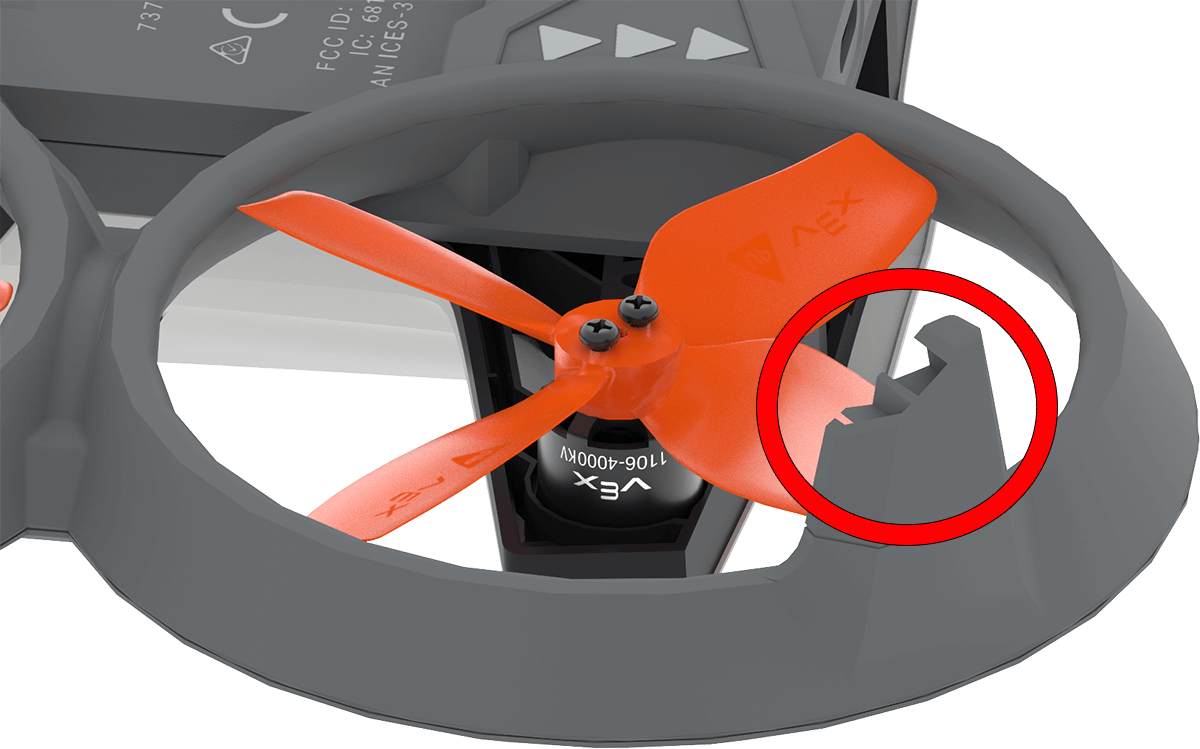
Check the propellers and landing feet for cracks, bends, or chips. Replace any damaged propellers or landing feet before flying.
Prepare the flight area#
Make sure there is 5 feet of clear space around the drone.
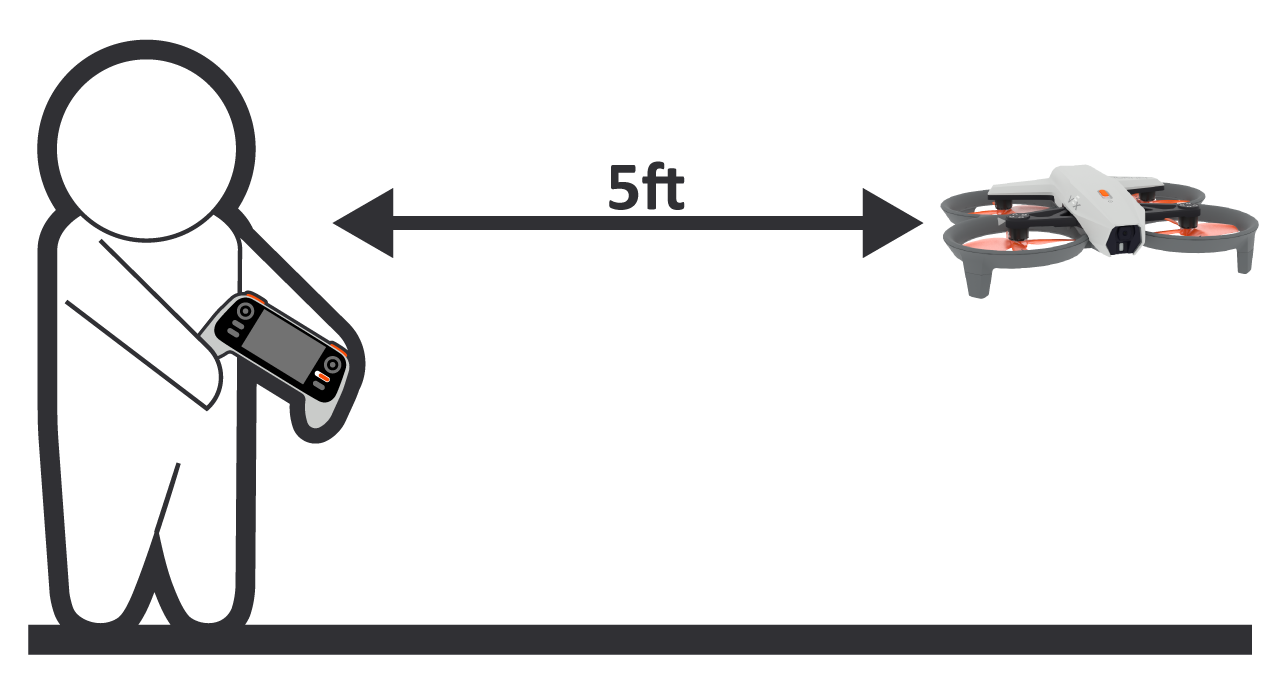
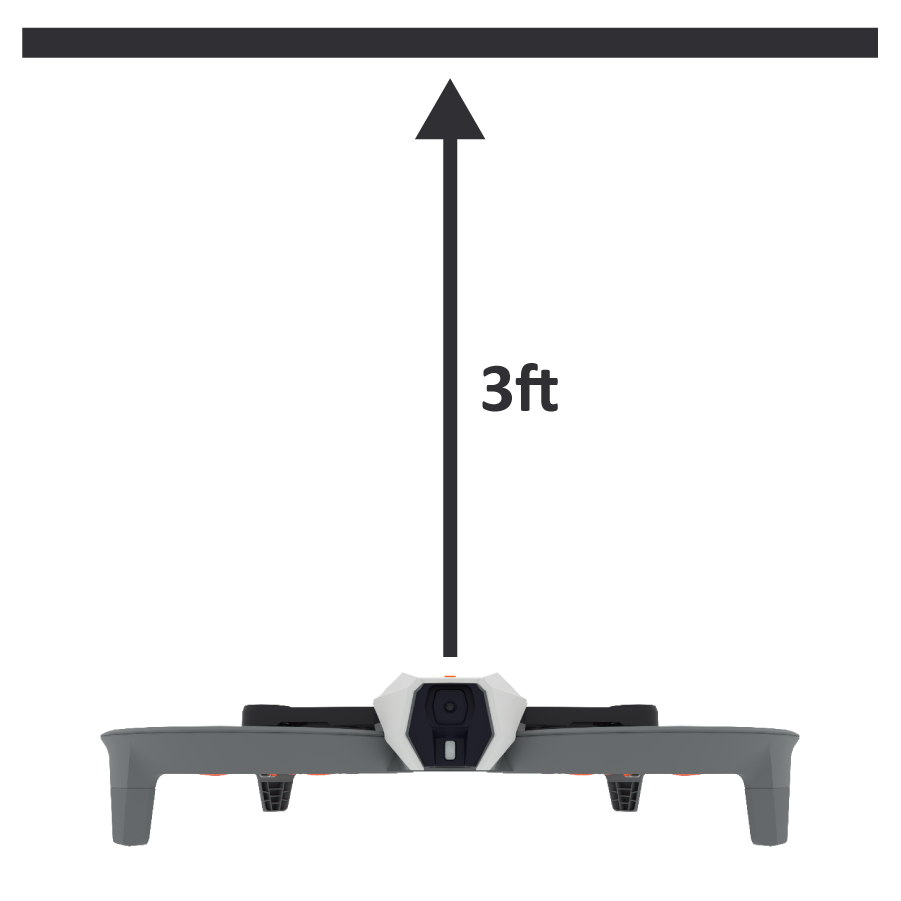
Make sure there is at least 3 feet of open space above the drone.
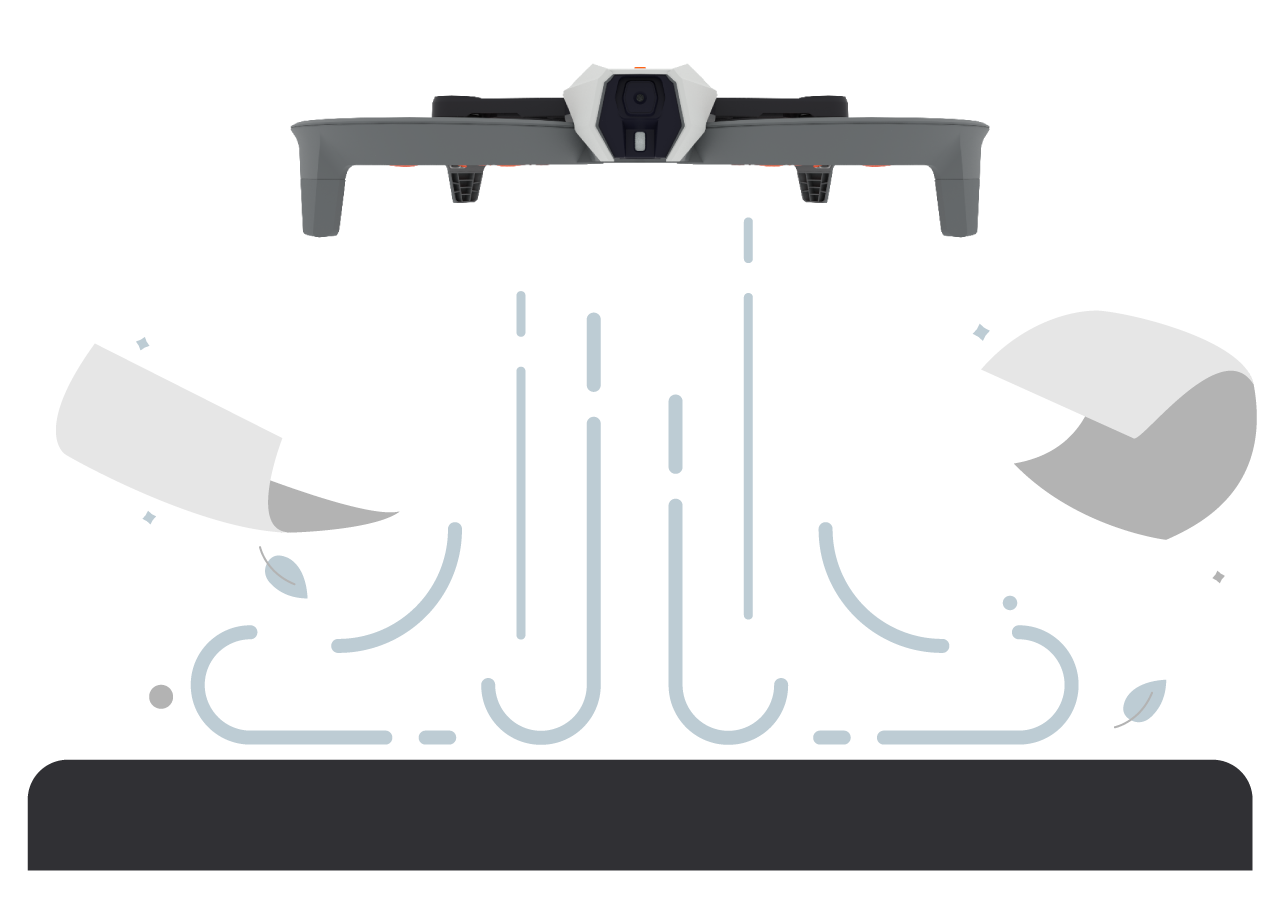
Remove any loose or lightweight objects from the flight zone.
Tie back hair#
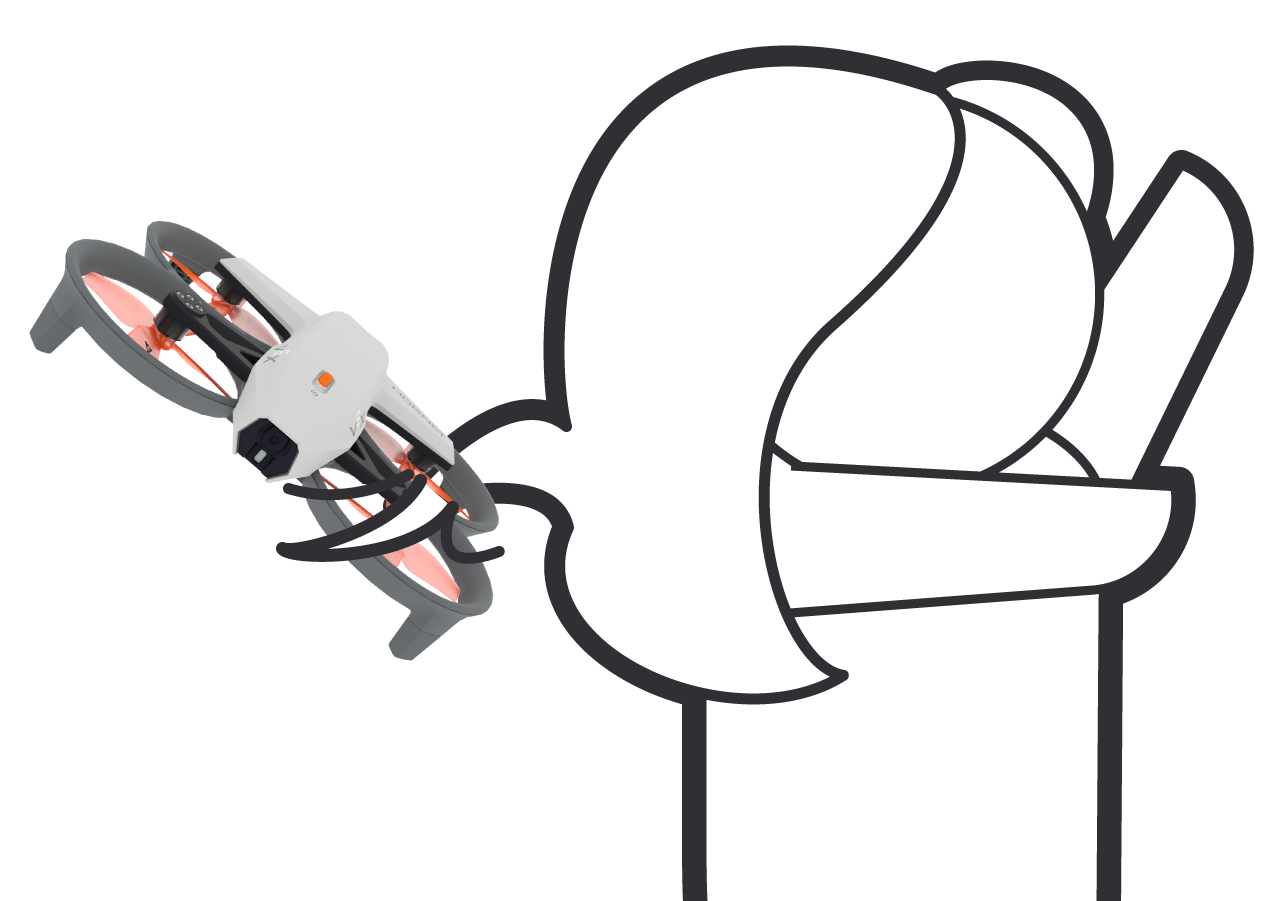
Long hair must be securely tied back before any flight to prevent it from potentially getting caught in the propellers.
Do not touch the drone during flight#
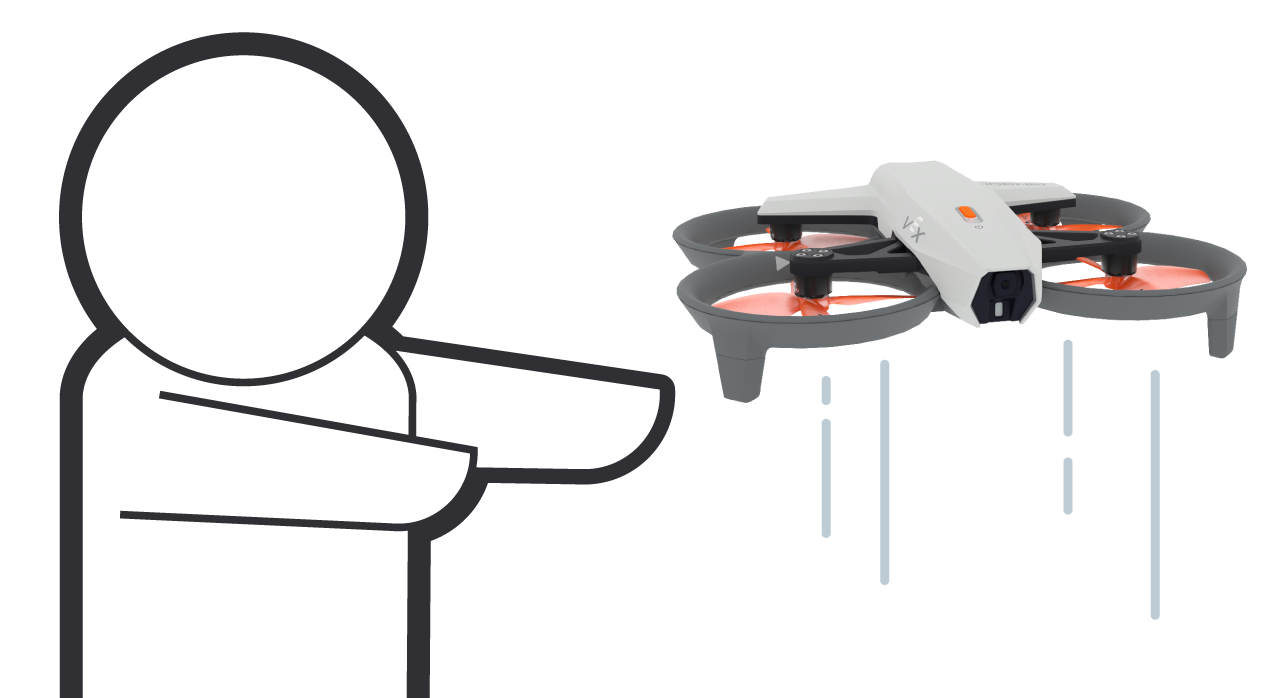
Never touch the drone while it is flying. Contacting the spinning propellers is dangerous and can disrupt the drone’s stability.
Know the Emergency Stop#
All pilots must know how to activate the drone’s emergency stop. Pressing the Propeller Lock and Takeoff & Land buttons at the same time will immediately shut down the motors and cause the drone to fall to the ground.
Understand the Propeller Lock#
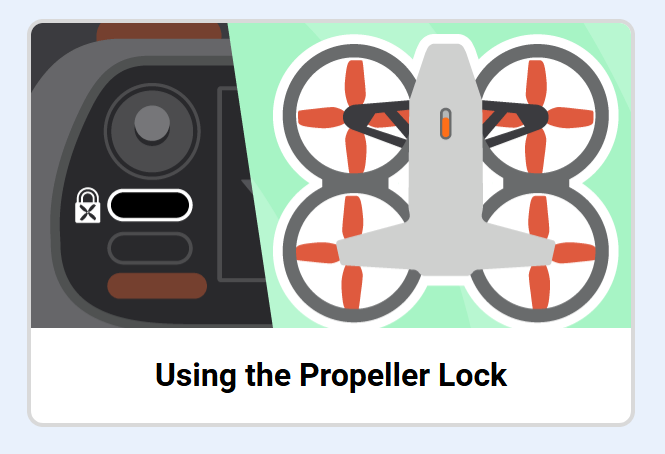
Pilots should understand how the Propeller Lock works. When the Propeller Lock is enabled, the drone’s propellers will not spin, preventing accidental motor starts. For more details, see the Using the VEX AIR Drone Propeller Lock tutorial.