
Opening the Claw#
To use the claw on your VEX IQ Clawbot, first you need to configure the Clawbot in VEXcode. The easiest way to do this is to open a Clawbot template.
Configure the Clawbot#
Select a Build#
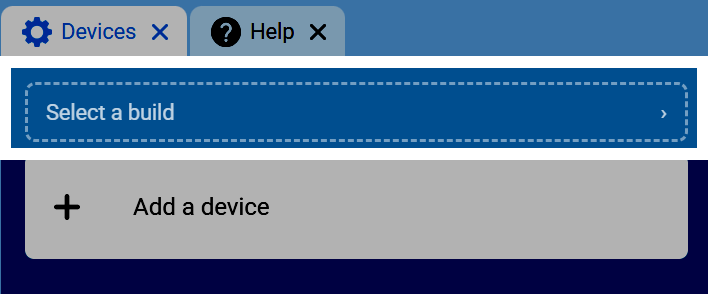
Go to the Devices tab, then select Select a build.
Select the Clawbot Build#
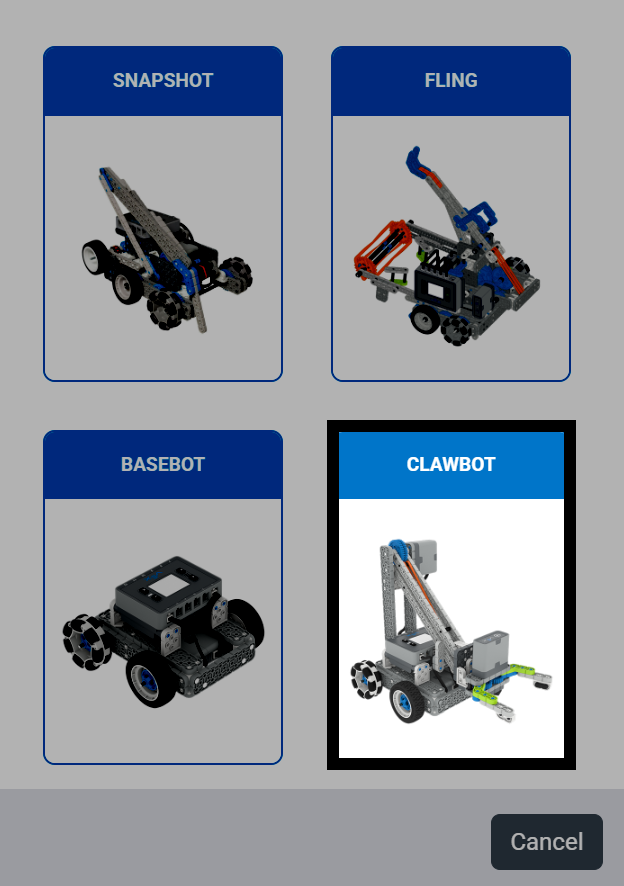
Scroll down and select the Clawbot build.
Choose the Clawbot Variant#
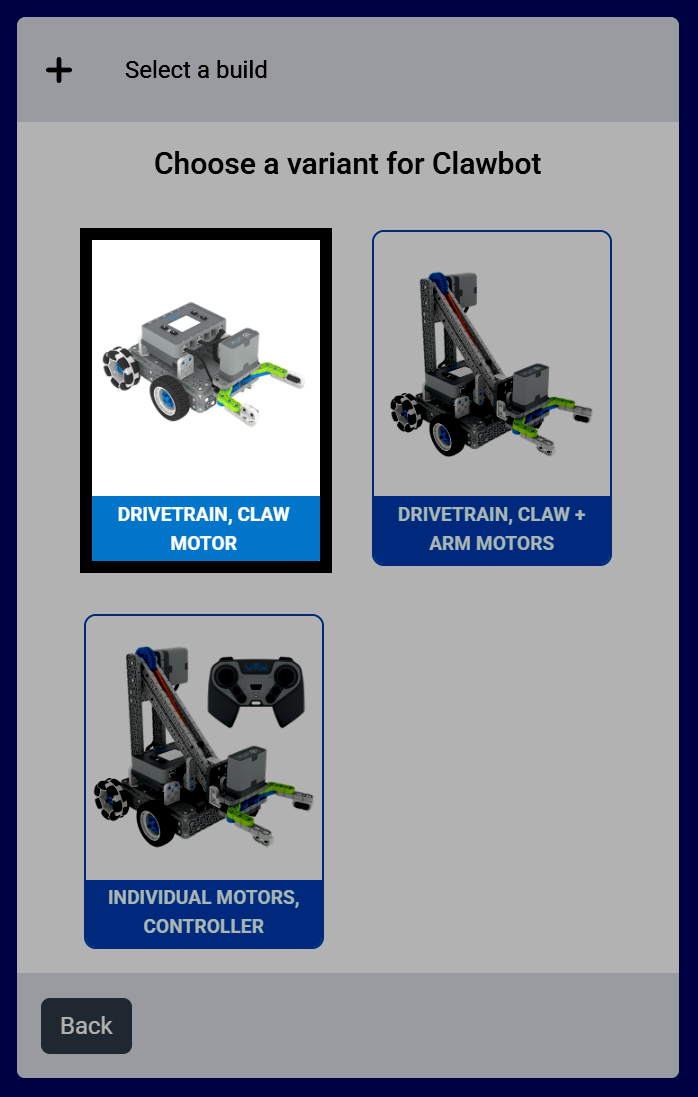
The build used for this tutorial is the Drivetrain, Claw Motor version of the Clawbot.
Confirm the Configuration#
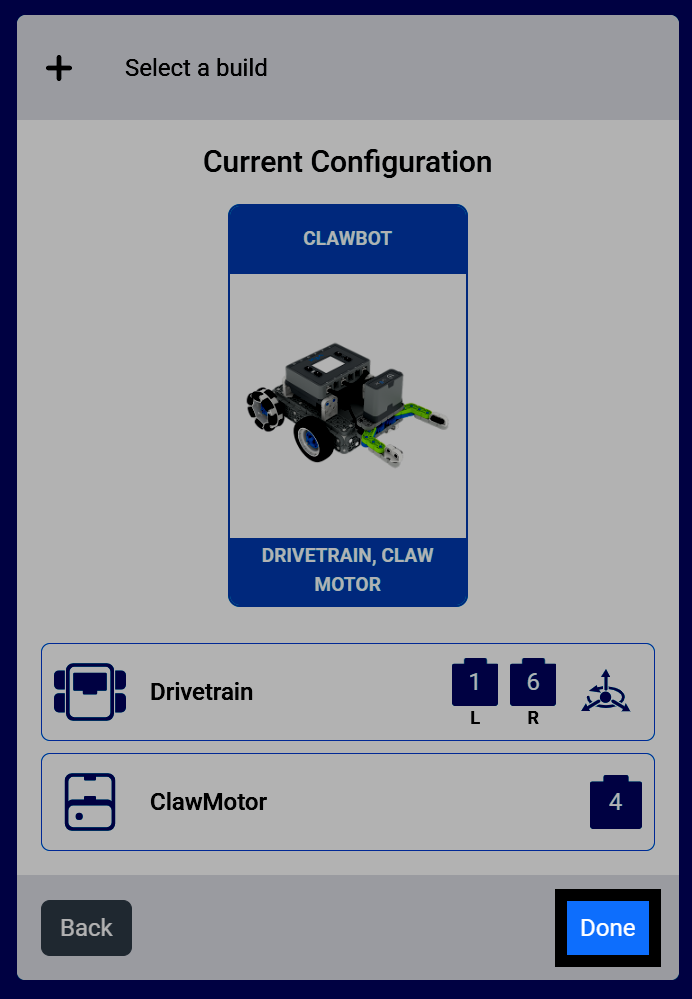
Select Done to add this build to your project.
Code the Claw#
Open the Motion Category#
Select the Motion category in the toolbox to find the Motion blocks, including the spin blocks for the ClawMotor.
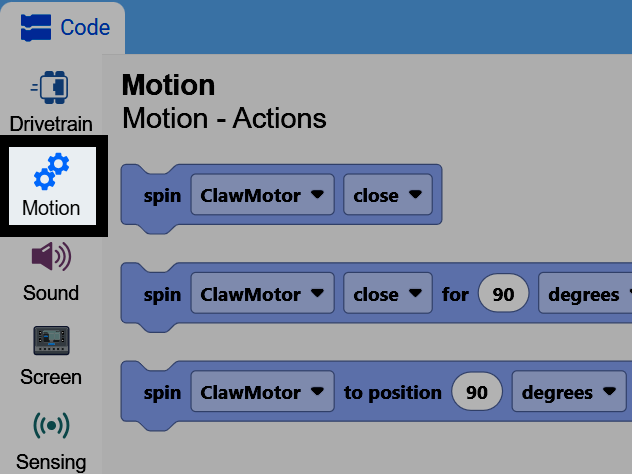
Attach the Spin Block#
Attach the spin motor for block to the when started block.
[ClawMotor v] [关闭 v] 转 (90) [度 v] ▶
Open the Claw#
Change the direction parameter to open instead of close, and change the distance parameter to 60. This will open the robot’s claw 60 degrees from its current position.
当开始
[ClawMotor v] [打开 v] 转 (60) [度 v] ▶
You can also change the units parameter to turns instead of degrees. One turn is equal to 360 degrees.
[ClawMotor v] [打开 v] 转 (1) [转 v] ▶
Using Motor Timeouts#
One tip is to use the set motor timeout block before using the spin motor for block.
设定 [ClawMotor v] 超时为 (1) 秒
If you accidentally set the spin motor for block to too great of a distance, the set motor timeout block will force it to end, and the project to move on, even if the motor hasn’t reached the position it wanted to.
当开始
设定 [ClawMotor v] 超时为 (1) 秒
[ClawMotor v] [打开 v] 转 (600) [度 v] ▶