
繪畫#
介紹#
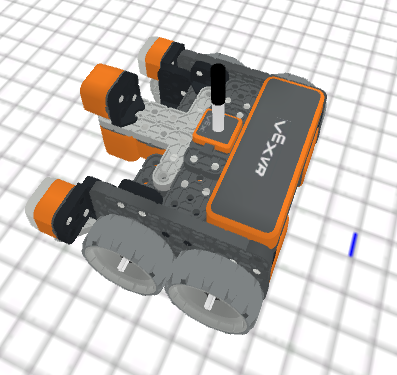
這款VR機器人使用一支筆在遊樂場上移動邊作畫。機器人的筆可以改變粗細、顏色,並能覆蓋整個遊樂場。
以下是所有可用模組的清單:
操作-改變畫筆狀態以及遊樂場和其他圖畫的填滿顏色。
修改器 – 修改畫筆的顏色和粗細。
set_pen_color– 從預設選項中設定機器人筆的顏色。set_pen_width– 設定機器人筆的寬度。set_pen_color_rgb– 使用紅色、綠色和藍色值來設定機器人筆的顏色。
行動#
move#
move 設定 VR 筆的位置。
Usage:
pen.move(action)
參數 |
描述 |
|---|---|
|
VR筆的設定位置:
|
def main():
    # Draw a straight line.
    pen.move(DOWN)
    drivetrain.drive_for(FORWARD, 400, MM)

# VR threads — Do not delete
vr_thread(main)
fill#
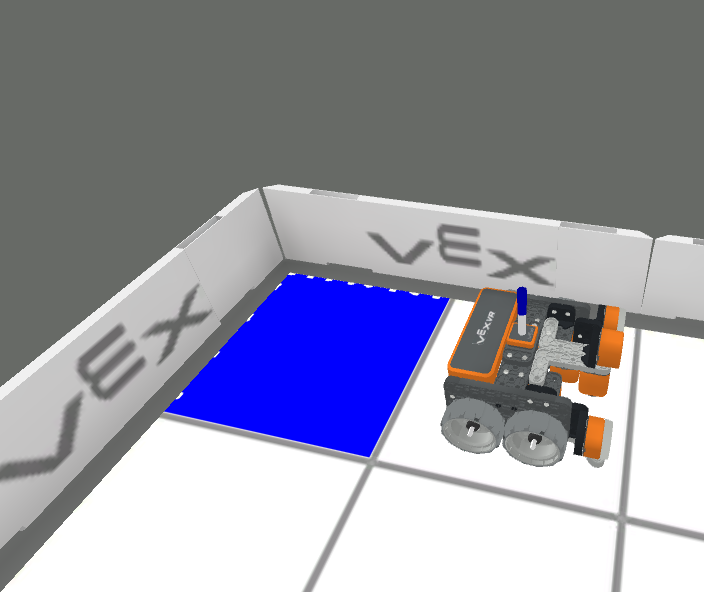
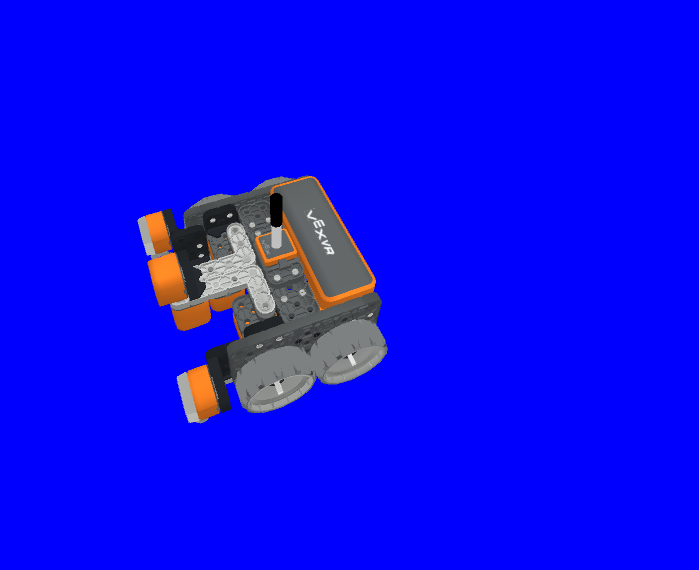
fill 填滿 VR 筆所在物體的形狀,例如:
|
|
|
|---|---|---|
網格線 |
網格方塊 |
在沒有格子的操場上,它會鋪滿整個操場地面。 |
Usage:
pen.fill(red, green, blue, opacity)
參數 |
描述 |
|---|---|
|
RGB 值中紅色顏色的強度,範圍從 0 到 255。 |
|
RGB 值中綠色的強度,範圍從 0 到 255。 |
|
RGB 值中藍色的強度,範圍從 0 到 255。 |
|
VR筆顏色的透明度,範圍從0%到100%。 |
def main():
    # Fill the playground's floor with blue at full opacity.
    pen.fill(43, 162, 202, 100)

# VR threads — Do not delete
vr_thread(main)
變異體#
set_pen_color#
set_pen_color 從預設選項中設定 VR 筆的顏色。
Usage:
pen.set_pen_color(color)
參數 |
描述 |
|---|---|
|
The color of the VR Pen: |
def main():
    # Draw a blue line
    pen.move(DOWN)
    pen.set_pen_color(BLUE)
    drivetrain.drive_for(FORWARD, 400, MM)

# VR threads — Do not delete
vr_thread(main)
set_pen_width#
set_pen_width 方法用來設定 VR 筆的寬度。
Usage:
pen.set_pen_width(width)
參數 |
描述 |
|---|---|
|
VR筆的寬度:
|
def main():
    # Draw a straight line of medium width
    pen.move(DOWN)
    pen.set_pen_width(MEDIUM)
    drivetrain.drive_for(FORWARD, 400, MM)

# VR threads — Do not delete
vr_thread(main)
set_pen_color_rgb#
set_pen_color_rgb 方法用於設定 VR 筆顏色的 RGB 和不透明度值。
Usage:
pen.set_pen_color_rgb(red, green, blue, opacity)
參數 |
描述 |
|---|---|
|
RGB 值中紅色顏色的強度,範圍從 0 到 255。 |
|
RGB 值中綠色的強度,範圍從 0 到 255。 |
|
RGB 值中藍色的強度,範圍從 0 到 255。 |
|
VR筆顏色的透明度,範圍從0%到100%。 |
def main():
    # Draw an orange line
    pen.move(DOWN)
    pen.set_pen_color_rgb(225, 112, 52, 100)
    drivetrain.drive_for(FORWARD, 400, MM)

# VR threads — Do not delete
vr_thread(main)