
Interruptor de parachoques#
Introducción#
El Interruptor de Tope es un interruptor mecánico que cierra un circuito al pulsarlo, lo que permite al robot detectar las pulsaciones y las liberaciones.
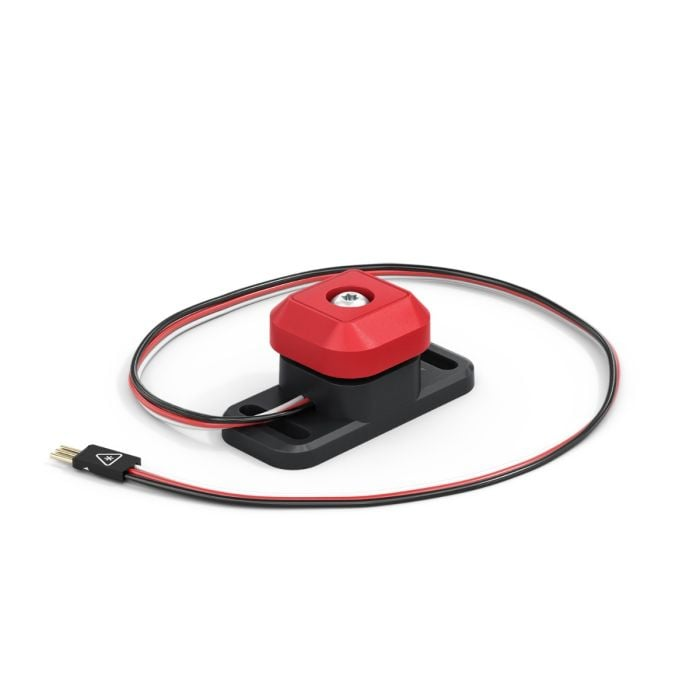
A continuación se muestra una lista de los bloques disponibles:
Interruptor de parachoques presionado – Informa un valor booleano que indica si se está presionando el interruptor de parachoques.
cuando se presiona el interruptor del parachoques – Ejecuta la pila de bloques adjunta cuando se presiona o se suelta el interruptor del parachoques.
¿Se pulsó el interruptor del parachoques?#
El bloque booleano Interruptor de parachoques presionado indica si se está presionando o no un interruptor de parachoques. Esto se puede usar para comprobar si el robot choca con otros objetos.
Verdadero — Se está presionando el interruptor del parachoques.
Falso — El interruptor del parachoques no está siendo presionado
<¿[BumperA v] presionado?>
Parámetro |
Descripción |
|---|---|
dispositivo |
Qué interruptor de parachoques usar, configurado en la ventana Dispositivos. |
cuando inicie
[Display a message when the Bumper Switch is pressed.]
esperar hasta <¿[BumperA v] presionado?>
imprimir [Bumper Switch pressed!] en pantalla ▶
cuando el interruptor de parachoques#
El bloque when Bumper Switch ejecuta la pila de bloques adjunta cuando se presiona o se suelta el Bumper Switch seleccionado.
cuando [BumperA v] [presionado v] :: hat events
Parámetro |
Descripción |
|---|---|
dispositivo |
Qué interruptor de parachoques usar, configurado en la ventana Dispositivos. |
estado |
Cuando se ejecute la pila de bloques adjunta: presionado se ejecutará cuando se presione el interruptor del parachoques, y soldado se ejecutará cuando se suelte el interruptor del parachoques. |
cuando [BumperA v] [presionado v]  :: hat events
[Display a message when the Bumper Switch is pressed.]
imprimir [Bumper Switch pressed!] en pantalla ▶