Σύνδεση στη σειριακή θύρα κονσόλας (Mac)#
Connecting to the Console Serial Port (Mac)
This tutorial walks you through connecting your VEX AIR Drone Controller to the Console Serial Port on a Mac. By the end, you’ll be able to print to the Console from your projects.
Make sure your controller is connected to VEXcode AIR first. See Connecting with a Wired Connection (Mac) if it isn’t connected yet.
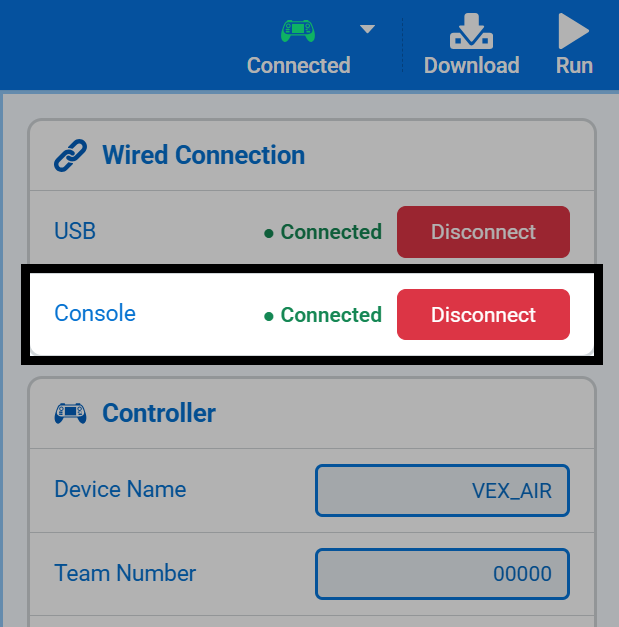
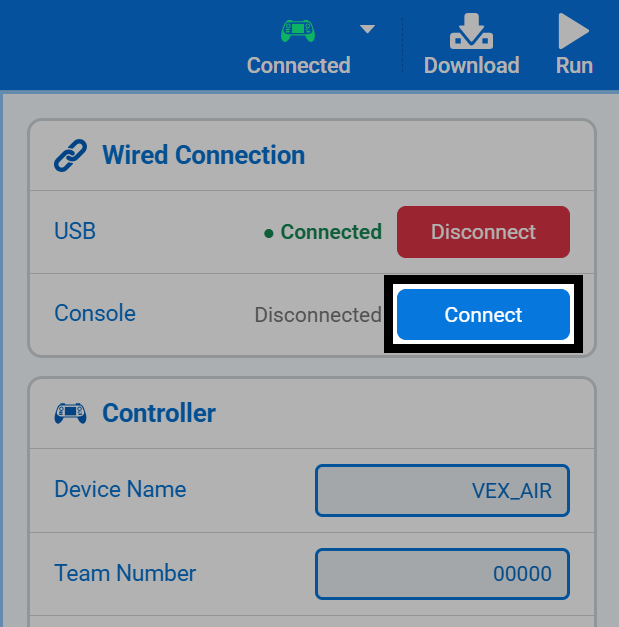
Select Connected in the top-right of VEXcode, then select Connect next to Console under Wired Connection.
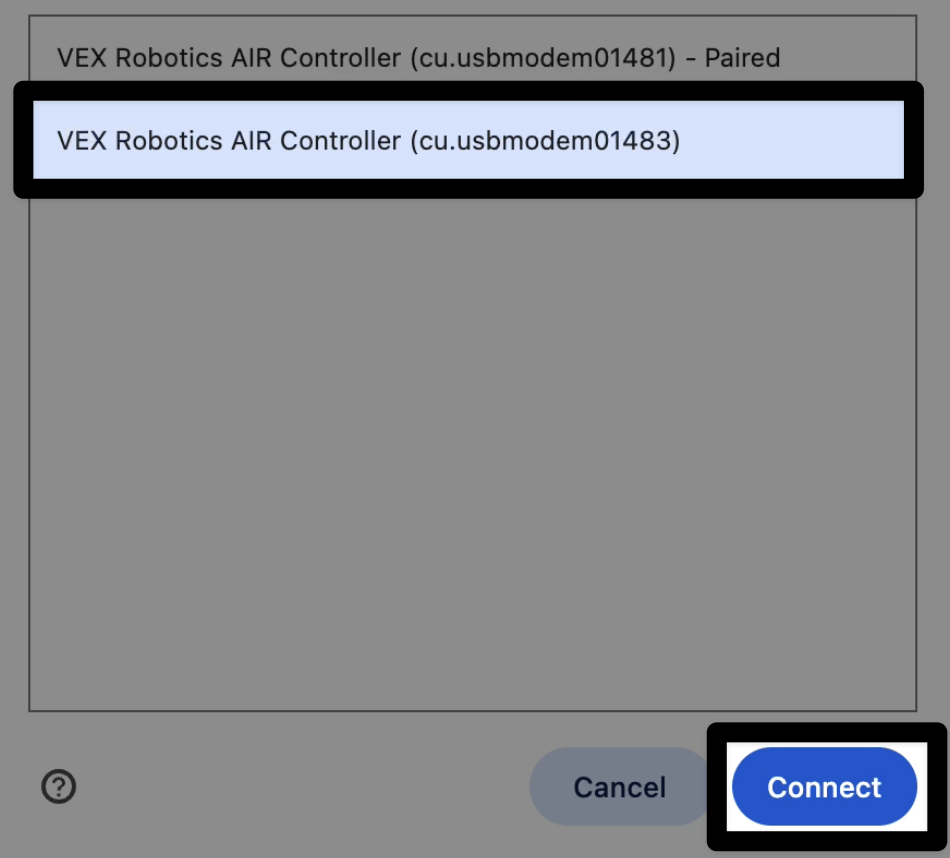
Your browser will ask which serial port to connect to. Select the higher-numbered VEX Robotics AIR Controller entry, then select Connect.
Once connected, Console will show as Connected in the Connect menu.