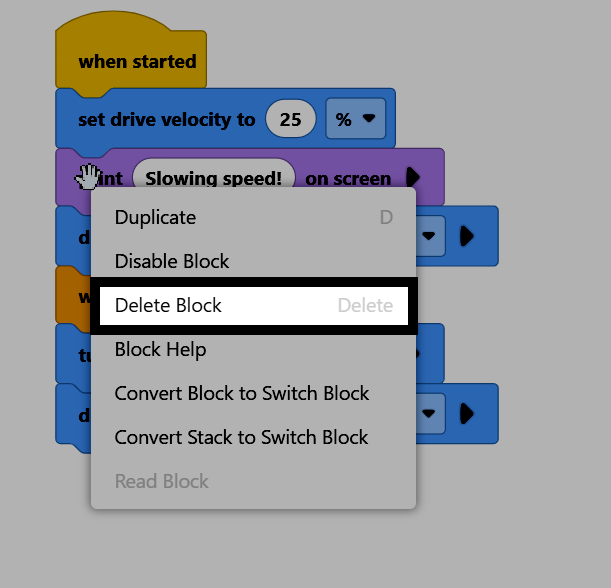
Traslado y remoción de bloques#
Este tutorial explica cómo mover, adjuntar, reorganizar y eliminar bloques en un proyecto. Al finalizar, sabrás cómo organizar tus bloques y eliminar los que no necesites.
Para añadir un bloque a tu proyecto, haz clic y arrastra el bloque desde la caja de herramientas y suéltalo para colocarlo en el espacio de trabajo.
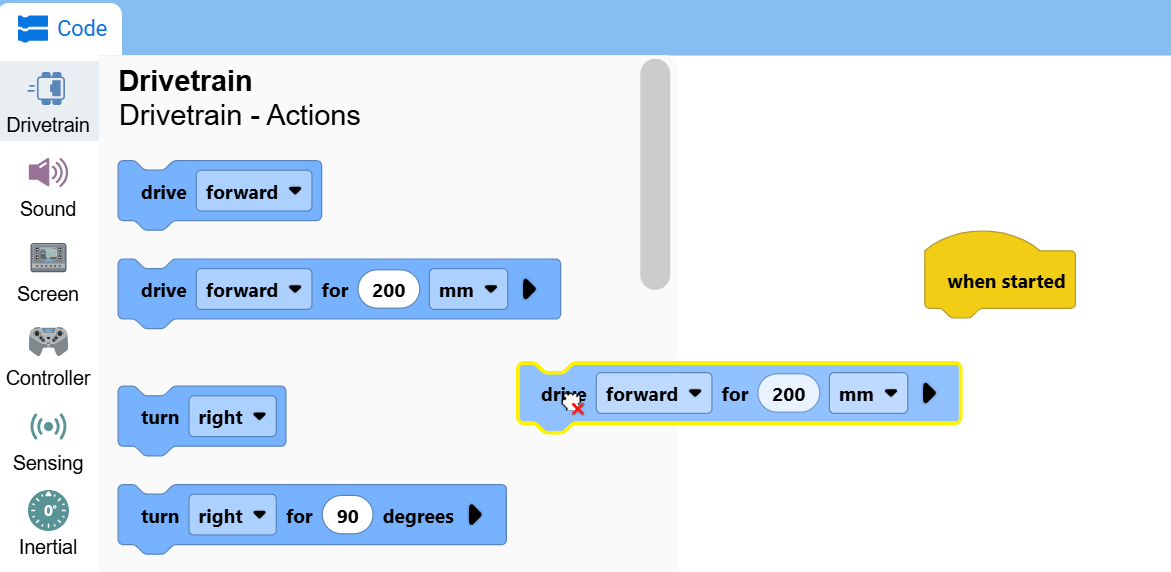
Arrastra un bloque hacia otros bloques para unirlos.
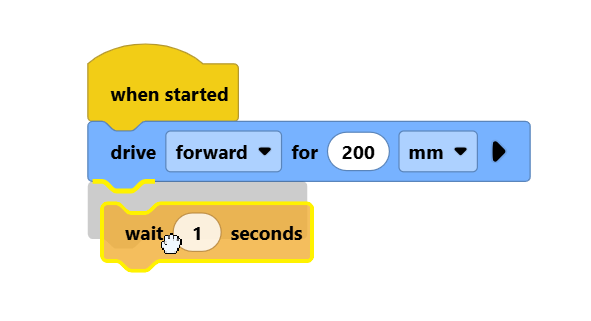
Al hacer clic en un bloque que se encuentra encima de los demás, puedes mover grupos enteros de bloques a la vez.
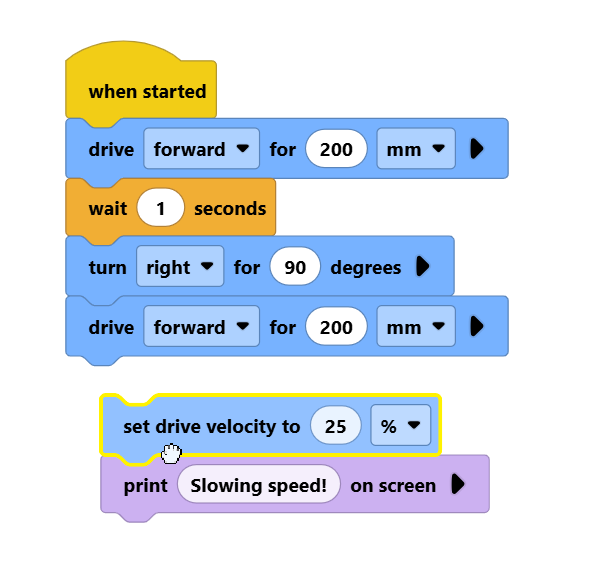
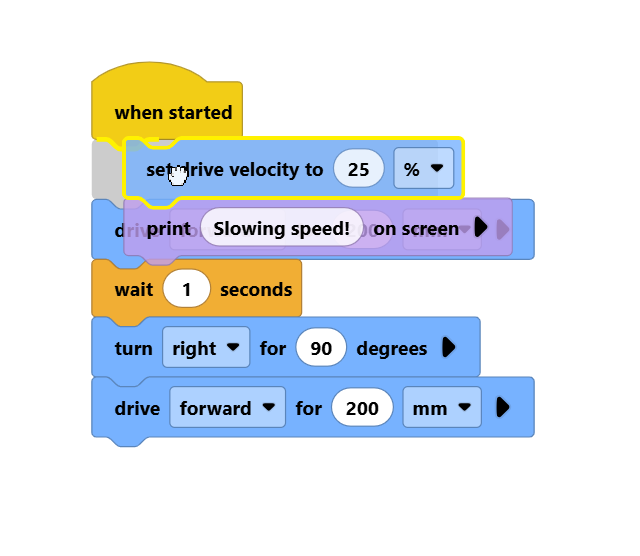
Arrastrando una pila de bloques por encima de otras, podrás insertarlas en la pila de bloques.
Para eliminar un bloque, haga clic con el botón derecho sobre él y seleccione Eliminar bloque en el menú contextual. También puede seleccionar el bloque y pulsar la tecla Supr del teclado.